

I'd buy a Galaxy Z Fold 8 over the Z Fold 8 Ultra — and it's all because it steals this Z TriFold feature
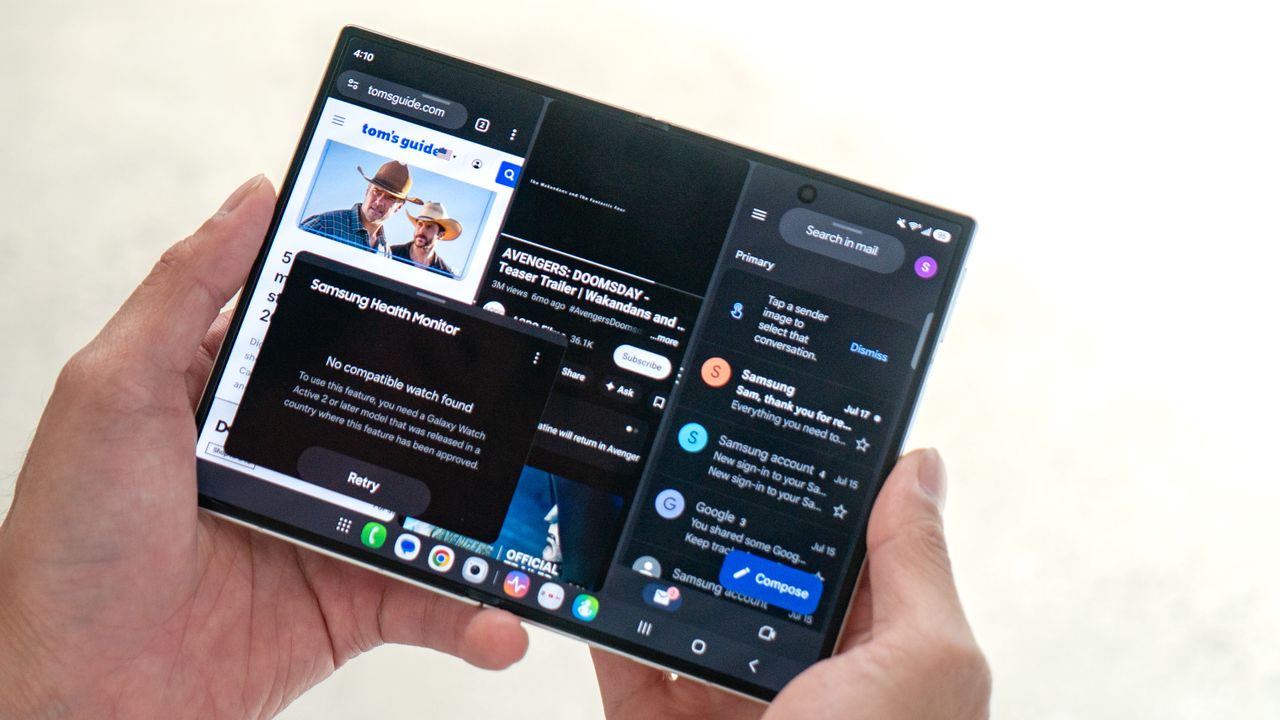
I got to see all of Samsung’s new foldable phones, but only one emerged as my favorite. That title belongs to the Galaxy Z Fold 8, mainly due to how its wider design gives it an aspect ratio similar to an iPad mini, making it more suitable for watching videos.
But that’s not the main reason why I favor it. Instead, it’s how it steals the most unique feature of the Galaxy Z TriFold: its three-app side-by-side multitasking. While the more expensive Galaxy Z Fold 8 Ultra can run up to four apps simultaneously, the Z Fold 8 has the inherent advantage here because of how it lays them out.
Unmatched productivity
I’m much more demanding of my phone, so it’s no surprise why I prefer foldable phones like the Motorola Razr Fold that I’ve been using as my daily driver for the past couple of months. Unlike typical slab phones, notebook-style foldables are much better suited for running several apps simultaneously.
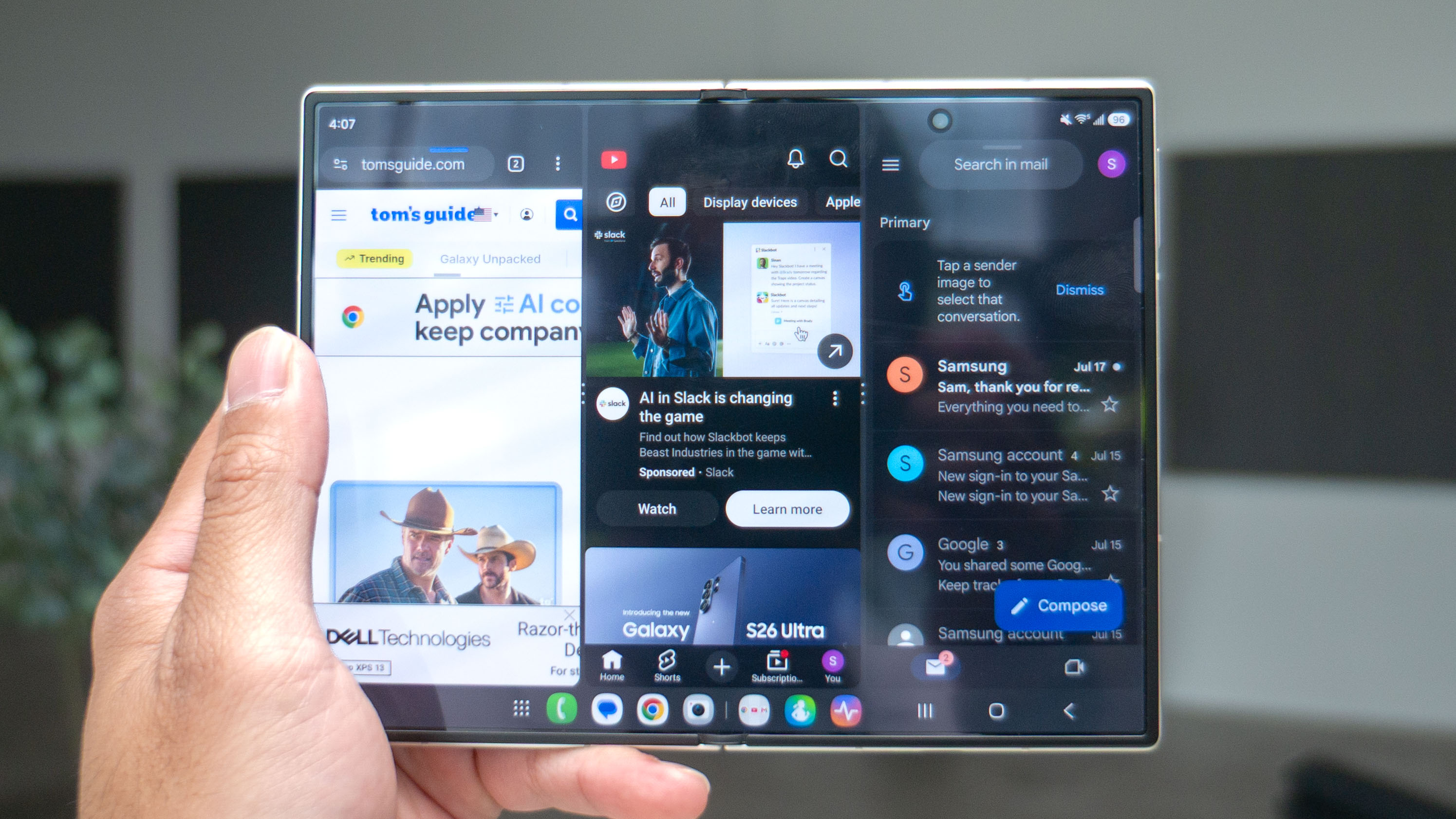
But what makes the Galaxy Z Fold 8 superior is how it adopts the side-by-side multitasking of the Galaxy Z TriFold. I’m specifically referring to how it can run three apps in their own windows, all at the same time — which it can do thanks to its 7.6-inch main display.
Unlike the Galaxy Z Fold 8 Ultra, which has a more square aspect ratio when opened, the Z Fold 8 is more rectangular and can therefore display three apps side-by-side simultaneously. What's great about this layout is that all three windows remain proportionate, with the ability to save them as an app pair shortcut for quick access later. And if you need just one more app, you can launch a fourth in a separate floating window.
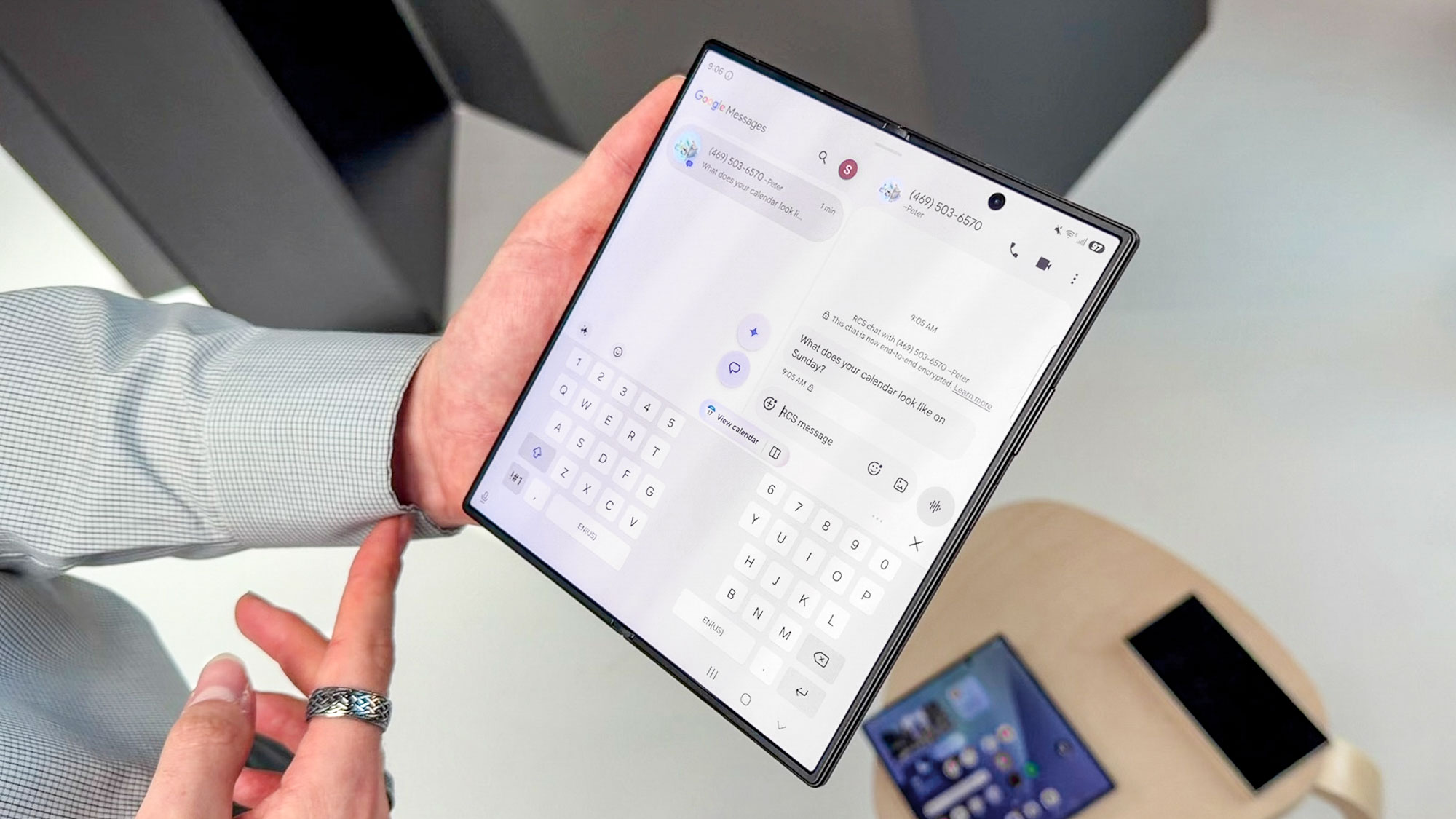
I tried running three apps on the Galaxy Z Fold 8 Ultra’s 8-inch main display, but it would really only let me run two properly. You can introduce a third app, but it forces the layout to change so that one app remains in full view on one side, while the other two share the remaining half. This isn’t ideal because those two apps get shrunken down to the point where they're almost unusable.
Way less dead space with videos
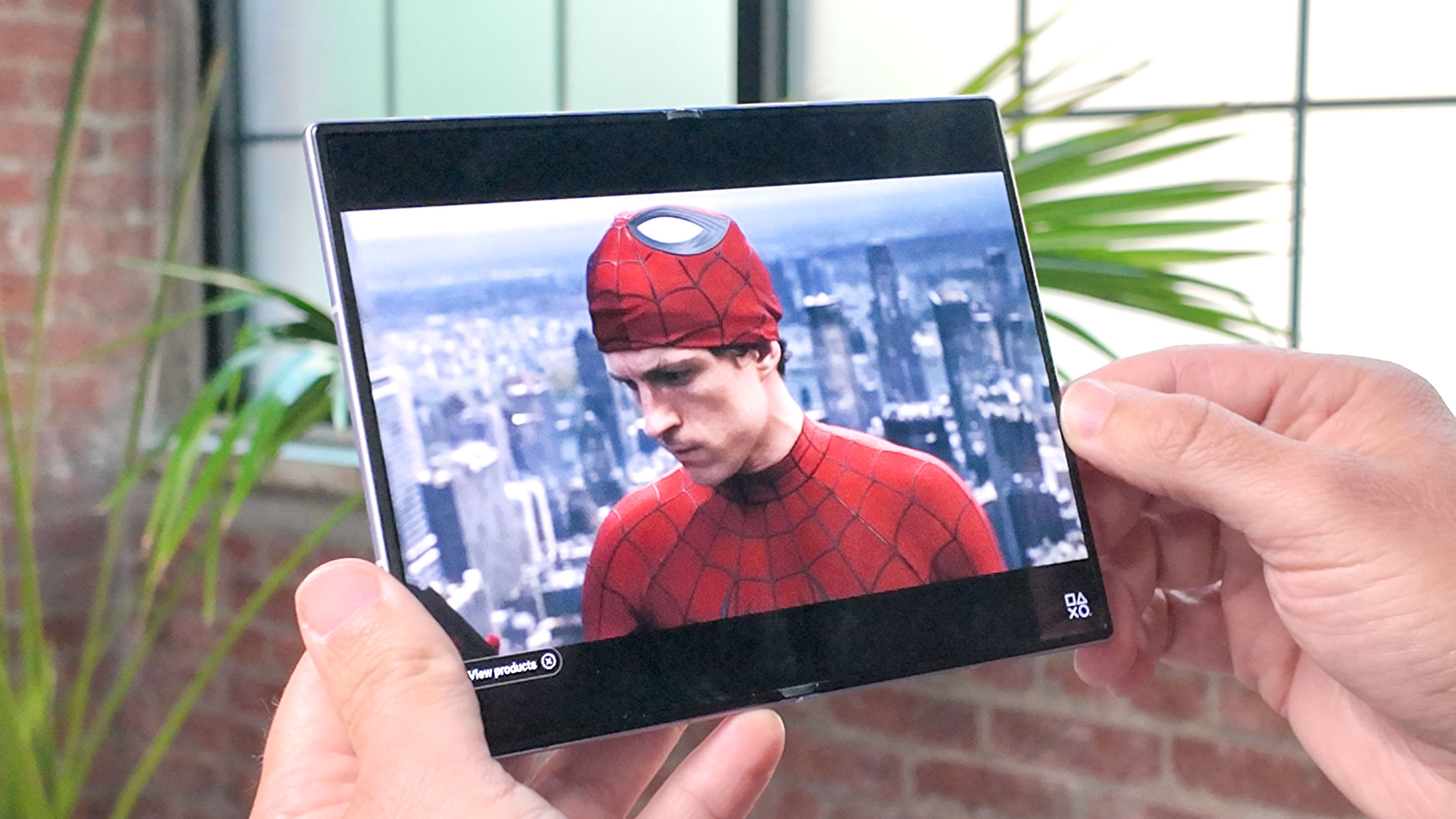
Notebook-style phones benefit from having large main displays, but they often waste that extra real estate whenever I watch videos on them. Since most videos are shot in a 16:9 aspect ratio, playing them on foldables with square aspect ratios results in the video only occupying the middle portion of the screen — leaving large, unused black bars on the top and bottom.
It’s a real waste, and the Galaxy Z Fold 8 Ultra is no exception. However, there’s much less dead space on the Z Fold 8. As a result, the letterboxing isn't as glaring, making the viewing experience feel more seamless. When I played the new "Avengers: Doomsday" trailer on both phones, it was pretty evident that the Z Fold 8 simply gives you a larger video player.
Well worth the trade-offs
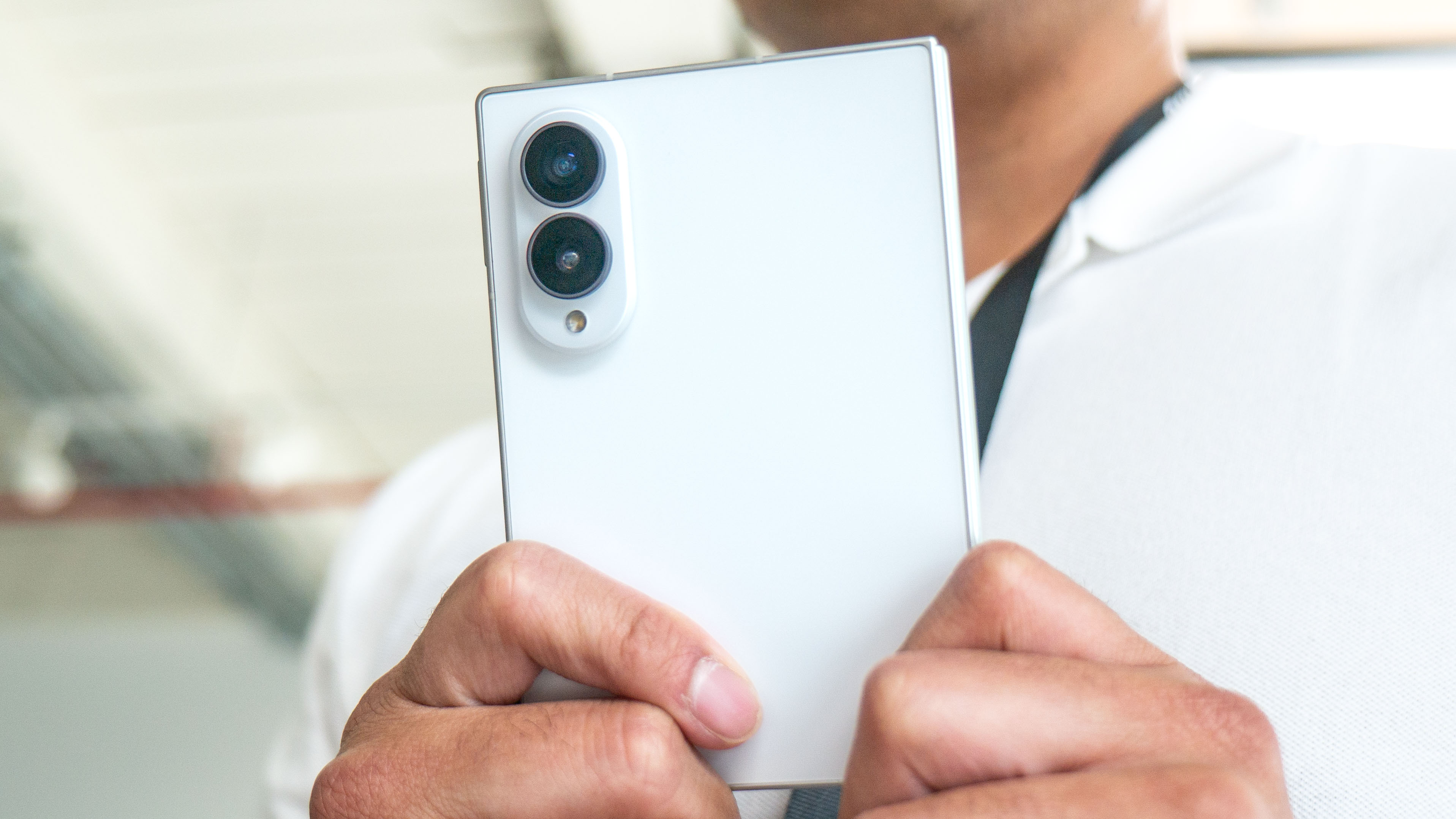
Just to reiterate, three-app side-by-side multitasking that keeps every window the same size is exclusive to the Galaxy Z Fold 8 — you won’t get it on the Z Fold 8 Ultra. But while this feature is helpful, there are still a few trade-offs to consider if you’re deciding between the two.
With the Z Fold 8, you’re getting a dual-camera setup that lacks a dedicated telephoto lens, as well as a smaller 4,800 mAh battery. However, for $200 less, I think these trade-offs still make the Z Fold 8 the superior choice for most people.
In fact, it shares plenty of top-tier hardware with the pricier Z Fold 8 Ultra — including the Snapdragon 8 Elite Gen 5 chip, the same amount of RAM, One UI 9 running on Android 17, 45W wired charging, and 20W wireless charging.
If those aren’t enough reasons to convince you, it’s also much more pocketable. When it’s closed, holding the phone and using its cover screen is much easier. I can reach all four corners with my thumb, whereas reaching the top corners on the Z Fold 8 Ultra is a real stretch. When you’re on the subway with one hand on a rail and the other on your phone, you’ll have an easier time with the Z Fold 8.
More from Tom’s Guide
This is a preview from the original publisher. Continue reading at the source:
Read Full Article on tomsguide.com →