

Steam Machine vs. PS5 Pro — there’s a clear winner (for most gamers)
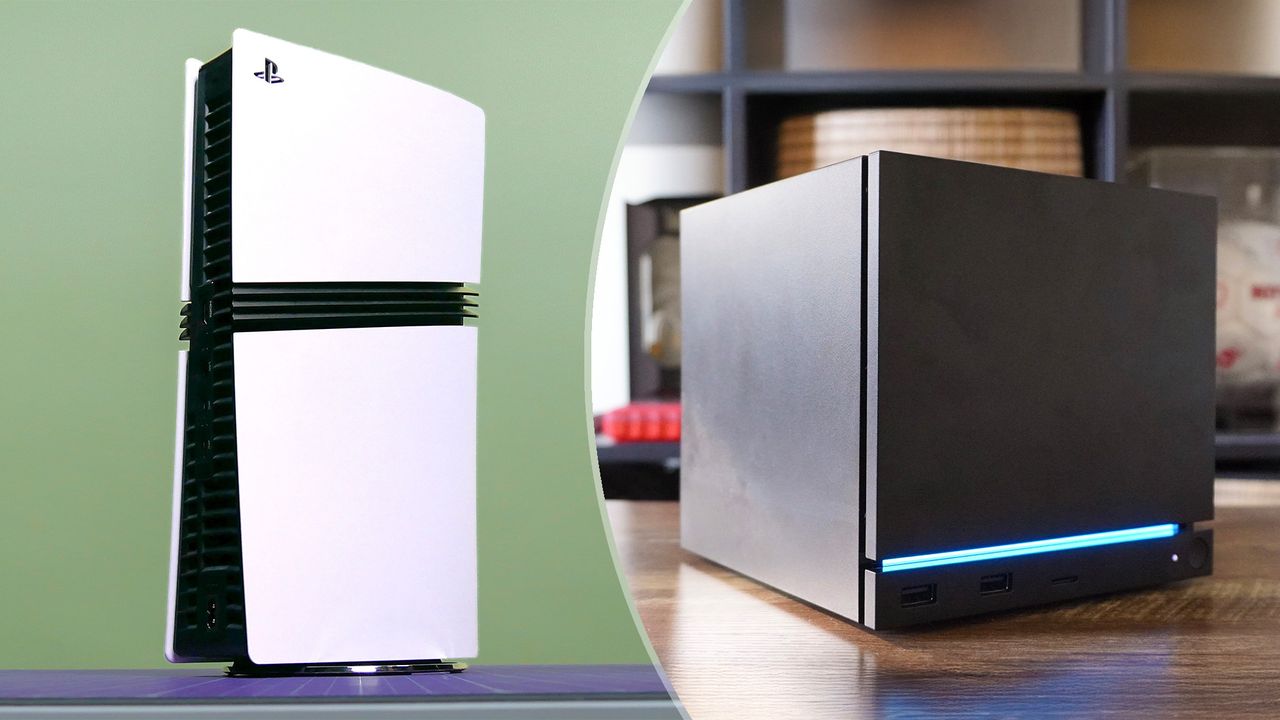
The Steam Machine promised to bring the PC experience to the living room at an affordable cost. While it has certainly lived up to the former, it has absolutely not lived up to the latter. Sure, it can play the best Steam games, but it’s going to cost you at least $1,049 to buy Valve’s system — or it will cost that much when you’re next up on the waitlist.
In fairness to the Steam Machine, the price of all gaming hardware has increased dramatically thanks to the RAM crisis. Case in point: the PS5 Pro, which was already pricey at its original $699 price, now costs $899! No matter what, gamers are paying a premium. Given that, you want to make the best choice before plunking down your hard-earned cash on your next system.
To that end, I want to compare the Steam Machine to the PS5 Pro. I’ll take a look at what each offers in terms of performance, price, and gaming libraries to see which system is the best one for you. Should you get the Steam Machine or the PS5 Pro? Let’s find out!
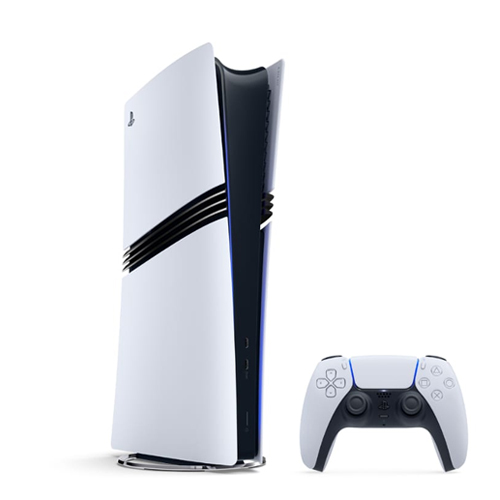
The PS5 Pro is now more expensive at $899, but it's still the most powerful PlayStation console ever made. Building on the base PS5, it packs upgraded internal components, a 2TB SSD, and a very slight visual redesign. It also comes with a standard DualSense controller.View Deal
Pricing & value
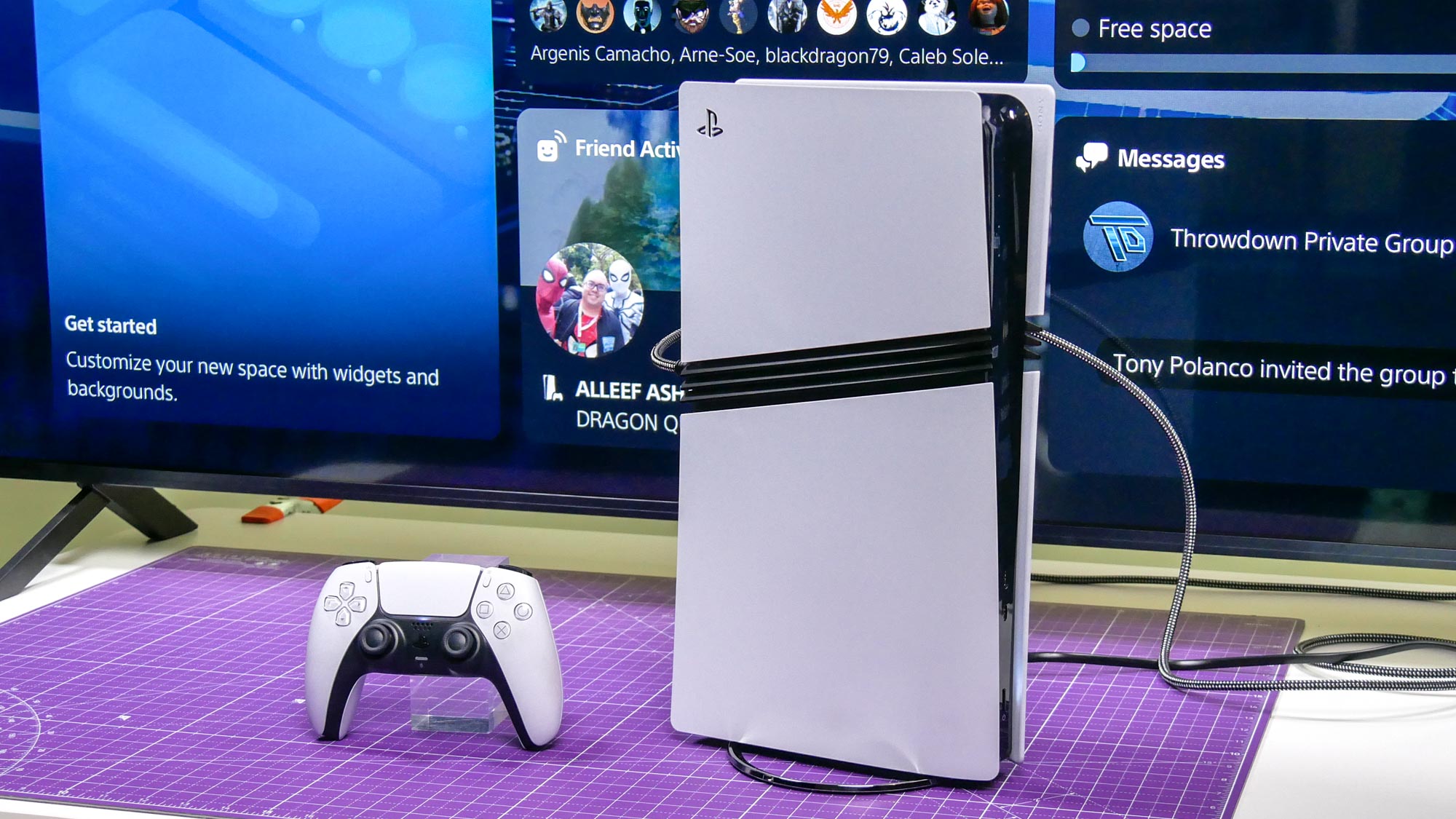
To be clear, the Steam Machine and PS5 Pro are not inexpensive systems. This is especially true because of the dreaded RAMageddon, which is driving up prices for components like RAM and SSDs. With that established, here’s how much you’re paying for each system.
The PS5 Pro now costs $899, up from its original $699 starting price two years ago. It offers strong raw graphics performance and ample storage for the price. You get the system and a single controller in the box.
Then there’s the Steam Machine, which starts at $1,049 for the 512GB model and jumps to $1,349 for the 2TB model. Neither of these comes with a controller, so you’ll have to pay $1,128 and $1,428 (respectively) for models bundled with the Steam Controller.
Again, neither of these systems is cheap, but if you want to make less of a dent on your wallet, then the PS5 Pro is the way to go.
Performance & specs
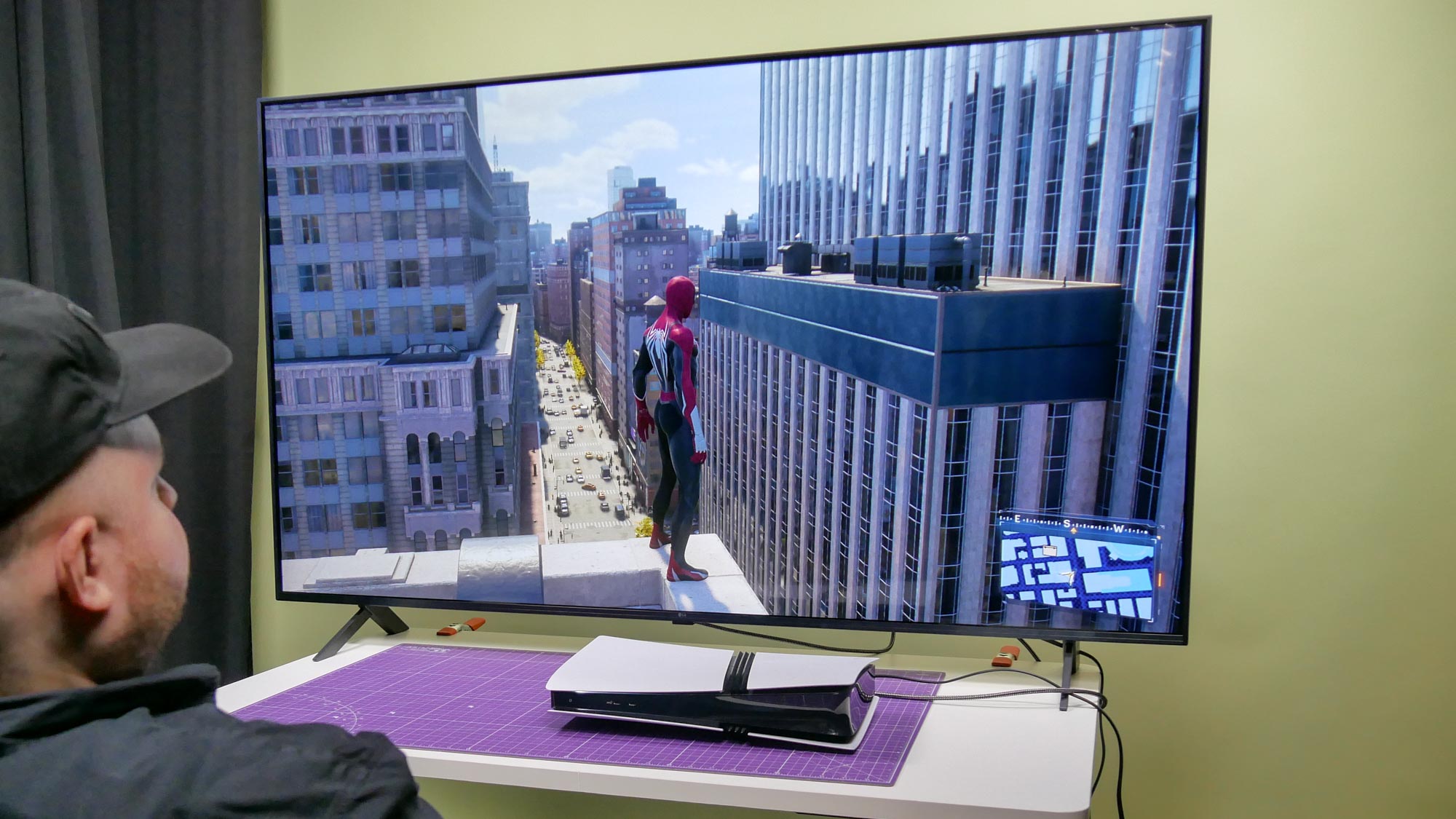
The PS5 Pro runs on a custom AMD Zen 2 CPU and a powerful custom RDNA GPU capable of 16.7 Teraflops with Sony’s PSSR machine-learning upscaler. The system also has 16GB of unified GDDR6 memory and a 2TB SSD.
Based on raw, unoptimized rendering, the PS5 Pro has power comparable to an AMD Radeon RX 7700 XT or an Nvidia GeForce RTX 4060 Ti. However, when you factor in console-level optimization and PSSR, Sony’s console can deliver performance comparable to an RTX 5060 Ti or an RX 9060 XT.
Select PS5 Pro-enhanced games offer 60 fps at the same resolution as the base PS5’s Fidelity mode (which limits gameplay to 30 fps). For instance, The Last of Us Part II Remastered uses the Pro’s improved processing power to deliver an upscaled 4K image while maintaining a rock-solid frame rate. The PS5 Pro also delivers ray tracing, which adds lifelike reflections to certain games. Ray tracing usually comes at the cost of performance, but it sure makes games look beautiful.
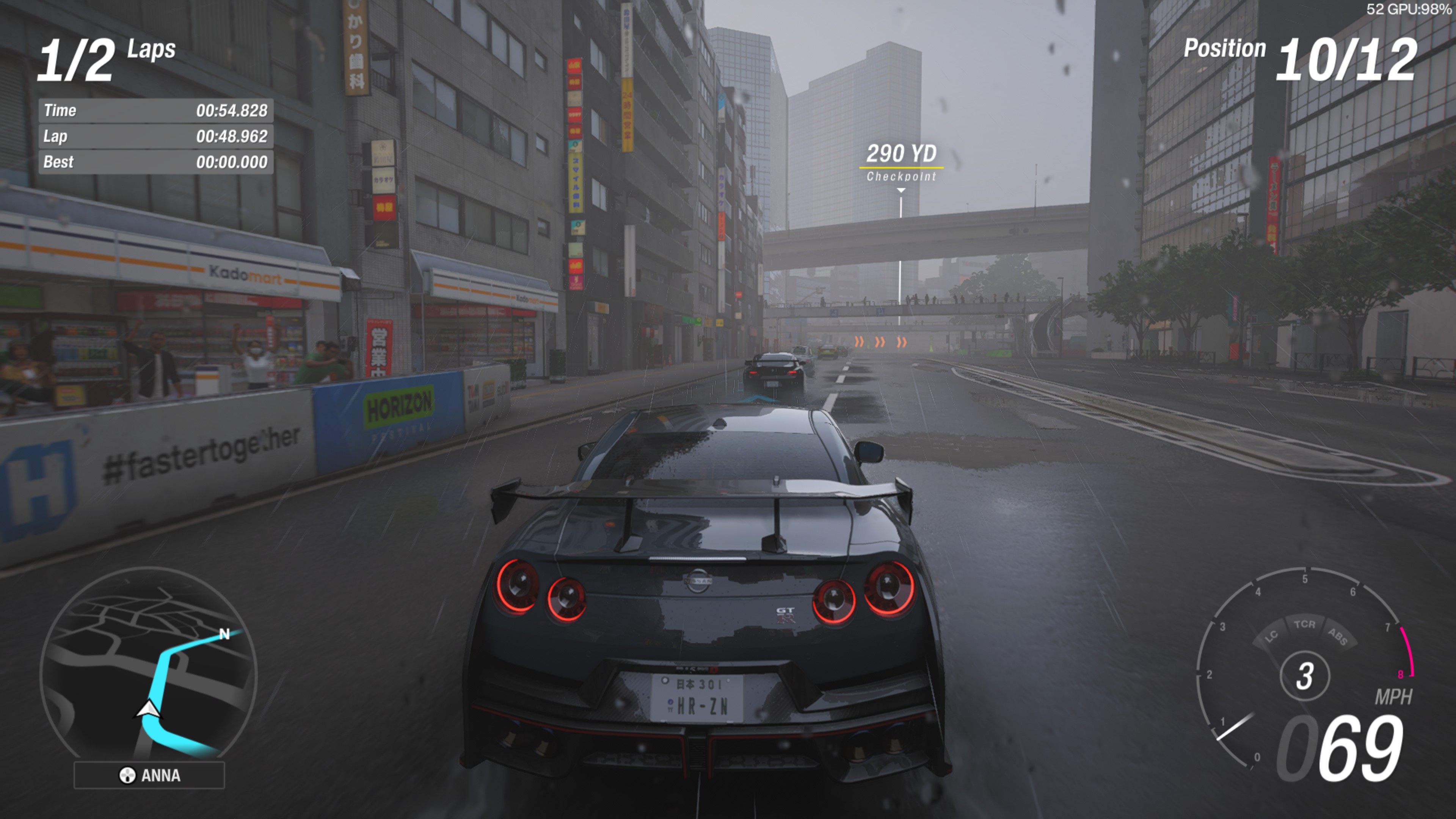
As for the Steam Machine, it’s running on a semi-custom AMD Zen 4 CPU and RDNA 3 architecture. It comes with 16GB of DDR5 RAM, 8GB of dedicated GDDR6 VRAM, and a 2TB NVMe SSD.
In terms of power, the Steam Machine’s GPU is roughly equivalent to a desktop AMD Radeon RX 7600 or an Nvidia GeForce RTX 3060 in raw raster performance. Since it uses a lower-power, mobile-tier chip similar to an RX 7600M, it’s fair to say it sits between an Xbox Series S and a PS5 in overall gaming performance.
To be clear, the Steam Machine is not a 4K gaming machine. It’s basically a 1080p system with some QHD on the side. While it does well with less demanding games, things fall apart the instant you try to play anything AAA. You can make 4K work at FPS, but you’ll lose detail since you’ll have to rely on FSR. Also, forget about ray tracing at 4K, as that is this system’s kryptonite.
|
Game |
Steam Machine (custom AMD GPU) |
RTX 5060 PC |
|---|---|---|
|
Black Myth: Wukong (1080p Medium) |
36 FPS |
82 FPS |
|
Black Myth: Wukong (4K Medium) |
19 FPS |
30 FPS |
|
Cyberpunk 2077 (1080p RT: Ultra) |
17.7 FPS |
45.42 FPS |
|
Forza Horizon 6 (1080p Ultra) |
50 FPS |
101 FPS |
|
Red Dead Redemption 2 (4K Medium) |
22 FPS |
31 FPS |
With FSR and settings tweaks, you can make 4K work at 60 FPS, but by that point, you lose the detail. Cyberpunk 2077 is the ultimate proof that ray tracing is this machine’s kryptonite, as it simply did not run in 4K.
When it comes to specs and performance, the PS5 Pro easily bests the Steam Machine. So if your primary concern is performance, Sony’s console is the one to get between these two.
Gaming experience
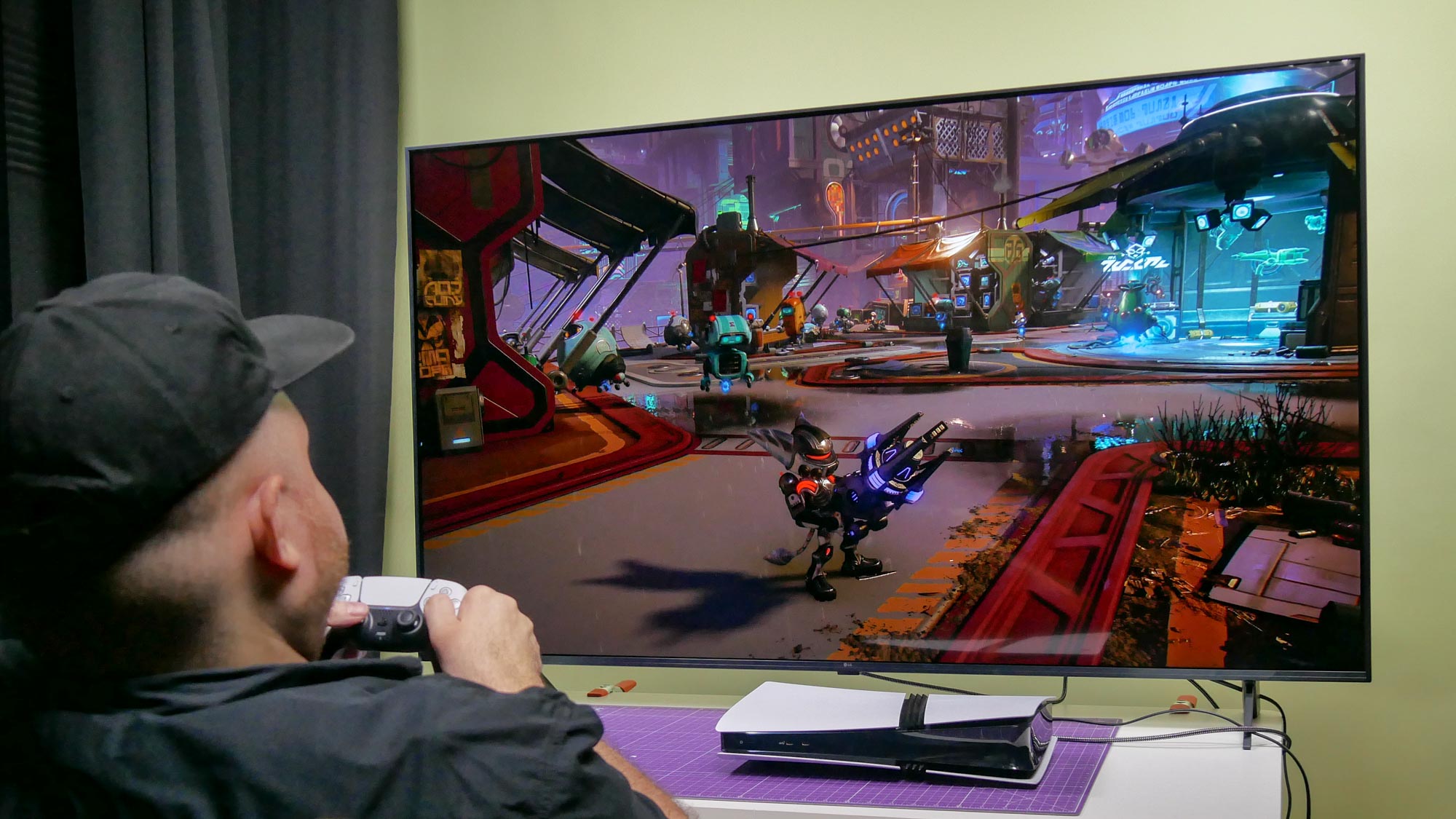
Here is where performance becomes less important. After all, what’s the point of owning a powerful system if it doesn’t have the games and experiences you’re looking for? Yes, both systems can play many of the same titles, but there’s more to it than that.
Naturally, the PS5 Pro has all the latest PlayStation exclusives at launch. Yes, there are many PlayStation games on PC, but they’re mostly older titles. If recent reports are true, Sony plans to stop launching its single-player exclusives on PC. If that pans out, you’ll need a Sony system (either the PS5 Pro or PS5) to play Sony’s games.
Beyond exclusives, the PS5 Pro (and PS5) is a plug-and-play system that doesn’t require tweaking settings, updating drivers, or troubleshooting, unlike the more hands-on PC gaming experience. That’s not to say you’ll always get a smooth experience, as games can crash or updates might cause problems. But for the most part, the PS5 Pro delivers a seamless console experience because, well… it’s a console!
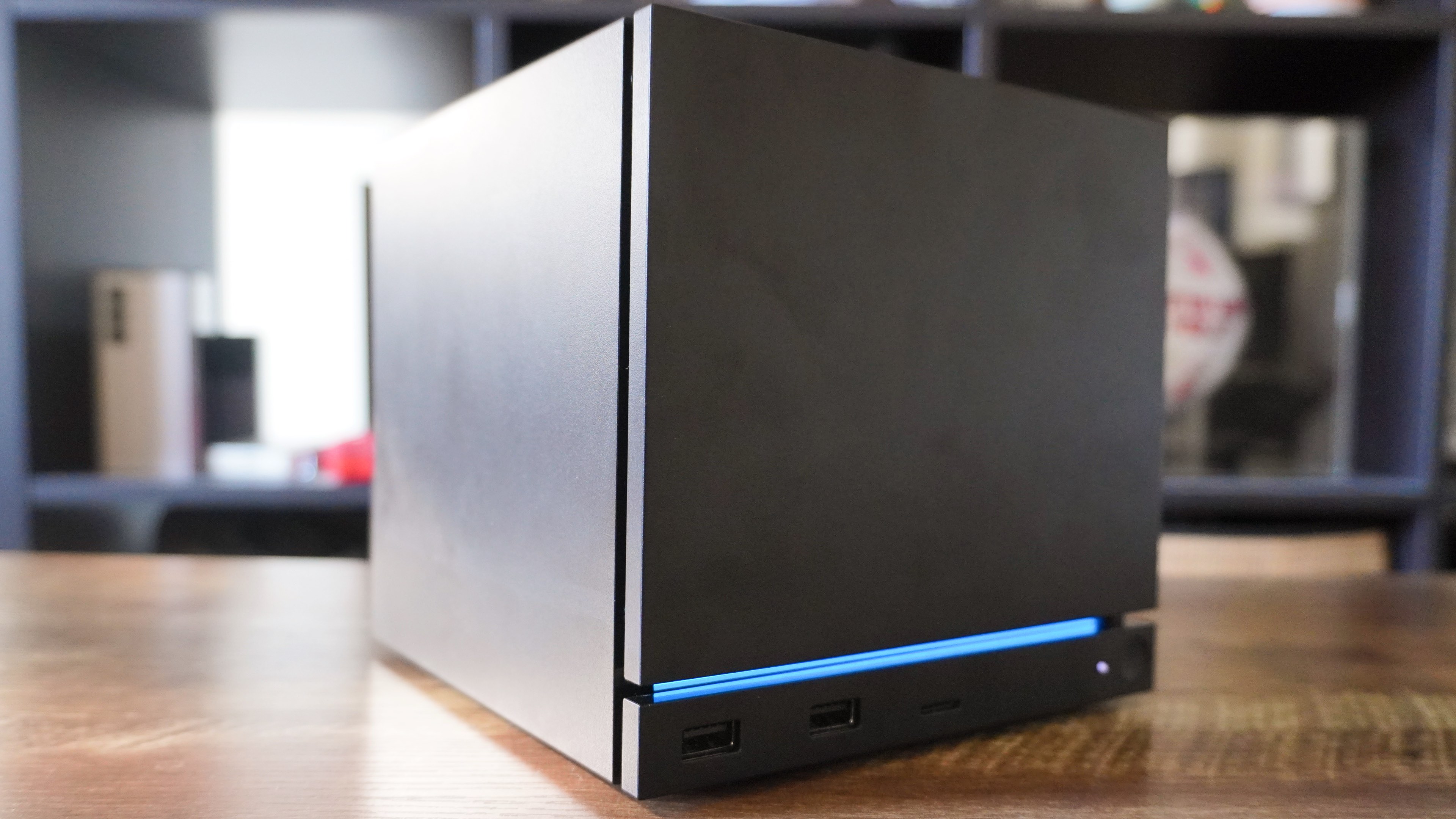
While the Steam Machine ostensibly offers a console-like experience with its intuitive UI, it’s still a PC at its core. For instance, the Linux-based SteamOS lets you boot into desktop mode, connect DisplayPort monitors, and use third-party launchers and emulators. If you wanted to, you could use the Steam Machine as your primary home computer. None of these features are available on the PS5 Pro.
The Steam Machine also lets you play the thousands of games available on Steam. This includes modern AAA blockbusters, indie titles, strategy games, older classics, and early access games that you won’t find on any console. If you’ve accumulated a giant Steam library over the years (I know you have!), the Steam Machine is a convenient way to enjoy it in your living room.
For a no-frills console experience, the PS5 Pro is the winner here. However, if you want an open platform for gaming or other projects, the Steam Machine offers more freedom.
Bottom line
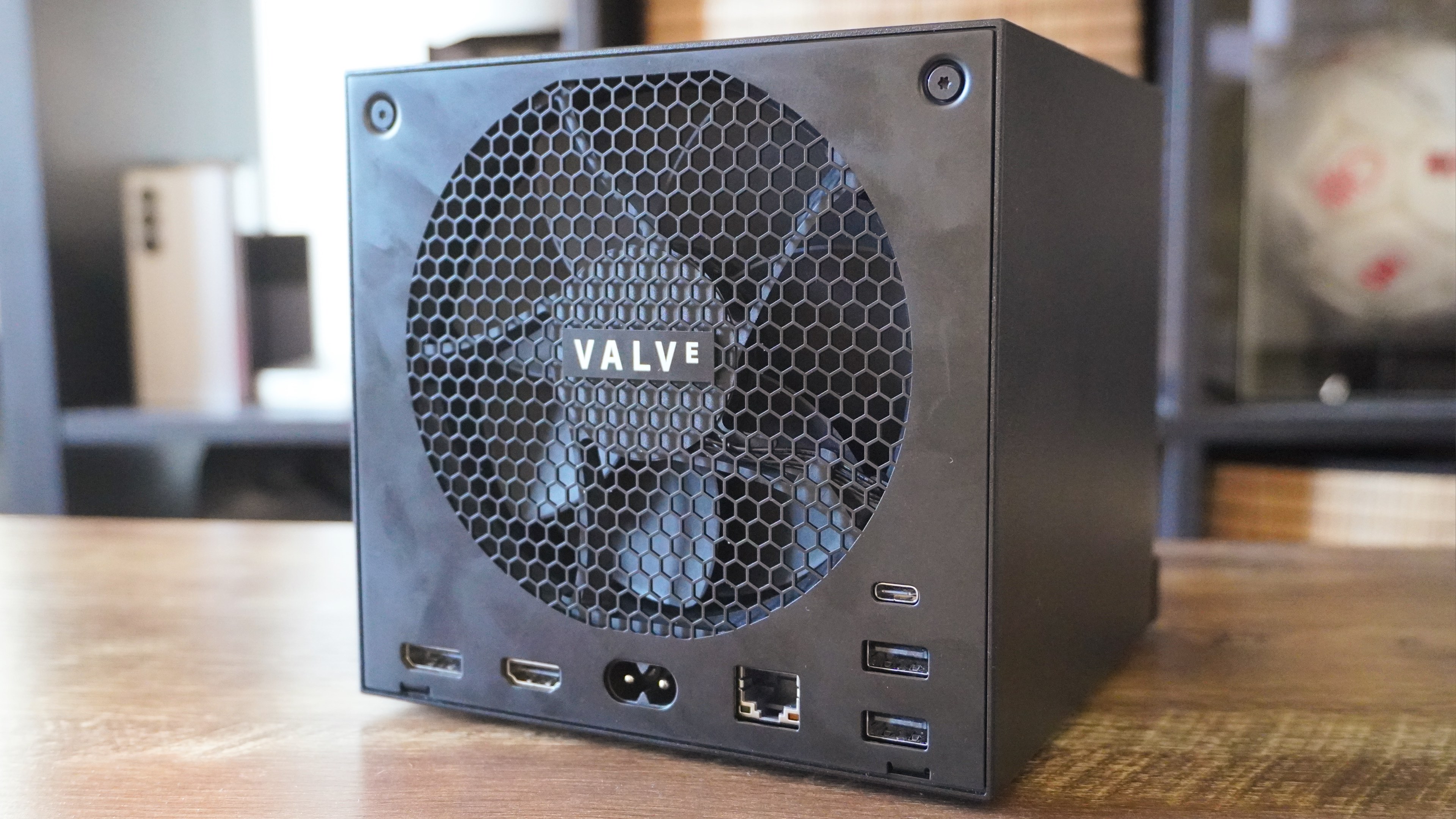
Inflated costs aside, both the PS5 Pro and Steam Machine deliver on their respective promises. The PS5 Pro is a powerful, plug-and-play console, while the Steam Machine gives you the freedom of a PC in your living room.
You can’t go wrong with either system, but for the average gamer who wants a higher-end experience, the PS5 Pro is the better option. For $899, it has a wide selection of first- and third-party games that can run at 4K resolution and up to 120 fps. And since it’s a console first, you don’t have to mess around with settings.
Though the Steam Machine is a wonderful little device, its $1,049 asking price is too high for what is effectively a 1080p machine. Those already heavily invested in Steam will want to pick this up (if they can justify the price), but for everyone else, get a PS5 Pro. Not only is it the better overall option, but you also don’t have to join a waitlist to get one right now.
More from Tom's Guide
This is a preview from the original publisher. Continue reading at the source:
Read Full Article on tomsguide.com →