

I forgot my baby monitor when travelling and discovered this simple AirPods hack every parent needs to know about
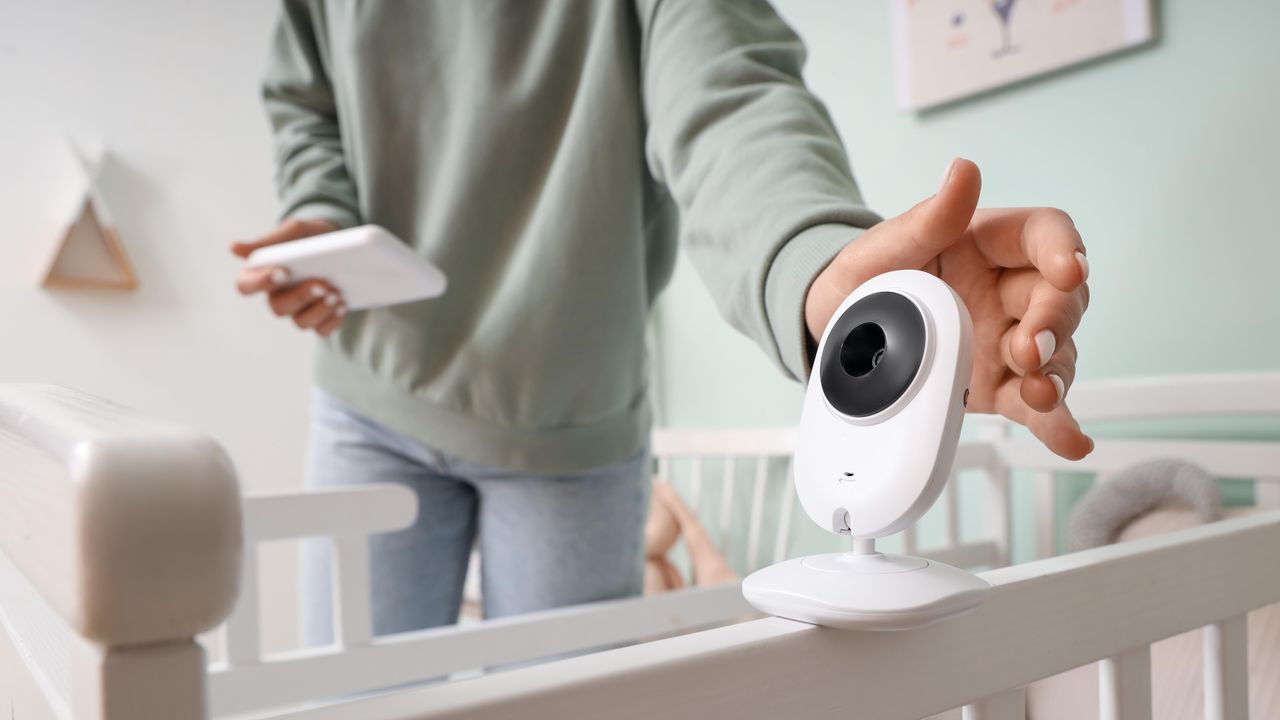
As a single mom, it’s a miracle I remember my son when packing the car to leave the house for a weekend break (I’m joking). I’ll always forget something, and last weekend, it was the baby monitor.
My son is two-and-a-half, so while it’s not as much of an essential as it was a year ago, I like to be able to keep an eye, or an ear, on the tiny Houdini, especially when he’s sleeping somewhere new. Luckily, I’d seen this simple hack to turn the best AirPods and your iPhone into a combined baby monitor. It’s one all parents should know about ahead of the summer vacation period.
How to use your AirPods as a baby monitor
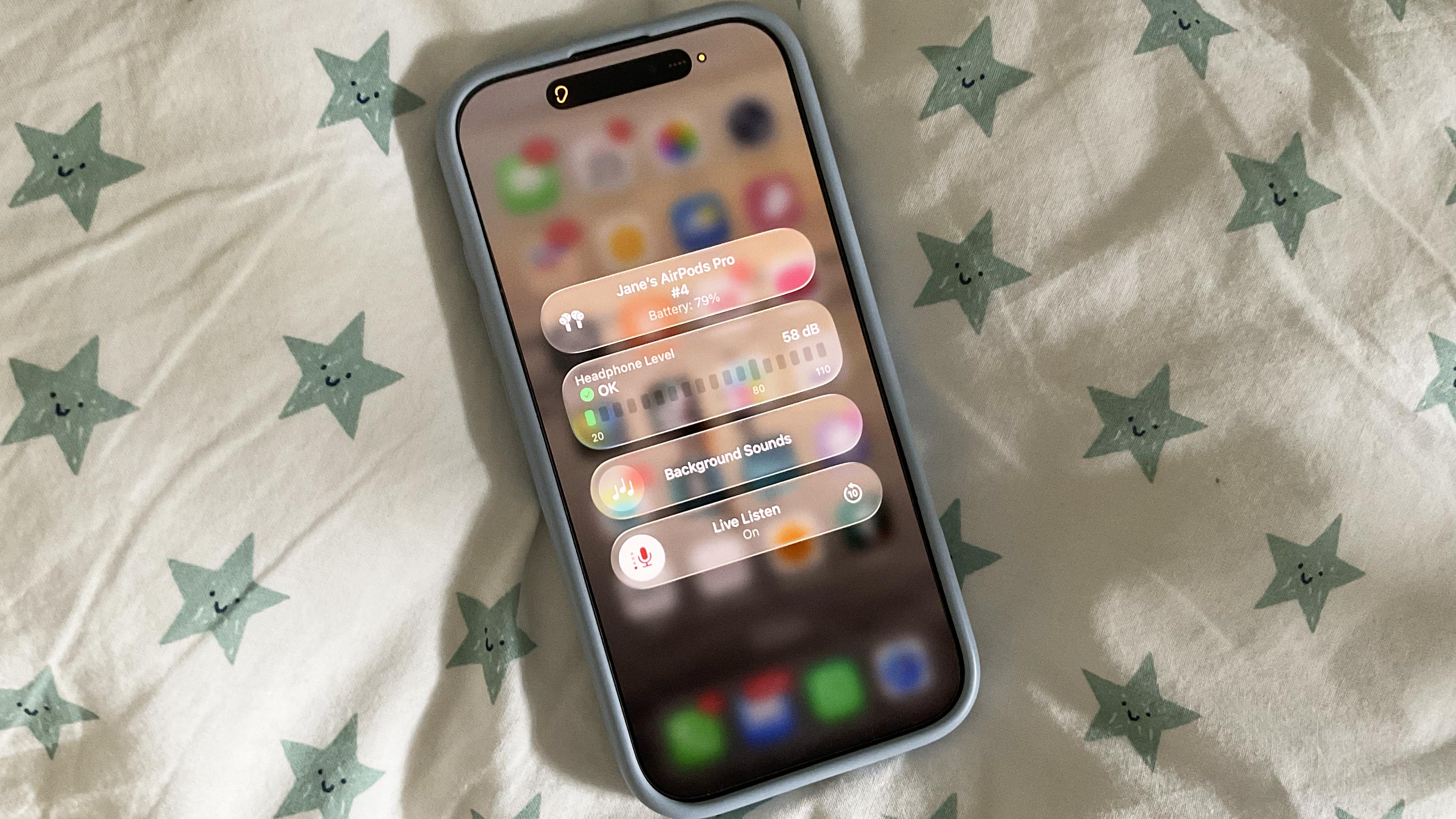
Ok, so you won’t be able to see your baby using this hack, but you’ll be able to hear him or her. All you’ll need is your phone and your AirPods (or Beats) headphones. Once you pop your headphones in your ears, you’ll be able to use your AirPods Live Listen feature to leave your phone in the room with them and listen to your tot from somewhere else in the house.
Here’s how to do it:
- Wear one or both of your AirPods or Beats headphones. The list of headphones that work with this feature includes: AirPods, AirPods Pro, AirPods Max, Powerbeats Pro, Beats Fit Pro, or Powerbeats Fit. You’ll also need an iPhone with iOS 26 or later installed.
- To turn on Live Listen, go to your iPhone’s Settings, then scroll to Accessibility.
- From here, go to Audio & Visual, Live Listen, then tap Start Live Listen.
- From your lock screen, swipe down to go to the Control Center.
- From here, click on the ear icon, and select Live Listen — this will only work if you have a headphone in.
You’ll then be able to hear your baby should they cry. I found that the Live Listen was surprisingly sensitive, and I was able to hear him waking up and moving around after his nap before he called out for me. A game changer for traveling, or if you’re as forgetful as I am!
More from Tom's Guide
- I'm a smartwatch reviewer, and here's my Apple Watch Series 12 wish list — three upgrades I want, and one I don't
- Leaked Apple Watch 12 design change is the opposite of an upgrade — and that has me worried
- Samsung Galaxy Watch Ultra 2 needs these 3 upgrades to convince me to switch from my Apple Watch Ultra 3
This is a preview from the original publisher. Continue reading at the source:
Read Full Article on tomsguide.com →