

Is last year's Samsung Galaxy Tab S10 FE still worth buying? I multi-screened movies, maxed out gaming graphics, and dunked it in a tank to find out
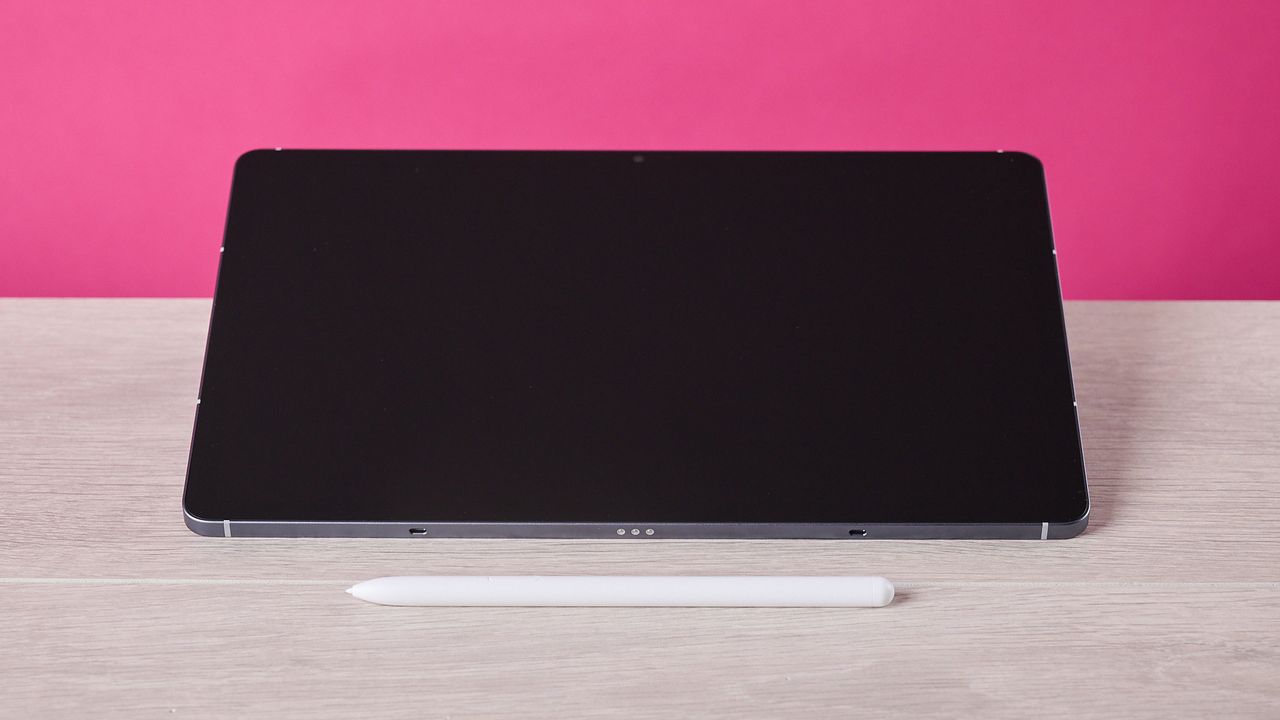
Samsung Galaxy Tab S10 FE: two-minute review
The Samsung Galaxy Tab S10 FE is a 10.9-inch tablet that sits between premium flagship slates and more modest mid-rangers. Launched in April 2025, it offers a rich, vibrant display, a robust build, and smart productivity tools. So, a year after its release, is it still worth your money?
Honestly, the Samsung Galaxy Tab S10 FE holds up pretty well. Not only is it relatively svelte at 6mm, it feels premium in the hands thanks to the sheer edges and satin finish. It also has a sturdy build, with its IP68 rating meaning it should happily shrug off both dust and dunkings in over 1m of water. The only part of its design I’m a little cooler on is the colorways it arrives in — some primary shades would add some interest in this parade of blues and grays.
Fortunately, the Tab S10 FE’s display doesn’t fall into this trap. While it might not quite knock the best tablets off their podium, its screen delivers sumptuous color — reds and blues, in particular, look super vibrant when sitting side by side. Whites aren’t quite as warm as I’d like, and it isn't the brightest display I’ve ever tested, but blacks feel surprisingly deep for an LED display and overall it achieves solid contrast.
The Tab S10 FE’s charms aren’t all surface level, though — it’s also capable of superb performance, given its Exynos 1580 chipset is less powerful than even some of its rival mid-rangers’. For productivity tasks, I experienced zero noticeable slowdown, even with a heap of apps open and video streaming in one half of multi-window mode. Gaming strained it a little:eh device became pretty warm during play, although mostly at higher graphics settings.
Having since been upgraded from the One UI 7 it was released with to 8.5, the Tab S10 FE’s OS feels light and versatile. Bloat is relatively minimal compared to some tablets, although I did find it a little irritating that a few of the apps that are preinstalled aren’t usable without paying money. But this aside, One UI is definitely one of the smoother Android skins I’ve used, offering effective gesture controls and easy-to-use multitasking functionality.
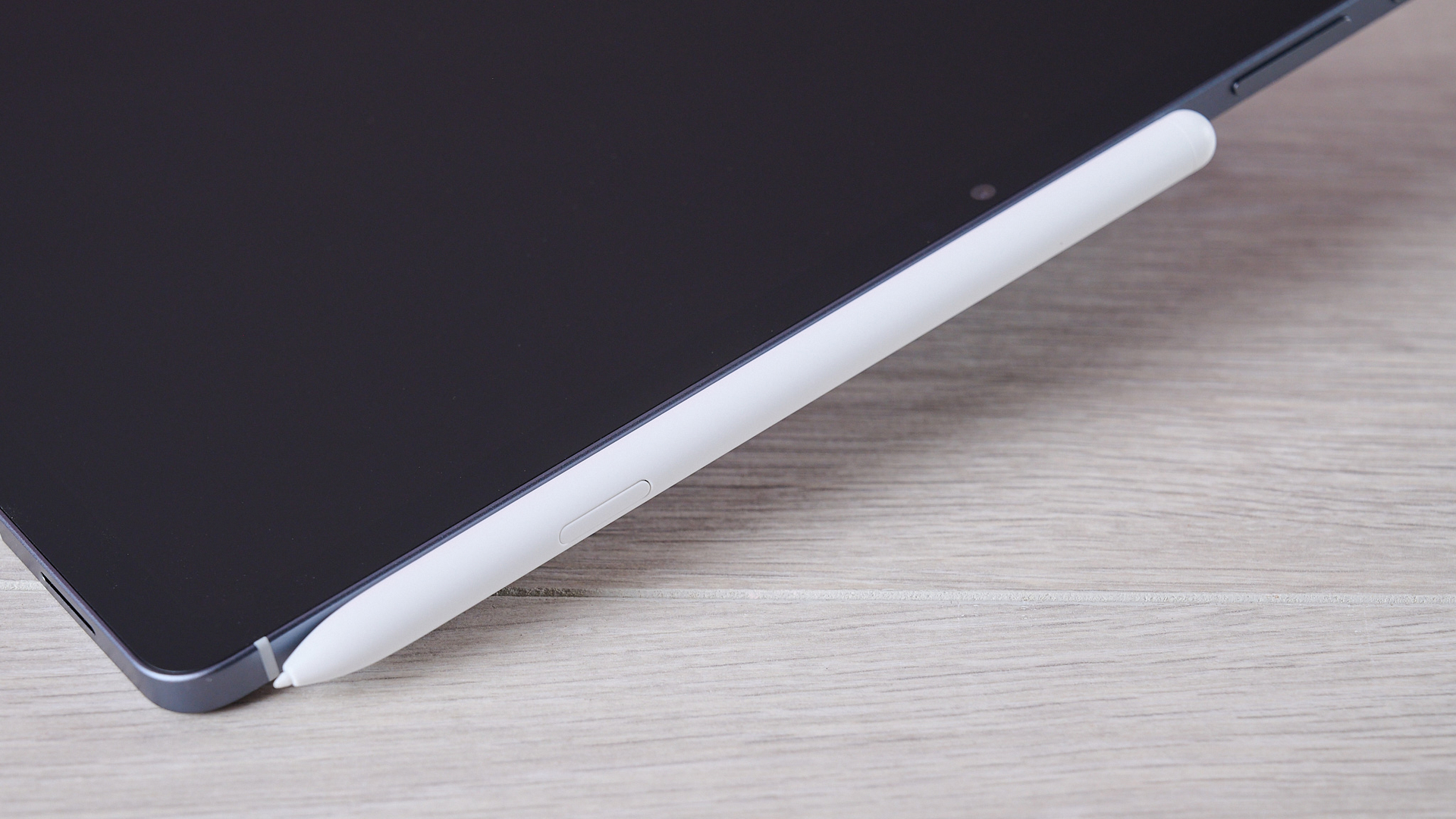
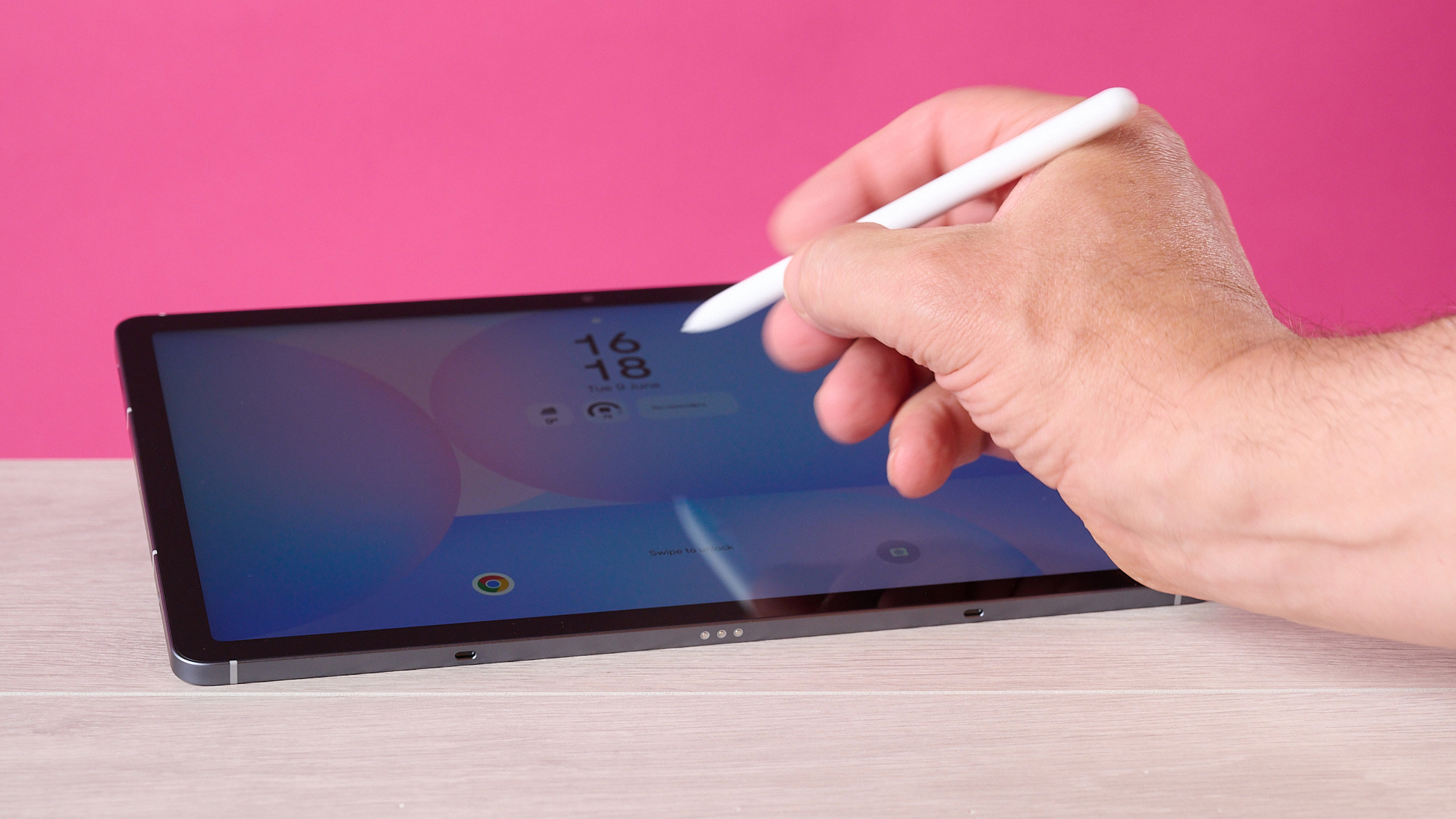
The Tab S10 also comes crammed with productivity tools and fun features. "Circle to Search" is an impressive feature that allows you to search images and text on-screen by circling it with the stylus. The "Handwriting Help" feature corrects the alignment and shape of your letters — a massive help if you suffer clumsy penmanship like I do — while the "Solve Math" function is accurate, albeit a little finicky. "Face Effects", like jawline correction and skin-tone tweaking, in photos feel a little bit borderline to me, though.
And you’ll keep getting the most out of all of these productivity tools for a long time, thanks to the Tab S10 FE’s extensive battery life. Even with a capacity of 8,000Ah, my battery test revealed the device should comfortably see you through 20 hours, which is likely to cover you for several days of real-world use. It’s none too shabby when charging, either: thanks to its 45W charging, fully topping up the battery took just 1 hour and 44 minutes, which is pretty speedy.
All told, the Samsung Galaxy Tab S10 FE is an impressive tablet for the price. It may not have the most powerful chipset on the market but it’s a fantastic slate for taking notes, sketching, and other productivity tasks; the display is bold and beautiful, and its battery will comfortably last twice as long as that of the similarly priced iPad Air. As long as you’re not looking for something to game on, you’re unlikely to be disappointed.
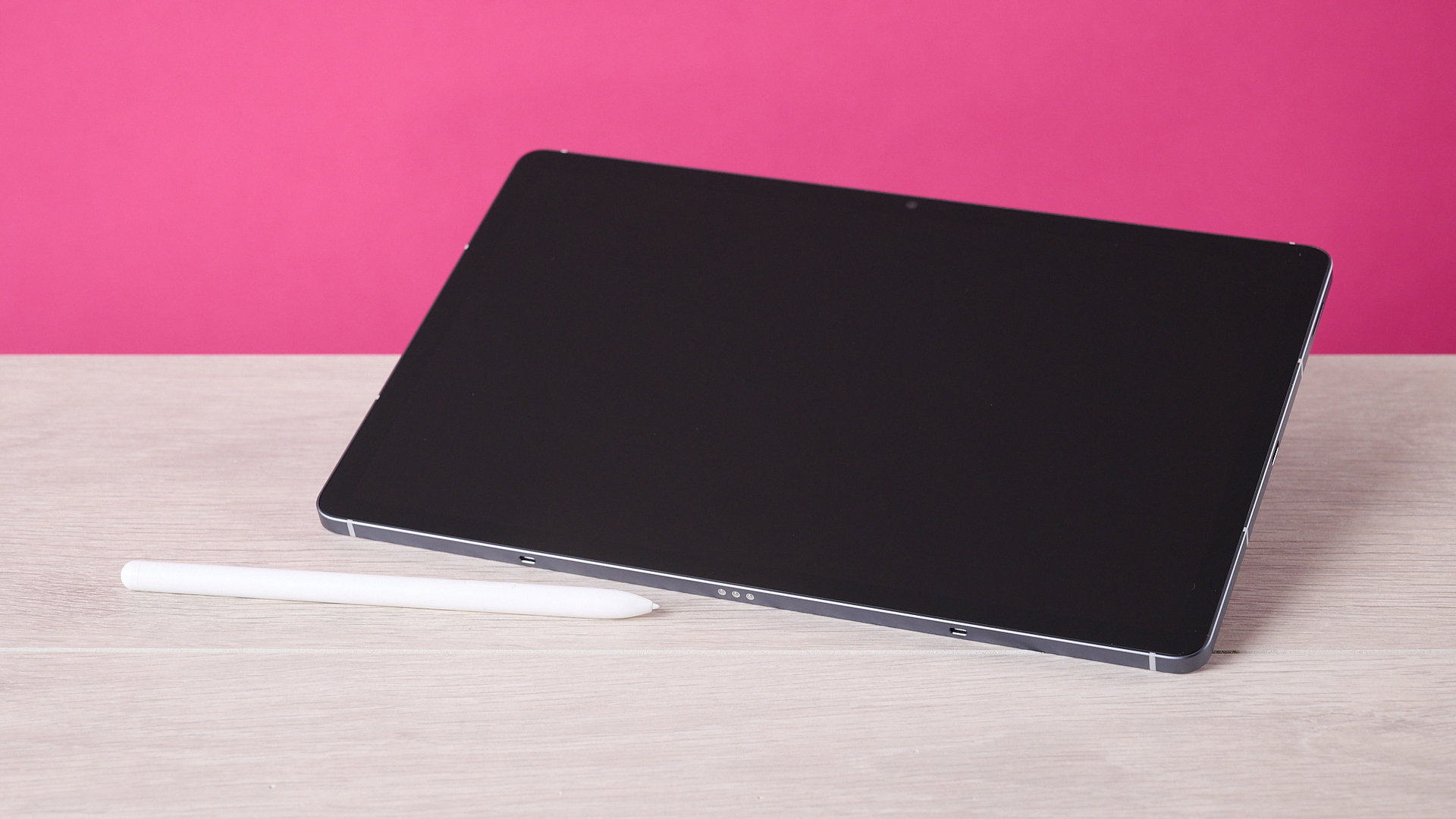
Samsung Galaxy Tab S10 FE review: price & availability
- Launched on April 10, 2025
- List price from $549.99 / £539 / AU$849
- Available with 8GB / 12GB RAM and 128GB / 256GB storage
Launched on April 10, 2025, the Samsung Galaxy Tab S10 FE is available now. The list price for the Wi-Fi-only version sits at $549.99 / £539 / AU$849, or it costs $649.99 / £639 / AU$1,049 for the 5G version.
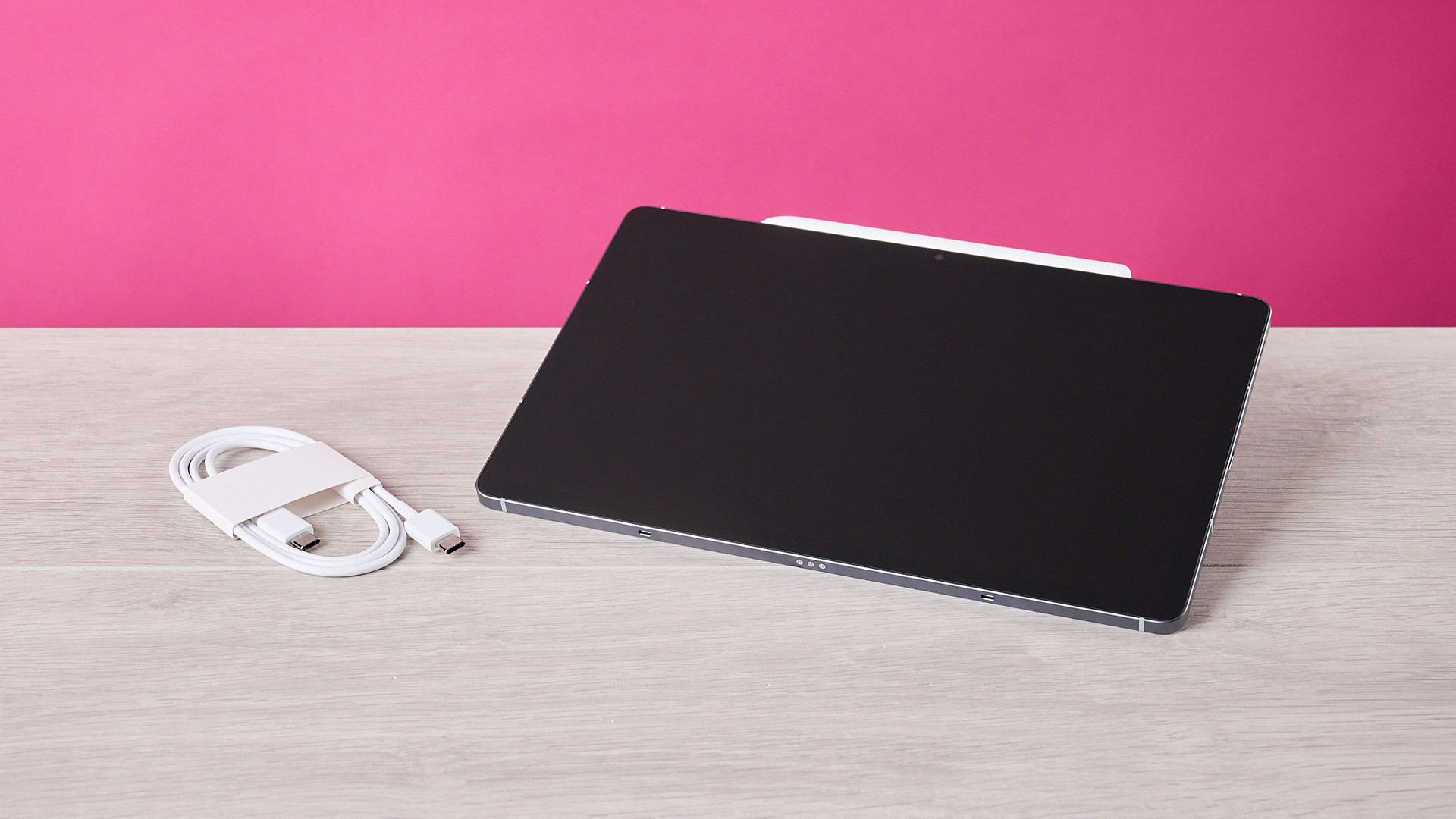
The Tab S10 FE’s base spec offers 8GB of RAM and 128GB of storage, but you can also pick it up with 12GB of RAM and 256GB of storage. It comes in three colorways: Silver, Blue or the Gray version I tested here. Regardless of which version you opt for, you’ll get Samsung’s S Pen as part of the package — which is a great bonus, given how much functionality it unlocks.
Samsung Galaxy Tab S10 FE review: specs
|
Dimensions |
254.3 x 165.8 x 6.0 mm (10.01 x 6.53 x 0.24 inches) |
|
Operating system |
Android 15 (One UI 7), upgradable |
|
Chipset |
Samsung Exynos 1580 |
|
Weight |
497g (Wi-Fi) / 500g (5G) |
|
RAM |
8GB / 128GB model, 12GB / 256GB model |
|
Storage |
128GB / 256GB (up to 2TB expandable via microSDXC) |
|
Display |
10.9-inch IPS LCD, 2304 x 1440 pixels, 90Hz, 16:10 aspect ratio |
|
Cameras |
13MP rear camera, 12MP ultrawide front camera |
|
Battery |
8,000mAh (45W wired charging support) |
|
Connectivity |
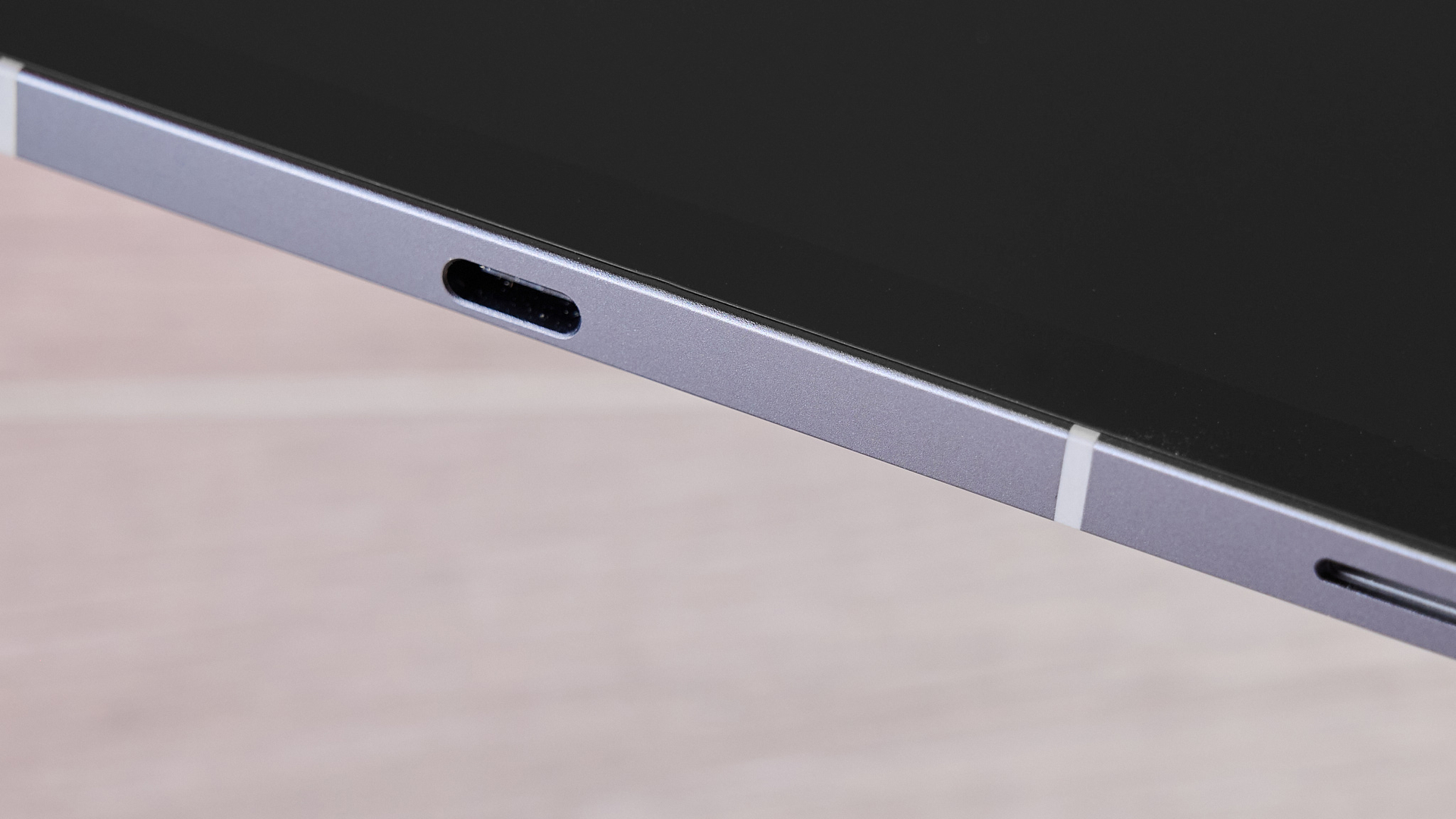
Wi-Fi 6E, Bluetooth 5.3, USB Type-C 2.0, 5G (cellular model only) |
Samsung Galaxy Tab S10 FE review: design
- Thin and light
- Solid build with IP68 rating
- Unadventurous colorways
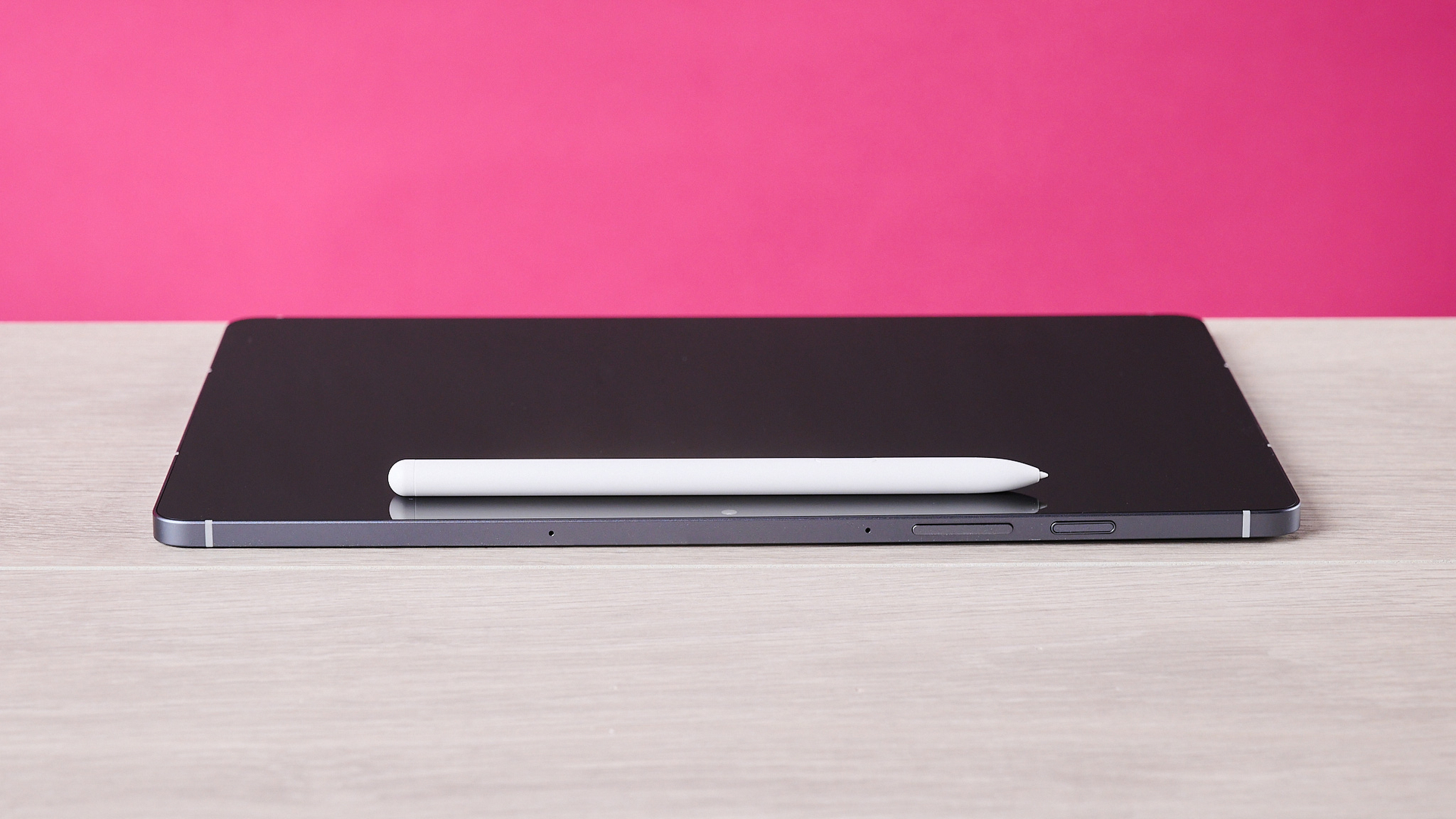
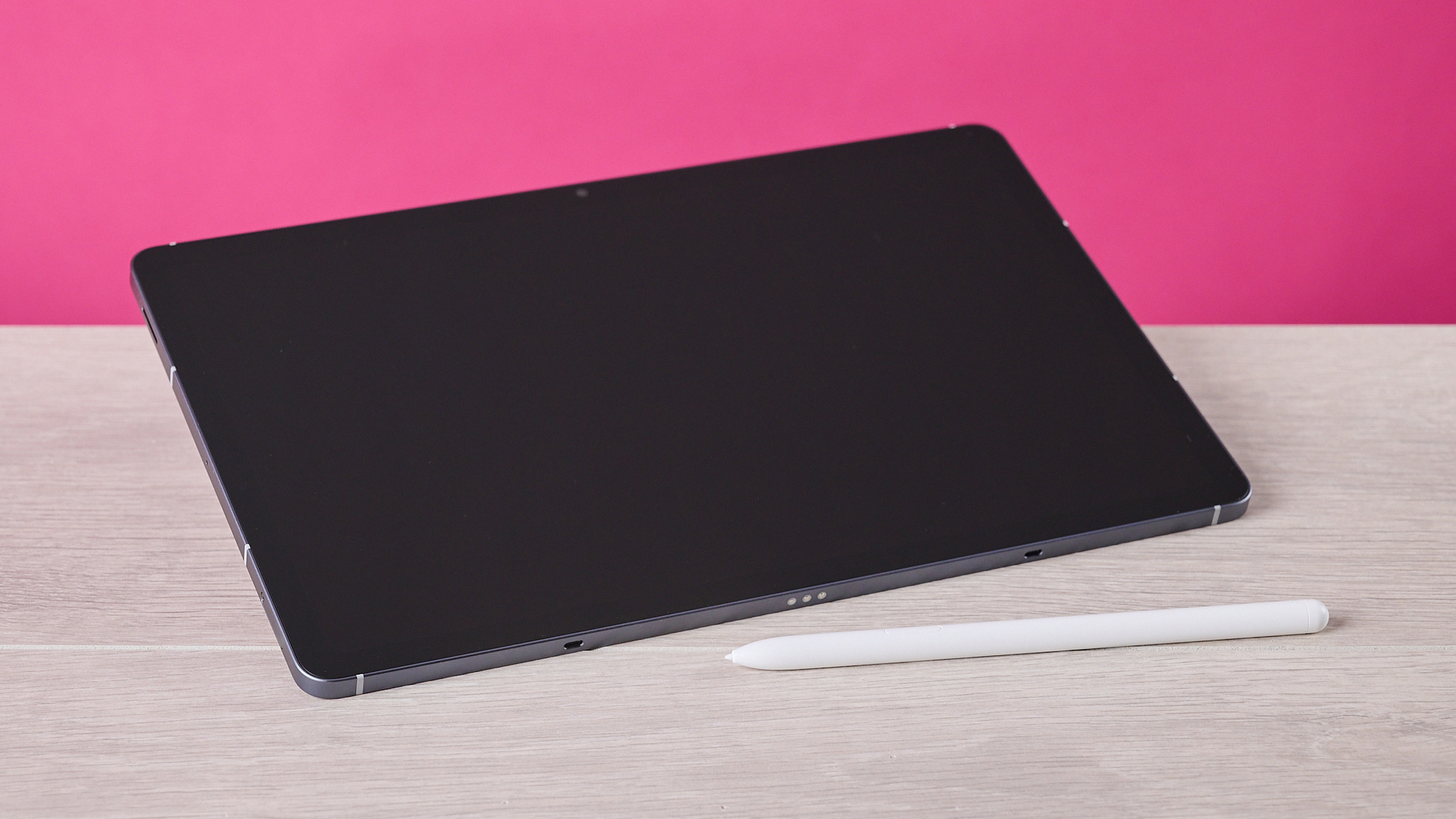
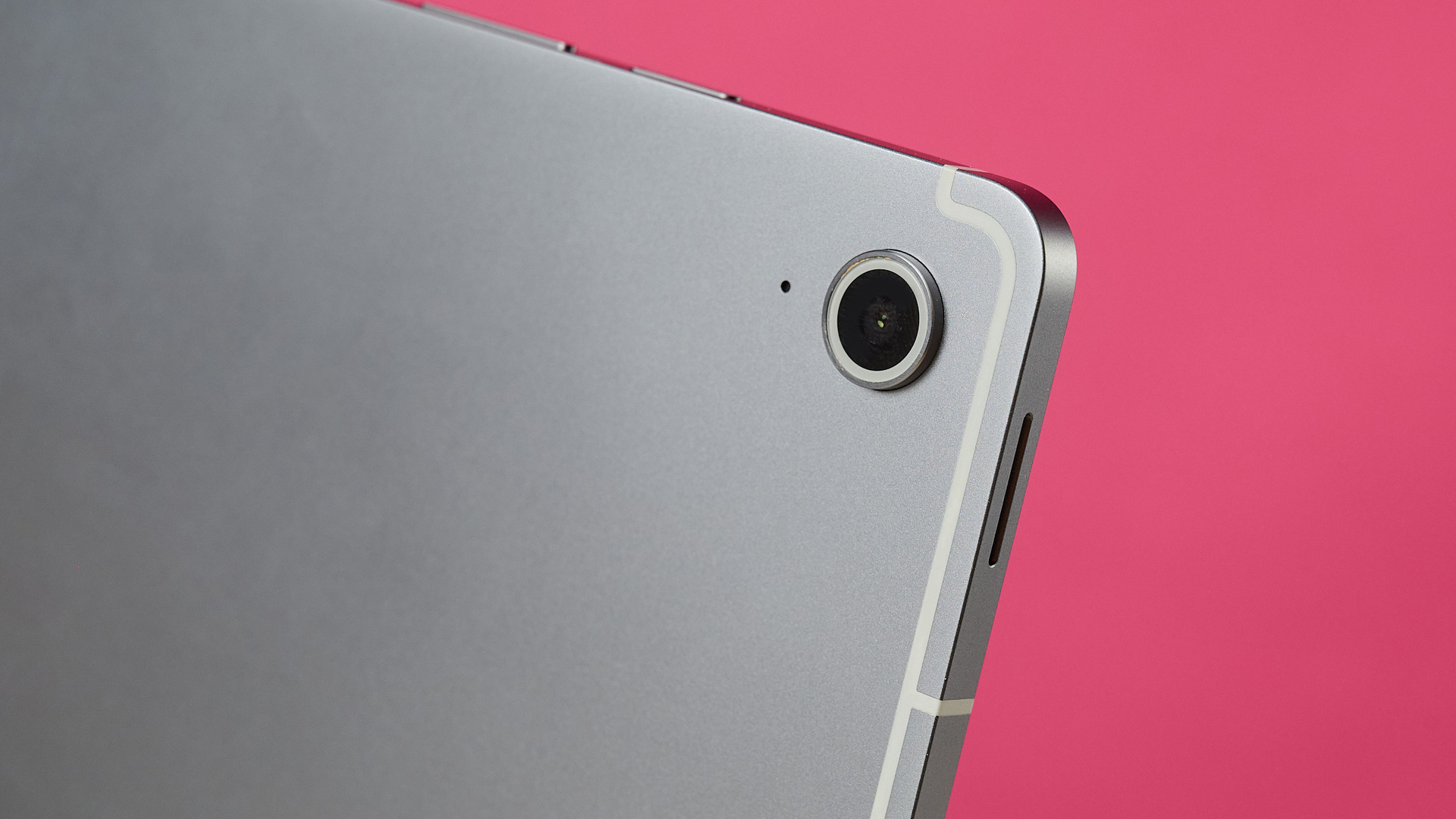
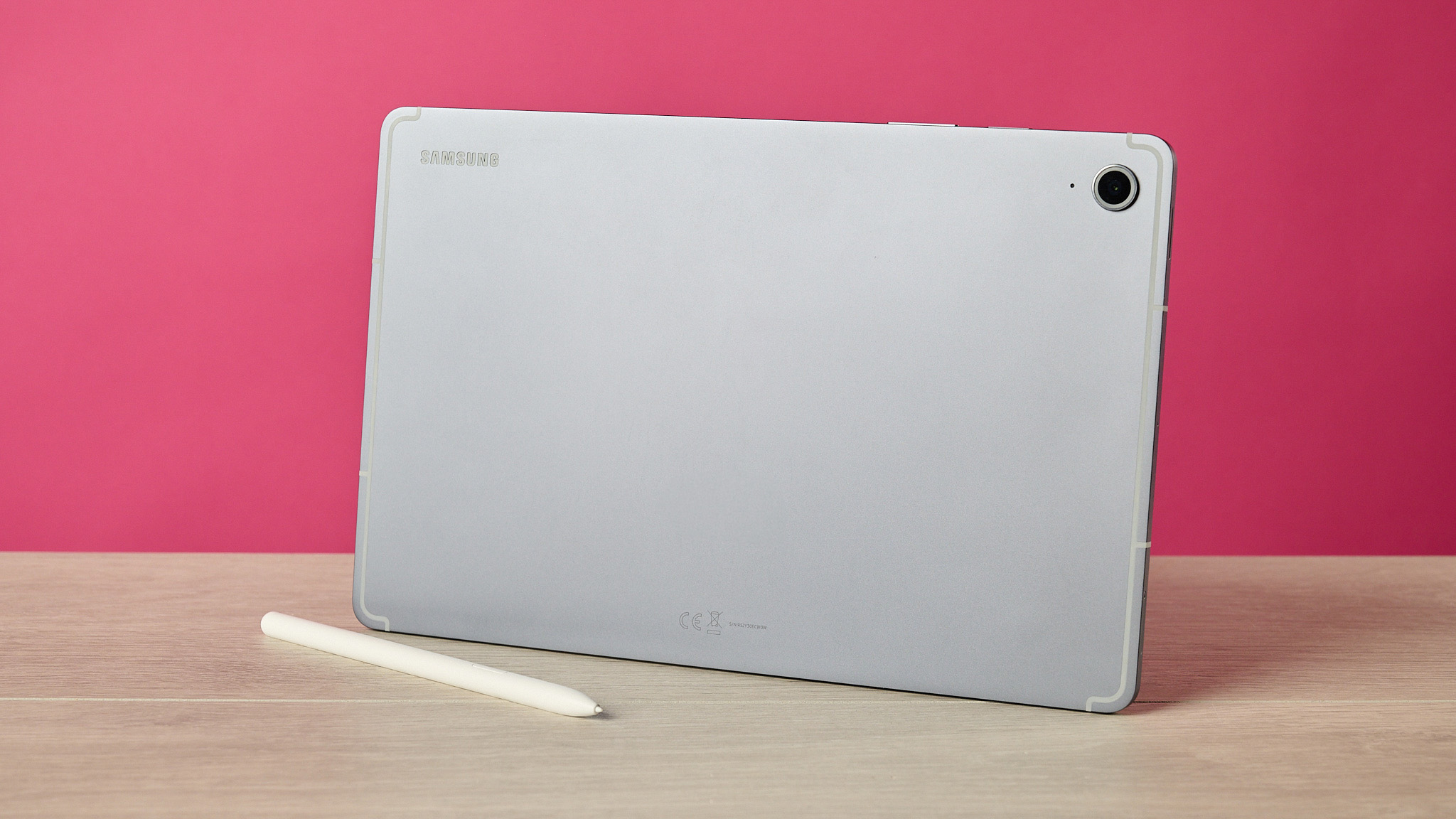
First off, there’s something about the Galaxy Tab S10 FE's flat, unbevelled design that feels pleasingly tactile in my hands. Those chiseled edges make it feel more sturdy and substantial, while the satin finish to its metal feels wonderfully tactile beneath your fingertips. Despite its mid-market price, it definitely has a premium feel to it.
Having said that, Samsung is hardly lighting the world on fire with the range of colors the Tab S10 FE comes in. As I’ve mentioned above, your options are Gray, Silver and Blue — with the latter definitely the most standout of the three, and the Gray I tested here a little too safe. I do think it’s a shame Samsung didn’t offer the device in some more adventurous hues, especially given the Apple iPad 11-inch (2025) includes vibrant shades like yellow and pink in its lineup.
The Tab S10 FE isn’t the most expansive slate I’ve ever used, with an area of just 6.53 x 10 inches / 165.8 x 254.3mm — for reference, that’s just a little shy of the iPad 11-inch at 9.79 x 7.07 inches / 248.6 x 179.5mm. But, on the plus side, the S10 FE is pretty slight, measuring in at just 17.64 oz / 500g and 0.24 inches / 6mm thick. That’s not quite as slim as the 0.2 inch / 5.1mm Apple iPad Pro 13-inch or the 0.22-inch / 5.6mm Samsung Galaxy Tab S10 Plus, but it’s still trimmer than a lot of tablets out there.
Despite this dainty build, though, the Tab S10 FE is no delicate flower. In fact, it offers an IP68 rating, which means it should happily shrug off dust and grit, as well as survive an accidental dunking in at least a meter of water — something that is far from a given with many tablets. Keen to put this to the test, I gave it a dunking in 6 inches / 15cm of water in TechRadar’s testing tank for several minutes, and it emerged thoroughly soaked yet fully functional.
- Design score: 4 / 5
Samsung Galaxy Tab S10 FE review: display
- Vibrant colors
- Strong contrast
- Could be brighter
The Samsung Galaxy Tab S10 FE doesn’t necessarily offer IMAX-scale viewing. Its display measures 10.9 inches and you lose a tiny bit of that to its rounded corners, so if you’re after something more expansive, the 13.1-inch Tab S10 FE+ might suit you better. However, its screen still performs impressively, with only a few small caveats.
To test what the display could do, I streamed some Blue Planet II in 4K. I was immediately impressed by the level of detail it was capable of: for example, the black-and-white lines flashing across a scintillating cuttlefish felt super sharp and well defined. While the Tab S10 FE’s 249.26ppi pixel density isn’t quite as detailed as the Apple iPad 11-inch (2025)’s 264ppi, the majority are unlikely to spot a huge difference in most scenarios.
Contrast also feels impressive, especially for an LCD panel. Even when side-by-side with the dappled sunlight, the depths of the ocean appeared inky black and well defined. Whites are also strong, although they run a little cooler than I’d expect — for example, the plumage of a wandering albatross and its fledgling chick looked a touch too blue for my tastes.
Fortunately, the Tab S10 FE’s hues are incredibly true to life elsewhere. Against the cobalt blue of the water, the bright red innards of a Lion’s mane jellyfish looked breathtaking, with the image not looking all that different to the Super Retina XDR OLED display in my flagship iPhone 16 Pro. For a mid-range tablet, Samsung’s Tab S10 FE sure offers some vibrant color performance.
Aside from those slightly cool whites, the only other area where the Tab S10 FE’s performance is less impressive is in terms of brightness. It offers 800-nit peak brightness outdoors in High Brightness mode, but its usual peak is 600 nits, meaning it isn't blazingly bright. That would be less of an issue if the S10 FE’s display wasn’t so reflective, but I did find it occasionally struggled to compete with the shine of the fluorescent lights overhead in TechRadar’s testing labs.
Despite this, the Tab S10 FE’s display is undeniably solid for its price, offering tantalizing viewing for a mid-market slate.
- Display score: 4 / 5
Samsung Galaxy Tab S10 FE review: software
- Clean, agile OS
- Great Circle to Search and Handwriting Help tools
- Some slightly questionable Face Effects
Running One UI 8.5 built upon Android 16, the Samsung Galaxy Tab S10 FE feels light and easy to navigate. And compared to some tablets I’ve tested in recent months, it’s not crammed with bloat — I’m glad not to see Temu preloaded onto my device for the umpteenth time.
Which is what makes it all the more frustrating that some of the handful of apps that are preinstalled on the Tab S10 FE — such as LumaFusion and Clip Studio Paint — you have to pay for before using. Pre-loading my device with apps that are essentially just adverts for services you want me to sign up for just feels a bit grimey.
That’s a shame, because elsewhere Samsung’s OS feels light and offers decent productivity tools. Loading two apps in multi-window view is as simple as dragging two fingers from the side of the screen and loading the second app you’d like to use. Meanwhile, you can create multiple desktops to keep discrete workflows separate, making it a solid tool for working on the go.
Some of Samsung’s native apps are also pretty powerful. Using the drawing app Penup and the S Pen, I whipped up a sketch of my cat in an ukiyo-e style. Not only did the app make downloading and customising multiple watercolor and ink brushes straightforward, it quickly allowed me to add layers and a reference photograph to use. It even offers built-in functionality for exporting live drawing videos, which is a neat function for digital artists.
Baked into One UI 8.5 are multiple image manipulation tools. Removing irksome objects from your photographs is a pretty common feature these days, but Samsung’s Circle to Erase tool largely works well. It quickly removed an errant seagull and a hot-air balloon from a sunny evening selfie I'd snapped — although for reasons I can’t quite understand, it also half-mangled the corner of our blanket for no reason that I could fathom.
Some of Samsung’s built-in Face Effects are a little bit more dicey in my book. though. While I understand why you might want to fix blemishes or slightly smooth out complexions, tools for "fixing" people’s jawlines and lightening / darkening people’s skin tone honestly feels borderline for me in an era when looksmaxxing and colorism are very real trends. Meanwhile, the Reshape tool for tweaking facial and body features is horrifying in pretty much every sense — ethics aside, all I could really achieve with this feature was transforming myself into a Cronenbergian monster, which I’m not sure people are clamoring for on social media.
Fortunately, Samsung offers some other tools that are less contentious. Circle to Search stumped me at first, as I couldn’t seem to trigger it using the stylus or any context menus. Eventually, I worked out that you have to hold down the Home button to trigger the context-aware AI — and the results were then genuinely impressive, allowing me to quickly identify a weedy seadragon from a video or a bumblebee crawling across a rhododendron.
Samsung’s Handwriting Help tools are also pretty impressive. They deftly aligned my drifting script to the horizontal, although I found the claims that they'd "correct my letter shapes" to be a little overblown. Although, given that my handwriting looks like it was produced by a five-legged spider after too many espressos, I’ll admit this was a pretty boss-level challenge. And, more impressively, Samsung’s handwriting recognition almost invariably translated my jittering chicken scratch perfectly, something my own family can’t even do.
One of the more unique features the Tab S10 FE offers is its ability to solve calculations and equations for you. Write out a problem you’re struggling with, stick an equals sign after it and ping: an answer appears like magic. Or doesn’t. About half the time, the rabbit resolutely refused to pop out of the hat, leaving me to erase and rewrite functions over and over until it recognized them. And some sums proved more unreliable than others — root functions, in particular, seemed to throw up a lot of incorrect answers, although there’s a chance either my heinous handwriting or 25-year-old math knowledge is letting me down here.
For the most part, using the Galaxy Tab S10 FE’s software feels smooth and practical. I could just do without the paid bloat and the creepier of the photo-editing features.
- Software score: 4 / 5
Samsung Galaxy Tab S10 FE review: performance
- Great productivity performance
- Games run well, for the most part
- Gets warm under heavy loads
Underneath the hood, the Samsung Galaxy Tab S10 FE runs the Exynos 1580 chipset and comes with either 8GB of RAM (on test here) or 12GB. That chipset will net you similar performance to, say, the Snapdragon 7 Gen 3, but it won’t really rival any of the Snapdragon 8 series or the current generation of Apple silicon chips.
When handling everyday productivity tasks, this still translated to pretty credible performance. While browsing the Internet with multiple tabs open, I never noticed any substantial slowdown or unusual behaviour. Typing this section of this review, the Tab S10 FE didn't show any noticeable lag or hanging, even with multiple apps open in the background. Always one to push things to their most absurd extreme, I even tried streaming Louis Theroux’s My Scientology Movie in multi-window mode as I typed, and — blow me down — both Google Docs and iPlayer continued to run as smooth as a frog slathered in peptide face cream.
This stable performance extends to gaming as well. Loading up Call of Duty: Mobile, I was generally impressed with how stably it ran, even with the hi-res graphics packs downloaded. Even if there was the tiniest hint of jitter on the odd occasion, I never found it impacted my gameplay all that much — I was still able to click heads consistently enough to pick up multiple MVP awards in a row.
Unfortunately, playing Genshin Impact proved a bumpier ride, though. Defaulting to the lowest graphics setting, the game looked pretty awful on the Tab S10 FE, rendering everything with blocky, jagged visuals. Yet switching the graphics settings even to Low threw up a warning I was overclocking the tablet’s CPU. I was expecting this would make the game unplayable on Medium settings, but actually it still ran pretty slickly.
Which leads me to suspect that the issue lies more with the Tab S10 FE’s cooling than that medium-range chipset. Even while playing Call of Duty: Mobile, I found the device warmed up considerably after about three matches back-to-back, while playing Genshin Impact the device started to get a touch toasty after just 10 minutes. This means that you’ll probably be fine if you nerf the graphics settings, but you might not want to red-line it quite as much as I did if you’ll be playing for extended periods.
- Performance score: 3.5 / 5
Samsung Galaxy Tab S10 FE review: battery
- Lengthy 20-hour battery life
- Fast 45W charging
According to Samsung, the Galaxy Tab S10 FE’s battery should last you around 20 hours, which was pretty much spot on according to my tests. After continuously streaming a video in 2K for five hours, its battery had dropped to 74%. Even allowing a little wiggle room for how uneven battery discharge curves are, Samsung’s estimates seem pretty on the money, so you should happily be able to use this tablet for several days running without it dying on you.
Even when it does run out of juice, it shouldn’t take long to top up using that 45W charging. During my testing, I found it took 1 hour and 44 minutes to go from 0% to 100% — given its 8,000mAh battery capacity, that’s really very decent.
Taking all of this into account, the Tab S10 FE’s battery life is pretty competitive. While 8,000mAh is far from the largest capacity you’ll find out there, its diminutive display and efficient chipset means it can outlast more premium tablets such as the Samsung Galaxy Tab S10 Plus. It might not quite be able to rival the Honor MagicPad 4, our pick for the best tablet for battery life, but it’s still seriously long-lived.
- Battery score: 4.5 / 5
Should I buy the Samsung Galaxy Tab S10 FE?
|
Attributes |
Notes |
Rating |
|---|---|---|
|
Value |
Good price for a gorgeous tablet that’s great for work, studies and streaming content. Perhaps not the best pick for gamers, though — especially given its specs are more modest than some similarly priced Android tablets. |
4 / 5 |
|
Design |
Slim and light, yet feels seriously well built. The IP68 rating means it will shrug off dust and accidental dunkings in water with ease. But a few more playful colorways would be welcome. |
4 / 5 |
|
Display |
Wonderfully vibrant colors, bold contrast and decent resolution. Whites are a little cool, though, and more brightness would help it overcome its shiny screen. |
4 / 5 |
|
Software |
Smooth, easy-to-use OS not too troubled by bloat and packed with productivity features. Some very smart tools such as Handwriting Help and Circle to Search. Not a fan of the preloaded apps you’d have to pay to use or the slightly creepy Face Effects. |
4 / 5 |
|
Performance |
Exynos 1580 chipset isn't top-of-the-range but enjoys excellent power for productivity, and decent if unexceptional gaming performance. Warms up quickly when playing demanding titles, though. |
3.5 / 5 |
|
Battery |
Lasts for 20 hours, despite its modest 8,000mAh capacity. And can be charged from empty to full in just over 100 minutes, thanks to 45W charging. |
4.5 / 5 |
Buy it if…
You want a great slate for work and study
Whether it’s multitasking tools, drawing apps, handwriting polishing and recognition or automatic math formula solving, the Tab S10 FE is absolutely crammed with features for making your work easier.
You want a battery that lasts and lasts
Although its 8,000mAh battery doesn’t sound like much, it’ll comfortably last 20 hours before you have to charge it. That means it’ll happily outlast a lot of tablets on the market.
Don’t buy it if…
Gaming is your number one priority
The Tab S10 FE will comfortably run most games you throw at it. But you won’t be able to max out the graphics settings, and it can get pretty warm during intense sessions.
You’d be using it in bright sunlight
While the Tab S10 FE’s display is far from dull, its 800-nit peak brightness isn’t quite enough to overcome the reflective screen. If you want to watch shows in the garden, the iPad Pro’s 1600-nit peak brightness will serve you better.
Samsung Galaxy Tab S10 FE review: also consider
|
|
Samsung Galaxy Tab S10 FE |
Honor MagicPad 4 |
OnePlus Pad 3 |
|---|---|---|---|
|
Dimensions |
10.01 x 6.53 x 0.24 inches / 254.3 x 165.8 x 6.0mm |
10.76 x 7.04 x 0.19 inches / 273.4 x 178.8 x 4.8mm |
11.40 x 8.25 x 0.24 inches / 289.61 x 209.66 x 5.97mm |
|
Operating system |
Android 15 (One UI 7) |
Android 16 (MagicOS 10) |
Android 15 (OxygenOS 15) |
|
Chipset |
Samsung Exynos 1580 |
Qualcomm Snapdragon 8 Gen 5 |
Qualcomm Snapdragon 8 Elite |
|
Weight |
497g (Wi-Fi) / 500g (5G) |
450g |
675g |
|
RAM |
8GB / 12GB |
12GB / 16GB |
12GB / 16GB |
|
Storage |
128GB / 256GB |
256GB / 512GB |
256GB / 512GB |
|
Display |
10.9-inch IPS LCD, 2304 x 1440 pixels, 90Hz, 16:10 aspect ratio |
12.3-inch OLED, 3000 x 1920 pixels, 165Hz, 15.6:10 aspect ratio |
13.2-inch IPS LCD, 3392 x 2400 pixels, 144Hz, 7:5 aspect ratio |
|
Cameras |
13MP rear camera, 12MP ultrawide front camera |
13MP rear camera, 9MP front camera |
13MP rear camera, 8MP front camera |
|
Battery |
8,000mAh (45W wired charging) |
10,100mAh (66W wired charging) |
12,140mAh (80W wired charging) |
|
Connectivity |
Wi-Fi 6E, Bluetooth 5.3, USB Type-C 2.0, 5G (Cellular model only) |
Wi-Fi 7, Bluetooth 6.0, USB Type-C 3.2 |
Wi-Fi 7, Bluetooth 5.4, USB Type-C 3.2 |
Honor MagicPad 4
The Honor MagicPad 4 has a more powerful Snapdragon 8 Gen 5 chipset, a larger, higher-res OLED display, an even longer-lasting battery, and faster charging than the Samsung Galaxy Tab S10 FE. It’s also slimmer and lighter, while costing a similar price. So what’s the catch? It isn't available in the US or Australia, meaning this tablet is strictly for British eyes only.
Read our full Honor MagicPad 4 review
OnePlus Pad 3
There’s a reason the OnePlus Pad 3 is our pick for the best Android tablet for most people. It rocks the Snapdragon 8 Elite chipset — the most powerful included in any of the tablets mentioned here — that makes it great for productivity and gaming. Meanwhile, its display has a higher resolution than its rivals here, and a 7:5 aspect ratio that makes it great for watching movies.
Read our full OnePlus Pad 3 review
How I tested the Samsung Galaxy Tab S10 FE
- Tested it over a week
- Tried out a wide variety of tasks, from work to games
- Used specific tests to assess screen, performance and battery life
I tested the Samsung Galaxy Tab S10 FE over the course of a week. During that time, I used it for a range of purposes, whether that was productivity tasks such as writing this review, playing games, or watching TV and movies. I also tried out a range of the tablet’s pre-loaded software —for example, using the Notes app for taking notes or Penup for drawing.
When it comes to specific tests, I assessed the Tab S10 FE’s display by streaming Blue Planet II to see how its display delivered brightness, color, contrast and resolution. I tested performance by playing multiple games and using various apps in multitasking mode. Finally, I tested the battery by streaming 2K video at medium brightness for 5 hours to see how much it was depleted during that time.
In terms of personal experience, I’ve been reviewing phones and tablets for TechRadar for several years now and writing about tech for far longer. I’ve also tested a wide range of drawing tablets, giving me a lot of experience in commenting on color fidelity and stylus performance.
- Read TechRadar’s reviews guarantee
- First reviewed: July 2026
This is a preview from the original publisher. Continue reading at the source:
Read Full Article on techradar.com →