
Govee’s solar string lights took me back to the 70s — but are these color-changing smart lights worth the premium price?
Color: Black
Lights included: 8
Rated brightness: up to 50 lumens per bulb
Battery power: Solar and chargeable
Estimated battery life: up to 13 hours
Weather resistance rating: IP67
Size: 33 ft
App control: Yes
There are a lot of fancy outdoor solar lights to brighten up your backyard, but few will be around for more than a season. So, when I tested Govee’s smart solar string lights, I was pleasantly surprised by the unshakeable feeling that these will last.
OK, they do come with a premium price tag, and it’s this factor that might make you stall before making a purchase, but you won’t find anything quite like these dazzling string lights on the market.
And as Govee steps into the smart lighting market for the first time, I can say it's done so with great success. For someone reluctant to add yet another app to her phone, I was actually excited to try out all the wizardry from a connected set of lights. In fact, I’ve given a set to my tech-loving dad for his 90th birthday.
Govee Outdoor Solar String Lights: Price and availability
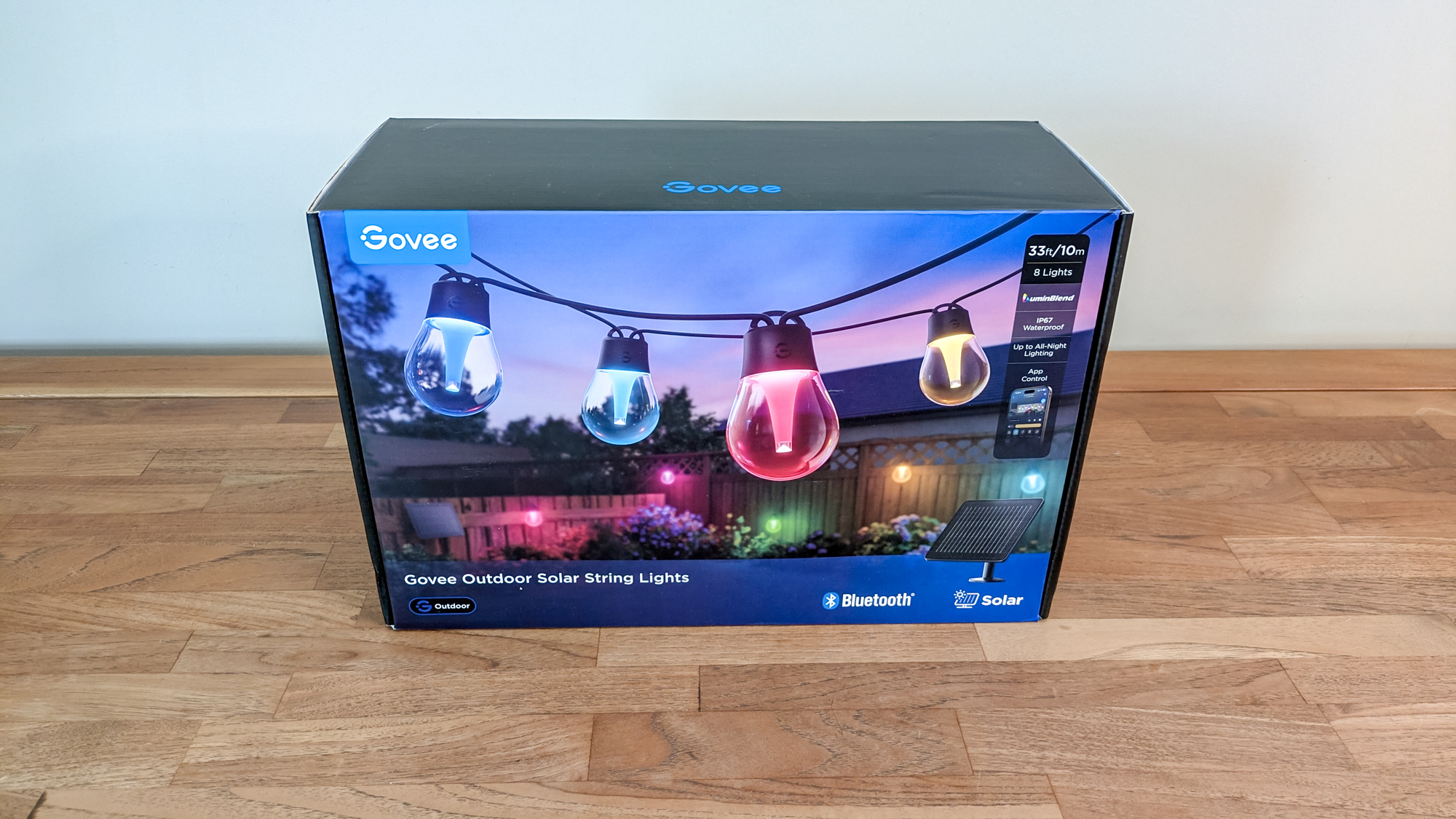
I tested a set of Govee Outdoor Solar String Lights, with eight dimmable LEDs, available at Amazon for $99. They are also available at Walmart for $99, but are currently reduced to $79 at Govee.
They cost substantially more than Brightech’s Ambience Pro Solar String Lights, which are $21 at Amazon, for 12 lights, and recommended as the best overall solar lights in our buying guide. But as the Govee lights are smart, it’s not a fair comparison.
Govee Outdoor Solar String Lights: Design
The biggest advantage of these lights is that they're solar-powered, so you don’t need to rely on an external socket. What’s more, you won't fret if the weather turns cloudy; a built-in option lets you go old school and manually charge the battery. It’s these extras that make it a premium product.
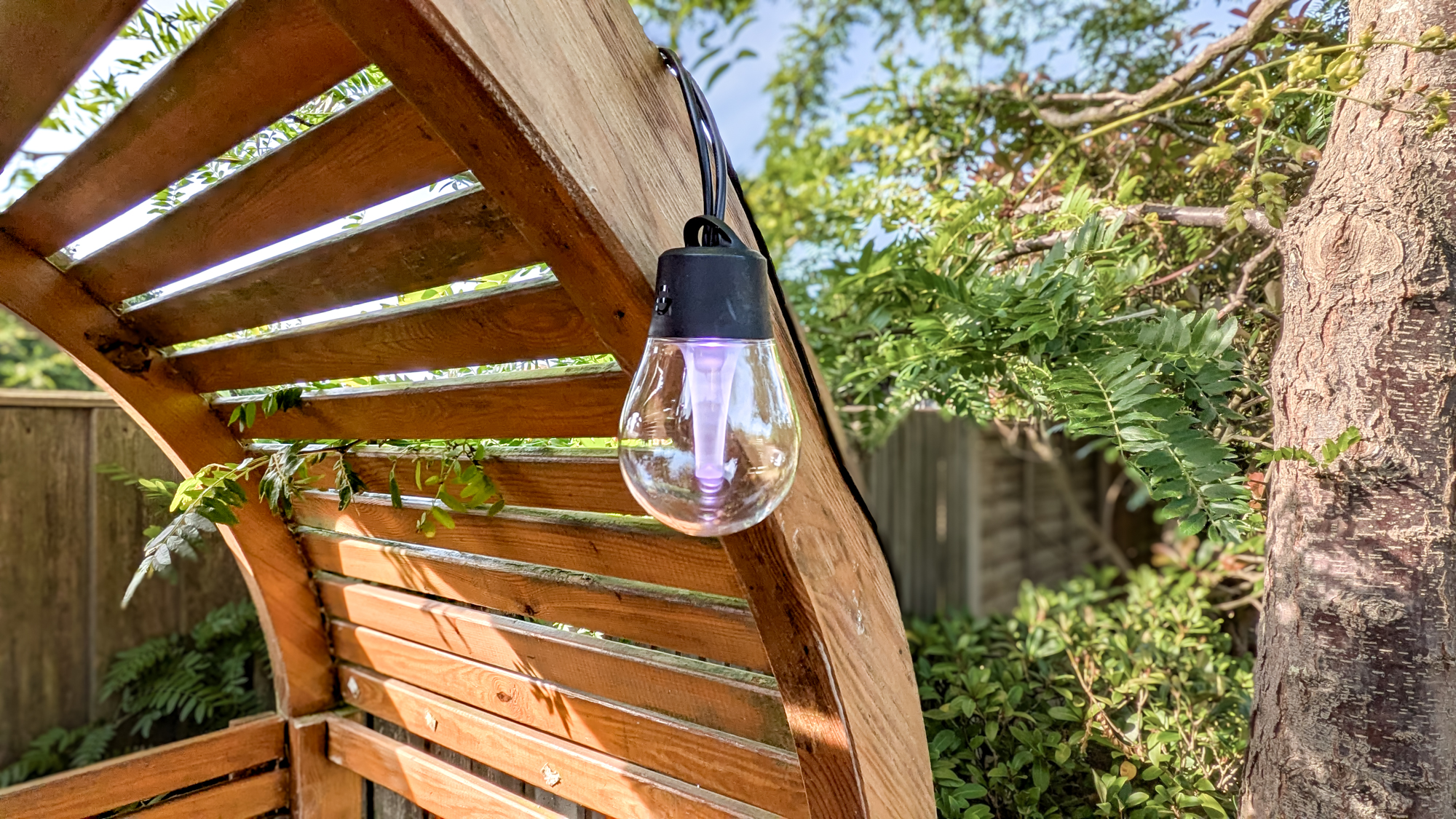
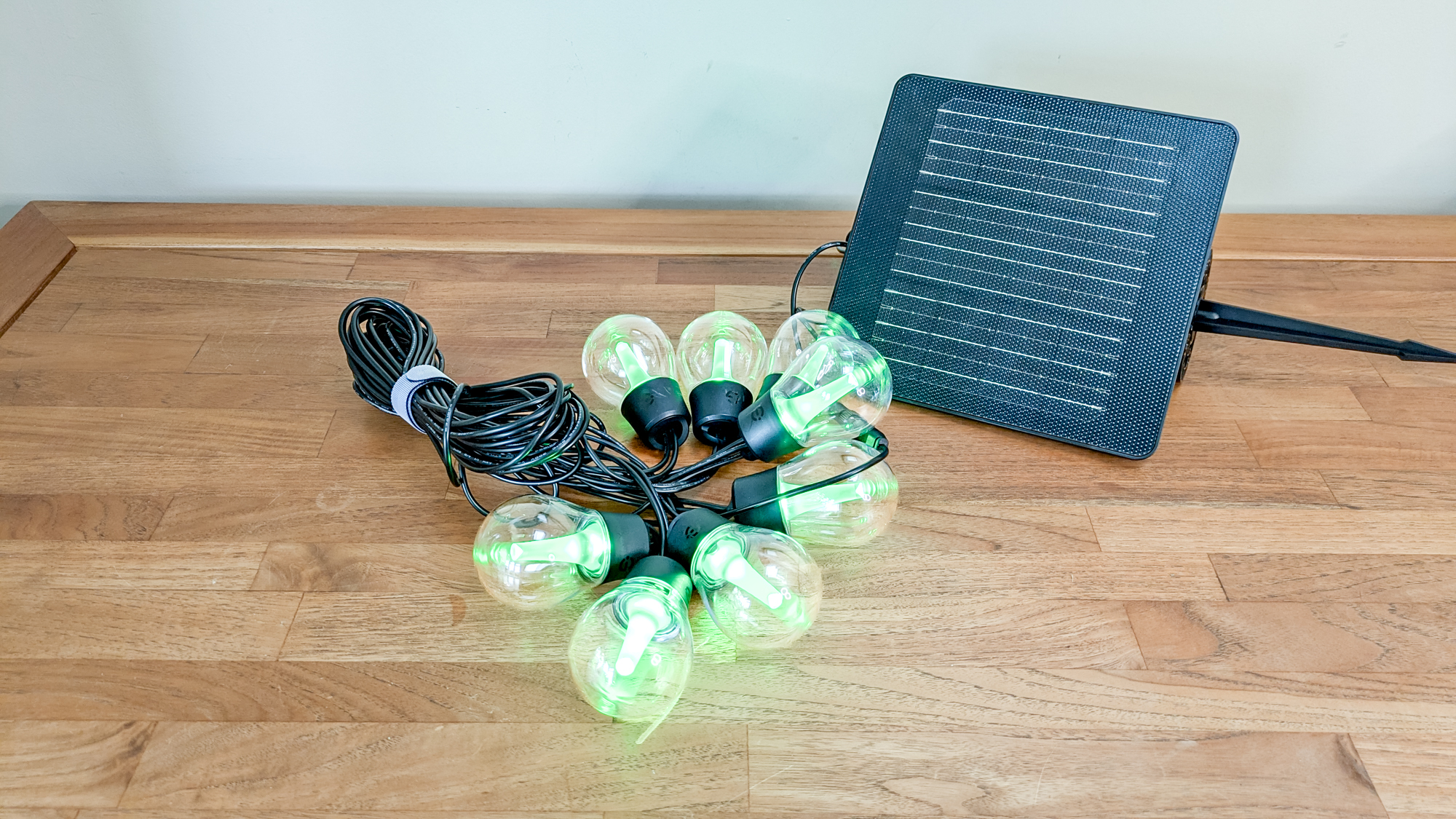
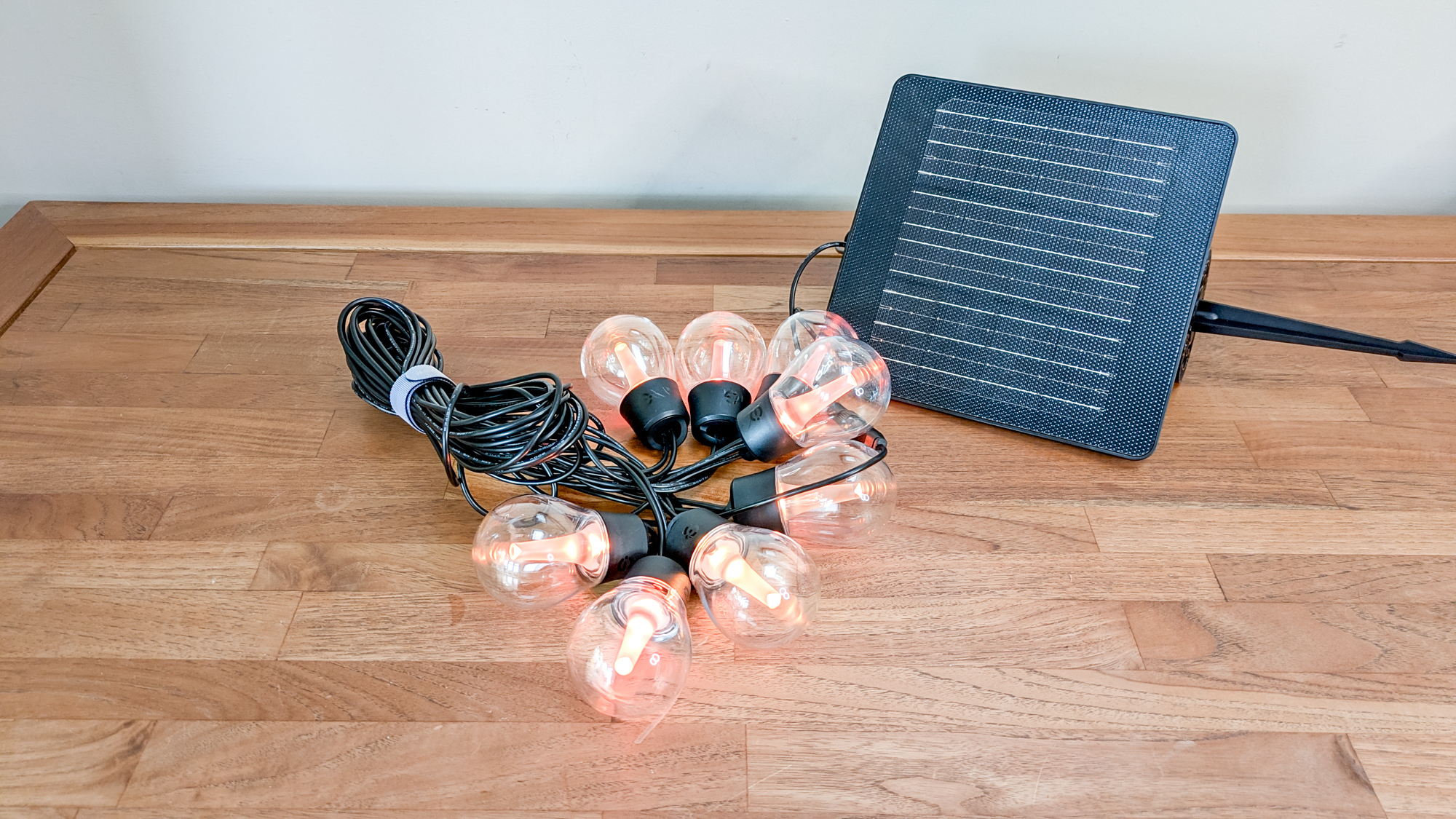
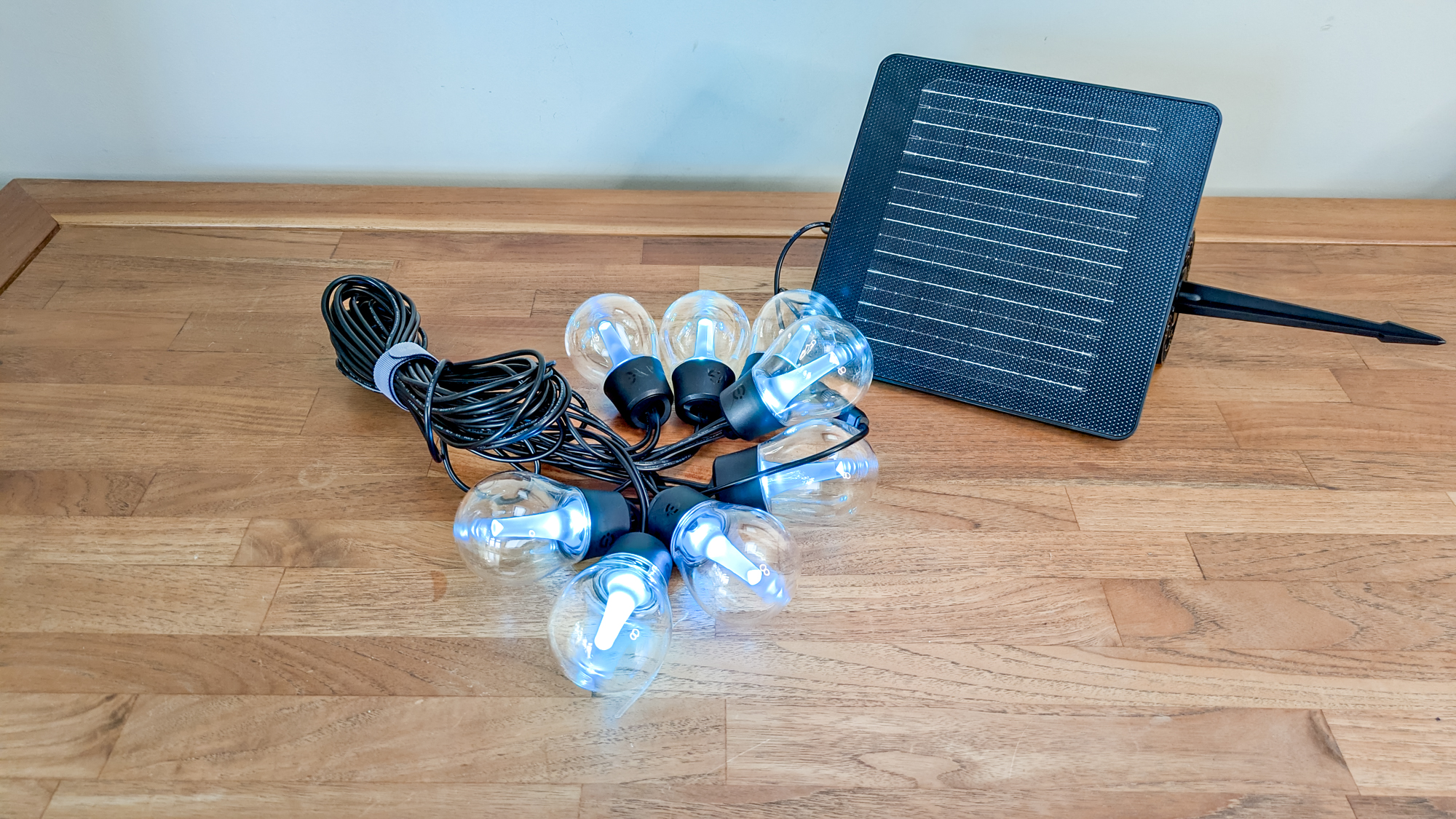
So, what’s in the box? The solar lights come impressively packed and include a string of eight LED bulbs, with a large solar module, which can either be wall-mounted or staked into the soil. Each individual bulb features a convenient top loop, making it easy to hang from a hook or secure using the included ties.
And you don’t just get standard RGB bulbs; these RGBICW lights offer the flexibility to display more than just red, green and blue. You get the added extra of cold white, which, according to Govee, provides incredible brightness, more so than RGB and RGBIC lighting.
On the reverse side of the solar module, you’ll notice a USB-C charging port, an on/off button, and the cable connector. It’s also where the ground stake and mounting support are attached. The entire set-up feels solid and well-built. In fact, measuring 8.5 x 8.5 inches, it’s the largest solar module I’ve come across while reviewing solar lights.
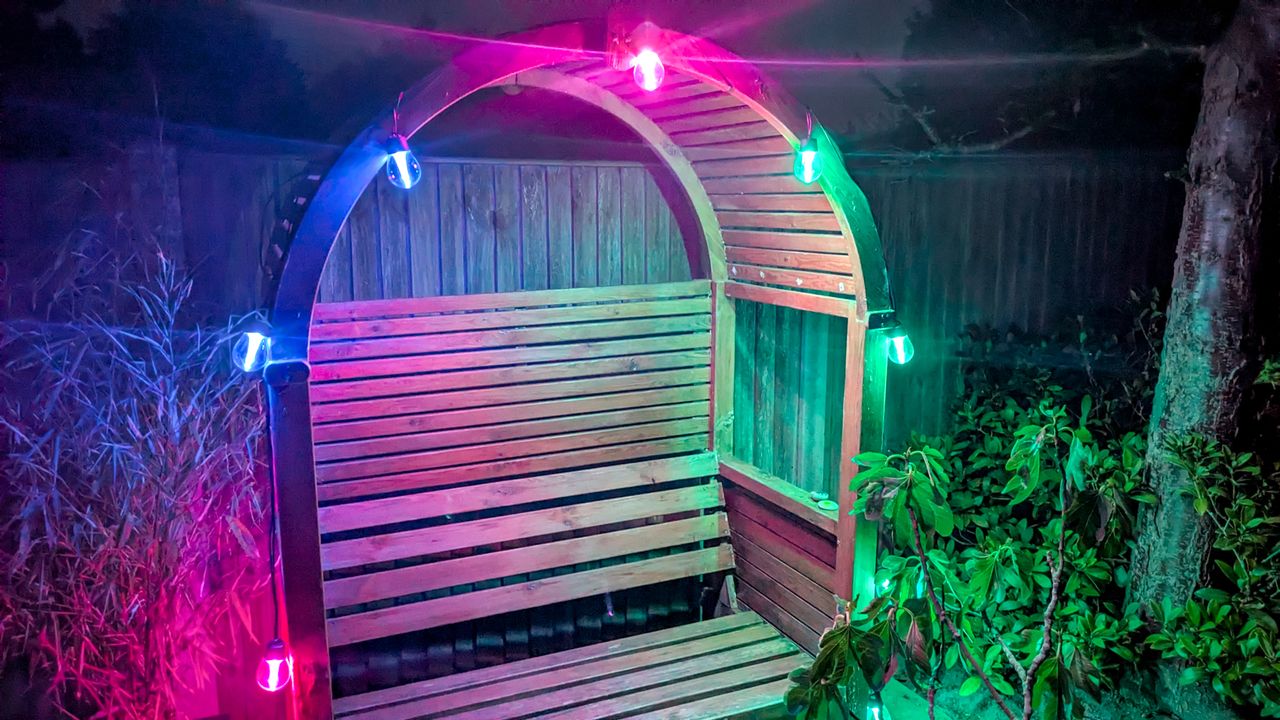
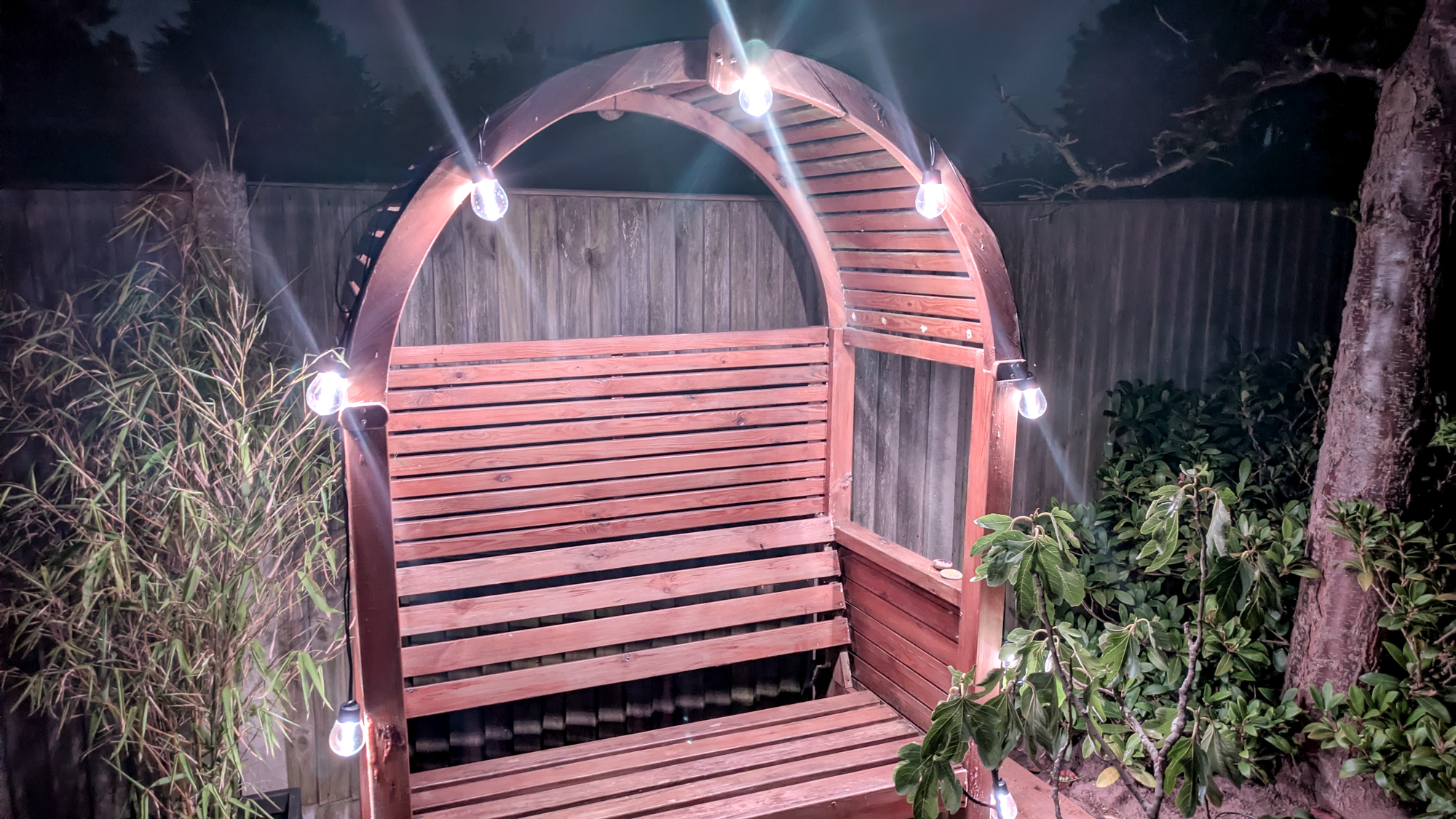
However, if you have a small space, you may find these string lights awkward to hang, as the spacing between bulbs is a massive 62 inches. To capture them in one photo, I strung the lights around an arbor seat, which required some creative double-backing with the cable.
On the bright side, there is a generous gap between the last bulb and the solar module. If you want to place your lights in a shady area, you’ll likely have enough cable length to mount the solar panel in a spot that catches the sun.
Govee Outdoor Solar String Lights: Set-up
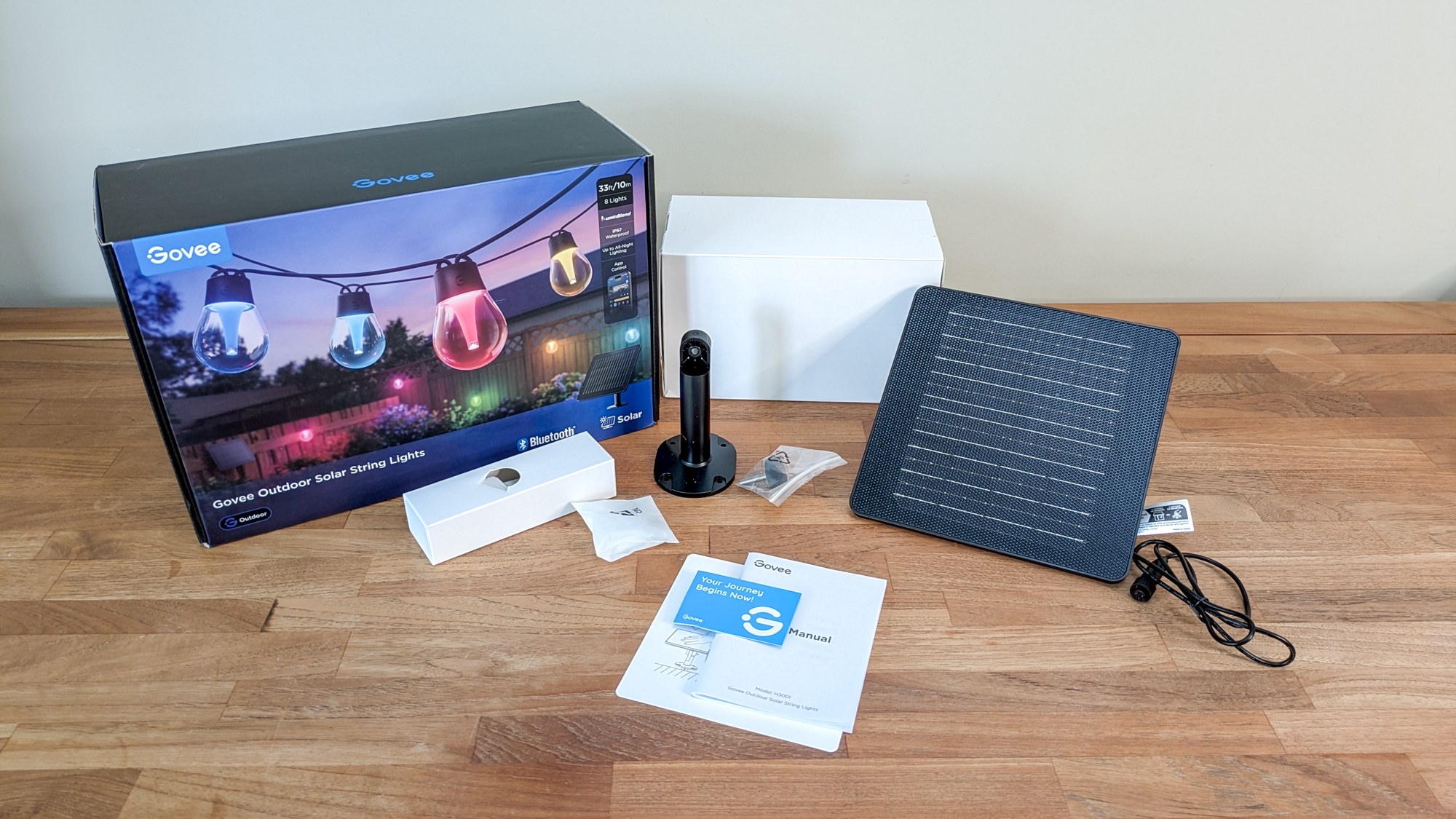
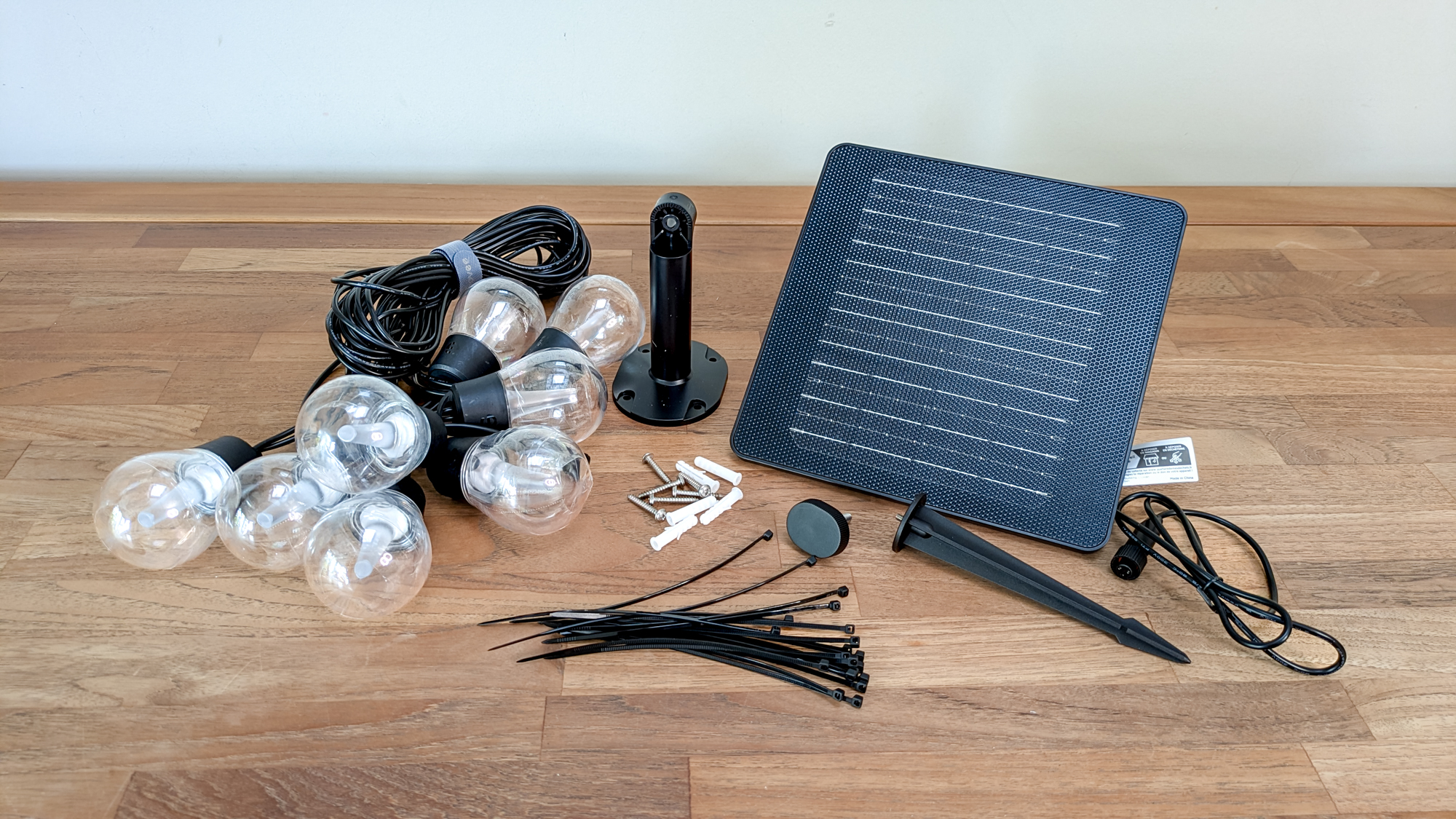
If you’re planning an outdoor party, don’t wait until five minutes before the first guest arrives to set these up. They are not difficult to assemble, but you will need a little time to install the app and get used to its customization features.
I started by manually charging the solar module, as recommended in the instruction manual. You can rely on the sun hereafter, if there’s enough of it. Next, I placed the lights around my garden arbor, using nails to keep the wires secure. You can also hang each bulb by its integrated top loop using the included cable ties — and thankfully, you get plenty.
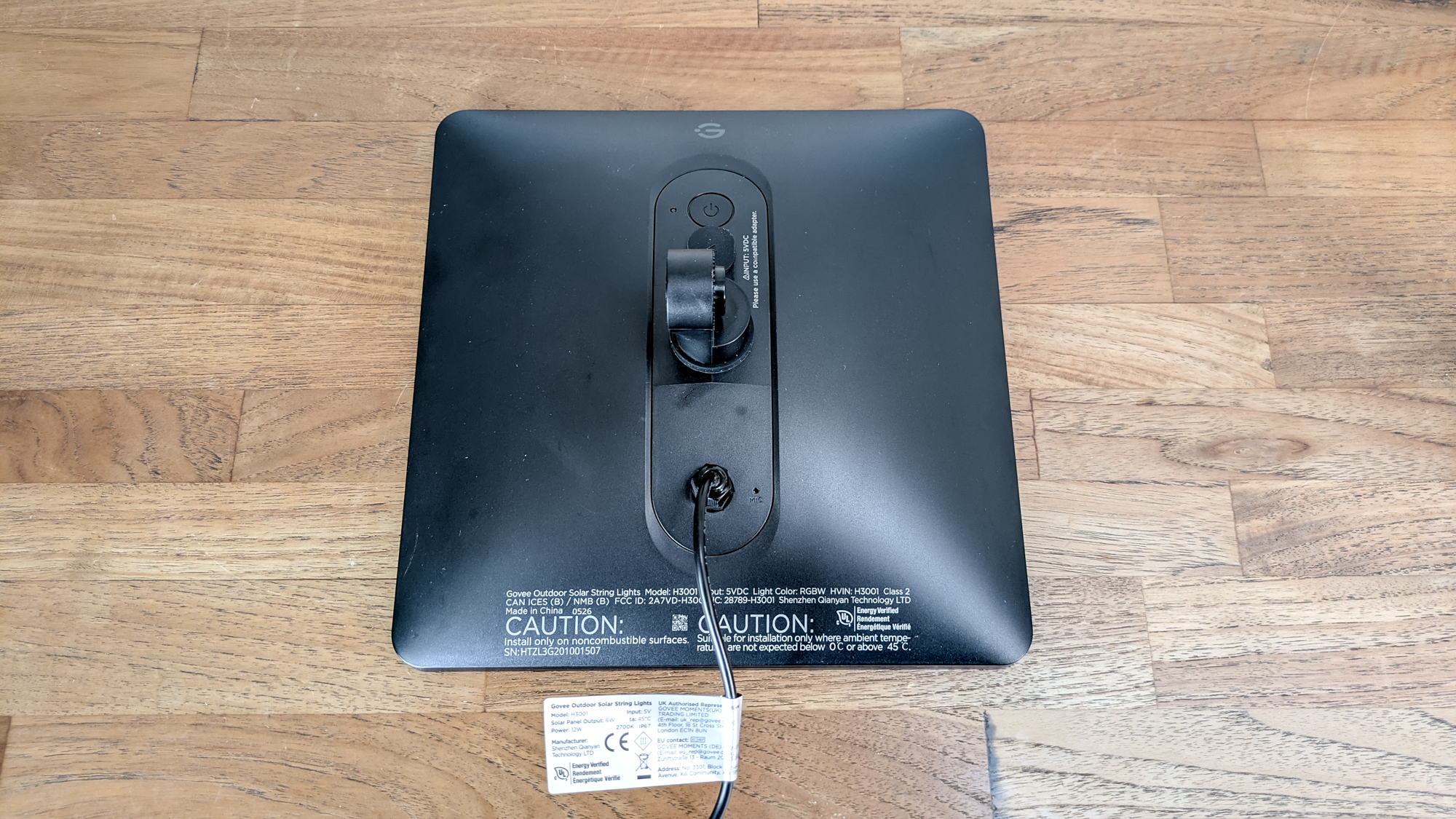
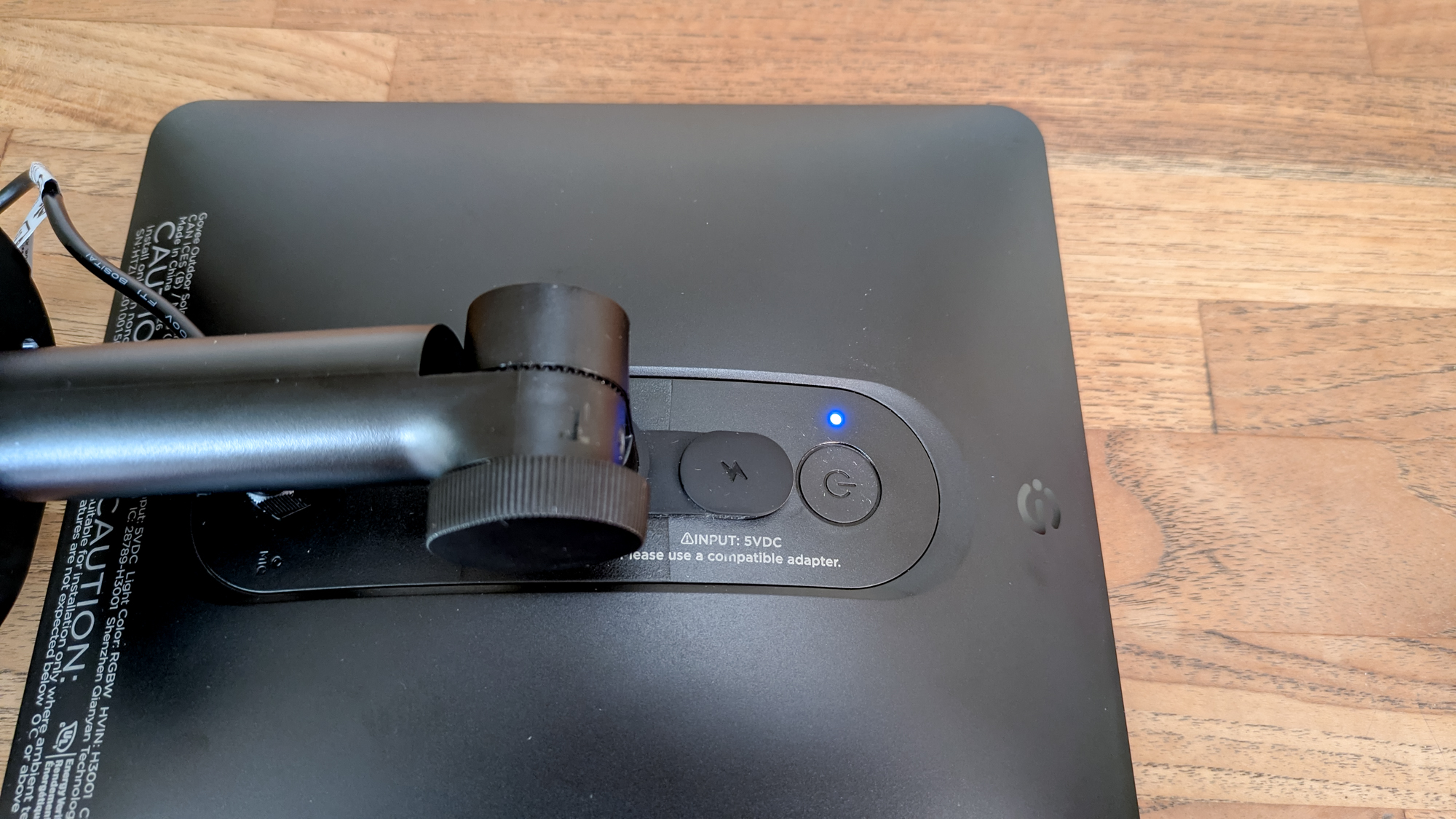
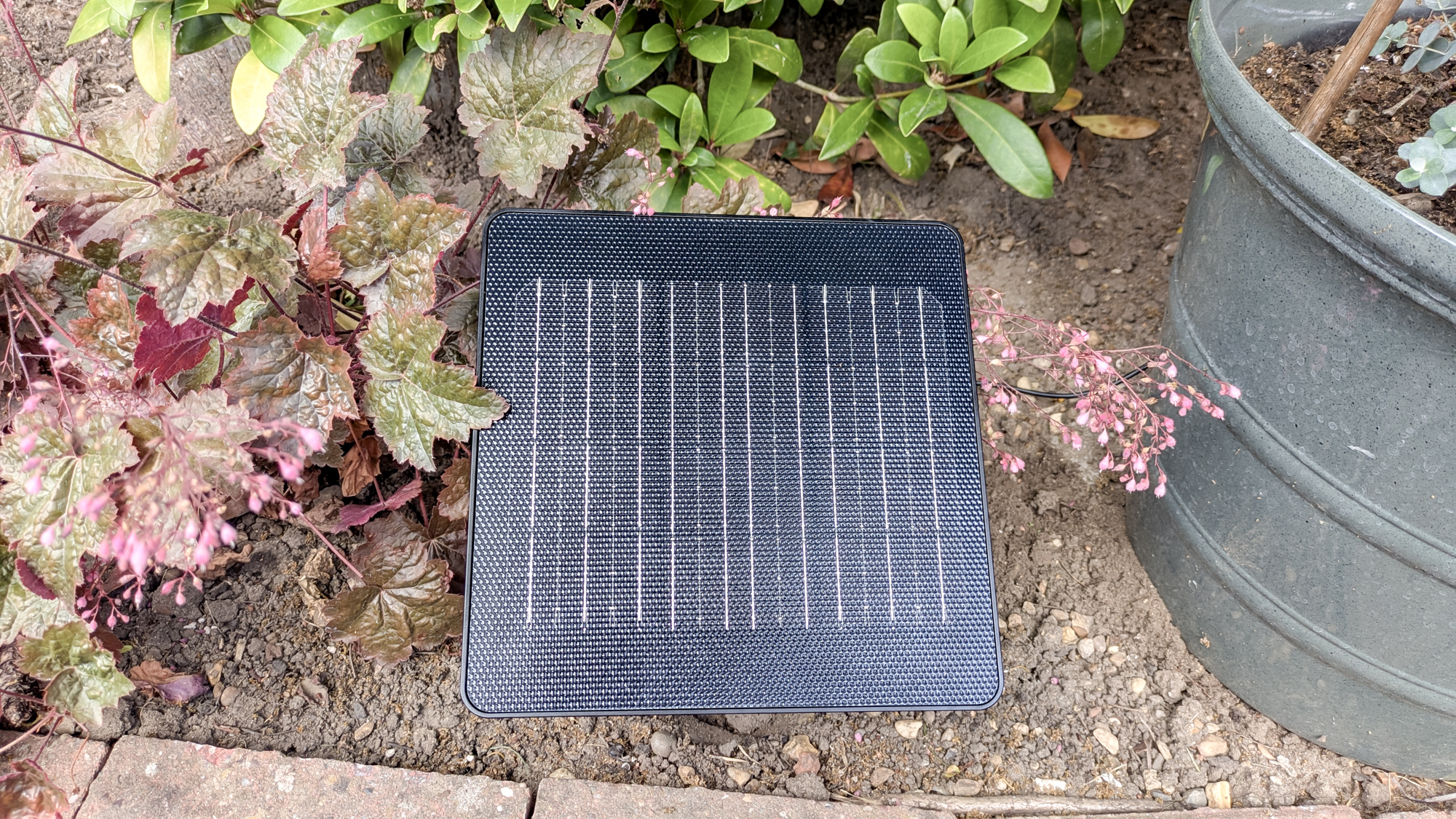
When testing solar lights, I prefer to stake the solar module into the ground, and the stake supplied felt reliably sturdy — much more so than the stake supplied with the T-Sun LED spotlights, featured as the best budget option in our buying guide. If your soil is hard, give it a light watering before inserting the stake. However, you can mount the panel on a wall or fence to make the most of the sun. Adjusting the angle of the solar module to catch the best light is straightforward.
Once the lights and module were both in place, I connected them, then pressed and held down the on/off button on the back of the panel to power on the lights.
Setting up the app
To unlock the full functionality of these smart lights, you’ll need to download the Govee Home App. Fortunately, I’d already completed this step, from a previous review of the GoveeLife smart meat thermometer. From here, I turned on my Bluetooth, opened the app and searched for ‘H3001’. I was then able to complete the pairing with my phone located close to the solar module.
Now everything really does get started. Besides being bamboozled initially by what seemed like an infinite number of options, I quickly found my way around the app.
Govee Outdoor Solar String Lights: Functionality and performance
First off, you can set the brightness of the lights in the app, choosing 50%, 80%, or 100%. Right beside the brightness level is a timer — if you’re organized and want to set it to run on a schedule.
Although there are many color options, you can still stick to traditional white because sometimes a simple look is all you need. But if you really want to get the party started, there’s a whole lot more to keep you entertained.
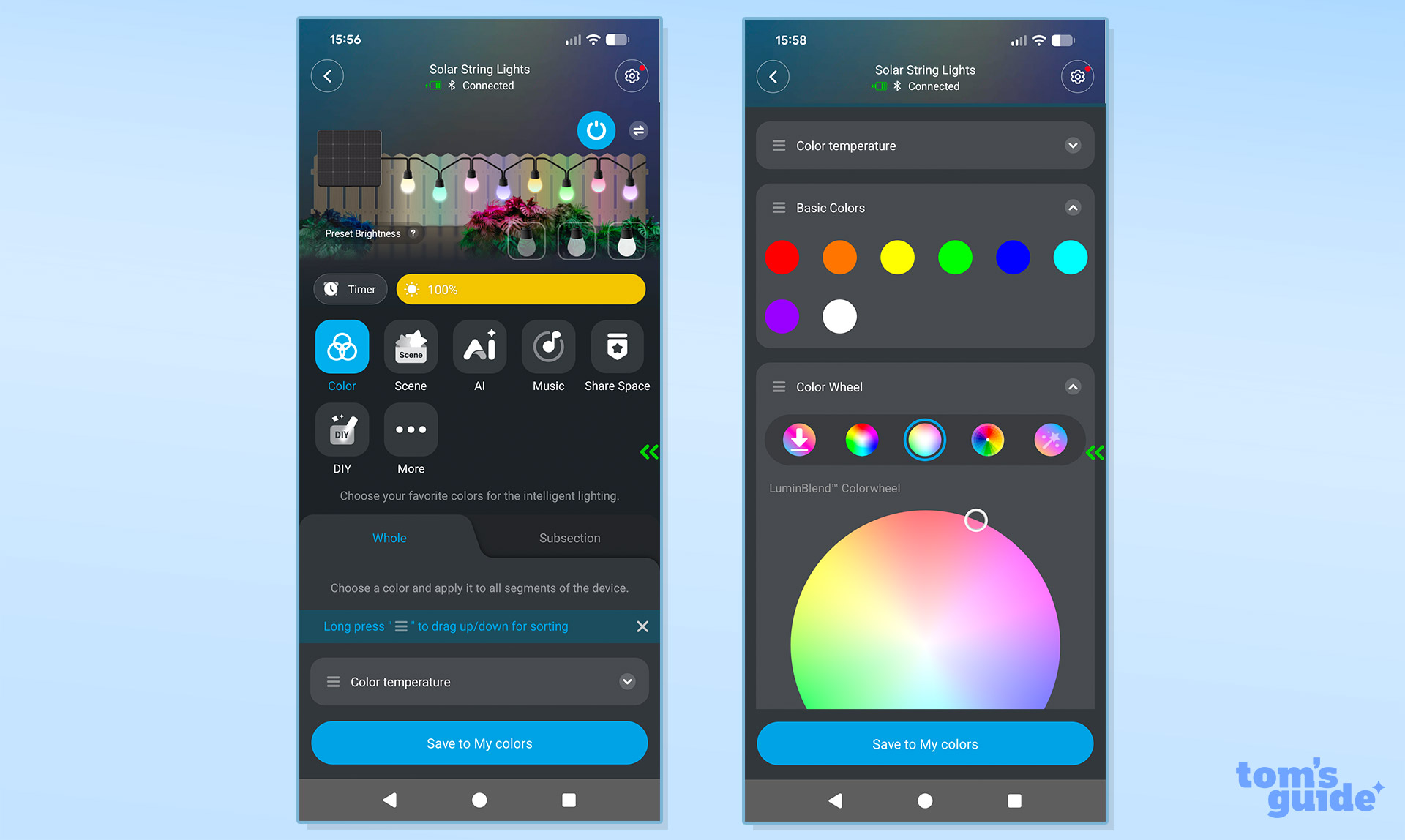
Below the timer and brightness options, you'll see a row of options including Color, Scene, AI, Music, Share Space, DIY and More.
I was more interested in experimenting with color options, so I started adjusting the color temperature using a slider. One of the best parts of the app controls is that you can see the lighting change instantly, everything is in real time, there's no delay.
You have the option to pick from a basic color or play around with multi-tone color wheels. It brings a whole new dimension to scrolling on your phone. You can also save your preferred color choices.
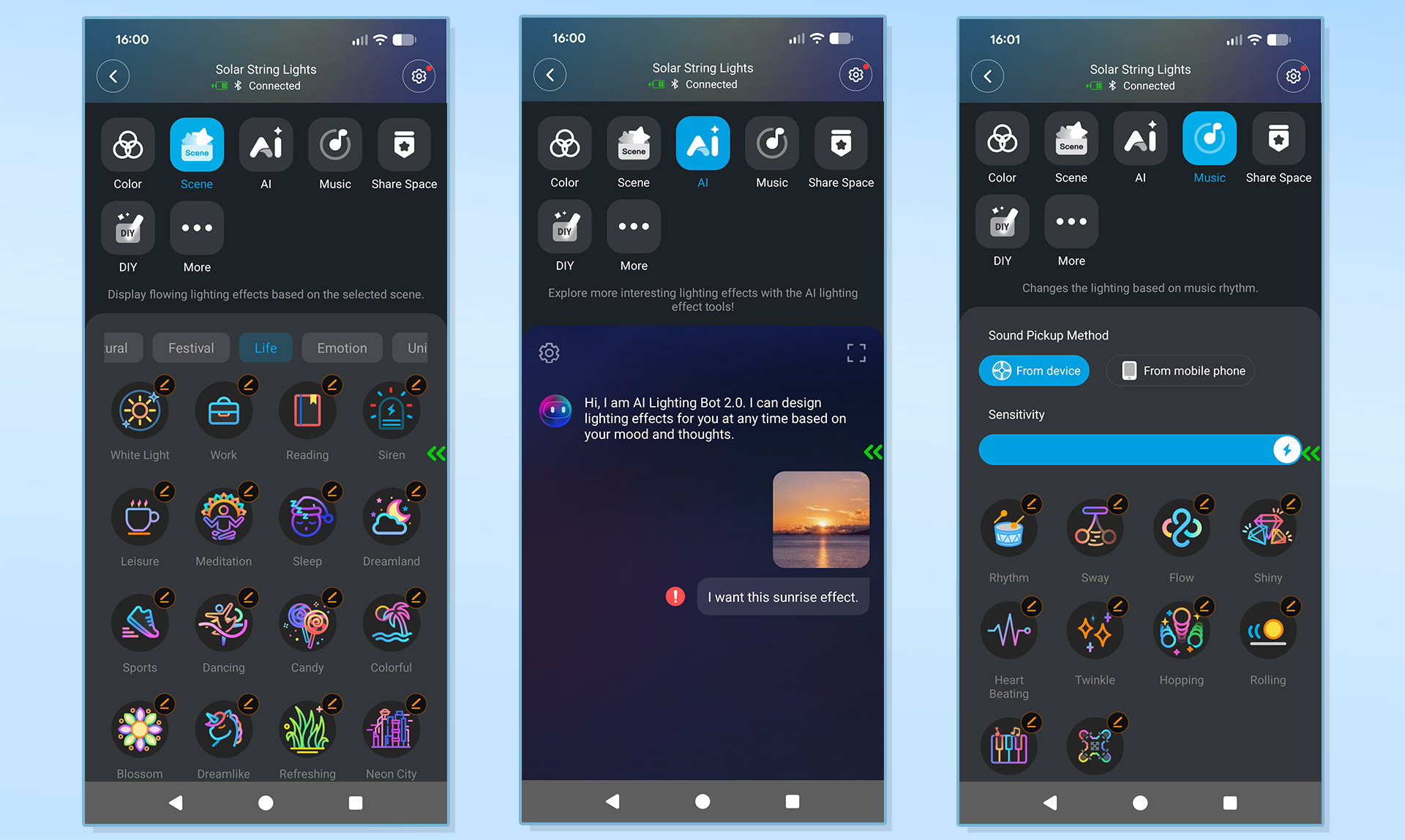
I expected the color options to be the most mesmerizing part of the controls, but wait until you move on to other options. Beyond steady colors, you can select from an extensive array of multi-color changing patterns — there truly is a setting for every vibe.
Selecting ‘Starry Sky’ under the ‘Natural’ effects menu offers a gentle, soothing blend of colors, or ‘Bonfire’ gives you a bit more flash. There’s even a ‘Festival’ section to create a lighting display for Thanksgiving or Mother’s Day, and a whole lot more besides.
I really can’t overstate the sheer extent of options available.
You can even ask AI to design a custom lighting effect for you, or sync the lights to music to follow the rhythm. Govee hasn’t missed a trick. In fact, I used the AI tool to create a disco vibe from the 70s, and it took me right back to my youth.
Govee Outdoor Solar String Lights: Verdict
If you frequently spend time in your backyard and love entertaining outside, these Govee Outdoor String Lights will instantly elevate the mood and get your guests talking. Just keep in mind that if you want to string them across a wide expanse, you’ll need more than one box. Yes, they are the most expensive solar lights I’ve ever put to the test — but they are absolutely worth it. If you want the ultimate all-singing, all-dancing way to add a sparkle to your summer nights, Govee has you sorted.
This is a preview from the original publisher. Continue reading at the source:
Read Full Article on tomsguide.com →