

If you’re not using the best lighting for your conference calls, you’re doing it all wrong — here’s my honest opinion on this panel light for your desk
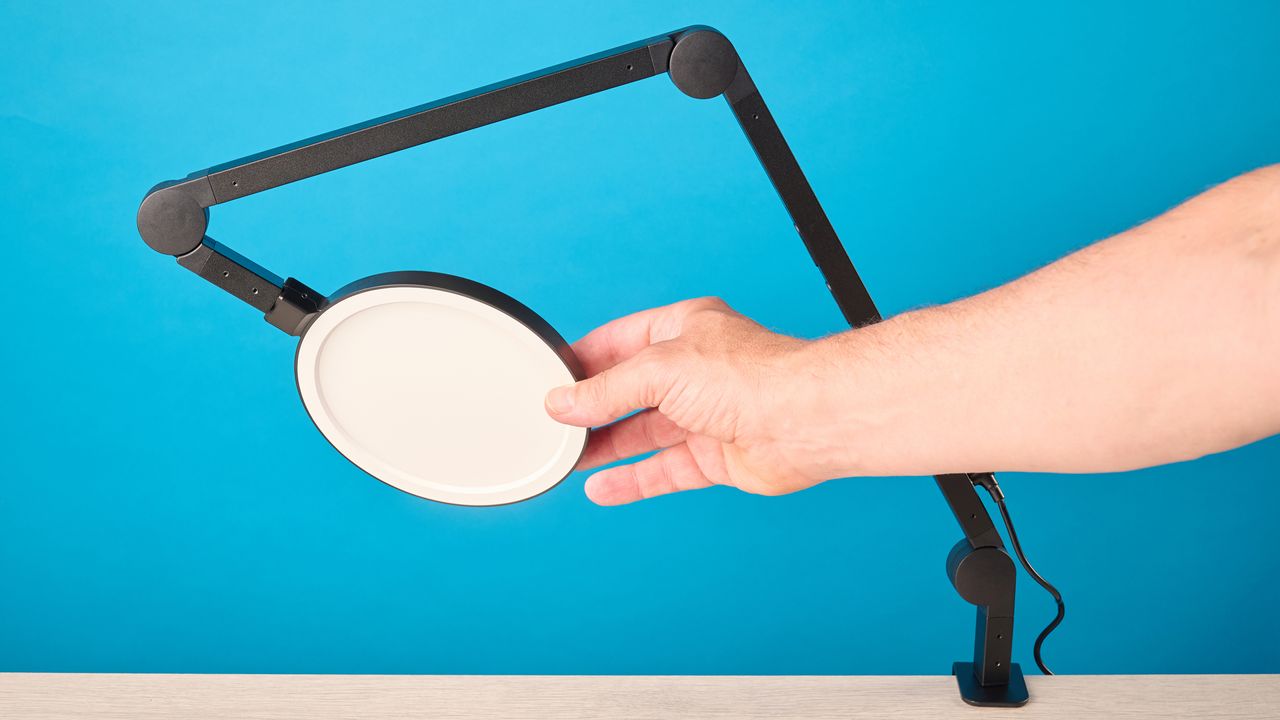
The Lume Cube Edge Light 2.0 is one of the best ring lights I’ve tested and the perfect choice for anyone who needs reliable lighting. The accurate color replication made me look clear on video calls, and the wide range of temperature adjustments ensured I was in control of how I looked at all times. The built-in charging ports are also extremely useful if you’re short on outlet space.
So, yes, it’s one of the best options… as long as you don’t need to move it around. That’s because of the C-clamp fixture, which essentially means that once you’ve locked it in, it’s a pain to move again. However, you can also buy a version of the light with a movable base for an extra $20.
There’s also no remote for many brightness and temperature adjustments, so you have to reach wherever the base of the light is positioned, and there are no phone holders included. Depending on your needs, these could all be deal breakers, but not for me. To find out more about the light, keep reading this full Lume Cube Edge Light 2.0 review.
Lume Cube Edge Light 2.0 review: Specs
|
Price |
|
|
Dimensions |
31 x 6 inches |
|
Weight |
6.5 pounds |
|
Power cord length |
73 inches |
|
Number of LEDs |
112 |
|
Maximum illumination |
170 Lux/0.5m |
|
CRI (color rendering index) |
95+ |
|
Color temperature |
2700K - 7500K |
Lume Cube Edge Light 2.0 review: Price & availability
The Lume Cube Edge Light 2.0 is available at Amazon U.S. for $149 and at Amazon U.K. for £147. The light comes in black or white, and while both colors look sleek, I think the black works best with my desk setup.
You can also purchase the light as a set of two at a discounted rate for $269 at Amazon U.S. if you’re looking for a two-point lighting solution. The version of the light I tested has a clamp that secures to the edge of your desk; however, you can also purchase the light with a base for $169 from the Lume Cube online store. If you have desk space available, I’d recommend opting for this option for added versatility (I'll cover this more below).
For around the same price, you can pick up the Neewer RP19H ($149), a 19-inch ring light, but this is better for content creation and obviously takes up a lot more space. The Neewer Basics R06 7-inch Round Light, on the other hand, is about the same size as the Lume Cube and a lot more affordable at just $35. However, the R06 doesn’t offer the same level of color temperature adjustments and has a lower maximum illumination.
The Godox LR120 ($59) is another worthy desk lighting option. Again, it doesn’t have the same level of adjustment as the Lume Cube, but it’s lighter and comes with built-in phone holders.
Though the Lume Cube Edge Light 2.0 is more expensive than similar-sized options from the budget brand Neewer, I think it’s worth the extra spend. The reliability of the color replication and responsive controls makes using the Lume Cube a breeze.
Lume Cube Edge Light 2.0 review: Design
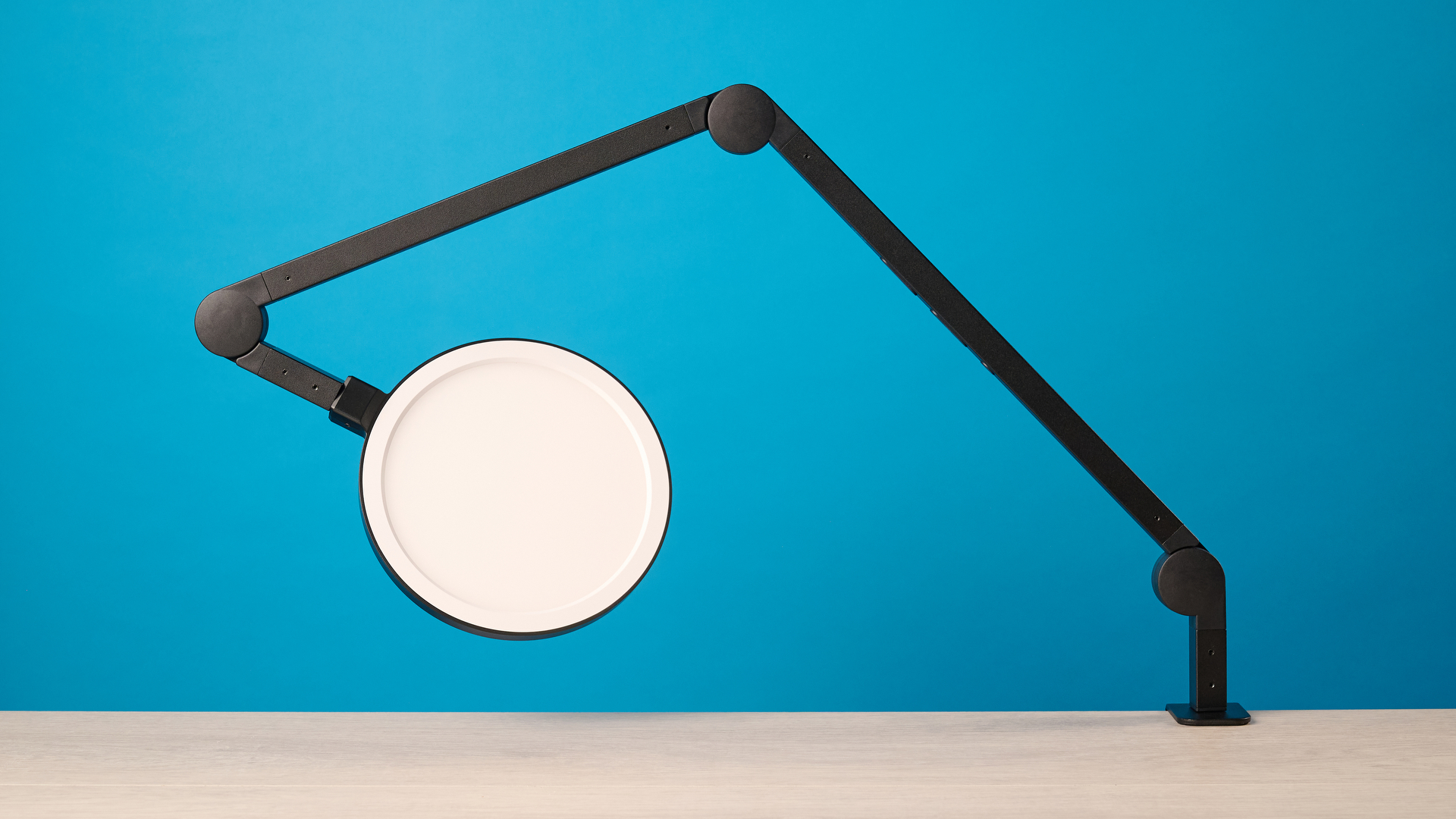
The Lume Cube Edge Light 2.0 has given me a convenient fixed lighting solution at my desk. Although it can be moved, I’d call it a fixed lighting solution as it’s inconvenient to do so. The light attaches to the edge of the desk with a C-clamp, so to move it around, you need to get under the desk and unscrew it. I found it best to take some time to find the best position and just stick with it. Thankfully, you can purchase the same light with a base from the Lume Cube online store so it can be moved around more easily. I would definitely recommend that instead, as it'll perform the same, with added convenience and easier controls.
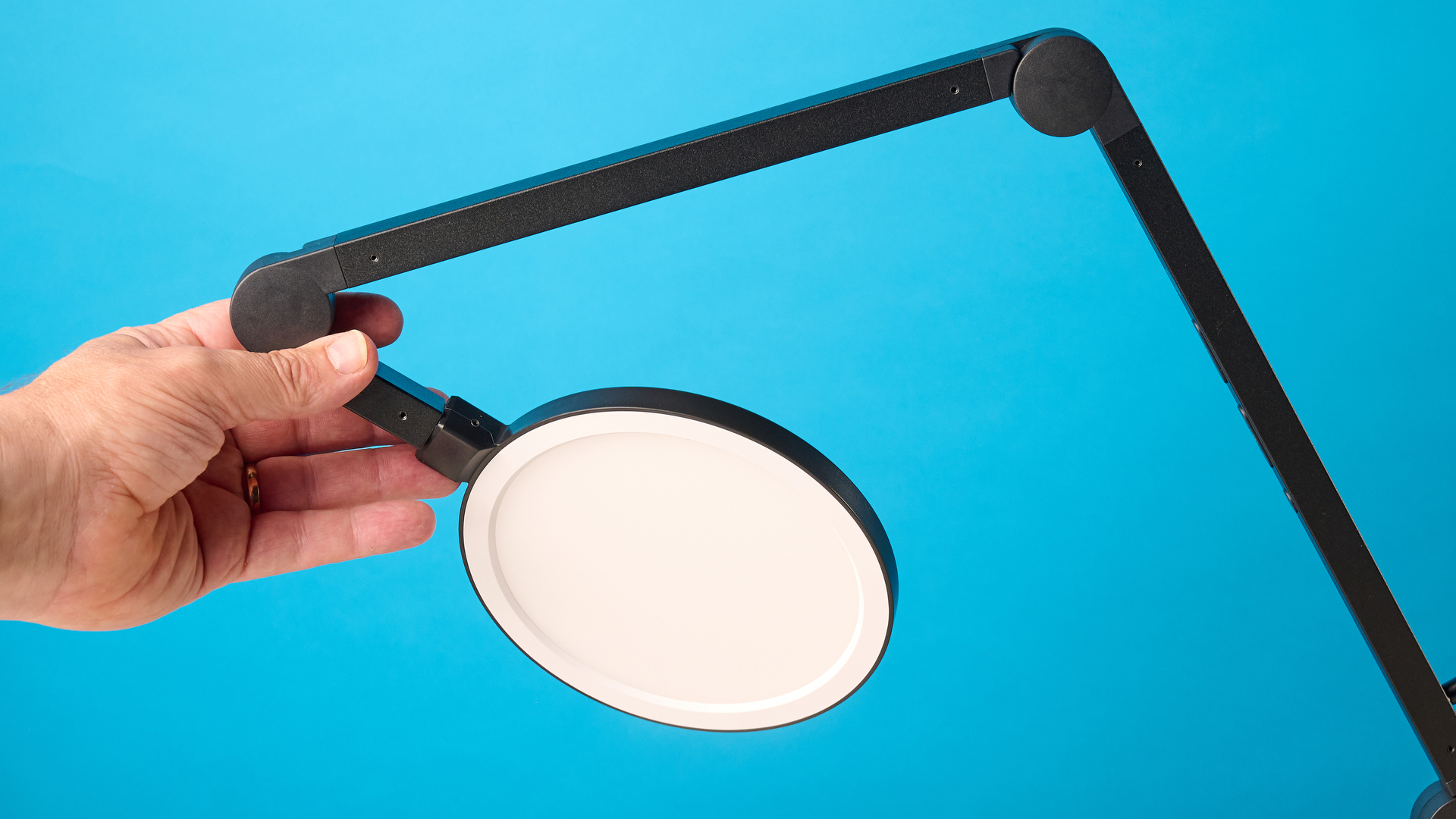
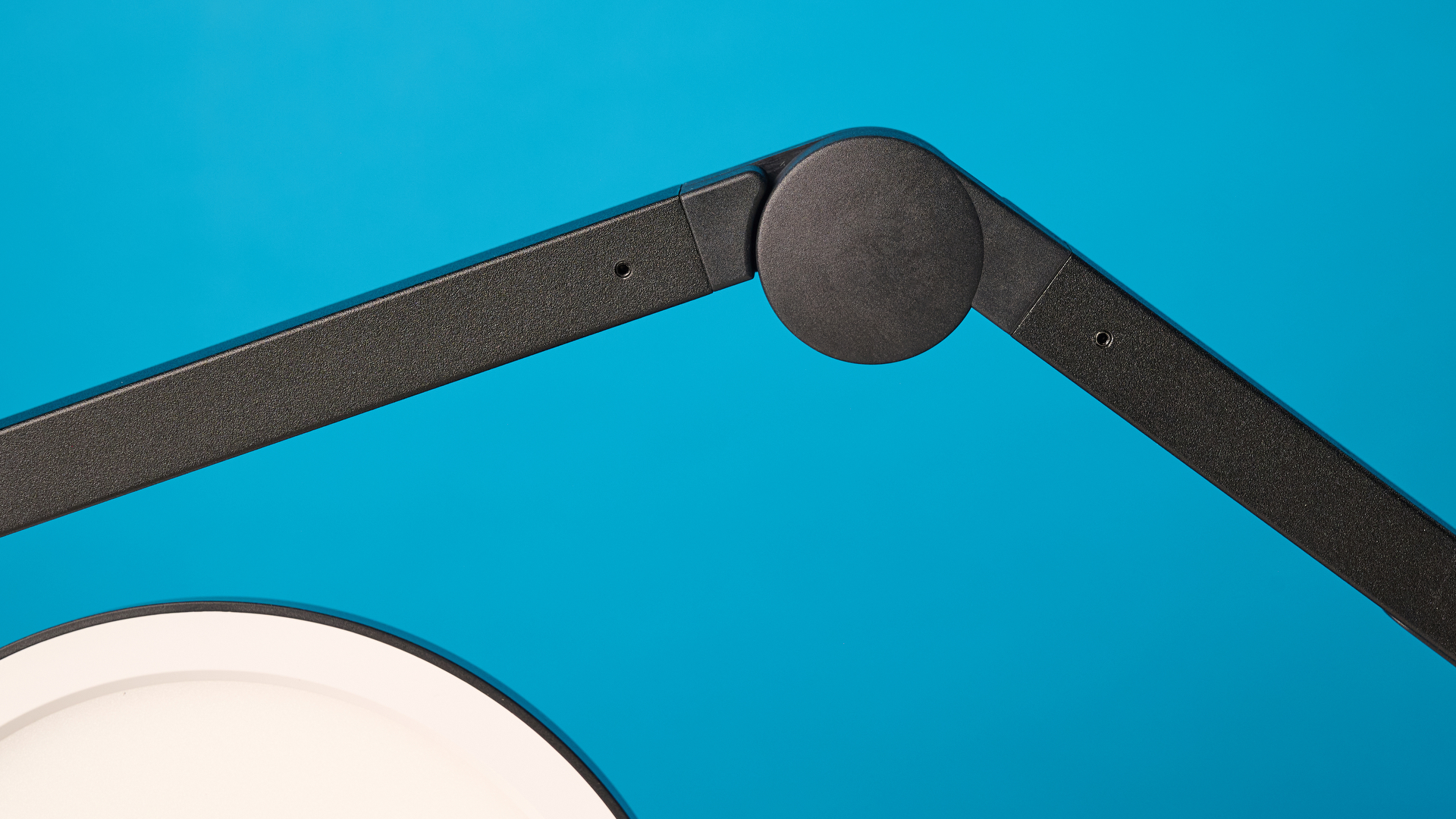
Since the arm can be moved around at the five pivot points, you still have some wiggle room for adjustment. The 6-inch panel light at the top rotates 360º with an arm that bends laterally at three joints, with more rotation at the base. However, I wish there were some rotation at the bend points on the arm to make micro-adjustments easier. When fully extended, the arm reaches a height of 31 inches (too tall for a desk lamp, if you ask me). It meant that if I wanted to adjust the angle of the panel light, I had to stand and reach above me, but hey, maybe I’m just short.
There are no phone holders on this light, so it’s not the best choice for mobile content creators. For that, you should look at the Godox LR120 or the Rotolight Ultimate Vlogging Kit ($109), which offer much more flexibility for camera fixtures.
At the back of the light stand, you’ll find the DC power input for the included 73-inch power cord. There’s also a USB-A output and a USB-C output that can be used simultaneously, so you don’t need to sacrifice charging points when you plug the light into an outlet. I charged my phone using these, but they’re very low-power, so it was much slower than using a power outlet with my fast charger — something worth bearing in mind.
Lume Cube Edge Light 2.0 review: Controls
There are three buttons on the arm of the Lume Cube Edge Light 2.0. Unlike the Neewer RP19H, there’s no controller included with the Edge Light, so I had to lean over my desk to make any adjustments. Although not the end of the world, it made things a little tricky.
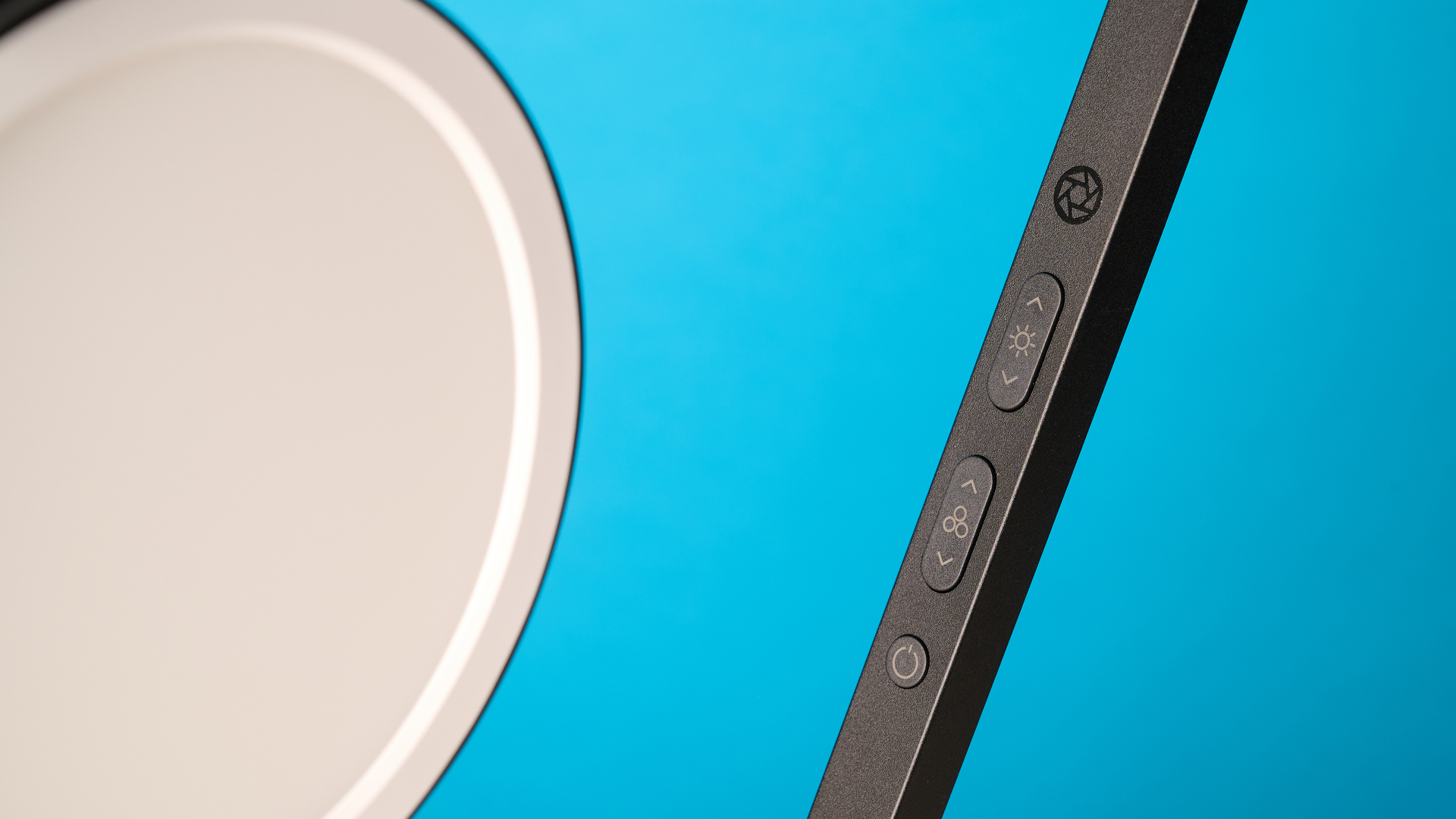
The power button is at the bottom, and the color temperature button is in the middle. You can adjust the color temperature to 2700K, 3900K, 5100K, 6300K and 7200K. This is a wider temperature range than other lights I’ve tested, like the Neewer RP19H or the Neewer Basics R06 7-inch ring light. For smoother transitions, you can hold the button for stepless adjustment. Brightness adjustments are at the top and can be changed in increments of 20%. Again, you can have stepless adjustment by holding down the buttons. The controls were very responsive, so any changes I made were immediately reflected.
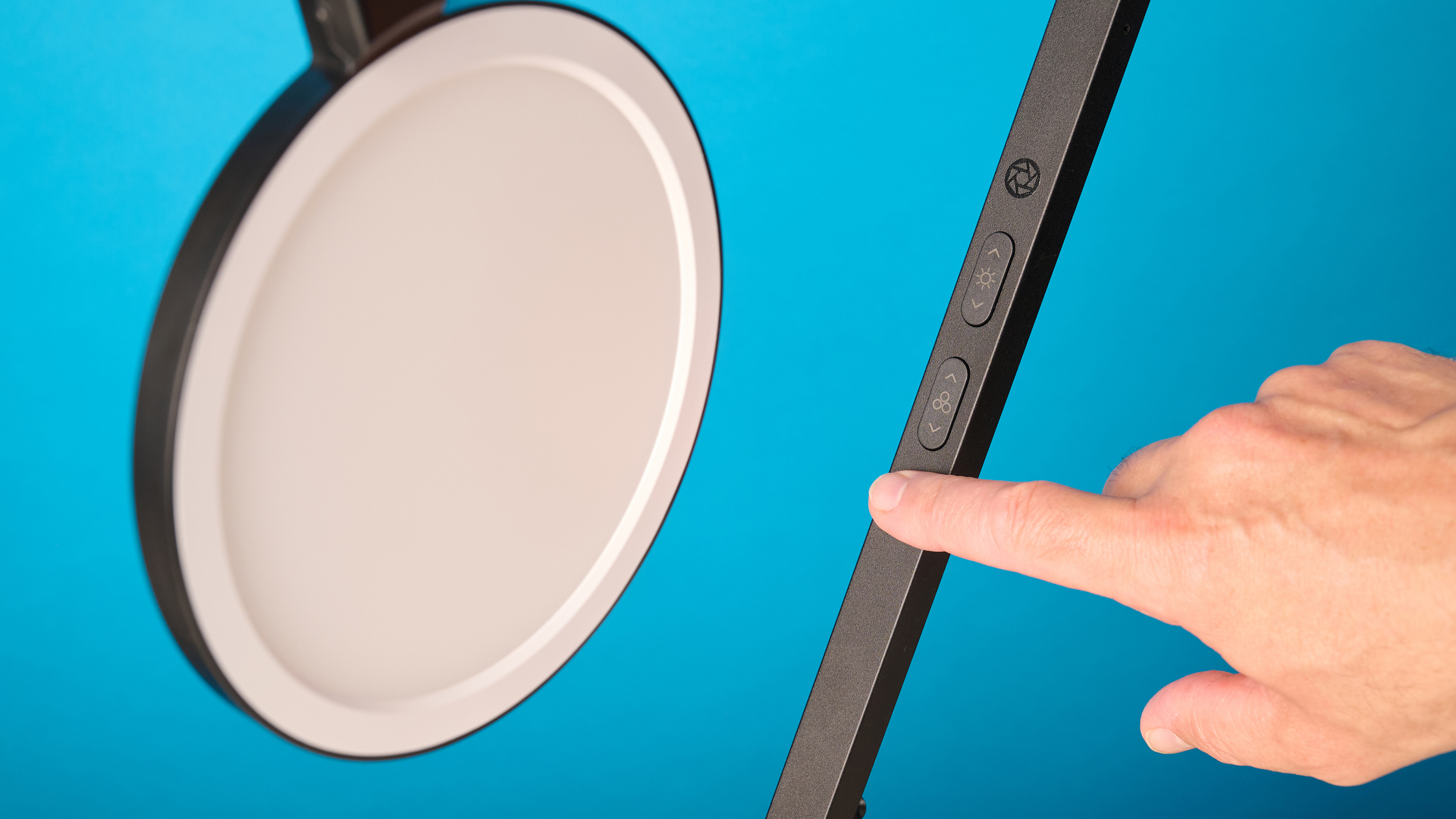
If you purchase the version of the light with the base, you’ll find touch-sensitive controls on the bottom instead of buttons on the arm. This would be much easier, so if you frequently make lighting adjustments, I’d recommend the base model.
Lume Cube Edge Light 2.0 review: Performance
The Lume Cube Edge Light 2.0 provided me with solid, consistent lighting throughout my testing. I think this light is a solid choice for anyone who wants fixed lighting at their desk for at-home conferencing or streaming.
It doesn’t suffer from any bright spots as the lighting from the 112 LEDs is evenly diffused throughout the panel. This also eliminated the harshness I’ve experienced when using cooler color temperature settings on ring lights such as the Godox LR120.
With a CRI (color rendering index) of 95+, the Lume Cube Edge Light 2.0 does an excellent job of making sure the lighting and colors on screen are representative of the real world. Everything from my hair color to the wall behind me looked true to life on camera. However, if you want an even higher CRI, the Neewer Basics 5-inch Ring Light’s is 97+.
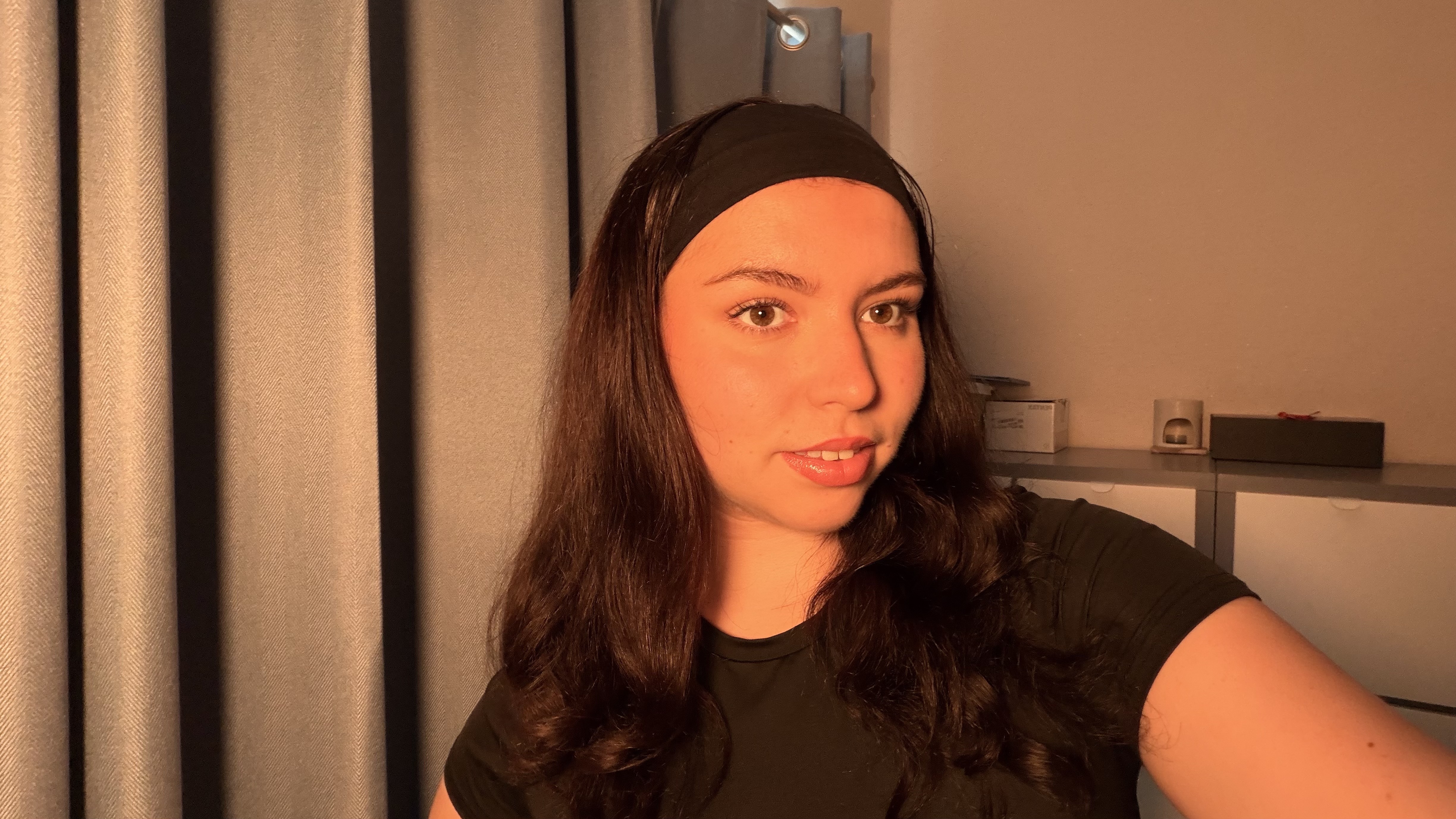

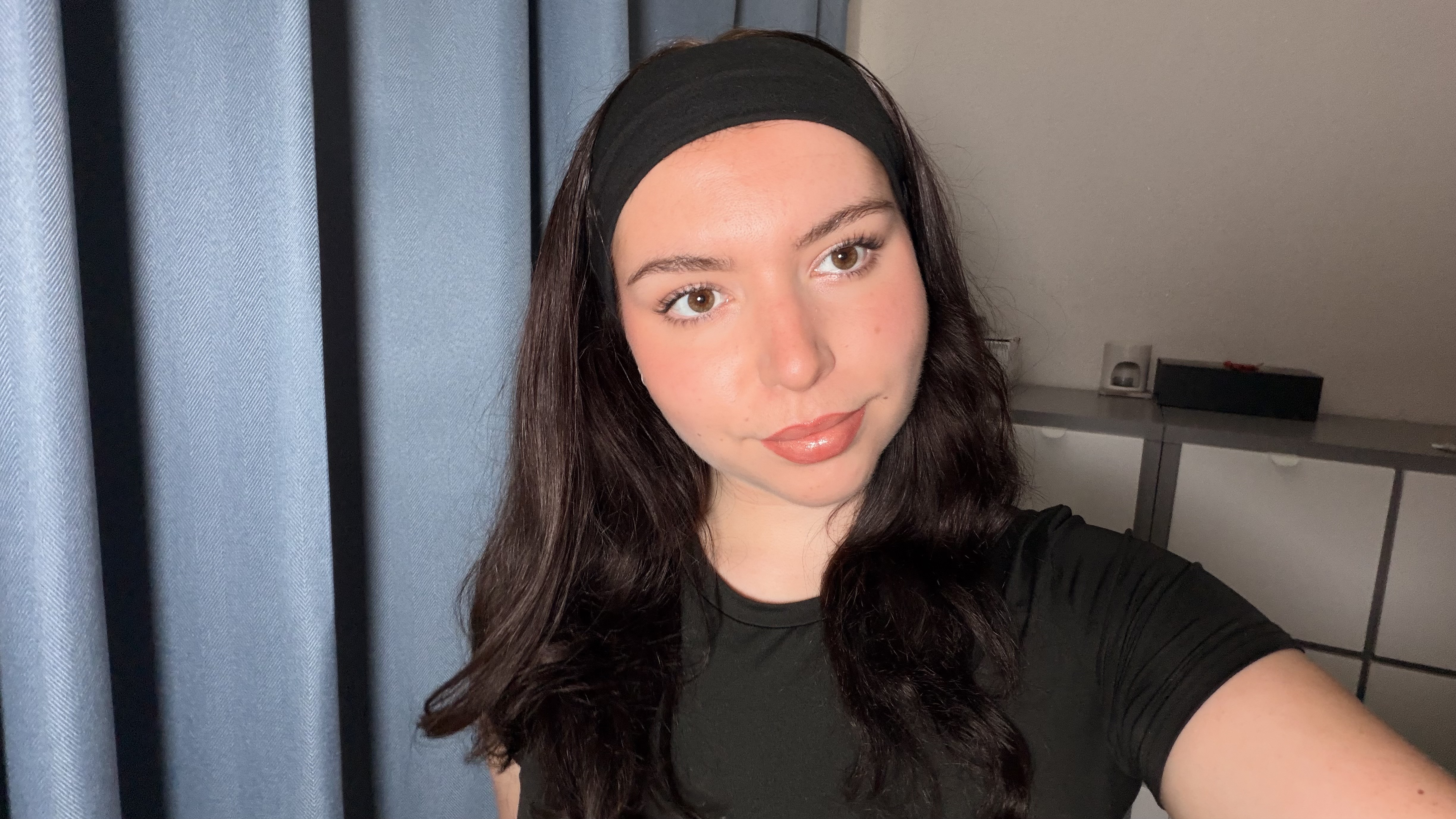
When using natural lighting, there’s more grain, which in turn makes the image appear flatter and of lower quality. You get more detail in your image with the Lume Cube, which I find ideal for conference calls, as it makes you more personable and professional-looking.
It’s great to have the option of warmer lighting settings as well if, like me, you tend to get a headache when using bright white lighting for extended periods. While it doesn’t look as professional on camera, color lighting has a smoothing effect on the skin.
Lume Cube Edge Light 2.0 review: Verdict
The Lume Cube Edge Light 2.0 has provided me with even lighting while sitting at my desk, as the panel does a great job of diffusing the 112 LEDs to avoid harsh lighting. This has meant I easily achieve accurate color replication. There is a wider range of temperature adjustment than in other lights I’ve tested, which is great to see, as it gives a whole lot of flexibility. The built-in charging ports also meant I didn’t feel like I was sacrificing a power outlet when plugging in the light.
But I have a couple of minor annoyances with the light. There’s no remote to adjust the lighting settings, meaning I was constantly leaning across my desk when I needed to make changes. There are no phone holders included with the light, so it’s not the best choice for short-form mobile content creation. My biggest qualm with the light is the C-clamp fixture because the light can’t be moved around easily. But it's still a great light, and you can simply buy the model with the base (rather than clamp) for much easier control and more placement freedom.
Overall, this light is a brilliant choice if you’re looking for a desk light suited to conference calls and streaming.
This is a preview from the original publisher. Continue reading at the source:
Read Full Article on tomsguide.com →