

I just tried ‘the world’s first 4-in-1 portable color inkjet printer’ — and the Inkwon Tag is perfect for stickers, temporary tattoos, and even designing your own t-shirts
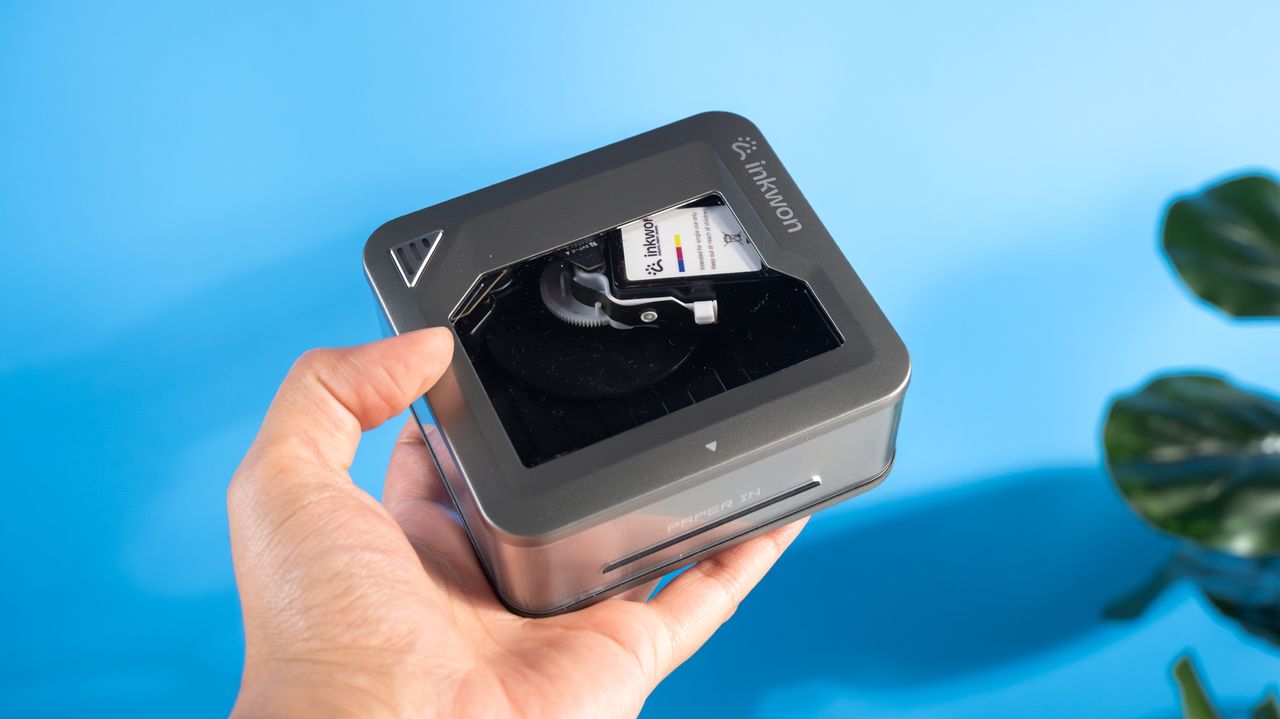
I test many of the best printers here at Tom’s Guide, and I’ve never seen one like the Inkwon Tag. Touted as the ‘world’s first 4-in-1 portable color inkjet printer,’ the Tag is a pocketable printer that can create temporary tattoos, photo prints, heat transfers for creating custom t-shirts, and stickers. It’s a lovely little printer for crafting, small print makers, and anyone who wants to be the life of the party by distributing temporary tattoos.
Priced at $229, the Tag is a little expensive, but the good news is that running costs aren’t that high. It boasts good battery life of up to 90 minutes, and its user-friendly companion app makes creating and printing a walk in the park. All isn’t perfect though, as the printer can’t create borderless prints and paper needs to be inserted one at a time.
Should you still buy it? Read my full Inkwon Tag review to find out.
Inkwon Tag review: Specs
|
Price |
Starts at $299 |
|
Ink system |
Inkjet, CMY 3-color dye-based |
|
Max printing resolution |
600 dpi |
|
Max printable paper size |
3.5 x 2.12 inches |
|
Printable area |
Borderless or bordered |
|
Paper capacity |
60 |
|
Print speed (tested) |
0.9 ppm |
|
Cartridge & yield |
90 minutes or 60 sheets |
|
Connectivity |
Bluetooth, USB-C |
|
Dimensions |
4.13 x 3.82 x 1.77 inches |
|
Weight |
8.29oz |
Inkwon Tag review: Price & availability
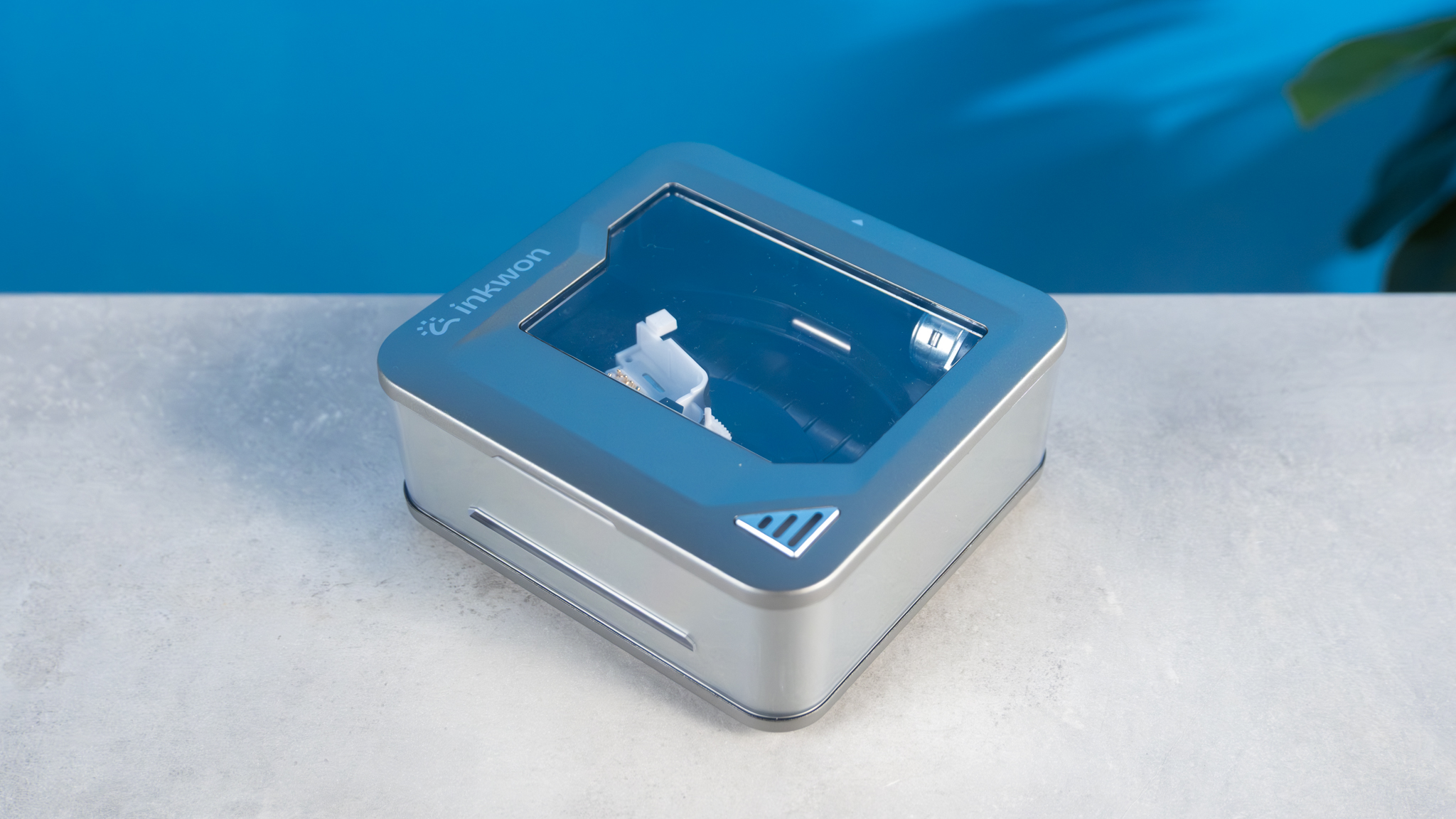
The Inkwon Tag is the brand’s fourth-ever printer, and it’s truly one of a kind. It’s a 4-in-1 pocket printer that can print temporary tattoos, stickers, photos, and heat transfers for creating custom t-shirts.
Funded through Kickstarter, the Tag has a retail price of $299 for the basic pack which includes 60 sheets and one ink cartridge. If you’re willing to spend $349, you can grab the Mega Pack bundle which includes two cartridges, 120 sheets, a photo frame, a tote bag, and a plain white t-shirt.
The Tag is a little pricier than most other pocket printers on the market today. For instance, the Canon Ivy 2 Mini costs $119 and the Canon SELPHY QX20 retails for $189. You’ve also got printers from Fujifilm, like the Instax mini Link 3 which costs $113. As you can see, the Tag is a fair bit more expensive than all of them — but none of them are advertised as sticker or heat transfer capable, so if you want a 4-in-1 pocket printer, the Tag is it (get it? ‘Tag, you’re it?’ No? Okay).
Inkwon Tag review: Design
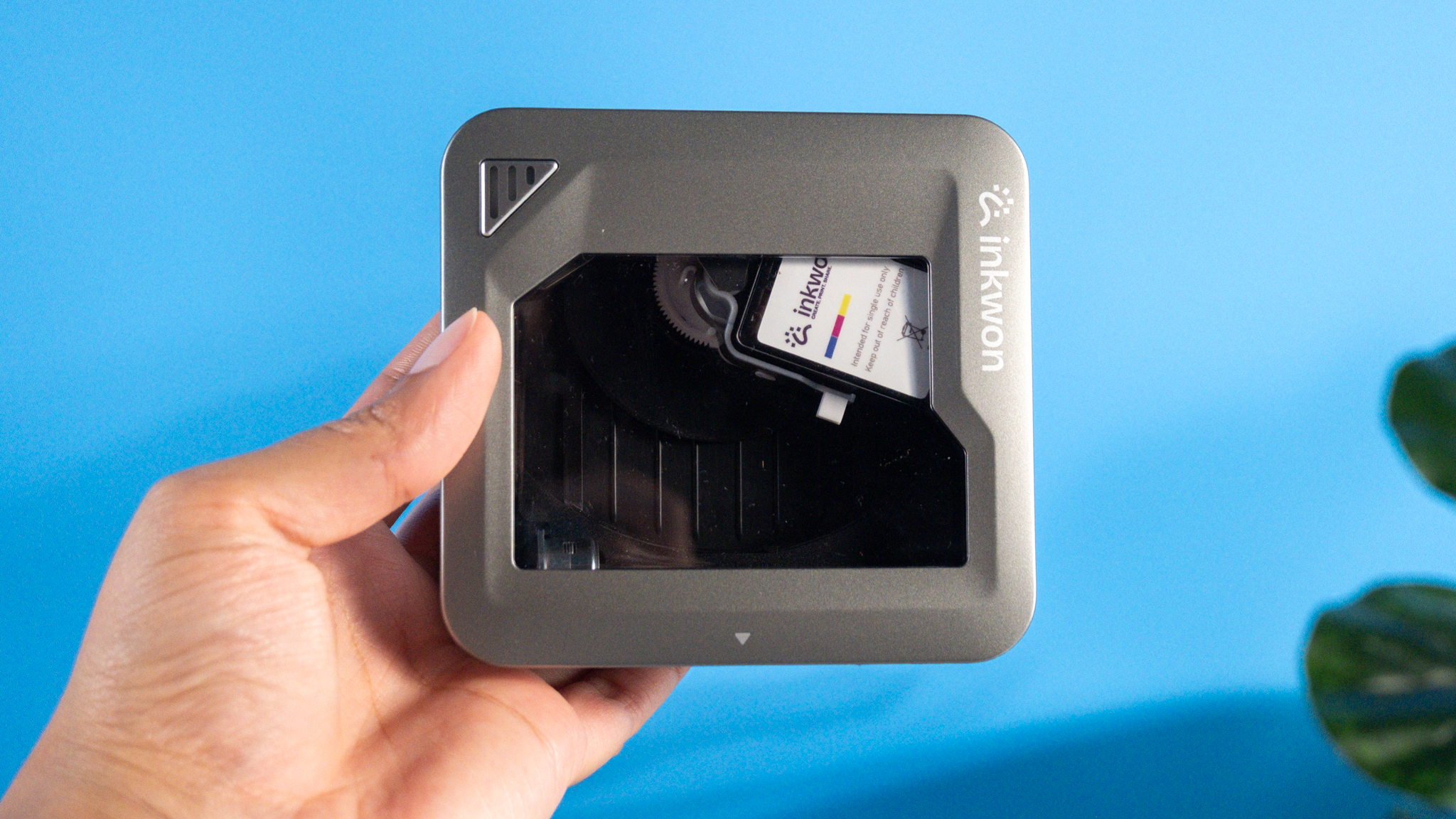
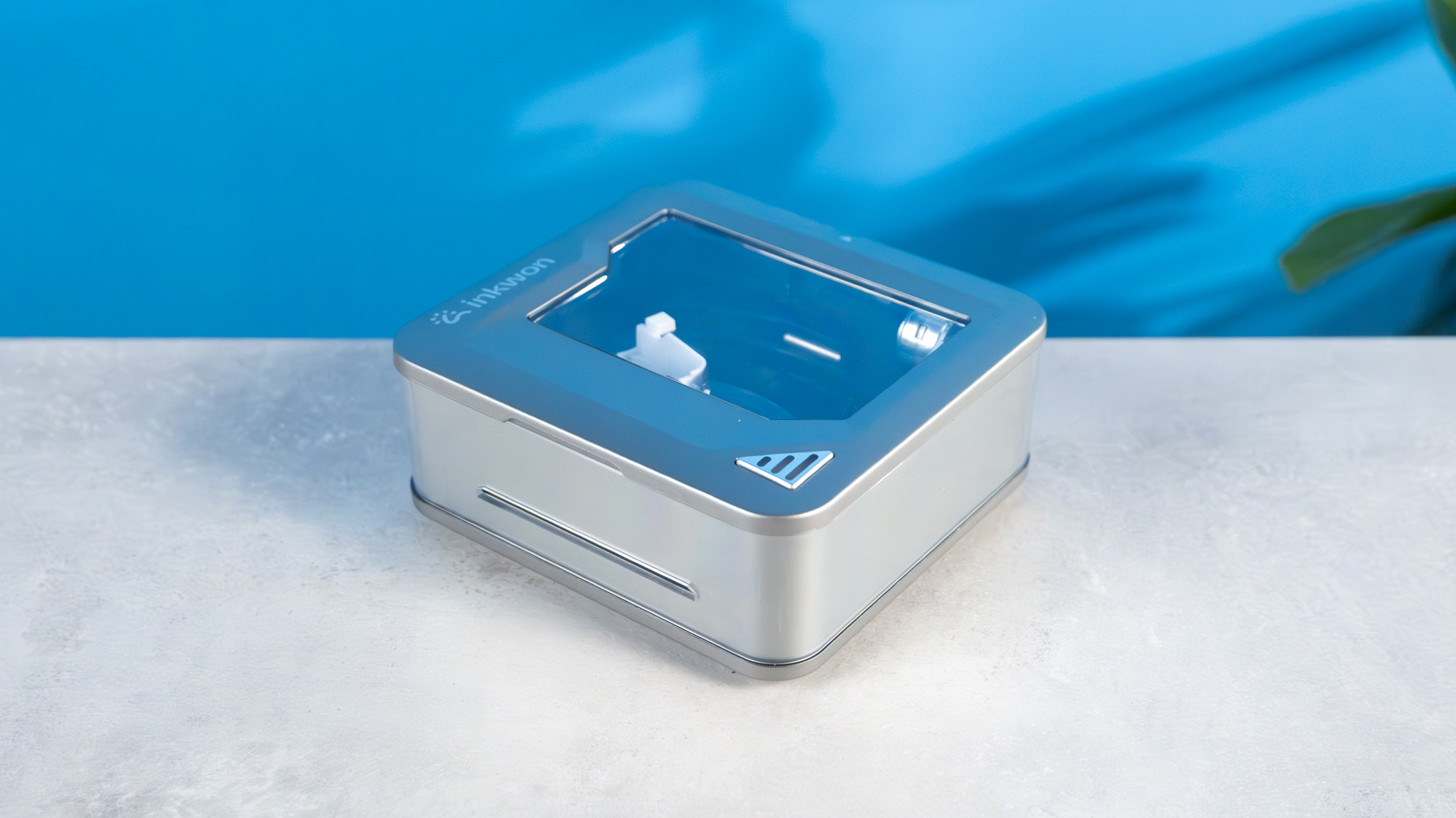
The Inkwon Tag is a tiny and cute printer. It’s small enough to fit into already-full backpacks, and you can slip it into your pocket too. It measures just 4.13 x 3.82 x 1.77 inches, so it’s smaller than my Google Pixel 10 Pro XL. It doesn’t weigh much either — just 8.29oz without any paper inserted. I’ve had no problem carrying it around in my pocket.
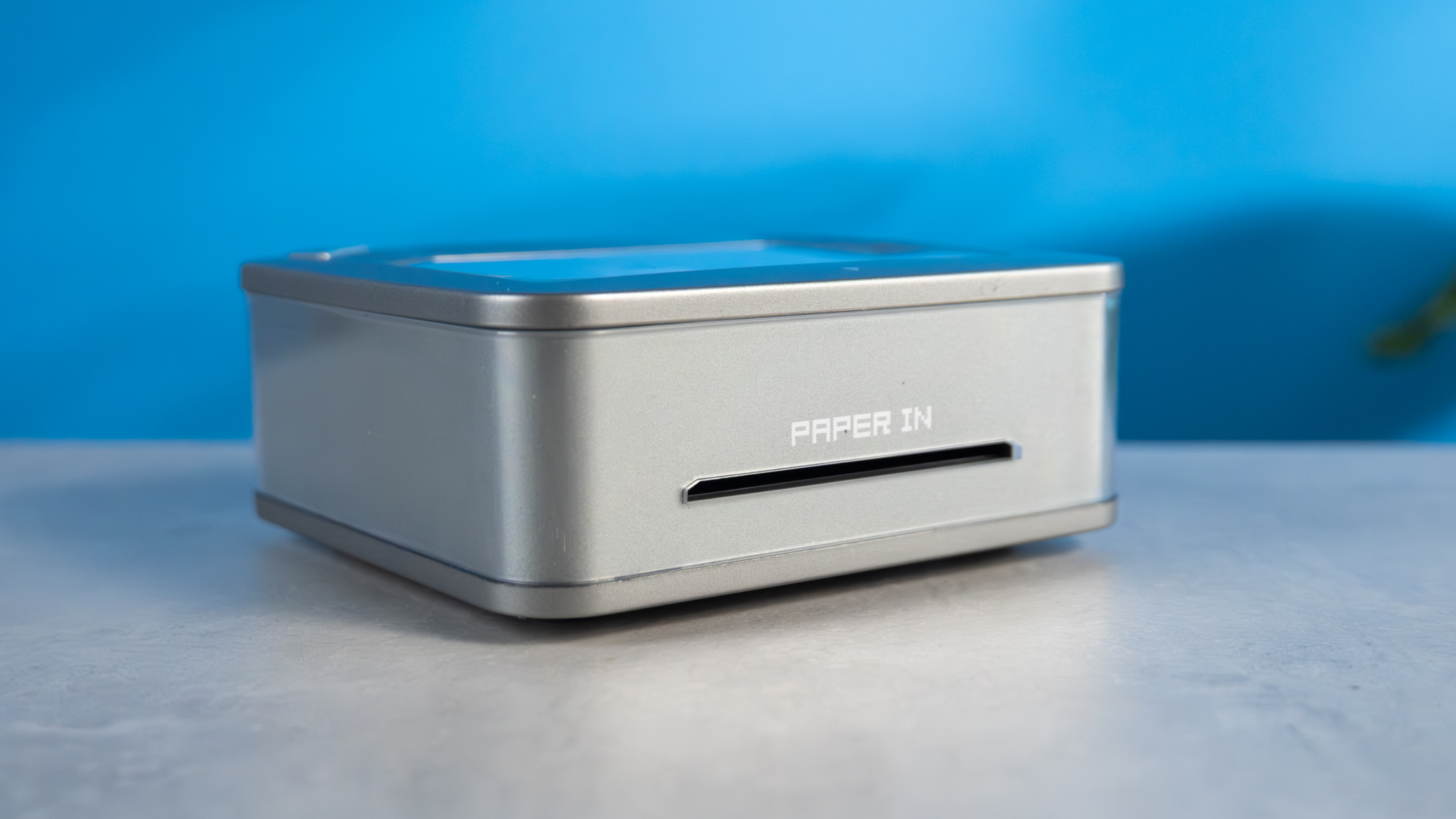
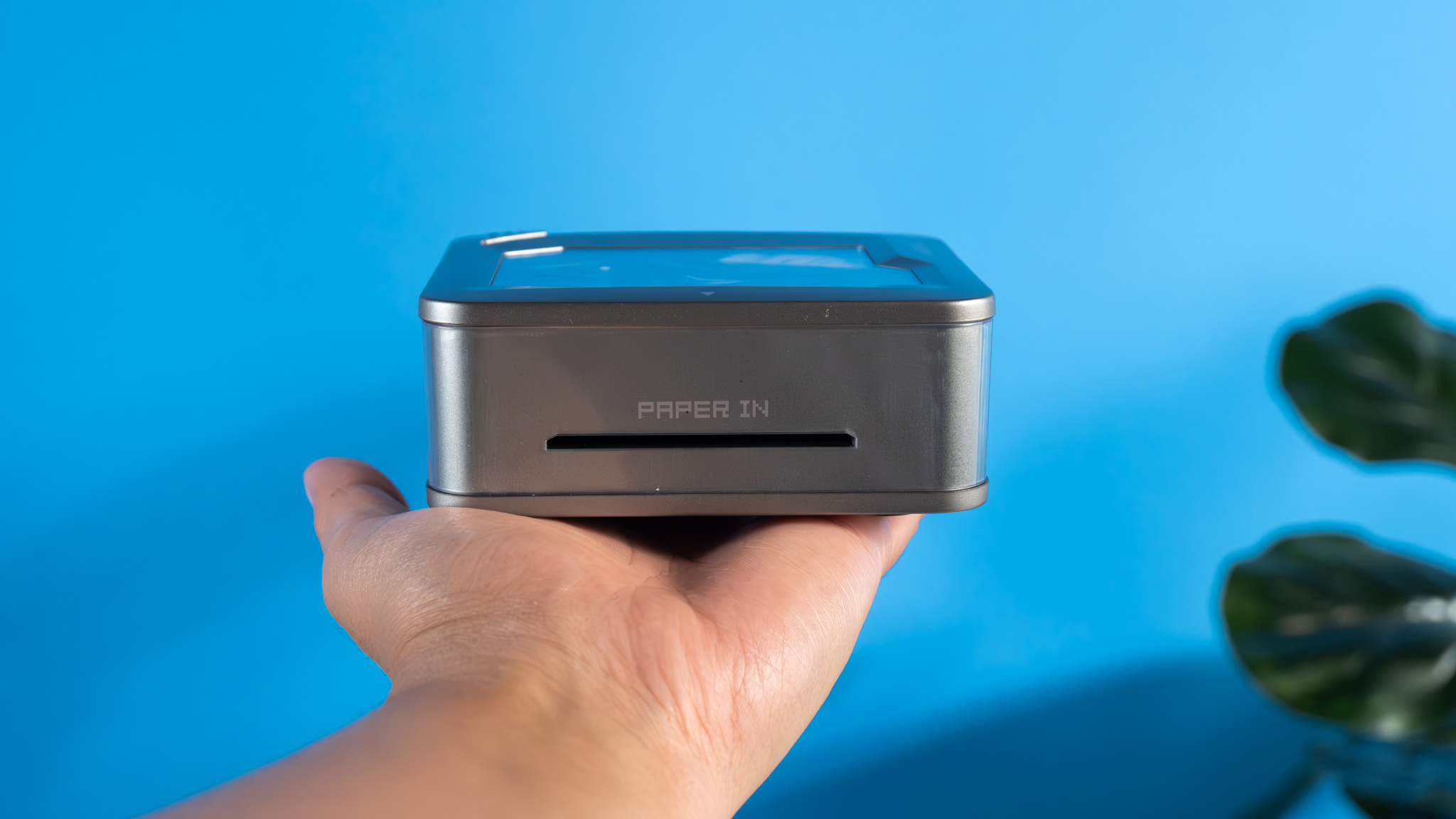
Located along one of the square printer’s edges is the paper feeding slot. All you need to do is insert the paper ever-so slightly and the printer will automatically pull it in. Frustratingly, paper needs to be inserted one at a time, as there’s no paper tray to store additional sheets. It’s not a huge problem, but it can get a little annoying when you want to create multiple prints back to back.
Inkwon Tag review: Setup & app
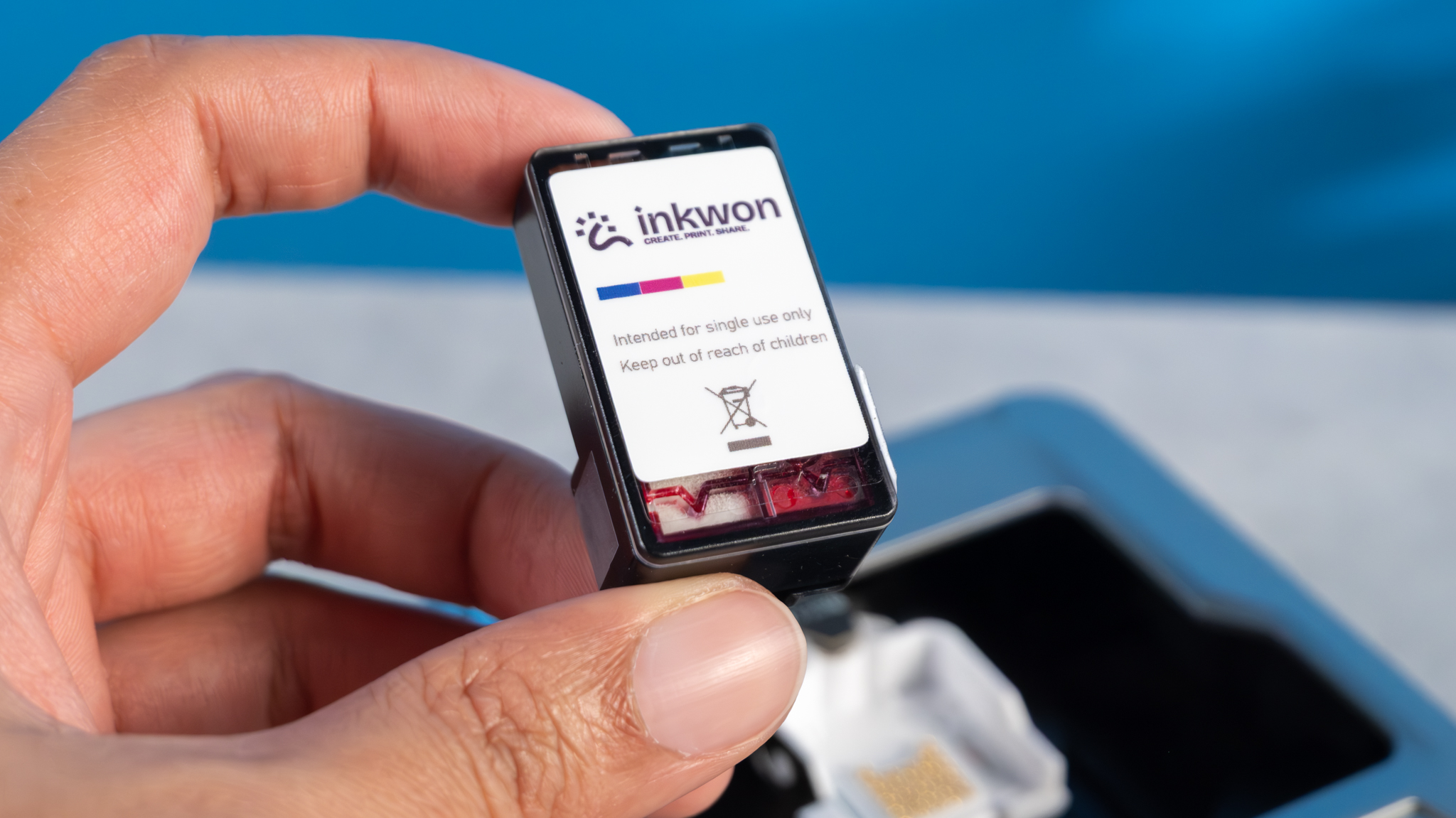
Setting up and using the Inkwon Tag couldn’t be easier. To get started, all you need to do is open the printer’s top cover and pop the cartridge in. It uses magnets so it instantly snaps into place — no fiddly mechanisms involved.
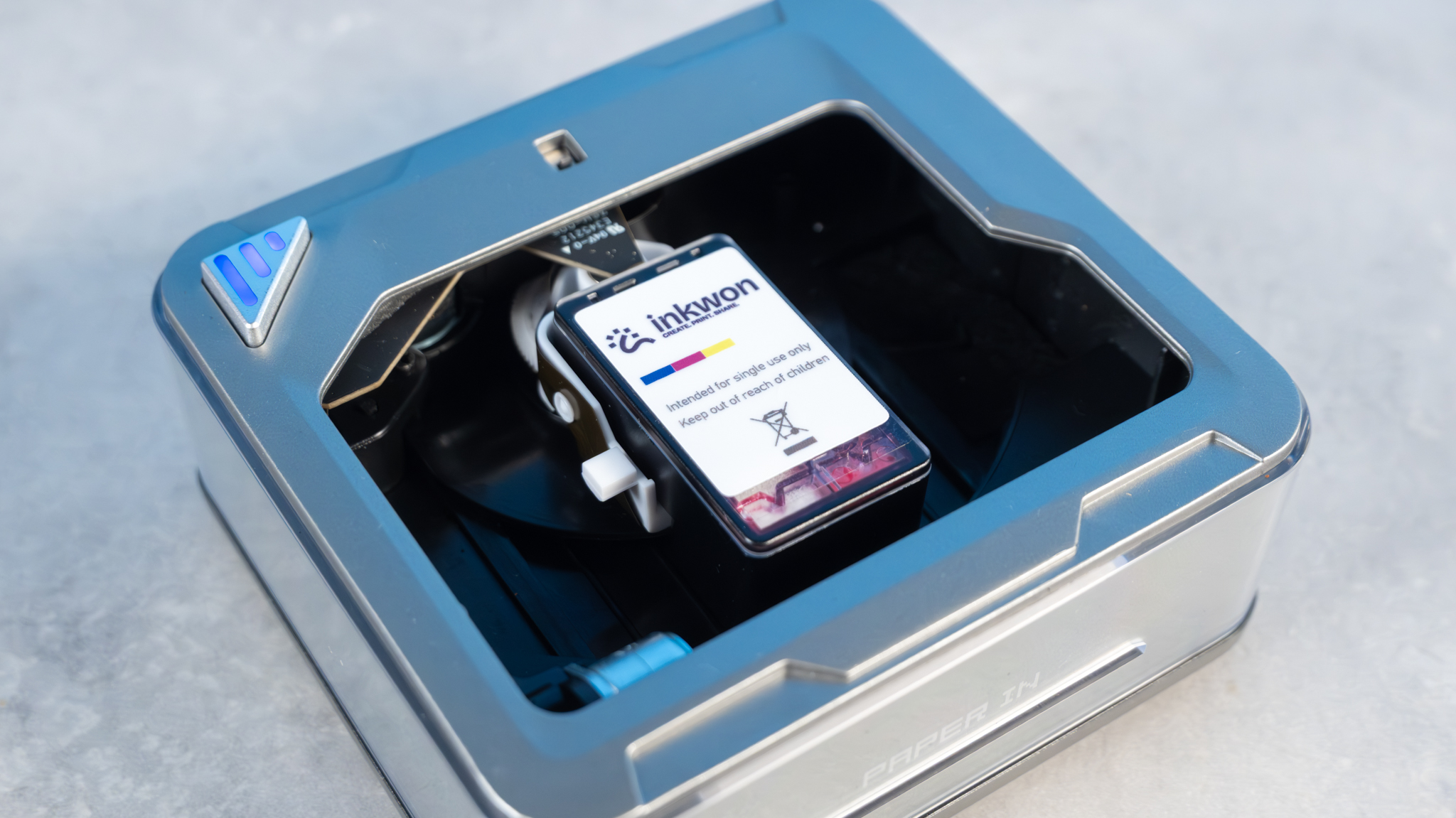
Once you’ve done that, you need to hit the triangular power button which automatically puts the Tag into Bluetooth pairing mode.
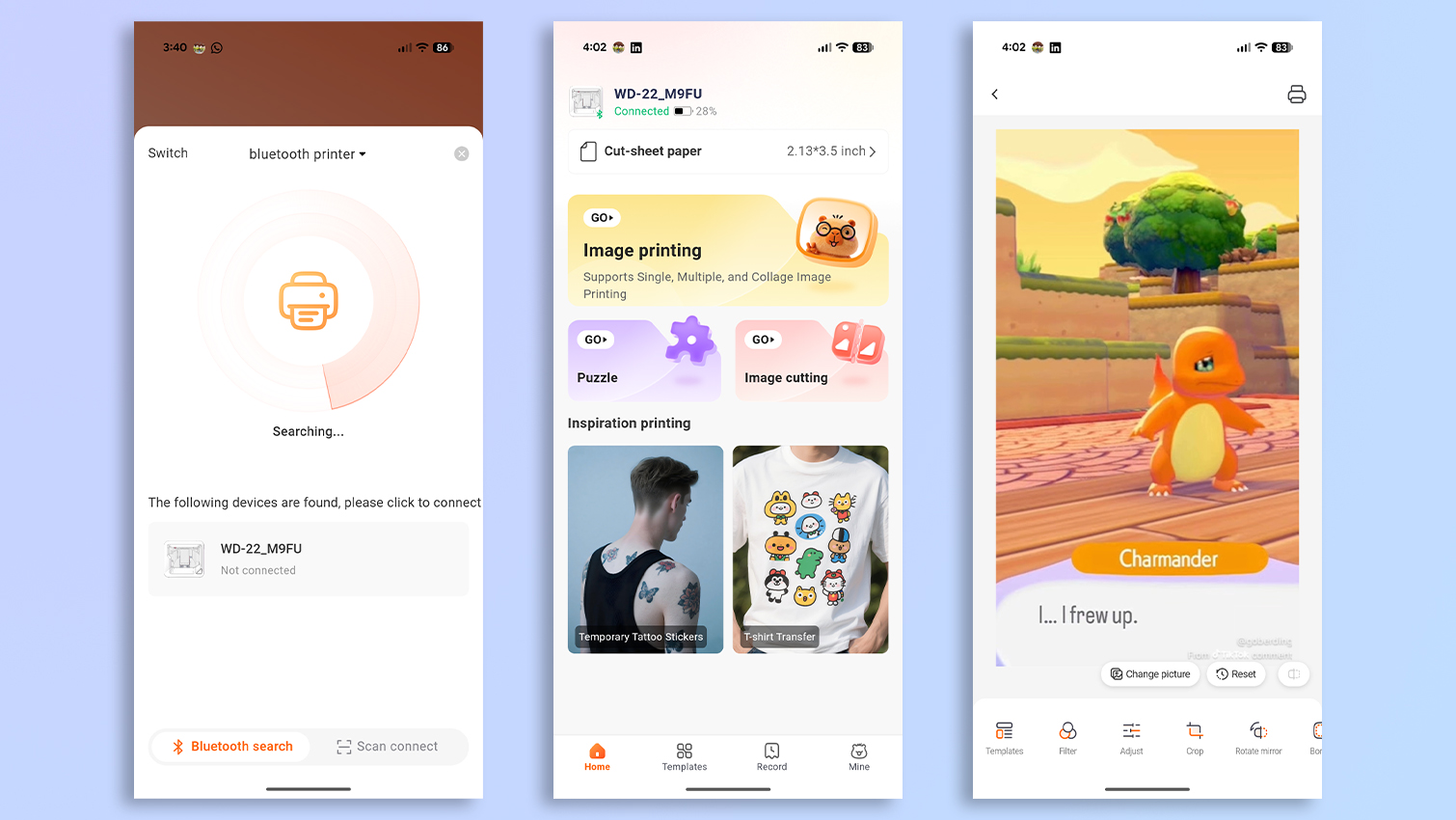
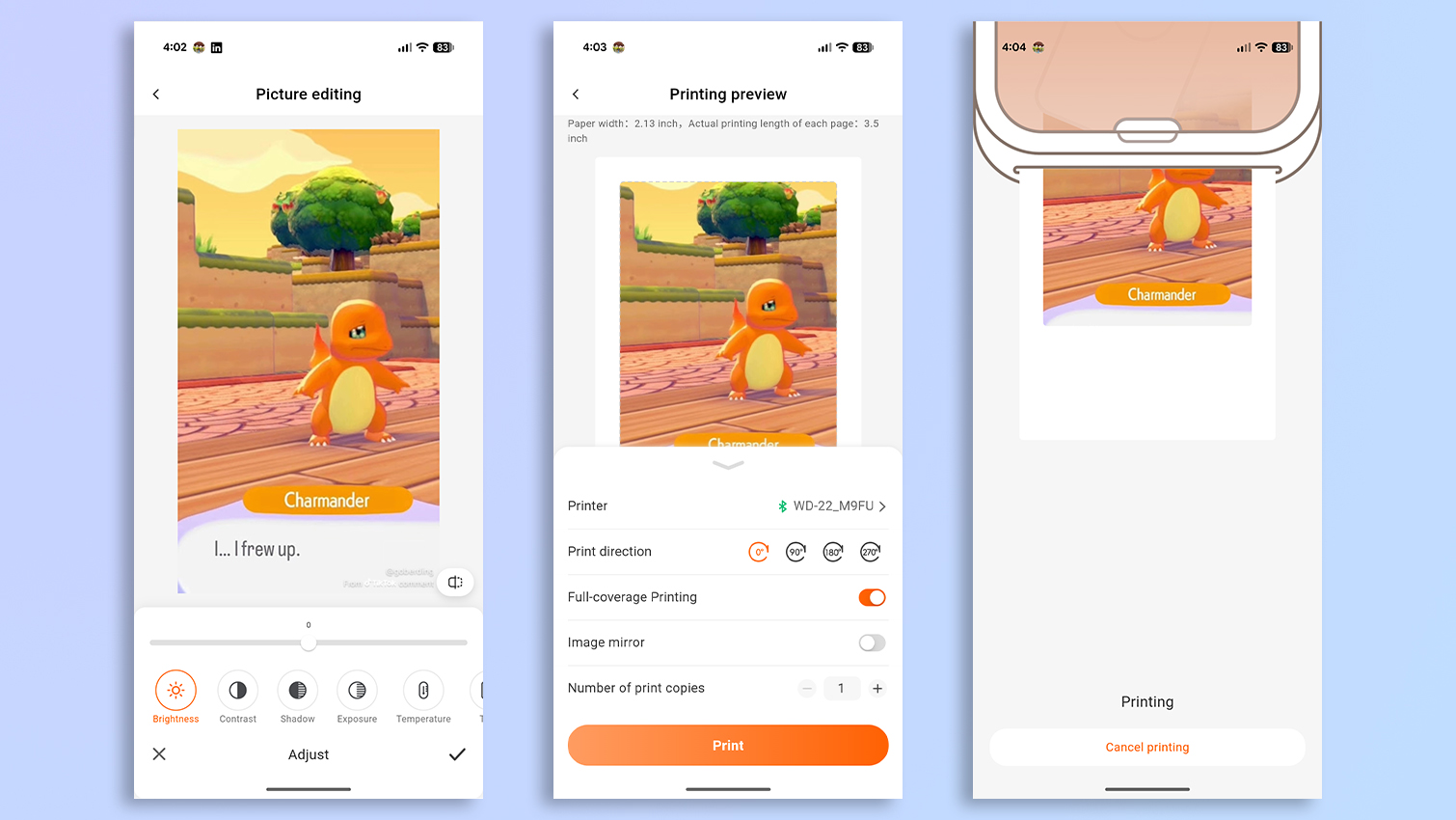
To get printing, you’ll need to download the AiYin app, which is available for free on Android and iOS. You’ll be using the app a lot for all your editing and printing needs, and thankfully, it doesn’t take up much space on your phone — just 110MB on my Google Pixel 10 Pro XL. The app asks you to sign up but you don’t have to if you don’t want to; you can simply choose to use a guest account. This makes it easy for your friends and family to use the printer too, as they can simply download the app and start printing.
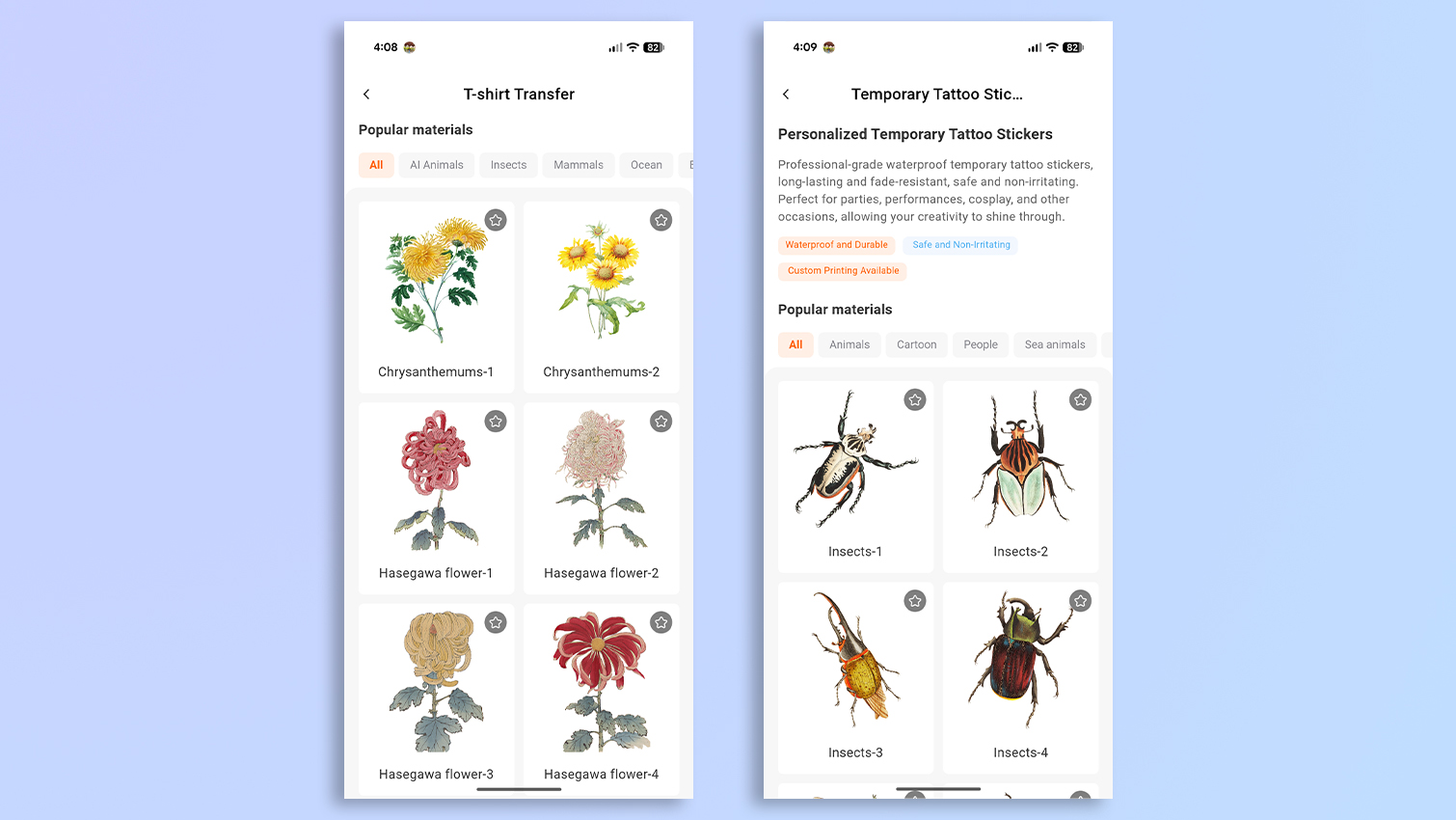
Et voilà! You’re ready to print. The app itself is very easy and intuitive to use. You can print either your own designs and saved images, or choose from hundreds of pre-made designs. Once you’ve selected what you’d like to print, you can make adjustments to the images, such as brightness, saturation, contrast, and more, and then hit the print icon. It couldn’t be easier, really.
Inkwon Tag review: Print speeds
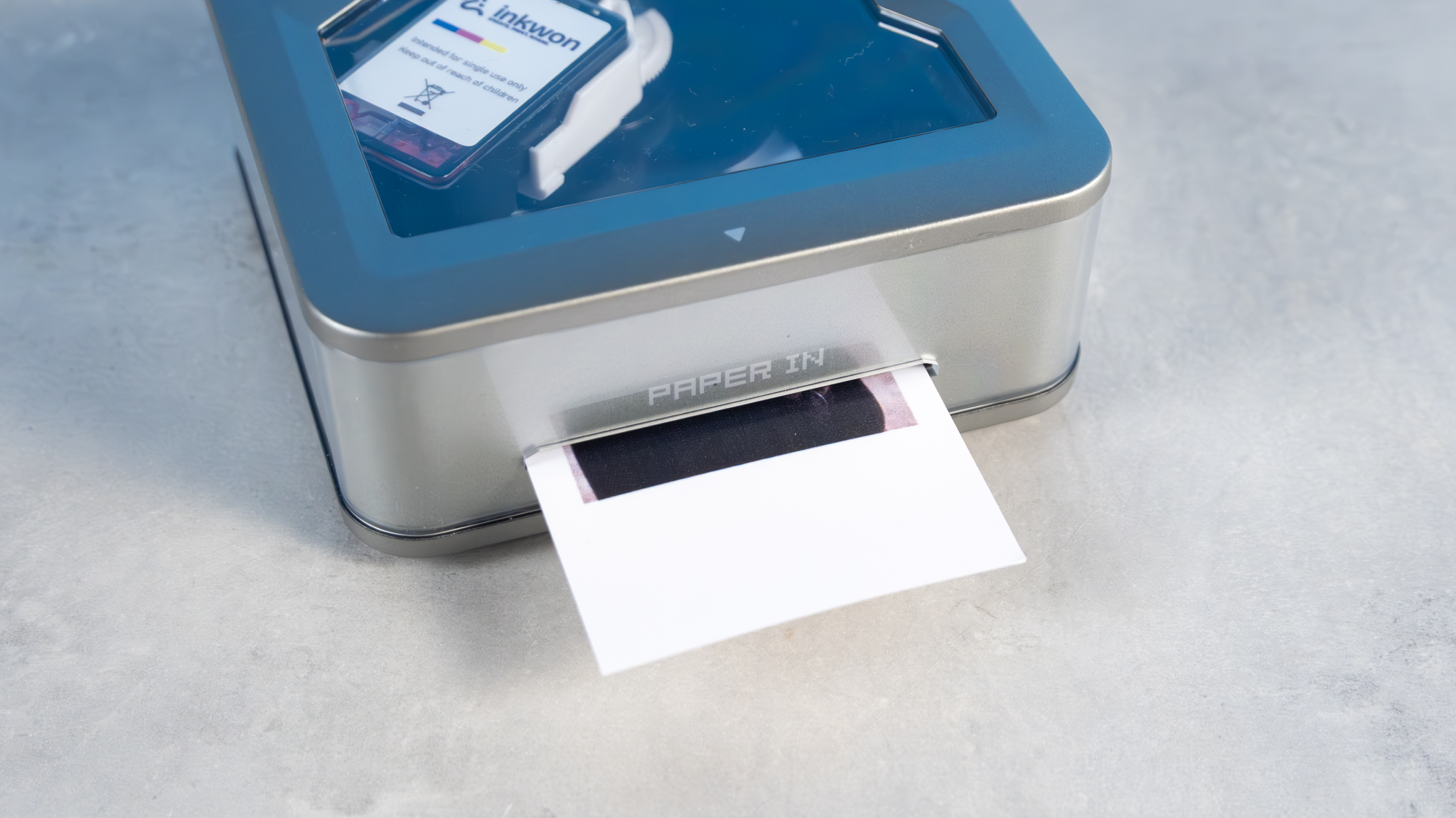
As is the case with most printers, the Inkwon Tag’s print speeds depend on the complexity of the images, and the number of colors involved. Keep in mind that this is a very small printer, so you won’t get rapid print speeds akin to those of, say, the Canon PIXMA Pro-200S ($647).
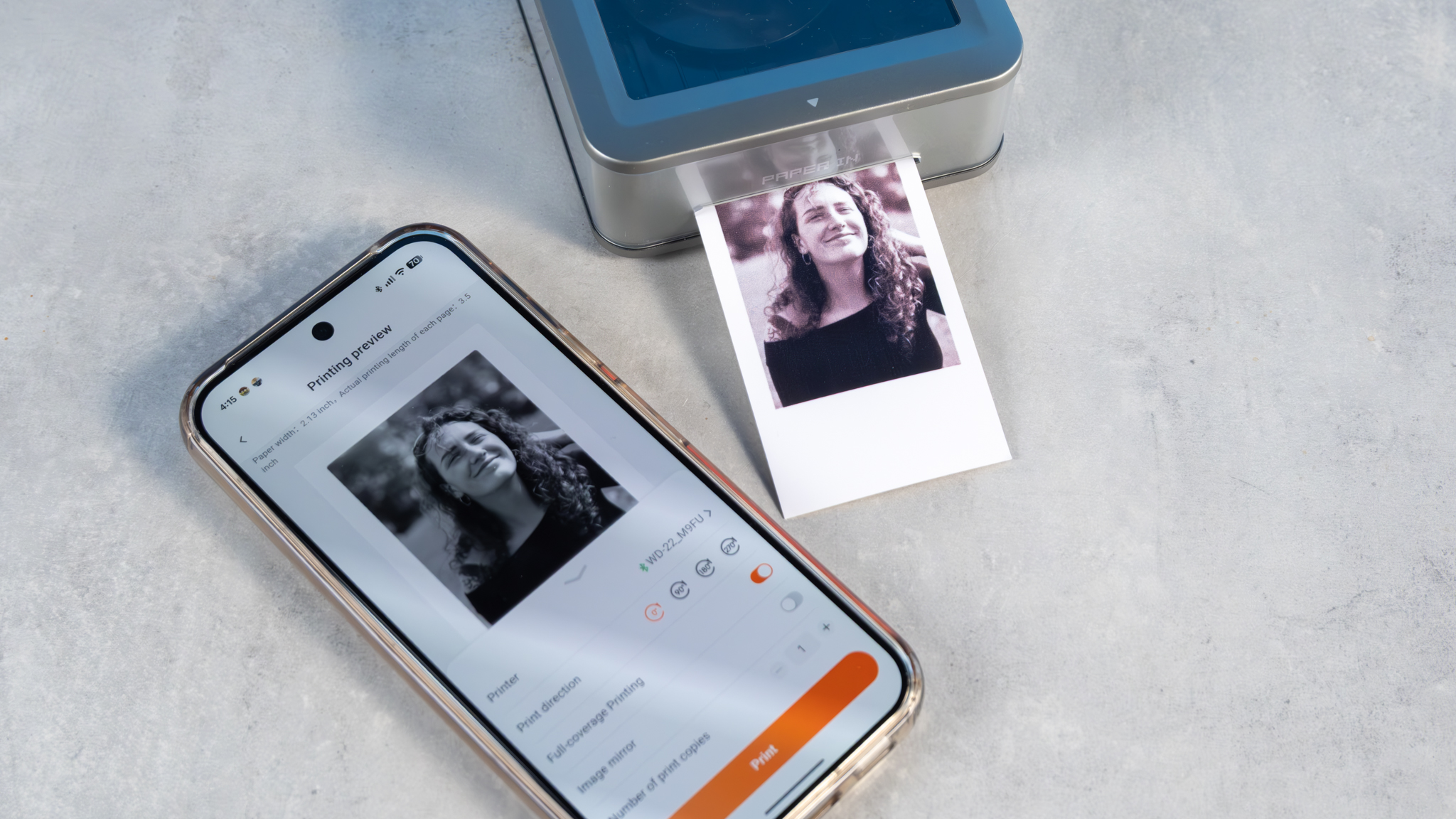
To kick things off, I used the included sticker paper to print a few images. It took the Tag one minute and 56 seconds to create a color sticker, and one minute and 45 seconds to create a black and white print. The included sticker paper is slightly thicker than the other types that Inkwon sent me for testing, so it isn’t surprising that the sticker printing times were the longest.
The next thing I did was print on the included light fabric heat transfer paper, which is used for transferring images onto t-shirts. A color print took one minute and 28 seconds while a black and white heat transfer took a minute and 27. Not too bad. I had a lot of fun transferring the designs on to the included white t-shirt too, and I’ll discuss that in the next section.
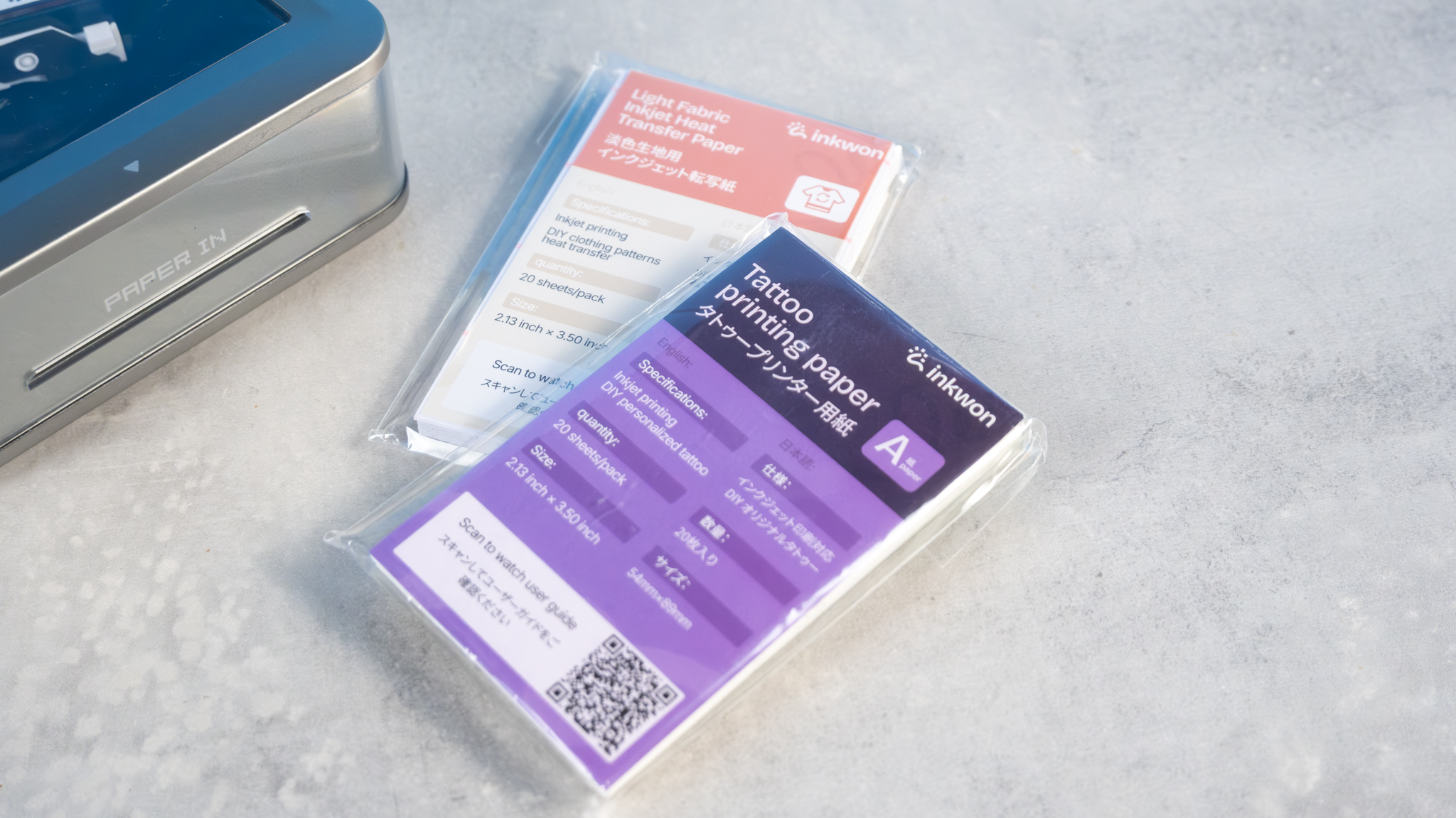
Last but not least, I printed a few of the pre-made designs onto the tattoo transparent transfer paper — something I was very excited for, as someone who has nearly 20 tattoos (the permanent kind). In my testing, the Tag took one minute and 20 seconds to print a color design, and a minute and 15 seconds to print a monochrome design.
If you aren’t in a rush and are using the Tag for printing temporary tattoos at a party, or creating stickers for your scrapbook, the aforementioned speeds shouldn’t give you much to complain about. I also found that the app was quick to tell the printer to start printing, and I didn’t notice any lag.
Inkwon Tag review: Print quality
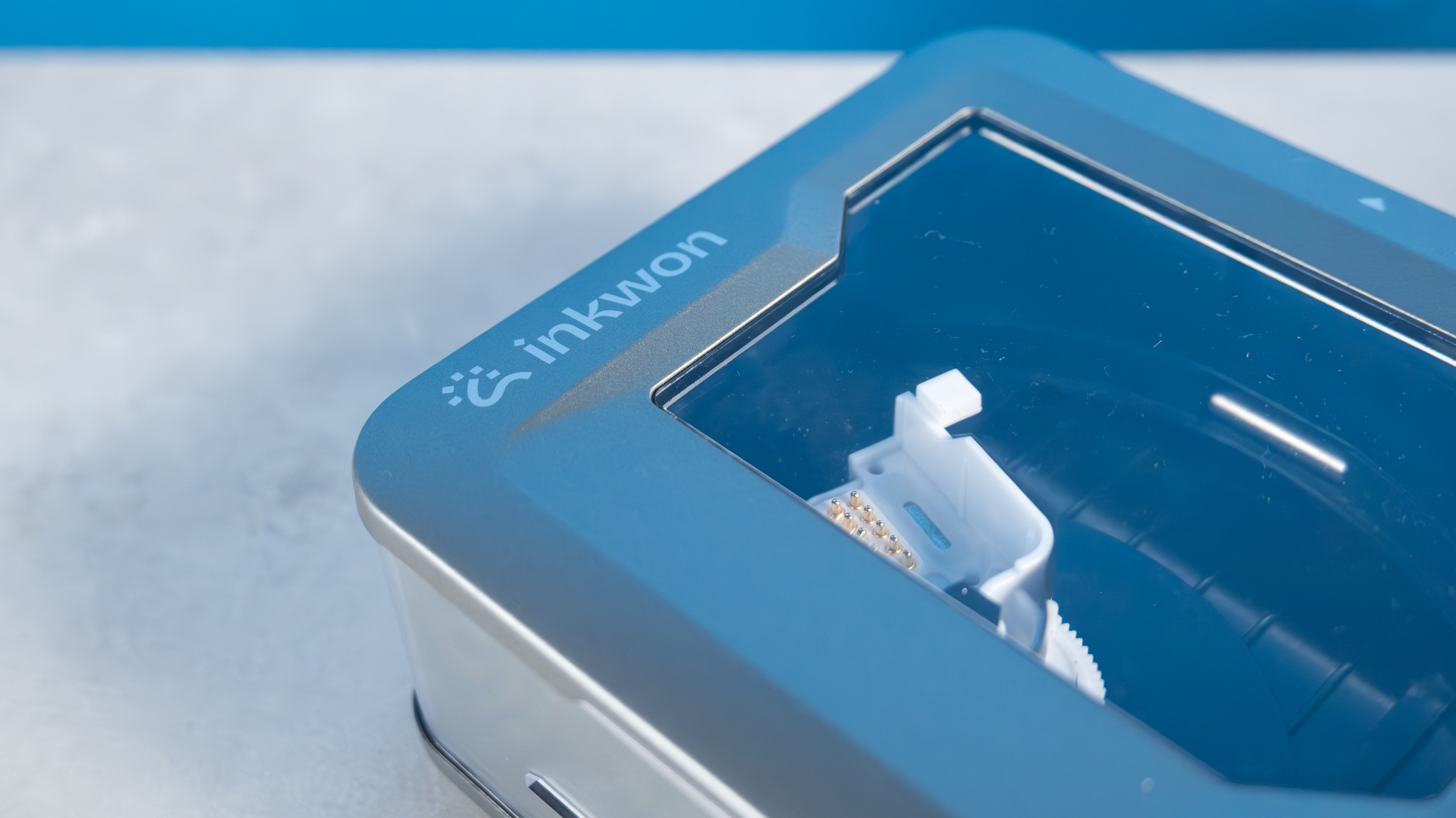
I’ll preface this section with this: the Inkwon Tag is a small printer and you shouldn’t expect it to be able to create award-winning prints. It’s aimed at casual users. As an inkjet printer, it utilizes a CMY three dye-based ink system, and it has a print resolution of 600 dpi — which is suited to small-sized prints.
Because the Tag uses a CMY three ink system, it doesn’t have a dedicated black ink, so it mixes black using the other three. This results in prints that are low on contrast — and I’ll discuss this in detail below.
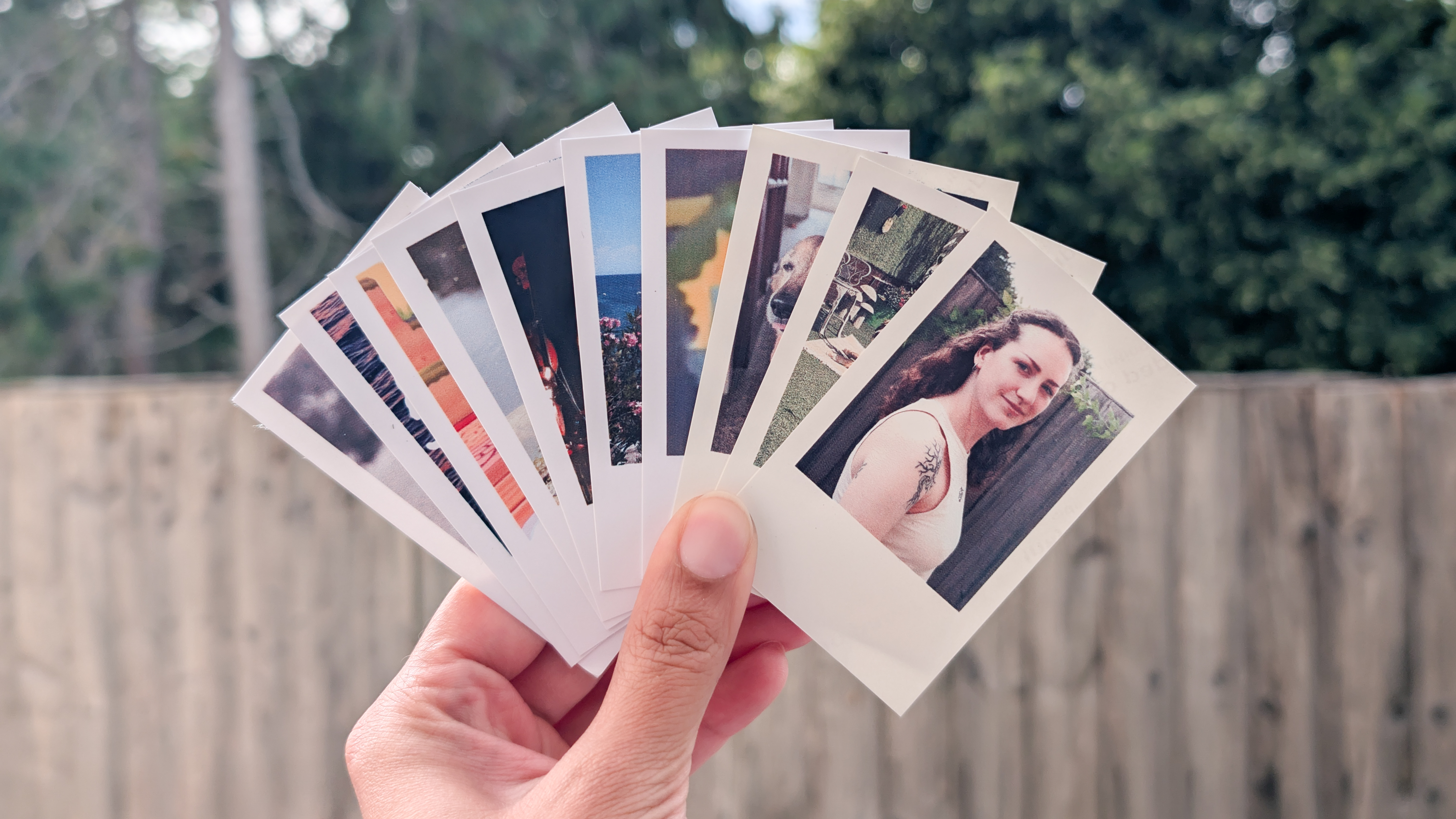
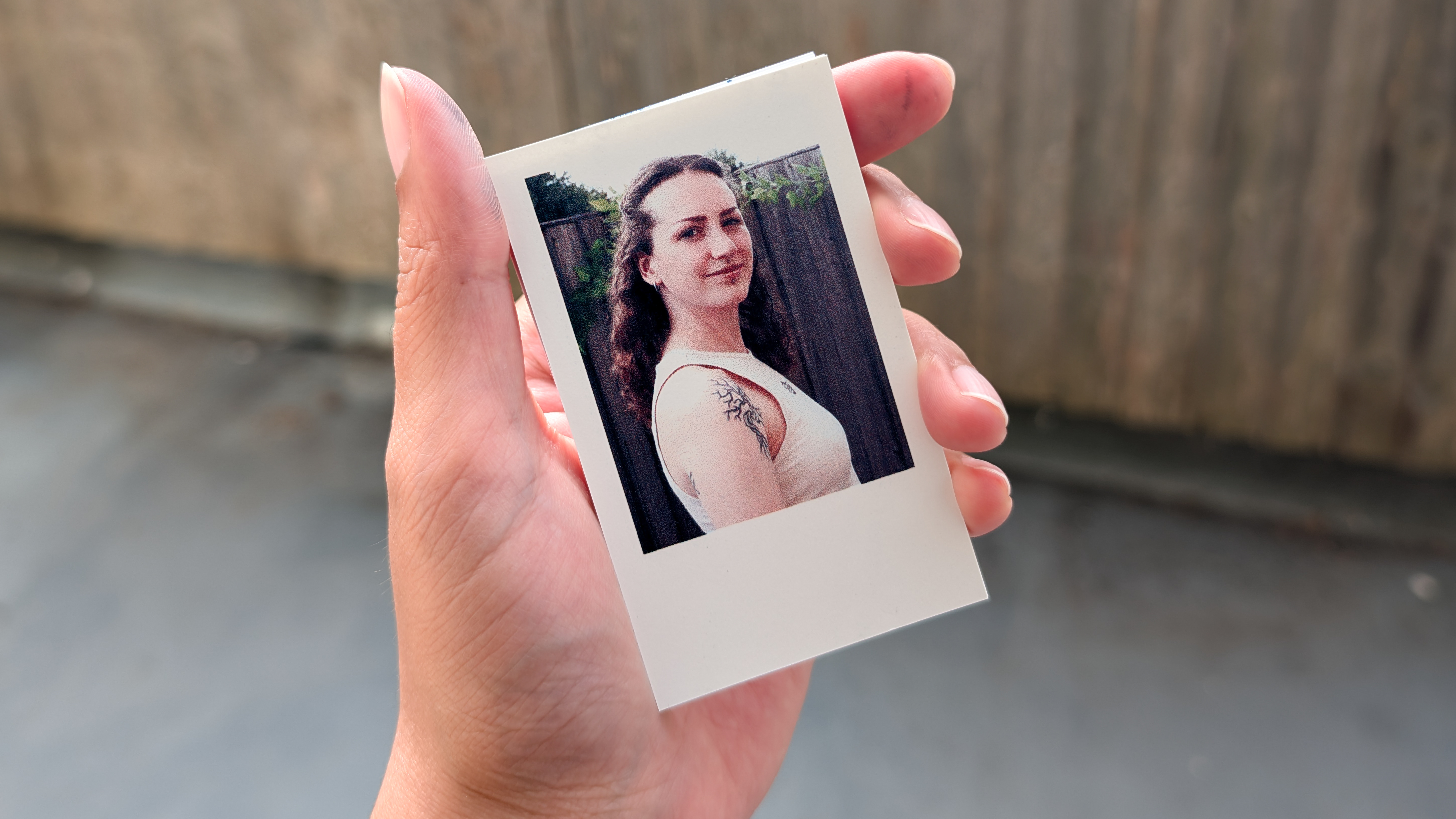
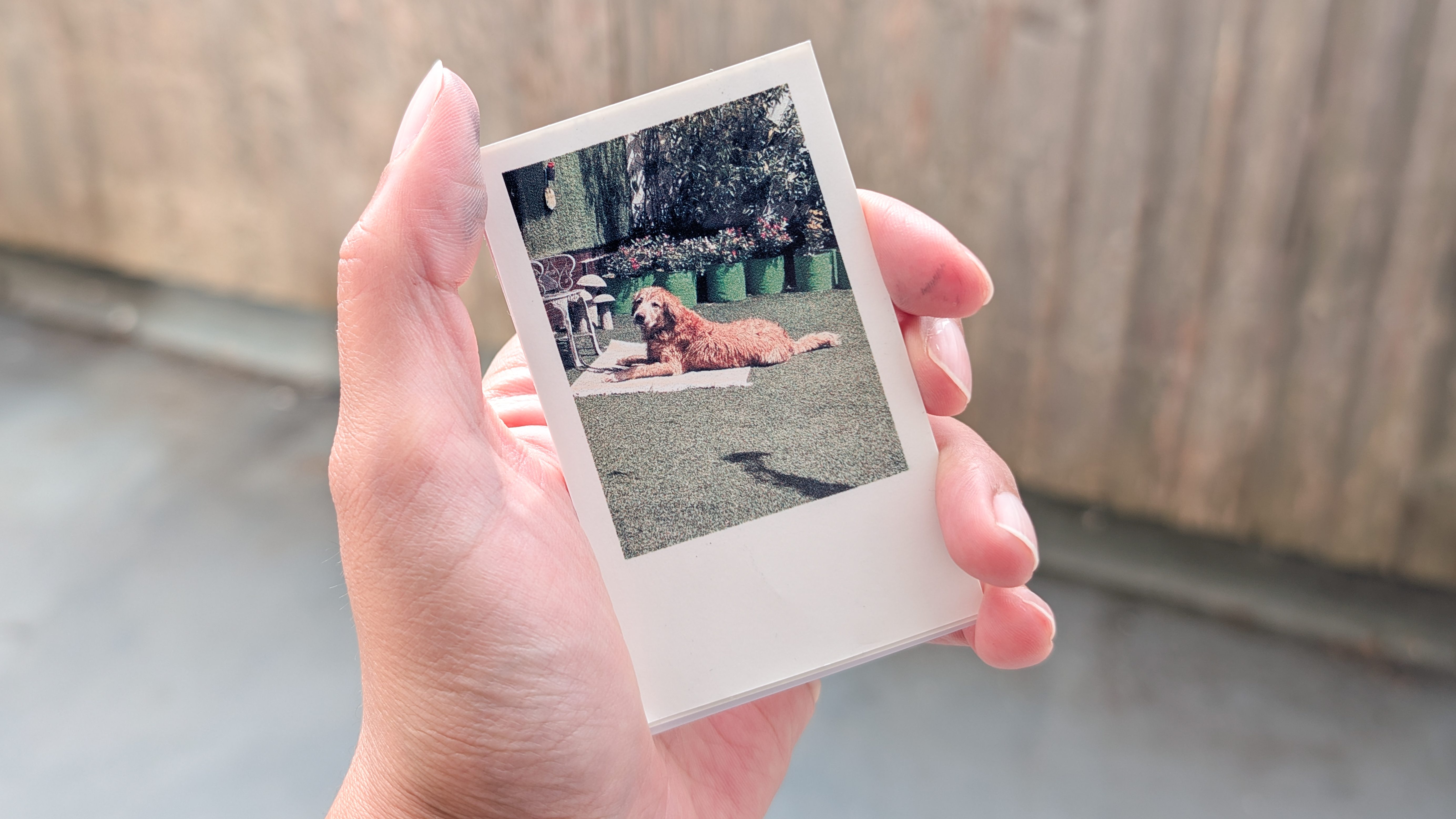
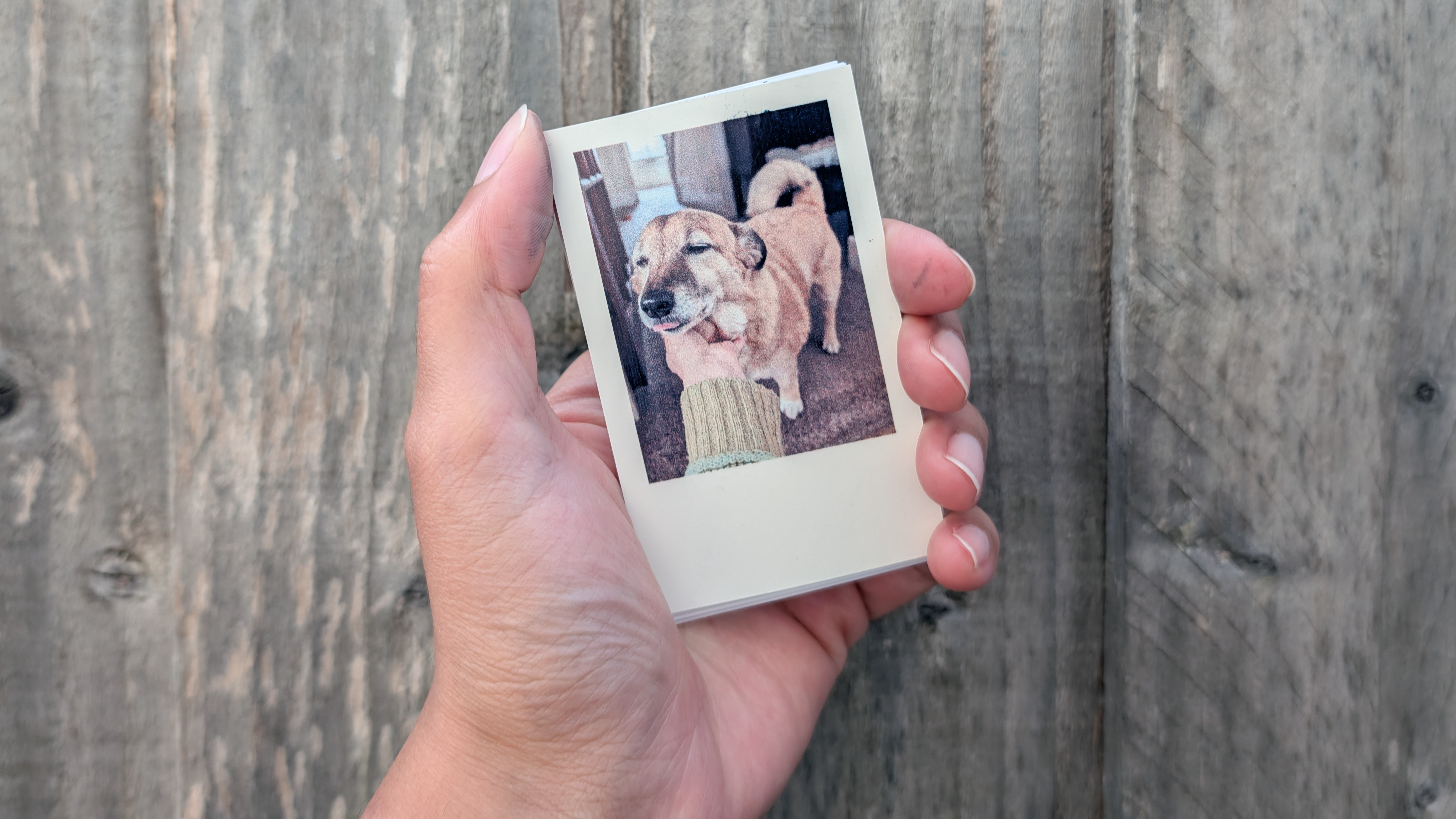
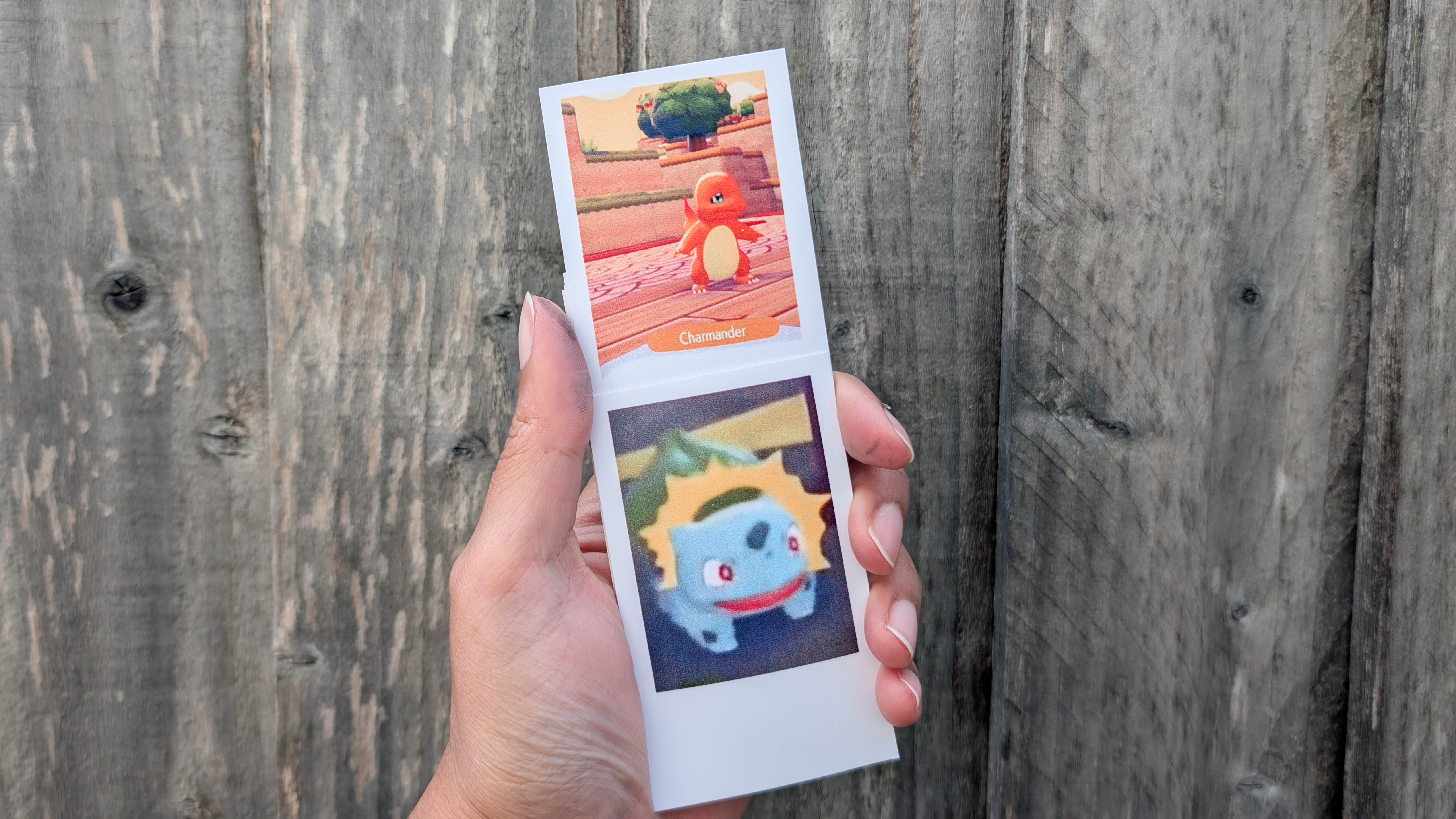
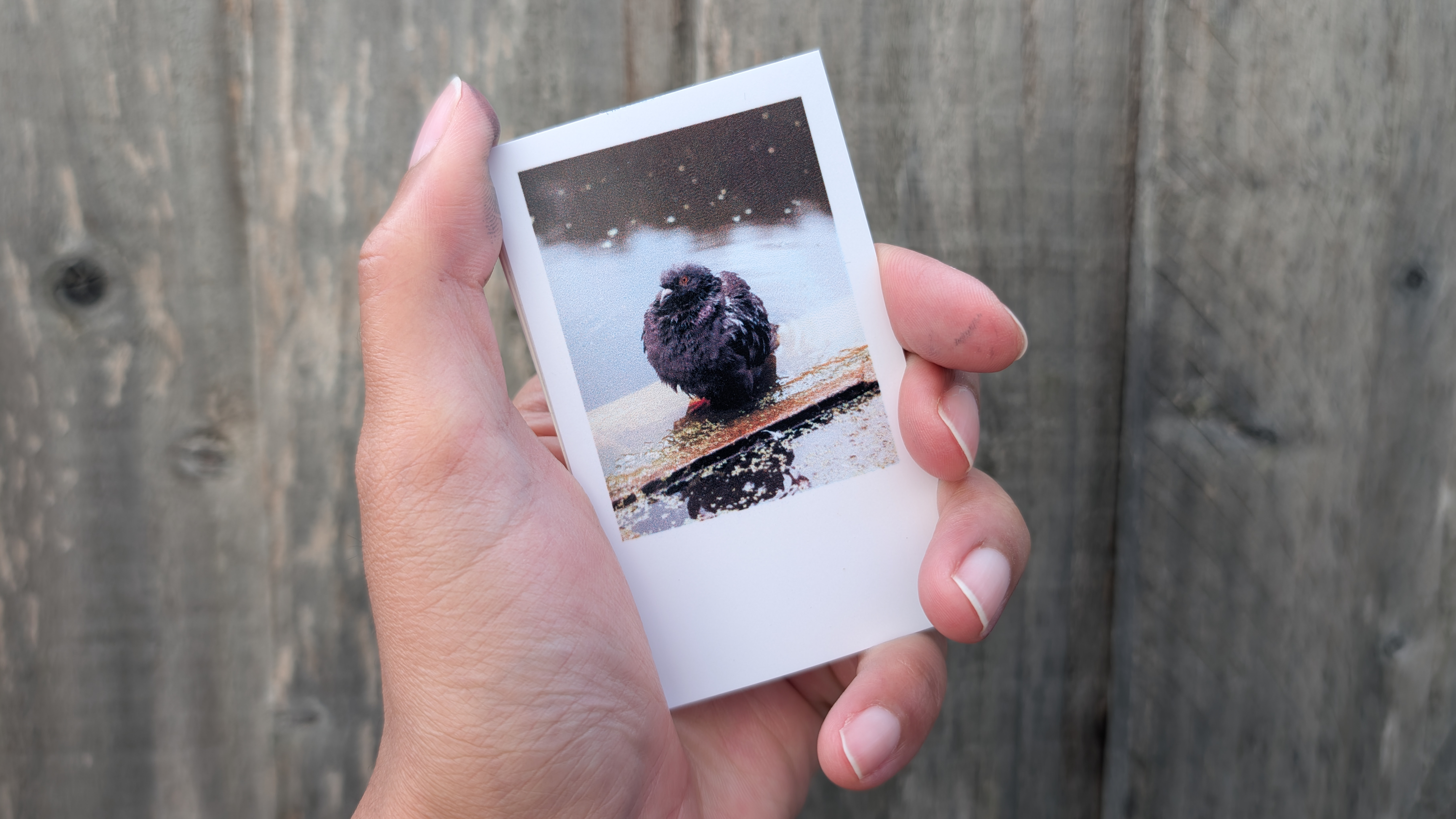
That said, print quality is surprisingly good. The photos in the gallery above were printed on sticker paper, and they can be peeled and stuck on most surfaces. Even though there isn’t a lot of real estate on the 3.5 x 2.12-inch paper, I appreciate how much detail the Tag has been able to print. For instance, the tattoo on my partner’s shoulder looks detailed and you can make out the individual tree leaves in the design.
The other images look great too, but as you can see in the sixth slide, the image of the pigeon, captured on the 44MP Leica SL3-P, looks fuzzy and has lost a fair bit of detail. This is a complex image, though, with lots of different elements and details, so I’m not surprised the Tag has struggled to accurately reproduce it.

As I mentioned earlier, the Tag uses CMY ink, and so doesn’t have a dedicated black ink (the 'K' in CMYK). This means blacks don’t appear as sharp or deep as on a CMYK printer. That’s what’s happened with the black and white print of my partner above. Having taken the image myself on the Canon EOS R6 Mark III, I know that the blacks are inky and deep — they don’t appear so in the print. They appear more gray than black, which is a little disappointing. The small CMY ink cartridges are a sacrifice you make for the size and convenience of the printer.
I also have an issue with the sticker paper — you can’t create borderless prints, so you have empty space at the bottom of each sheet. As such, the prints end up looking like they were printed out on one of the best instant cameras, à la Fujifilm Instax. It’s not necessarily a bad thing as it gives you space to scribble with a pen, but it’s still frustrating that you can’t utilize the entire space if you want to.
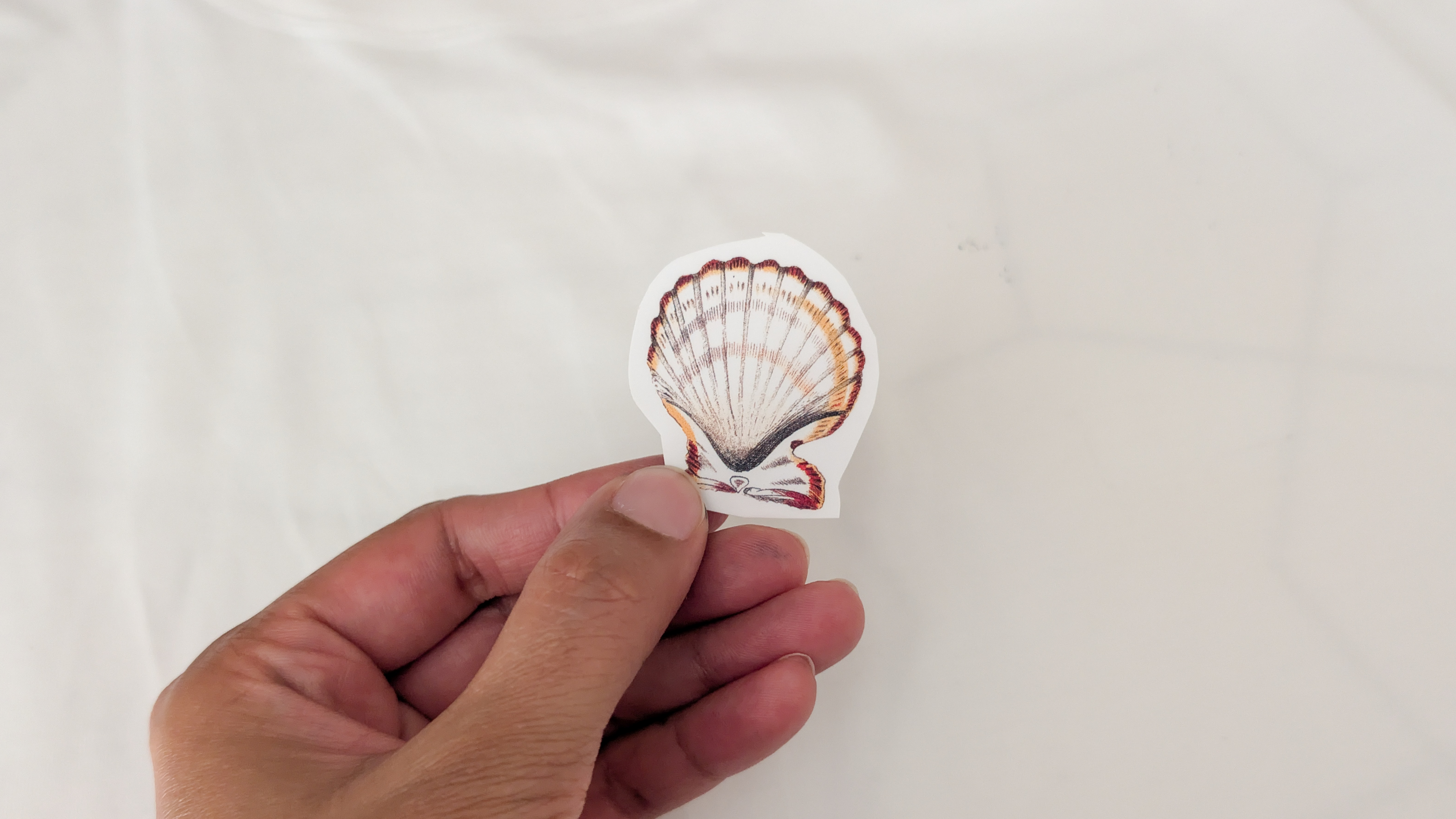
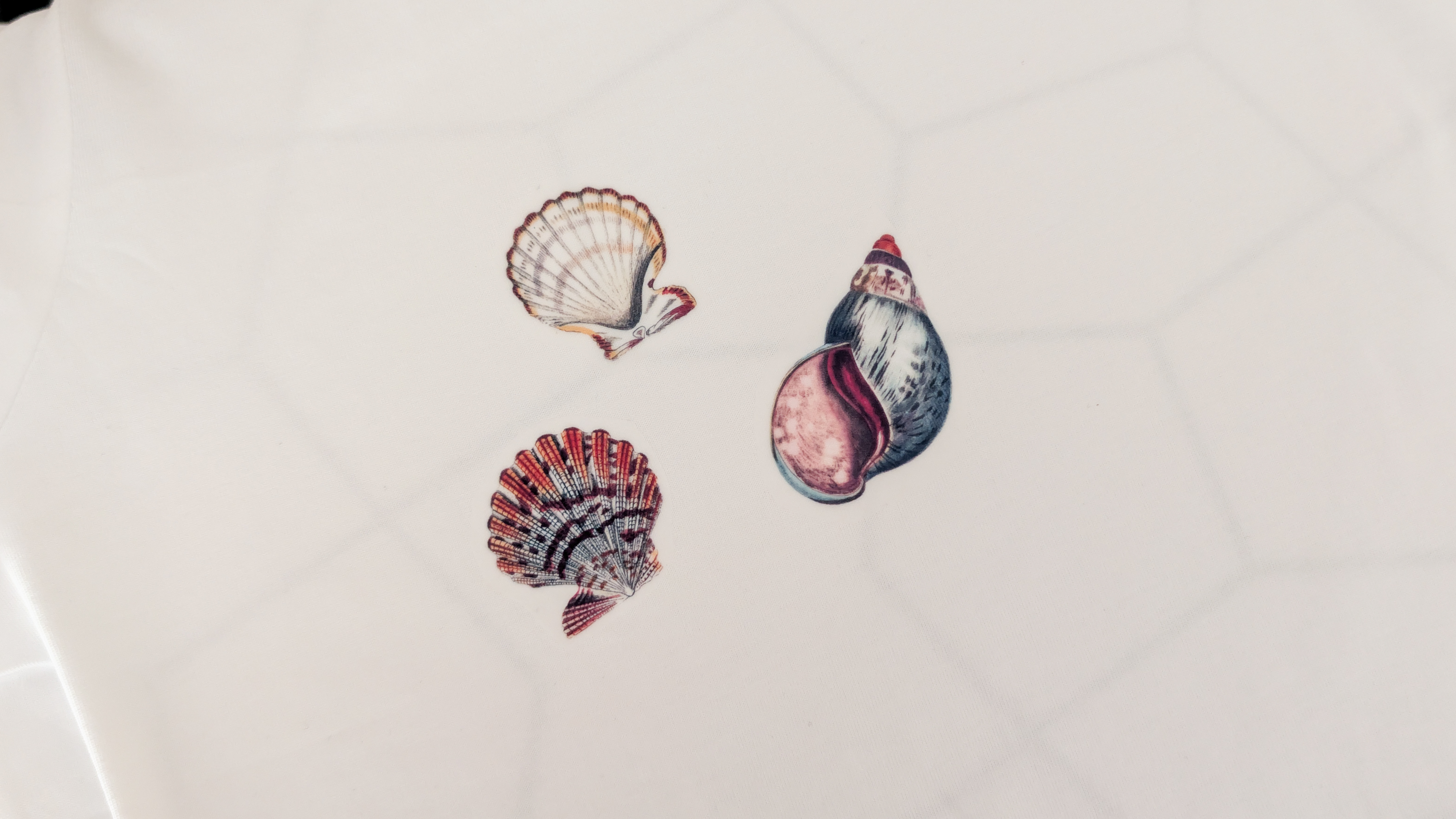
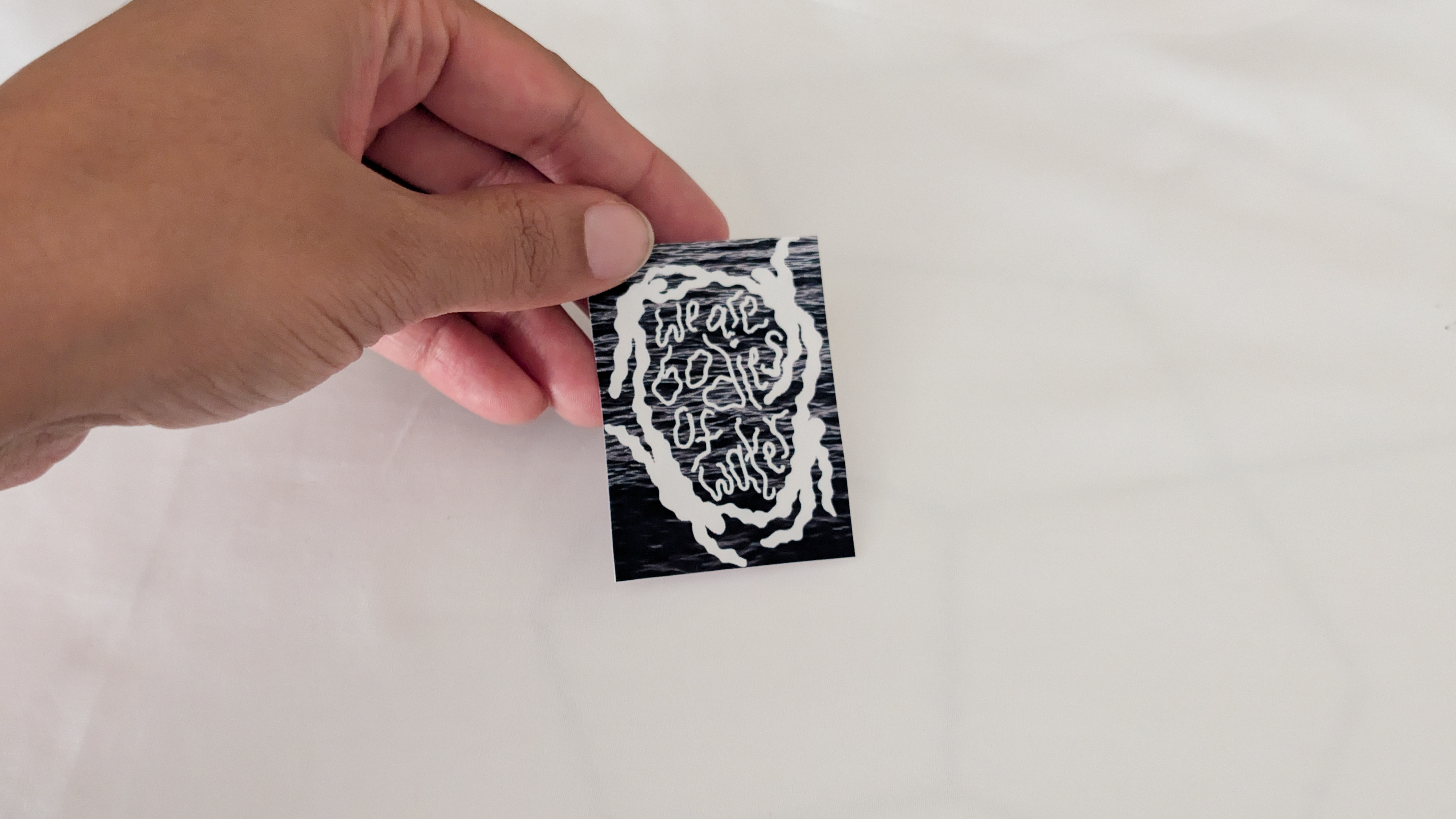
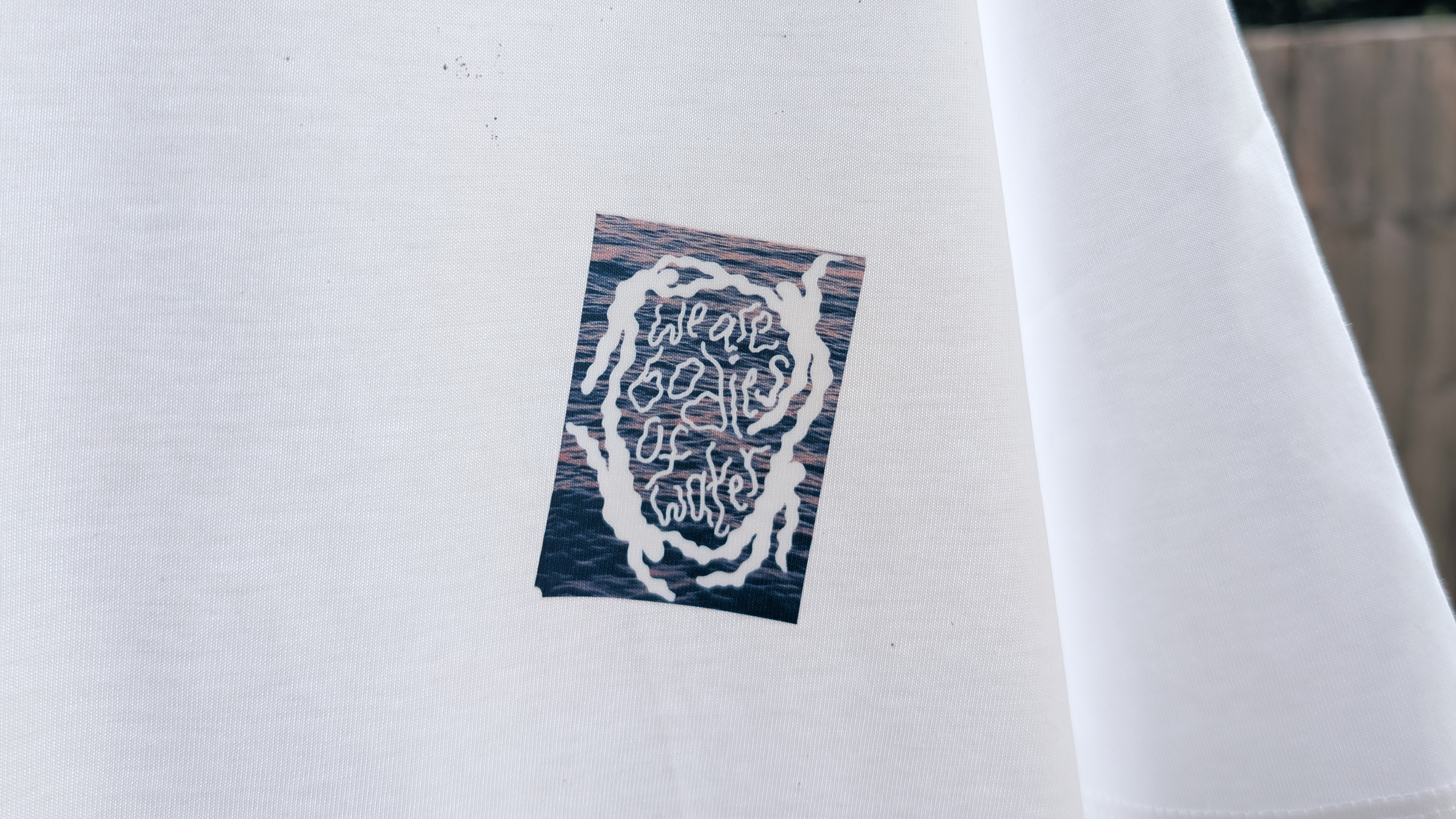
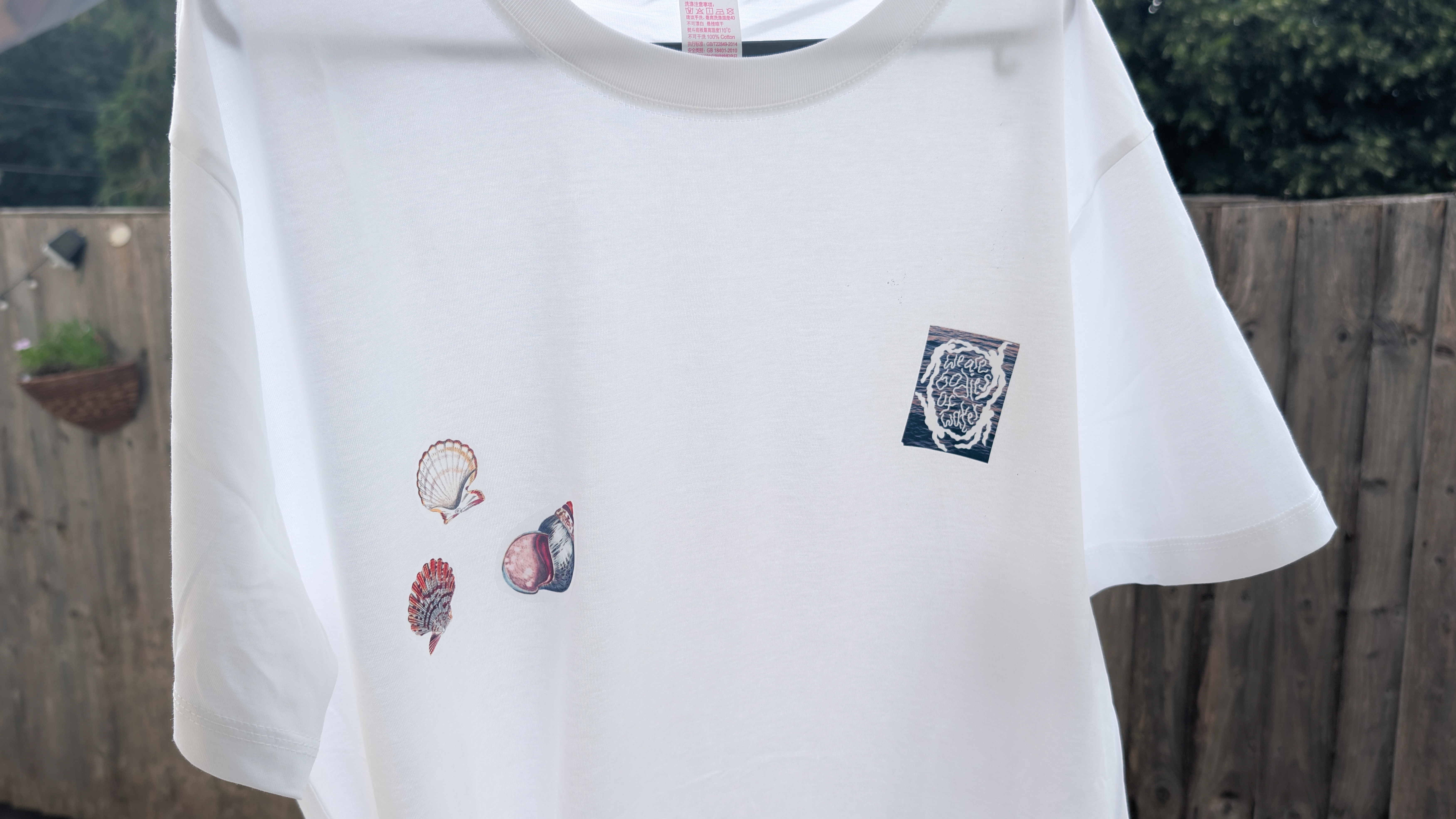
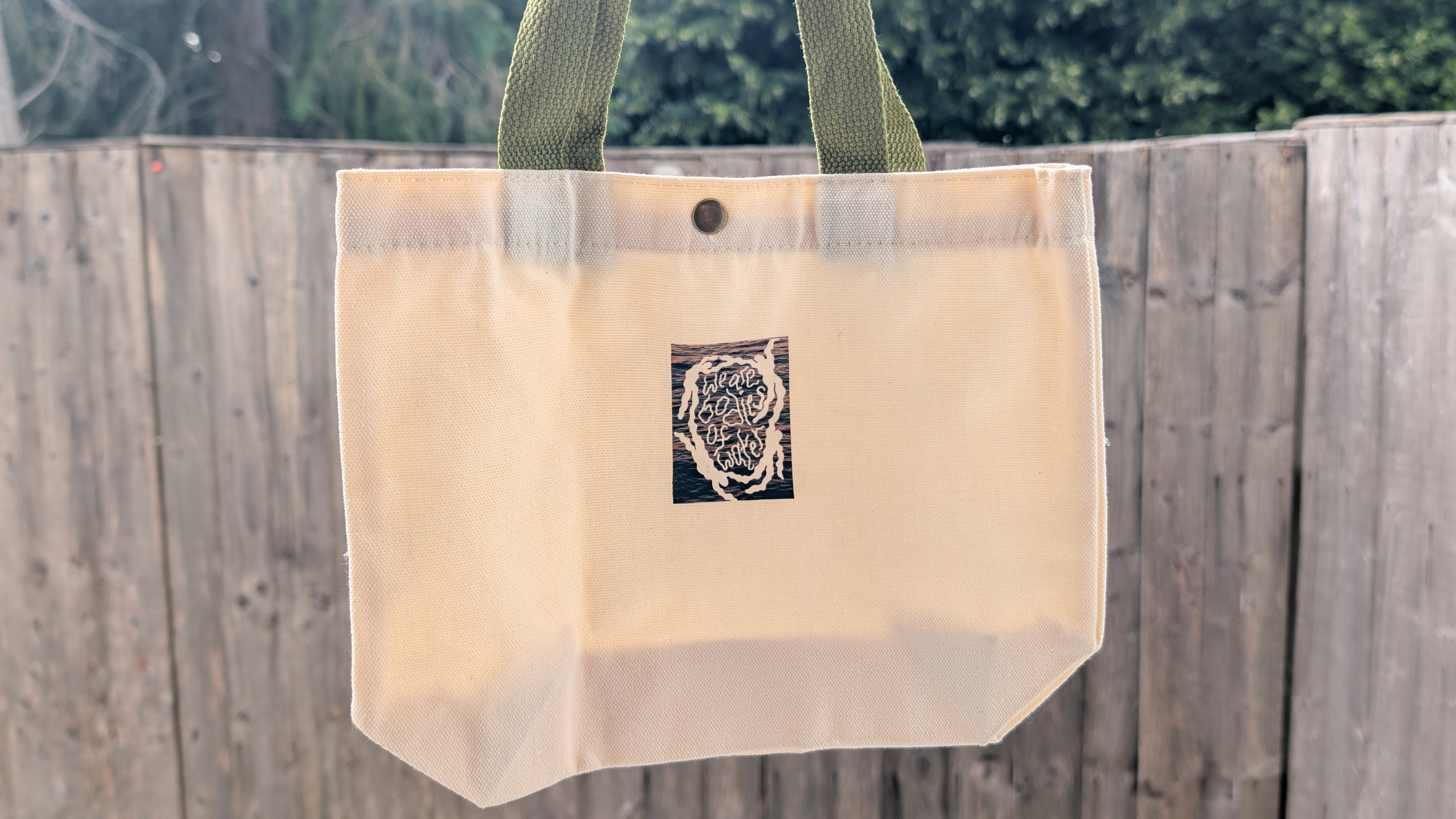
Images and designs printed on the light fabric heat transfer paper turn out well, though, as you can see in the gallery above. You need to peel the backing paper, put the print on a t-shirt (or any other fabric), put the included transfer paper on top of it, and use a hot iron to transfer the design. It’s quick and easy and I’ve really enjoyed doing it.
I printed out some pre-made seashells as well as a design my partner (who’s an artist) made, and they look lovely on both the t-shirt and the tote bag. The prints look high quality and even after being applied on the fabric, they haven’t lost their resolution, and the colors haven’t bled during the process either.
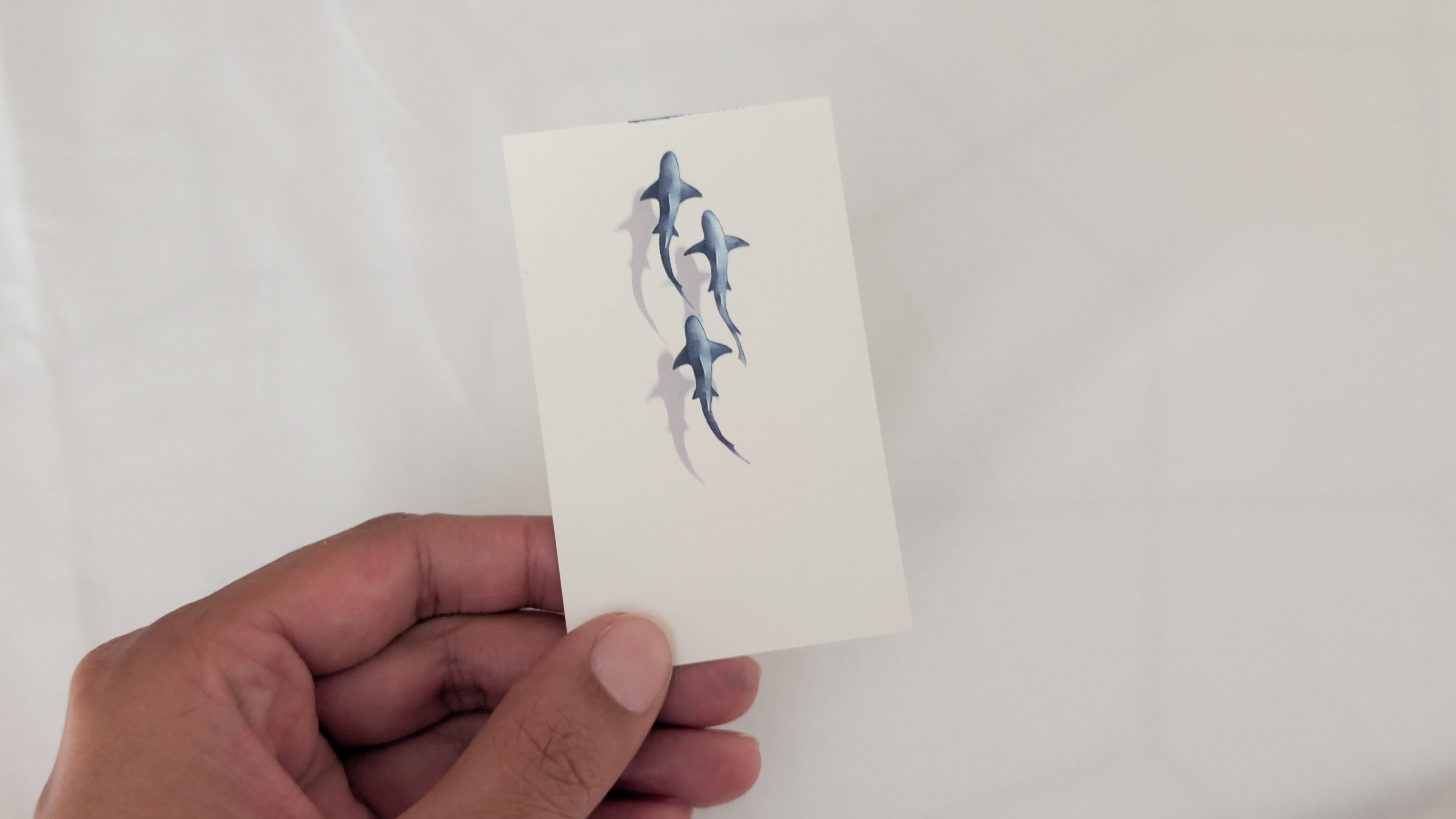
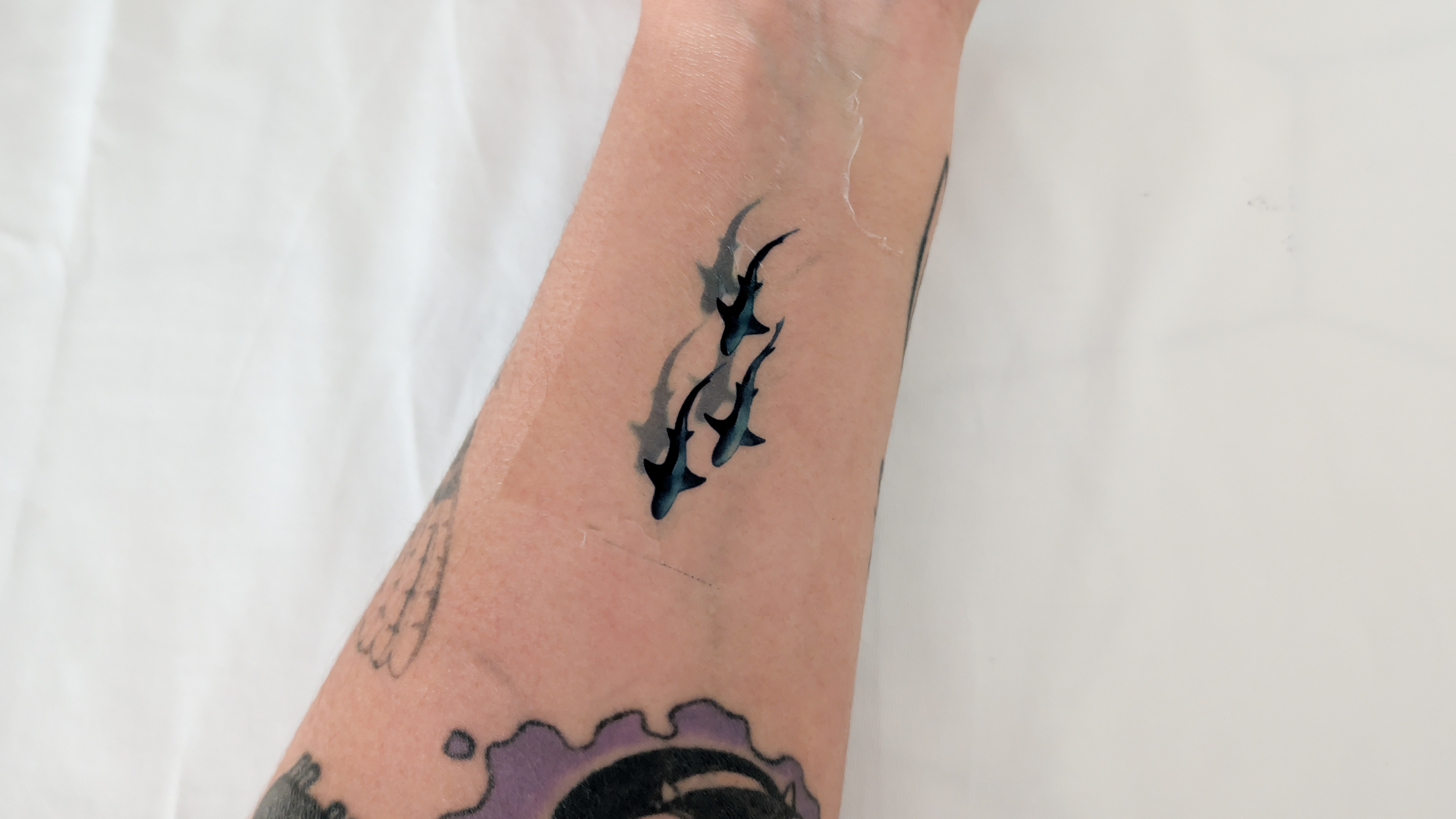
I was impressed with the quality of the temporary tattoos too. I printed out a pre-made design featuring sharks, as you can see in the gallery above, and then applied it to my skin using water. Not only do the shades of blue look deep and rich, the tattoo has retained the same vibrancy even on my skin. Being able to print temporary tattoos is not just fun for kids and at parties, but it can help adults, such as myself, determine the placement of a permanent tattoo before getting in touch with a tattoo artist.
Overall, I’ve been pleased with the Tag’s print quality, and I intended to use the printer for scrapbooking.
Inkwon Tag review: Ink cost & yield
The Inkwon Tag starter pack comes with one CMY 3-color dye-based inkjet cartridge, and it yields 60 prints. Extra ink cartridges are available as packs of three for $59, which means you’re spending approximately 33 cents — which isn’t exuberant, in the grand scheme of things.
Paper refills are available in packs of three too, ranging from $19 to $25 depending on the type of paper you’re buying (temporary tattoos, heat transfers, etc.). In comparison, 60 sheets of the Canon XC-60L Ink/Paper Set that the SELPHY QX20 uses costs $46. Meanwhile, 20 sheets of the Instax mini Film used by the Fujifilm Instax mini Link 3 retails for $32, making the Tag’s running costs feel more reasonable (and affordable).
Inkwon Tag review: Battery life
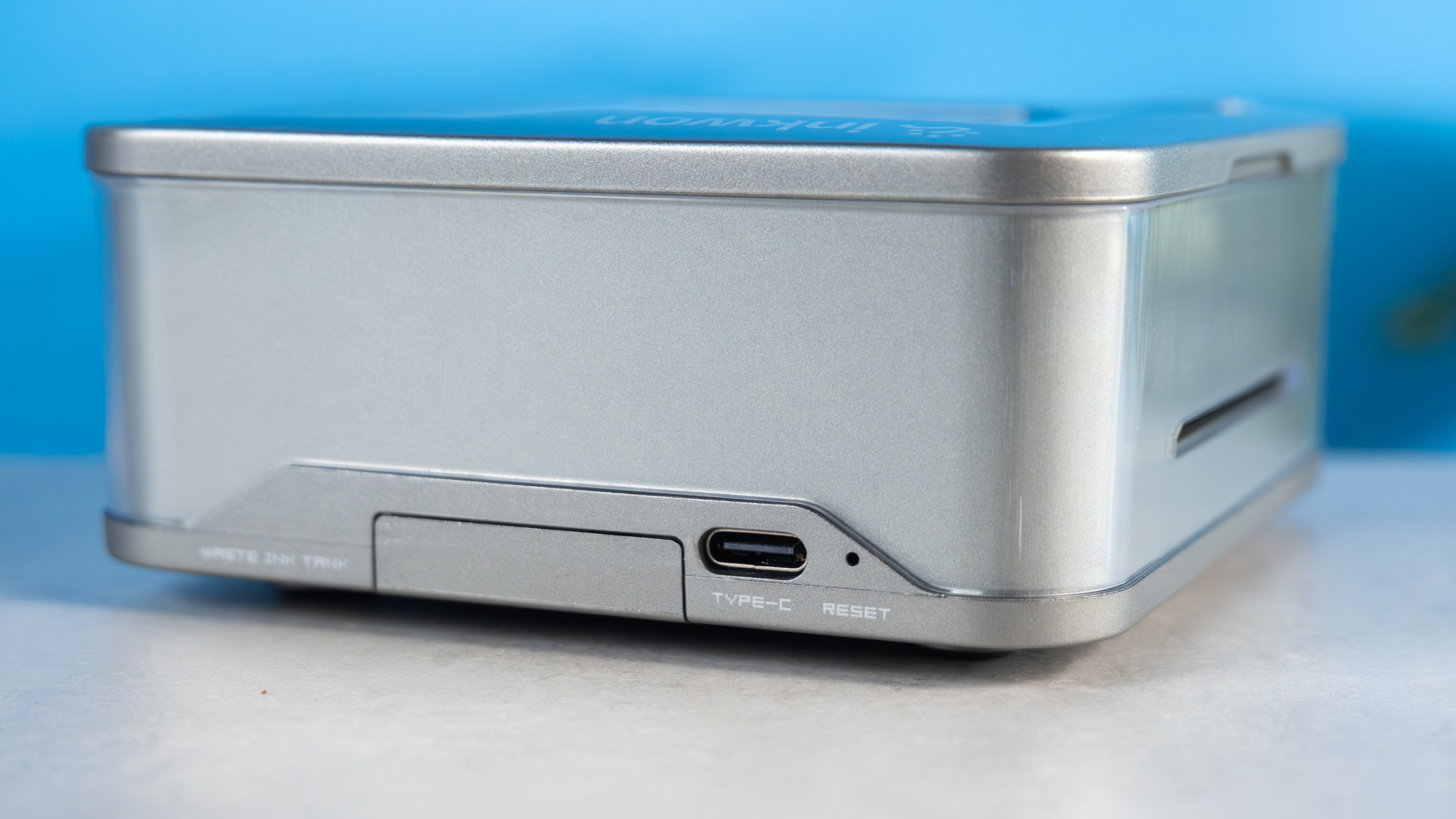
If you’re looking for a pocket printer that lasts a respectable amount of time between charges, the Inkwon Tag is a great choice. The Tag is rated for 90 minutes, and in my testing, it took just under 85 minutes for it to run out of charge. I was able to create around 65 prints before I had to charge the Tag, which is good.
In comparison, the Fujifilm Instax mini Link 3 is rated for 100 prints per charge, and both the Canon Ivy Mini 2 and the Canon SELPHY QX20 are rated for a measly 20 prints per charge each. These figures alone make it feel like you’re getting bang for your buck with the Tag.
Inkwon Tag review: Verdict
If you want a portable printer that enables you to print temporary stickers, create personalized t-shirts, and stickers for scrapbooking, the Inkwon Tag is a fantastic choice. It’s extremely portable and easy to use, and the print quality is surprisingly good. Running costs aren’t that high either, even though the printer itself is.
I’ve had a lot of fun testing the Tag, but I can’t overlook its shortcomings. While the companion app is user-friendly, it doesn’t allow you to create borderless prints. Paper also needs to be inserted one at a time which can be time-consuming if you want to create back-to-back prints.
As long as you don’t mind those drawbacks, you’ll be pleased with the Tag and its performance. It’s fun, quirky, and it’s a sure-shot way to be the life of the party.
This is a preview from the original publisher. Continue reading at the source:
Read Full Article on tomsguide.com →