

Dangerous new CrashStealer Mac impersonates Apple's own tools — and bypasses Gatekeeper — to steal your passwords and more
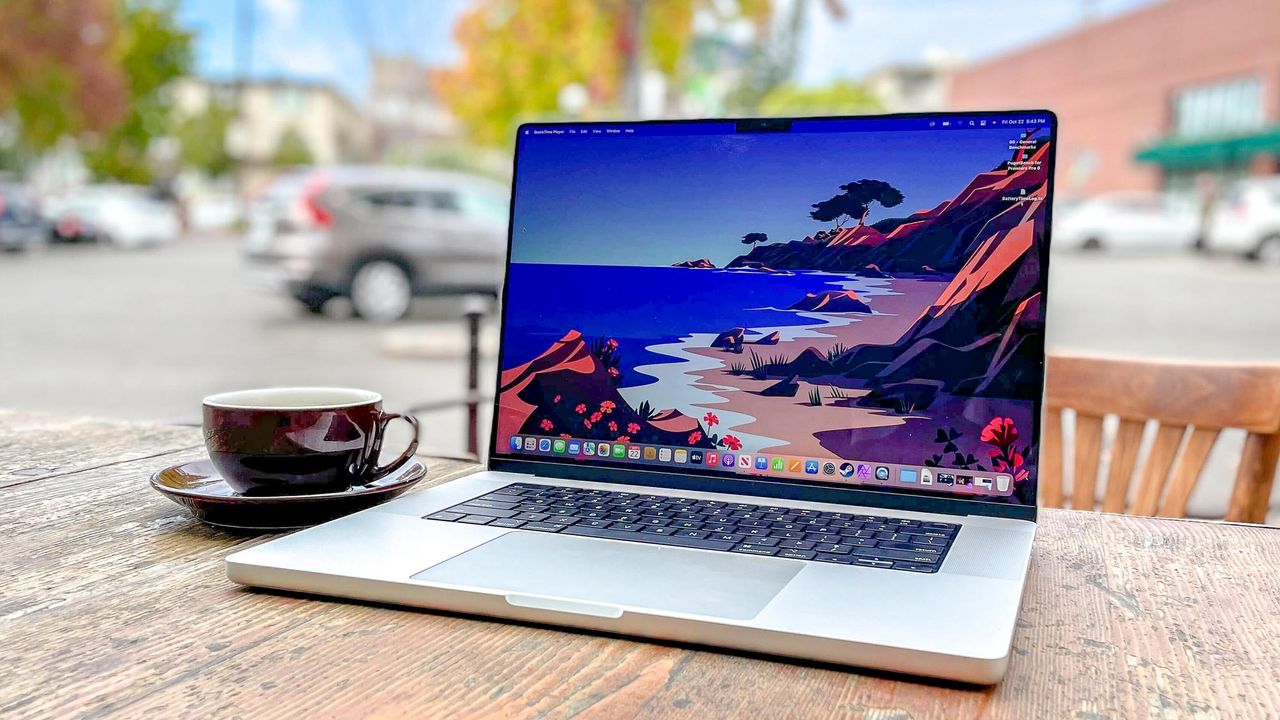
Even with one of the best MacBooks, you can never be too careful when downloading new apps. Case in point: a new malicious Mac app is posing as a legitimate Apple tool to steal passwords, keychain data and more from vulnerable systems.
As reported by BleepingComputer, the app in question serves as a means to infect vulnerable Apple computers with a new Mac info-stealer. While security researchers at Jamf first observed it back in May when it was still in development, this malware is now being actively used by cybercriminals in their attacks.
Dubbed CrashStealer, what makes this Mac malware strain so dangerous is the way in which it perfectly mimics Apple’s own macOS crash reports. Although something might seem off to more discerning users, others could easily fall for this attack given how much care and attention has gone into impersonating this legitimate tool.
Here’s everything you need to know about this new Mac malware and how you can keep your own MacBook and all the sensitive data it contains safe from hackers.
Impersonating a legitimate Apple utility
In their report, Jamf’s security researchers explain how the malware hides in plain sight by posing as a meeting platform called Werkbit. While they don’t go into details about the malware’s initial distribution method, a malicious app like this could be distributed via fake ads or on a developer-focused site like GitHub.
After downloading the app, it’s mounted on your desktop just like with any new software you download for your Mac. Surprisingly, though, the hackers behind this campaign are using a signed and Apple-notarized installer to distribute their fake app. Not only does this add a sense of legitimacy to the app but it also allows it to bypass Apple’s built-in Gatekeeper security feature without any warnings whatsoever.
When launched for the first time, the app displays a fake macOS password prompt that looks strikingly similar to what you’d see when downloading new software manually as opposed to through the Mac App Store. Once a victim puts in the password for their Mac, the hackers then have everything they need to unlock their Apple Keychain which acts as macOS’ encrypted password vault and contains all sorts of sensitive info like saved credentials in Safari, app passwords, Wi-Fi passwords and more.
The CrashStealer malware isn’t just limited to stealing from your Keychain though. It can also steal browser credentials and cookies from Chrome and other Chromium-based browsers as well as Firefox. Likewise, it can steal data from 80 different crypto wallet extensions and 14 of the best password managers including 1Password, LastPass, Dashlane and more.
To get all of this stolen data off your Mac, the malware encrypts it before packaging it into hidden ZIP archives and uploading it to a hacker-controlled C&C server.
By using a signed and notarized dropper and a re-signed payload, CrashStealer is a sophisticated Mac malware that’s especially good at avoiding detection.
How to stay safe from Mac malware
If you’re worried about CrashStealer and other Mac malware, the first thing you should do is to avoid sideloading apps, or in this case, installing new apps from anywhere besides the Mac App Store.
Just like on one of the best Android smartphones, when you download new apps from websites instead of an official app store, you’re putting your devices and the data they contain at risk. Apps submitted to the Mac App Store go through rigorous security checks while those you download from a random website don’t.
Normally when you download an unverified app from the web, macOS’s built-in Gatekeeper security feature will block it or warn you before you install it. In this case, though, that doesn’t happen since the installer used in this campaign is signed and appears to be legitimate. Well, at least in Gatekeeper’s eyes.
While Gatekeeper can keep you safe from most threats, there are ones like this that manage to bypass its defenses. For this reason, you might want to consider using one of the best Mac antivirus software solutions alongside Apple’s built-in ones. That way, if something slips past Apple, your third-party antivirus software will be able to stop the threat before it can do serious damage.
Since CrashStealer is still a relatively new Mac malware, this likely won’t be the last time we see it. This is why you always need to be extra careful when downloading and installing new software onto your Apple computer.
More from Tom’s Guide
This is a preview from the original publisher. Continue reading at the source:
Read Full Article on tomsguide.com →