

Are two screens better than one at college? I put the Asus Zenbook Duo to the test
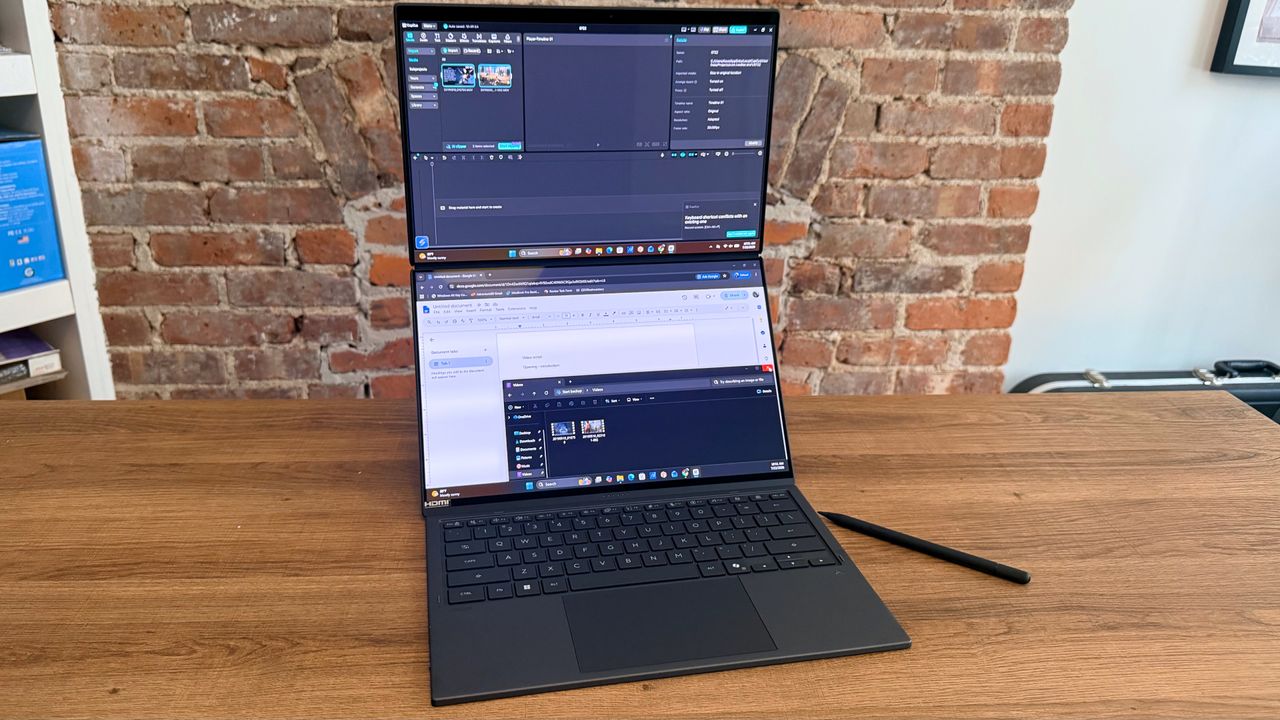
The new Asus Zenbook Duo has a lot going for it. The Duo sports a dramatic redesign that can enclose the keyboard inside the two displays for extra portability, a strong sturdy hinge to support the dual OLED panels, the powerful Intel X9 chipset with best-in-class Arc B390 integrated graphics, and fantastic ergonomics.
But it is pricey. While anyone can pick up the Zenbook Duo, the laptop is intended for creators and editors who need the extra screen-space of a dual-panel setup. Which begs the question: are two panels really better than one?
To see if a dual screen laptop is really that much better than a standard clamshell laptop, I replaced my Apple MacBook Pro M1 Pro for a week with the Zenbook Duo (2026).

Whether you're a grad student, building new skills, running a side hustle, or juggling multiple projects, you need a laptop that moves with you. The dual 14” 3K ASUS Lumina OLED displays on the ASUS Zenbook DUO feature a built-in kick stand and detachable keyboard and it's powered by up to Intel® Core™ Ultra 9 Series 3 processors. Whether you're working at your desk with a dual-screen set up or collaborating on the go, Whether you're set up at the desktop for dual-screen detail work or on the go to share info with a collaborator, you'll feel unstoppable with the flexibility of a portable workstation designed for everyday productivity and multitasking. That’s the power of Intel Inside®.View Deal
The OLED difference
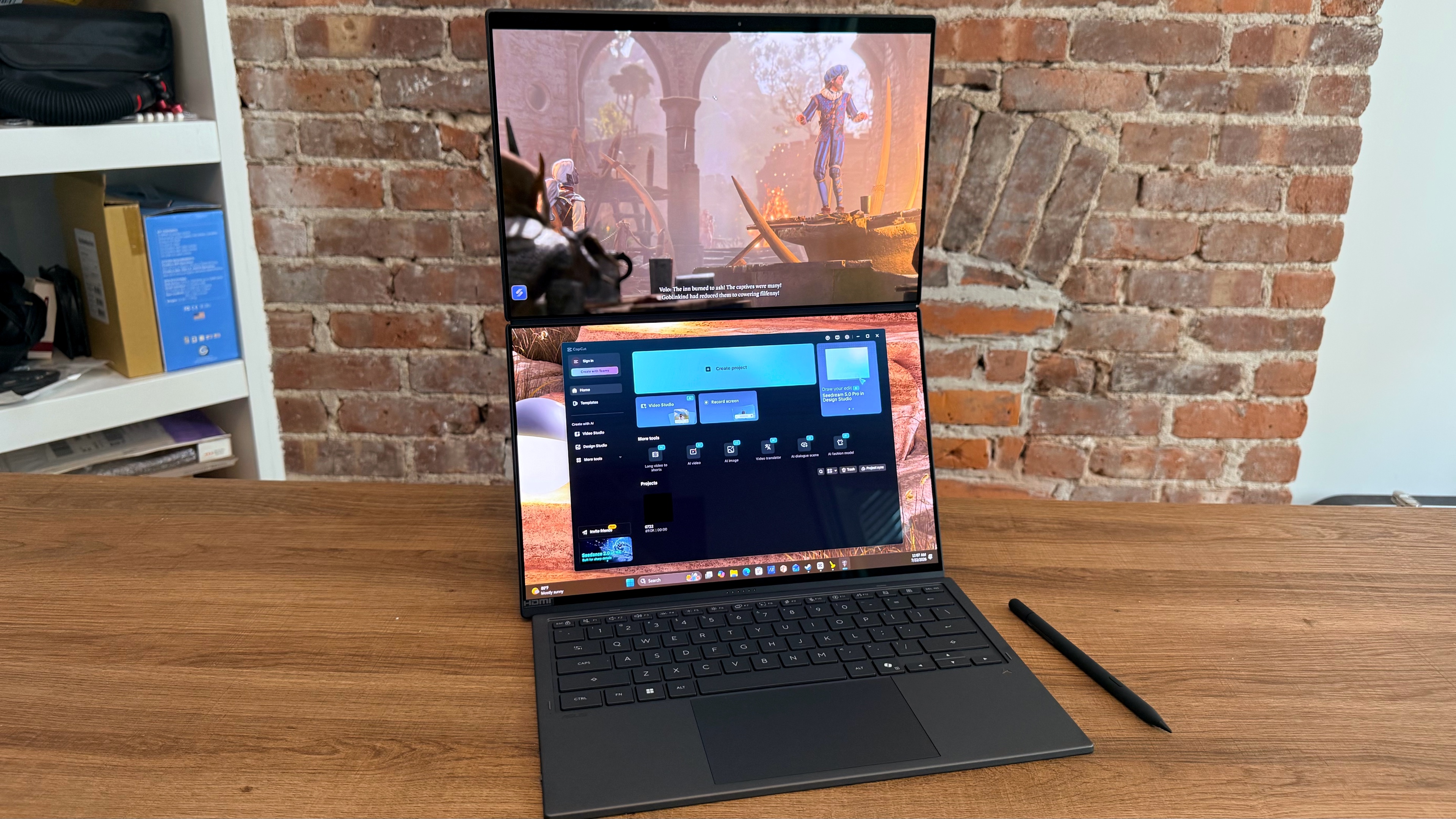
While my MacBook Pro was cutting edge when I bought it, the M1 Pro is now five years old, compared to the Zenbook Duo’s brand new Intel processor.
However, I don’t often need to edit enough video to really stress out the M1 Pro even after five years of daily usage. So while the Zenbook Duo is perhaps a bit faster than my MacBook, it’s a pretty close comparison in terms of general multitasking performance.
Instead, the Zenbook’s major upgrade over my Mac is its dual OLED touch displays. For all of Apple’s claims, the Liquid Retina display on my MacBook Pro just doesn’t have the same vibrancy and near-infinite contrast as an OLED display.
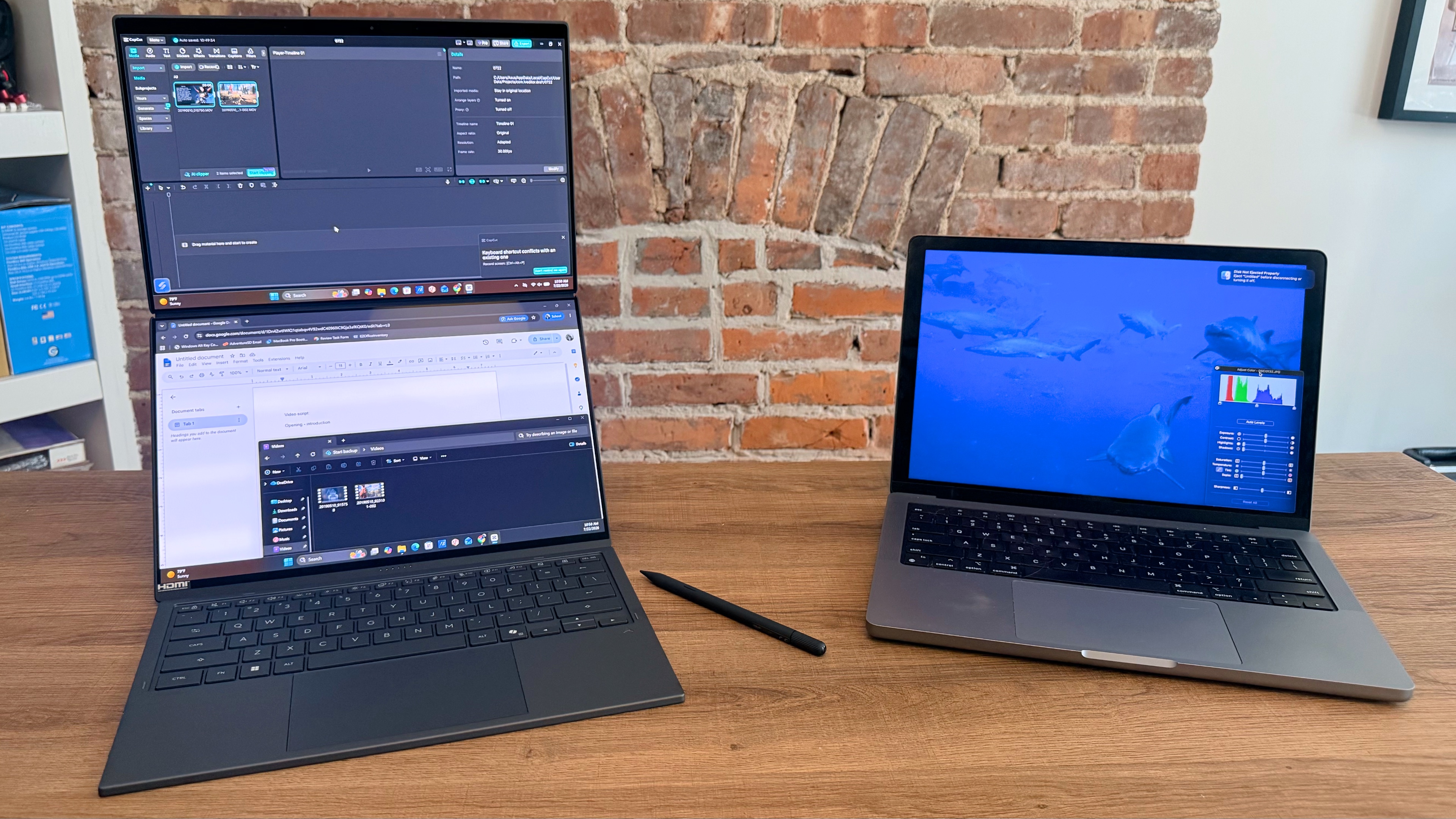
Both laptops have displays that look fantastic for streaming purposes, complete with HDR capabilities. So you can finally figure out what happened during the Battle of Winterfell in Game of Thrones’ final season a decade later.
But the real difference between the OLED and Liquid Retina displays is most essential when doing photo and video color grading. The color accuracy and high contrast of the Zenbook Duo’s OLED panels makes it a better choice for subtle color tweaks compared to my aging MacBook Pro.
Dual panel editing is unbeatable
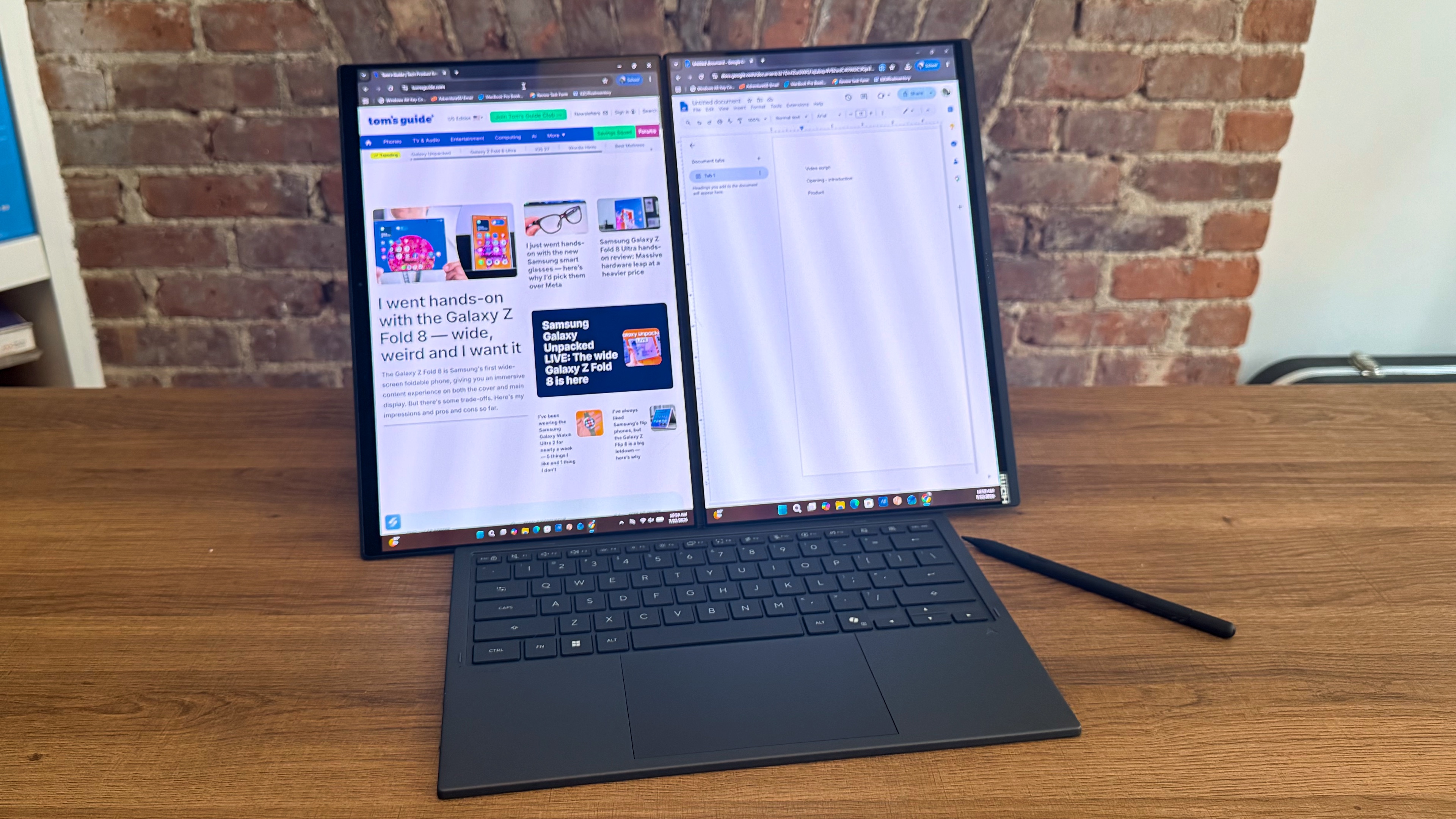
For years I’ve used a split-screen setup on my desktop’s 27-inch monitor, or rocked a dual monitor/dual device setup for work purposes. Because having extra screen space is never a bad thing.
But that always leaves me with the struggle of frantically switching tabs or relying on tiny multi-window setups on my laptops when travelling or commuting. It’s workable but it’s not ideal.
Enter the Zenbook Duo. While setting up with my two screens, detached keyboard, and stylus at the local coffee shop is a little aggressive for a quick cafe work session, the Duo’s redesign really makes it much easier to take a dual-screen laptop on the go and get all the functionality you need.
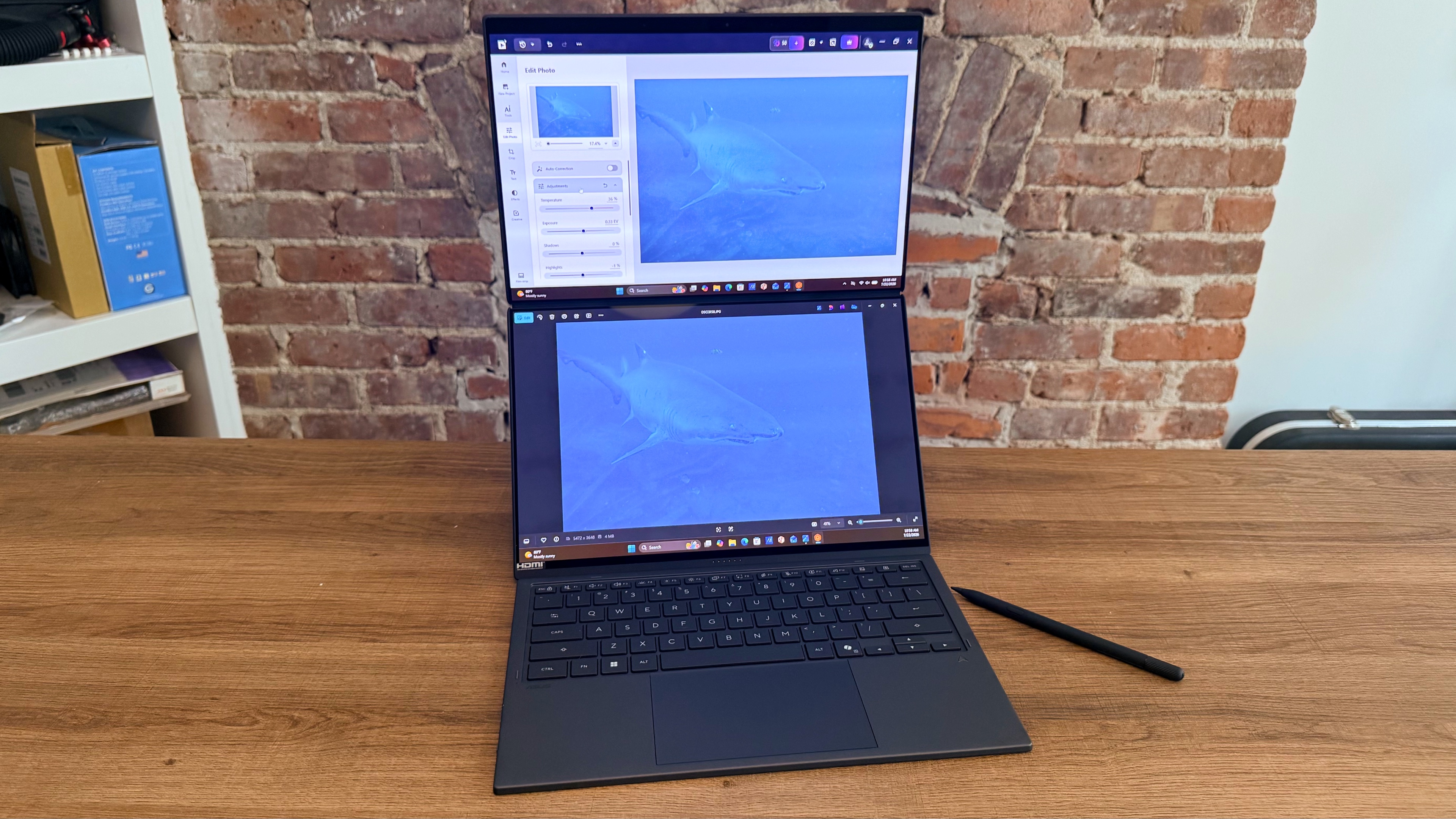
And having the second display makes writing, editing, email and calendar management a treat. But the real benefit is when I broke out some video editing I’d been putting off doing on my MacBook.
Not only did the Zenbook Duo have no issue splicing together two massive files in CapCut, running some color correction, adding some on-screen text, being able to reference my script notes while doing the edit pass provided an almost desktop-like experience. Despite being on a laptop in a cafe.
It was exactly the kind of experience upgrade that makes doing highly complicated tasks on a laptop feel so much easier. Add in the touchscreen controls for extra-fine tuning in photo and video editing, and the Zenbook Duo is a nearly unmatched creator laptop.
Traditional single screen laptops just can’t compare
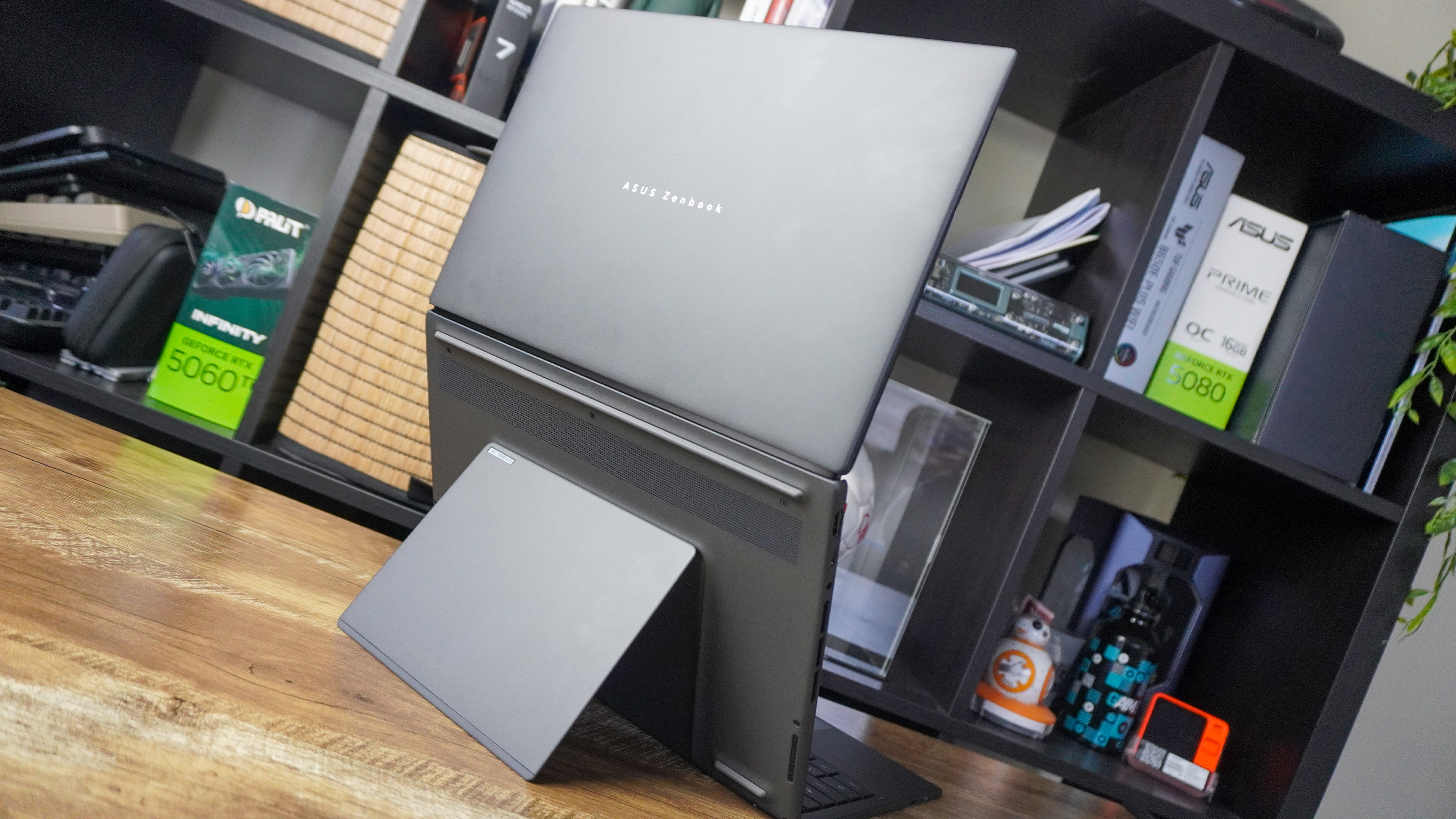
For most users, a dual screen laptop is just bragging rights. It's cool to have but not the most essential item. So paying $2,099 (or $2,299 for our review spec), is a bit of a hard sell when a single-screen clamshell laptop is more than sufficient for their day to day uses.
But for content creators in need of a new laptop, the Zenbook Duo is almost essential. It’s easily portable, has two beautiful OLED displays, and despite lacking a discrete GPU, the Zenbook Duo is a graphics powerhouse on gaming, photo, and video editing tasks.
The only downfall of the Zenbook Duo is its high price-tag, but considering all the utility and performance you get with the Duo, the price isn’t as bad as it could be.
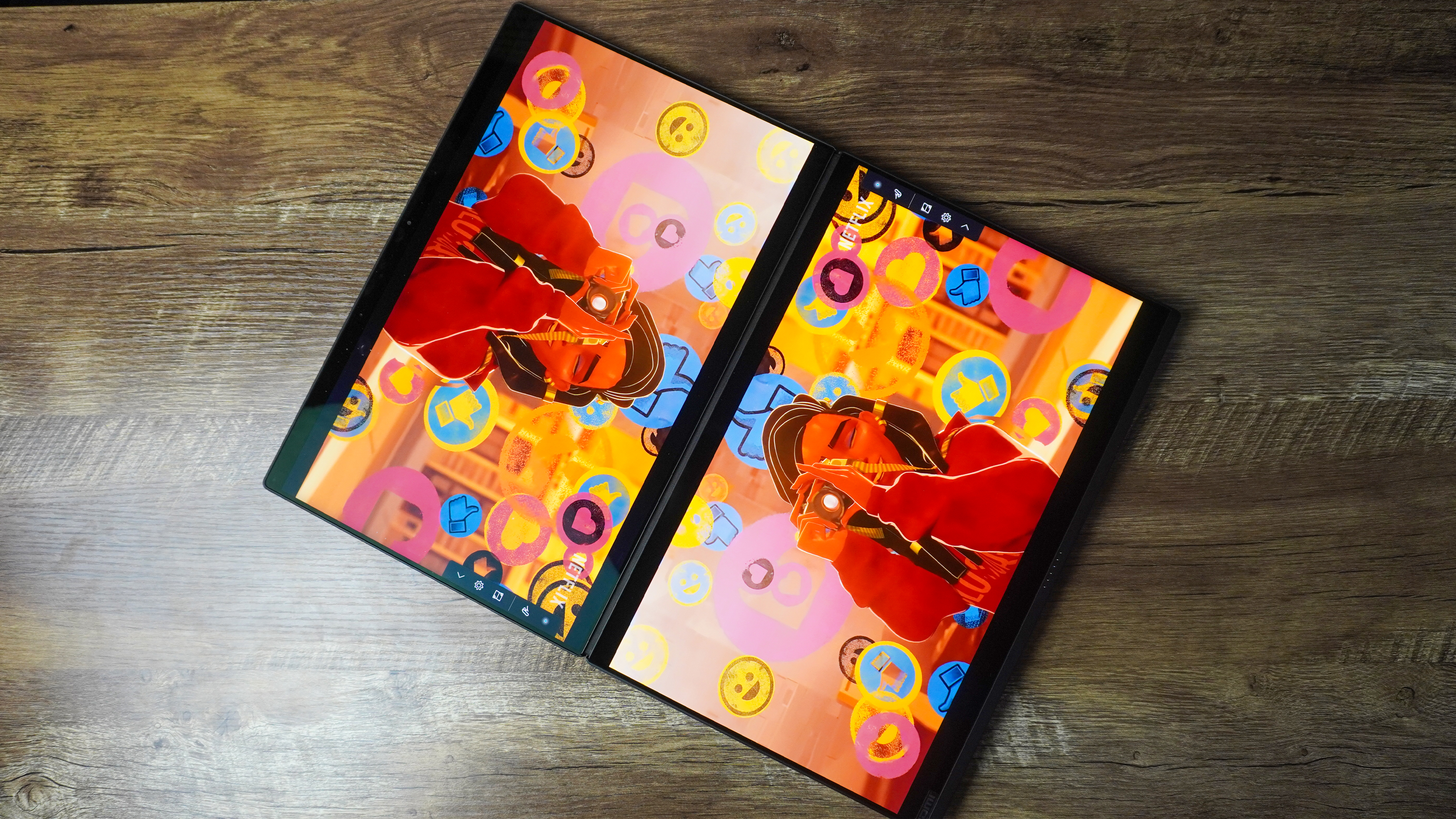
And for creators looking at high-end Macs or windows laptops with discrete GPUs, $2,299 isn’t out of the question. While a MacBook Pro M5 Max or content creator laptop with an Nvidia GPU may have a bit more raw horsepower to work with, the Zenbook Duo isn’t far behind in performance.
Of course, if you’re in need of some extra graphics power, the ROG Zephyrus Duo may be the better option. But unless you’re doing a lot of 3D design, the Zenbook Duo is powerful enough, and far more affordable. But any single-screen laptop just can’t compare when it comes to ease of editing on a dual-screen device like the Duo.
More from Tom's Guide
This is a preview from the original publisher. Continue reading at the source:
Read Full Article on tomsguide.com →