

I stopped using ChatGPT for everything — here are 5 prompts I only run in Claude
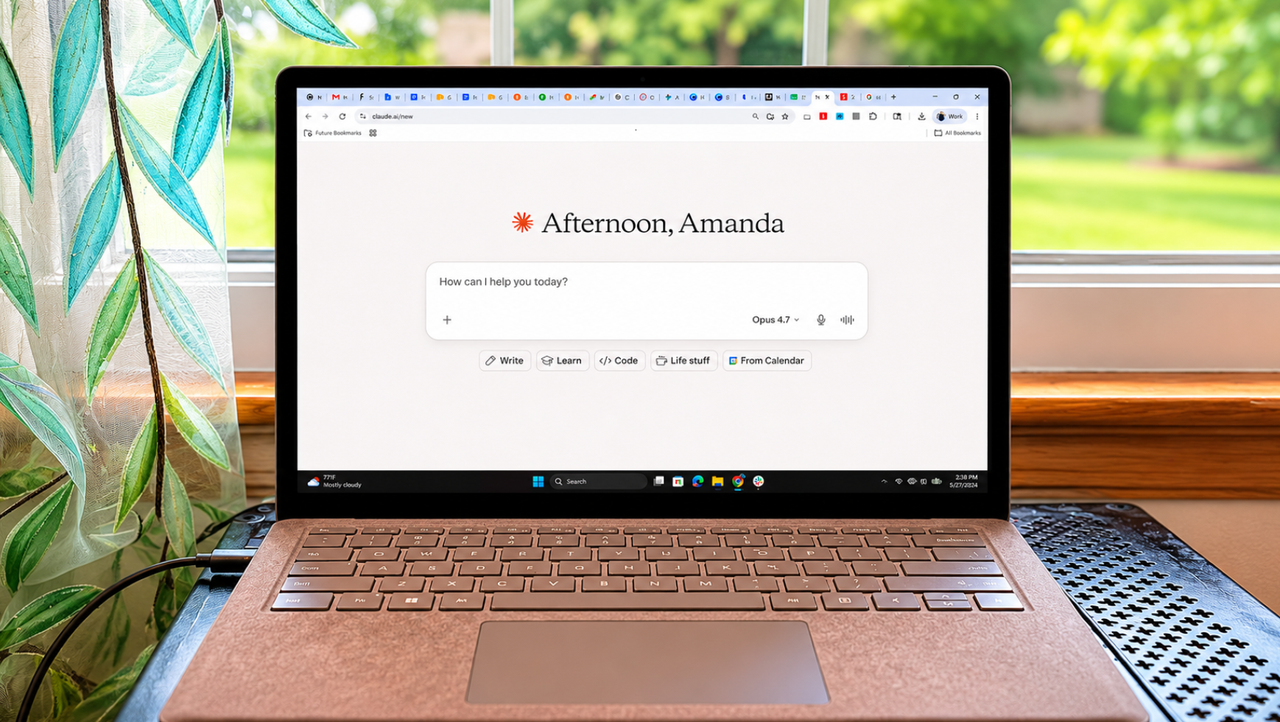
For years, ChatGPT was my default AI tool. But after spending serious time with Claude Opus 5, I've quietly switched over for most of my everyday tasks. And when it comes to these 5 prompts, I don't think I'm going back.
Claude consistently gives me responses that feel more thoughtful, more structured, and less AI-sounding. With Claude, I find myself needing fewer follow-ups because it just "gets it."
Here are five prompts I now take to Claude instead of ChatGPT, and why the results have been noticeably better.
1. Brainstorming creative ideas
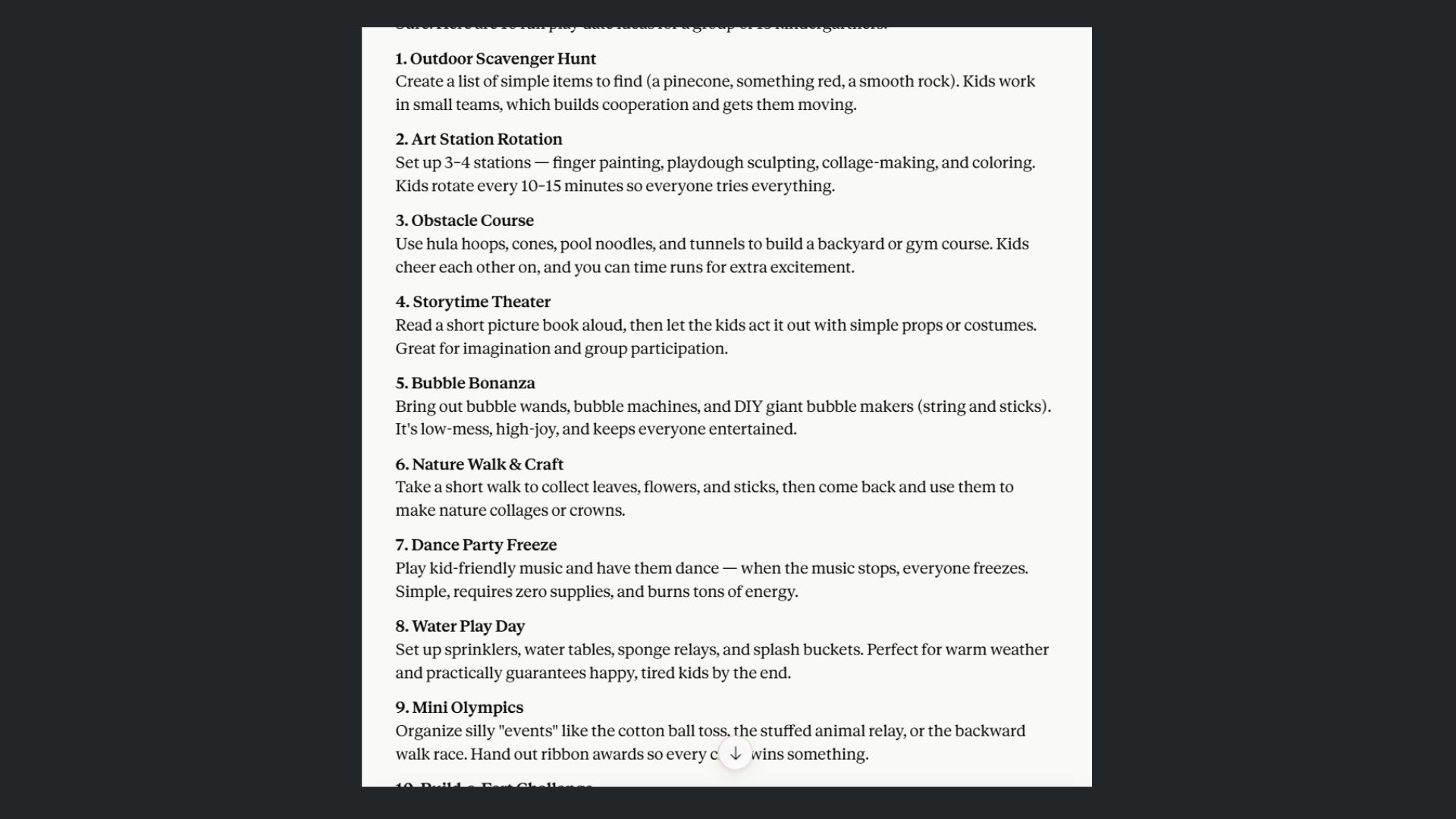
Prompt: "I need help brainstorming ideas for [a topic, product, or project]. Can you provide 10 unique ideas or approaches, and briefly explain each?"
Any chatbot can generate a list. The difference is whether that list actually makes you think. What I like about Claude is that it seems to be less robotic and generic. In fact, prompt after prompt, it gives me angles I genuinely hadn't considered, with concise reasoning behind each one. Claude doesn't repeat itself as often as ChatGPT or have filler and fluff like ChatGPT.
Where ChatGPT tends to give you ten variations of the same safe answer, Claude pushes into less obvious territory. If you've ever stared at a brainstorming list and thought "these are all basically the same thing," you'll notice the difference immediately.
2. Learning complex topics
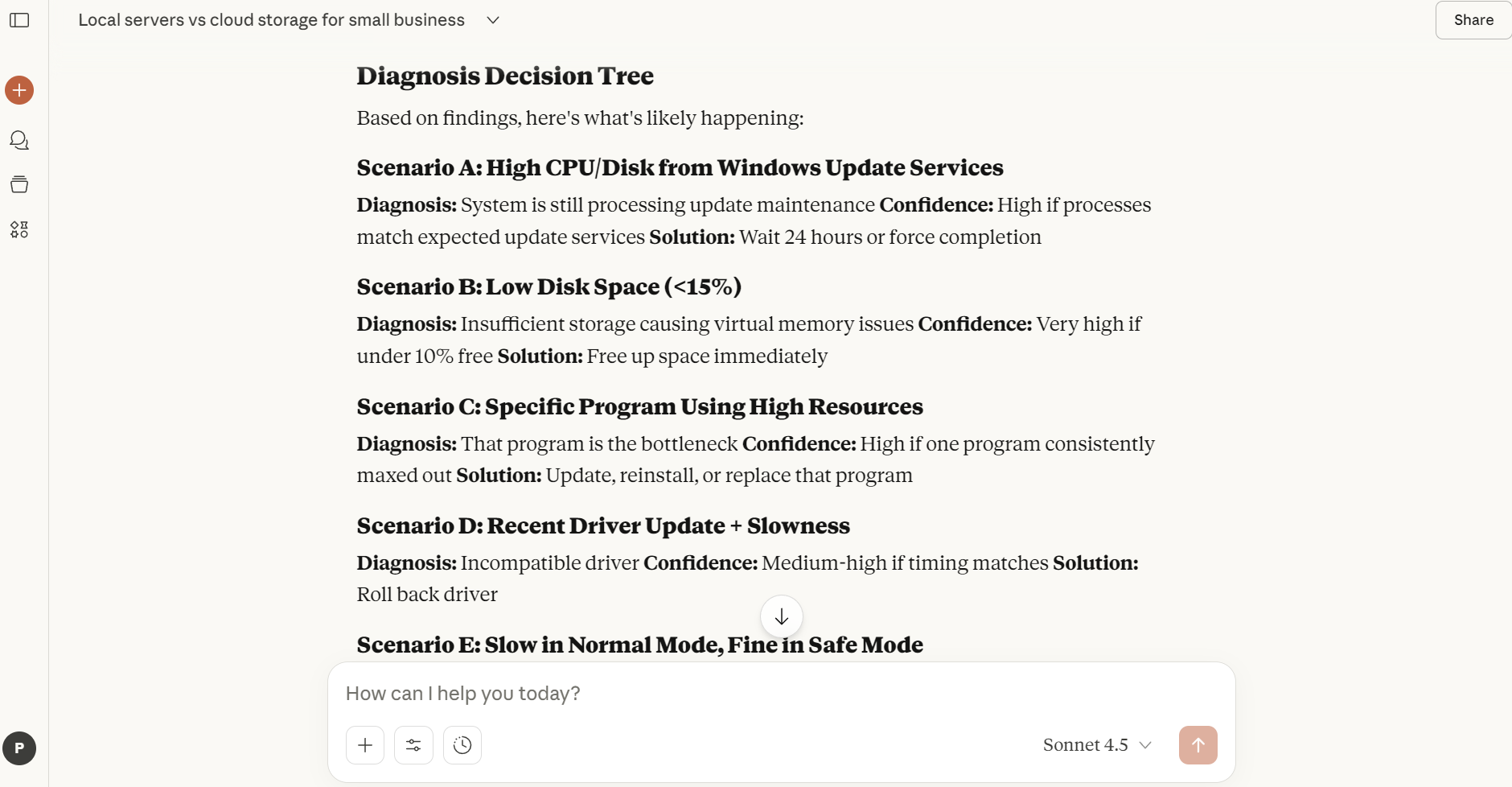
Prompt: "Explain [topic] to me as if I were [a beginner, a college student, or an expert]. Provide examples or analogies to help me understand better."
This is where Claude really pulls ahead. Because the chatbot has a knack for matching its tone and depth to whatever level you ask for, without being condescending at the beginner end or vague at the expert end.
I've also noticed that Claude is more willing to say when something is genuinely complicated or flat out wrong, rather than smoothing everything into a confident-sounding paragraph. When you're trying to learn, that honesty matters.
3. Optimizing productivity
Prompt: "Help me optimize my workflow for [a specific task or project]. Suggest tools, strategies, or step-by-step routines that can save time or improve quality."
I use this prompt to ask Claude for just about anything, including how to get three young kids out the door by 8am every morning. Instead of a vague pep talk about "batching tasks" and "setting intentions," Claude gave me a staged, practical plan — broken into time blocks, with a backup plan for when things inevitably go sideways.
What I appreciate is that Claude treats workflow questions like real problems with real constraints, not opportunities to list every productivity app on the market. The suggestions feel like they came from someone who actually thought about my situation, not someone who Googled "morning routine tips." I find this especially interesting because Claude's memory is not as good as ChatGPT. In other words, ChatGPT seems to "know me" better than Claude, but Claude still offers more human suggestions.
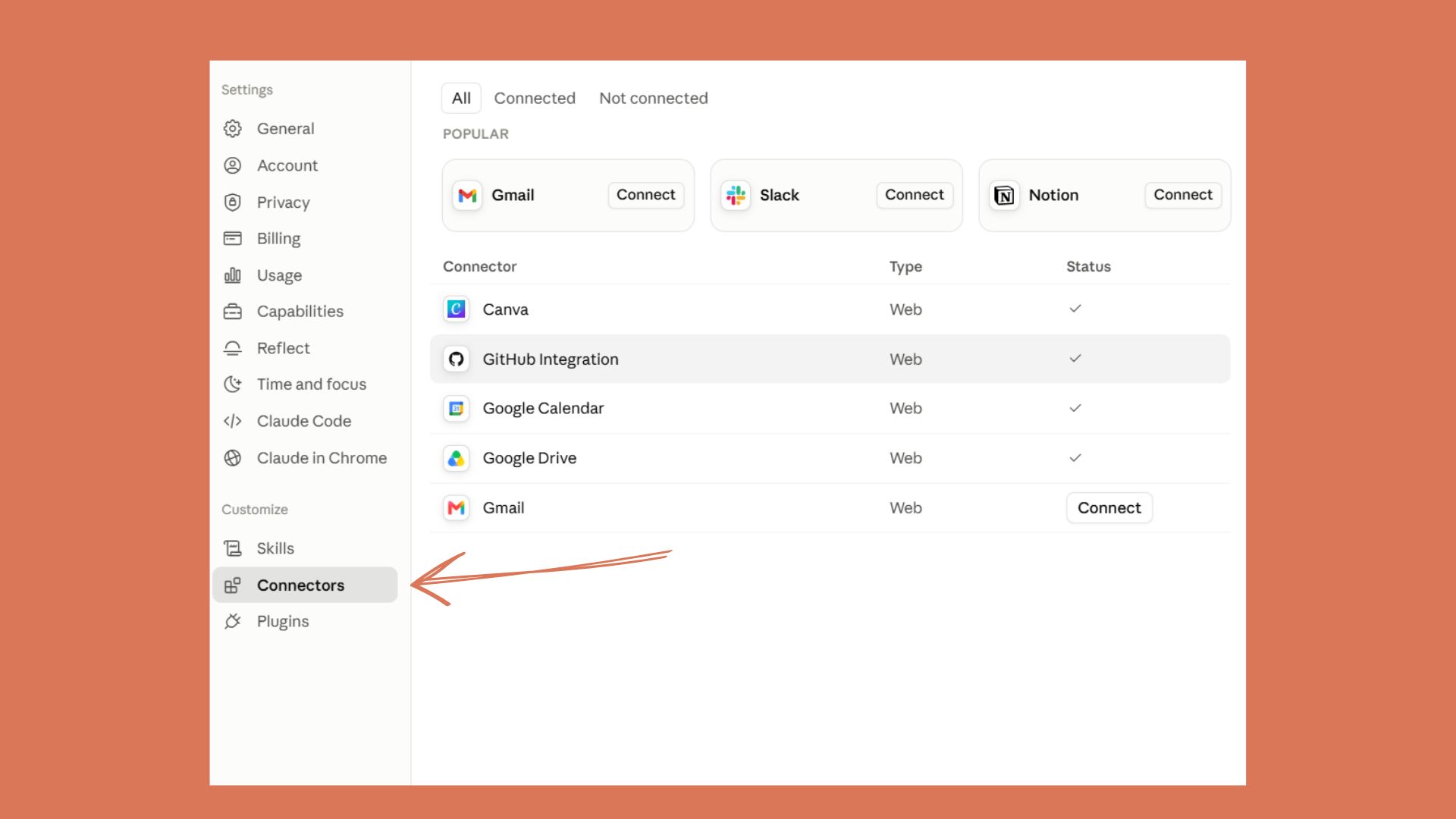
Workflows is also a great time to use Claude Skills and Connectors.
4. Writing or editing assistance
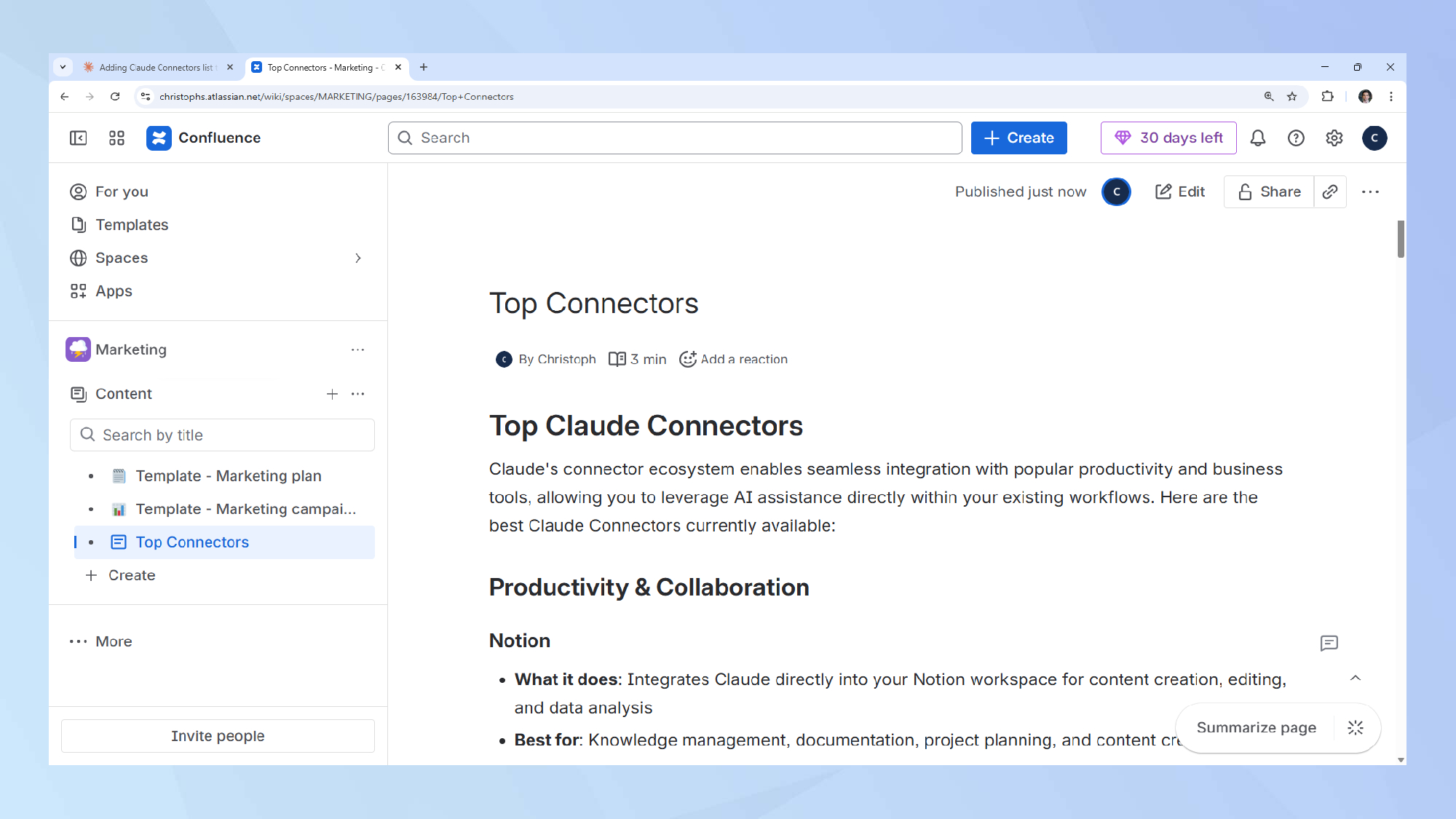
Prompt: "I need help writing [type of content, e.g., a blog post, a persuasive email, or a professional bio]. Here's the topic/goal: [describe it]. Can you create an outline for me?"
Letting AI write for you is a big no-no in my book. But "writing with AI" could mean a lot of other things. For example, if you're staring at a blank page with several ideas and don't know where to start, prompting Claude with your messy notes and asking it to make an outline or at least turn your notes into bullet points, can help ease frustration and writer's block.
For those who may need extra support, Claude can handle longer writing tasks without losing the thread. Blog posts, emails, personal statements or similar can be done without filler. If you've ever had to spend 20 minutes editing AI-generated fluff out of a draft, Claude will save you that time.
5. Getting personalized recommendations
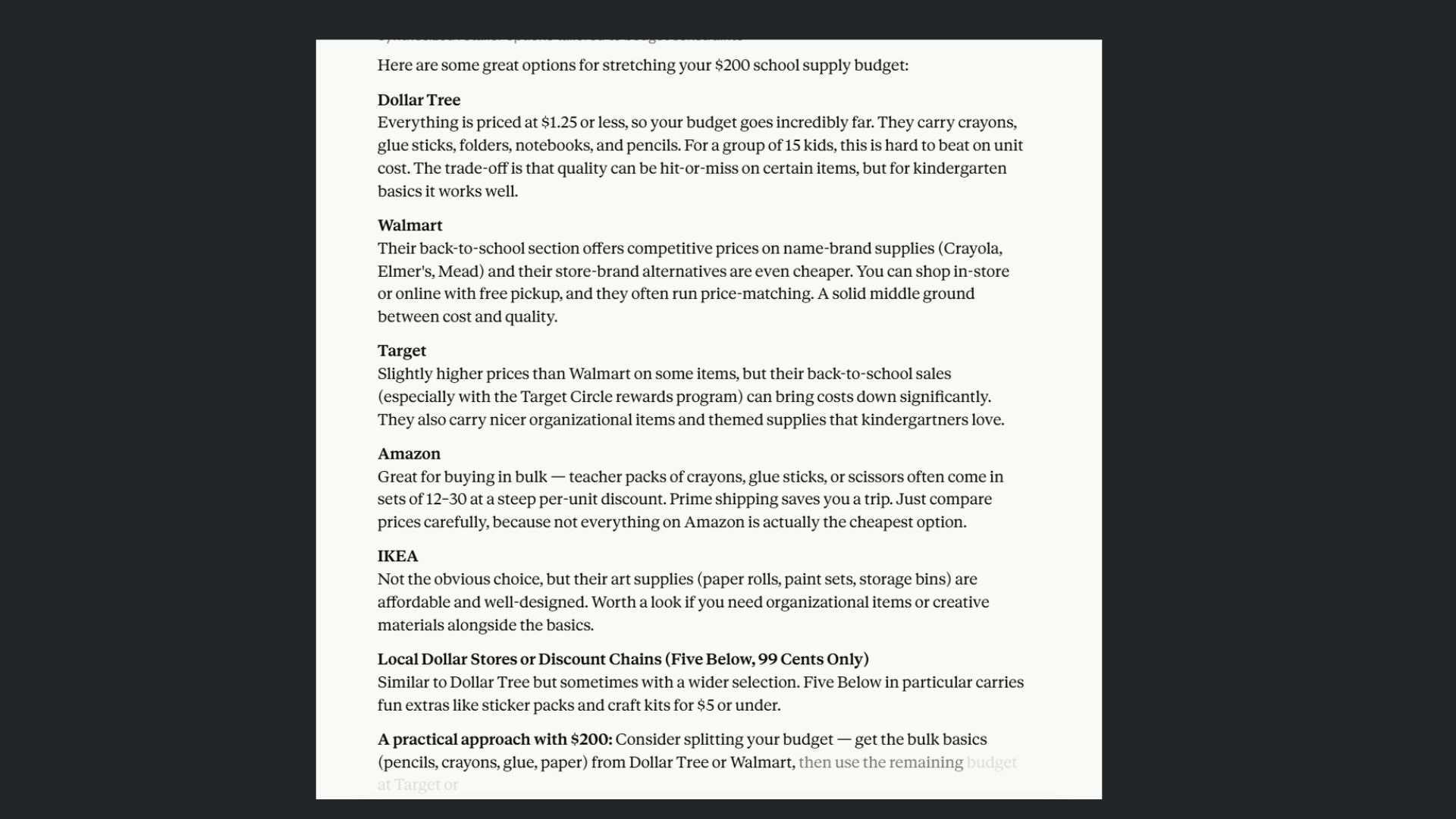
Prompt: "Based on my [situation, preferences, or needs], can you recommend [books, movies, strategies, tools, etc.] and explain why they might be a good fit?"
This is surprising, especially, as I mentioned, ChatGPT knows me so well. However, this one has become my go-to prompt when I want to unwind. I asked Claude to recommend shows to stream over the weekend because I wanted something relaxing and funny. The list it gave me was genuinely curated, and not a mix of the most popular streaming shows at the moment. Even more surprising, the AI explained why each pick fit what I was looking for, and included a mix of obvious favorites and things I hadn't heard of.
Claude's recommendations don't feel like search results. They seem like they are coming from someone who actually listened to what you said. It picks up on the nuance in your request instead of just matching keywords.
Final thoughts
I'm not saying ChatGPT is useless, far from it! I use it regularly. But when it comes to the types of prompts where more "human-like" effort is needed, Claude wins.The key with any AI is being specific about what you need. But with Claude, I've found that specificity gets rewarded more consistently. Give these prompts a try, and I think you'll see what I mean.
More from Tom's Guide
This is a preview from the original publisher. Continue reading at the source:
Read Full Article on tomsguide.com →