

New to ChatGPT Work? These 7 prompts turn it into a personal assistant

Most ChatGPT users have gotten accustomed to using AI to help with simple questions that are too nuanced for Google. But, ChatGPT Work is meant to be used differently.
After spending time with it, I realized the biggest shift with OpenAI's new feature within the interface, is that it does so much more than just answer questions — it does entire tasks!
Once I tried it, I saw the difference was truly unique. Instead of bouncing back and forth with dozens of follow-up prompts, I found myself giving ChatGPT Work a goal and letting it figure out the steps.
Here are the seven prompts I've found myself coming back to the most.
1. Be my chief of staff for this project
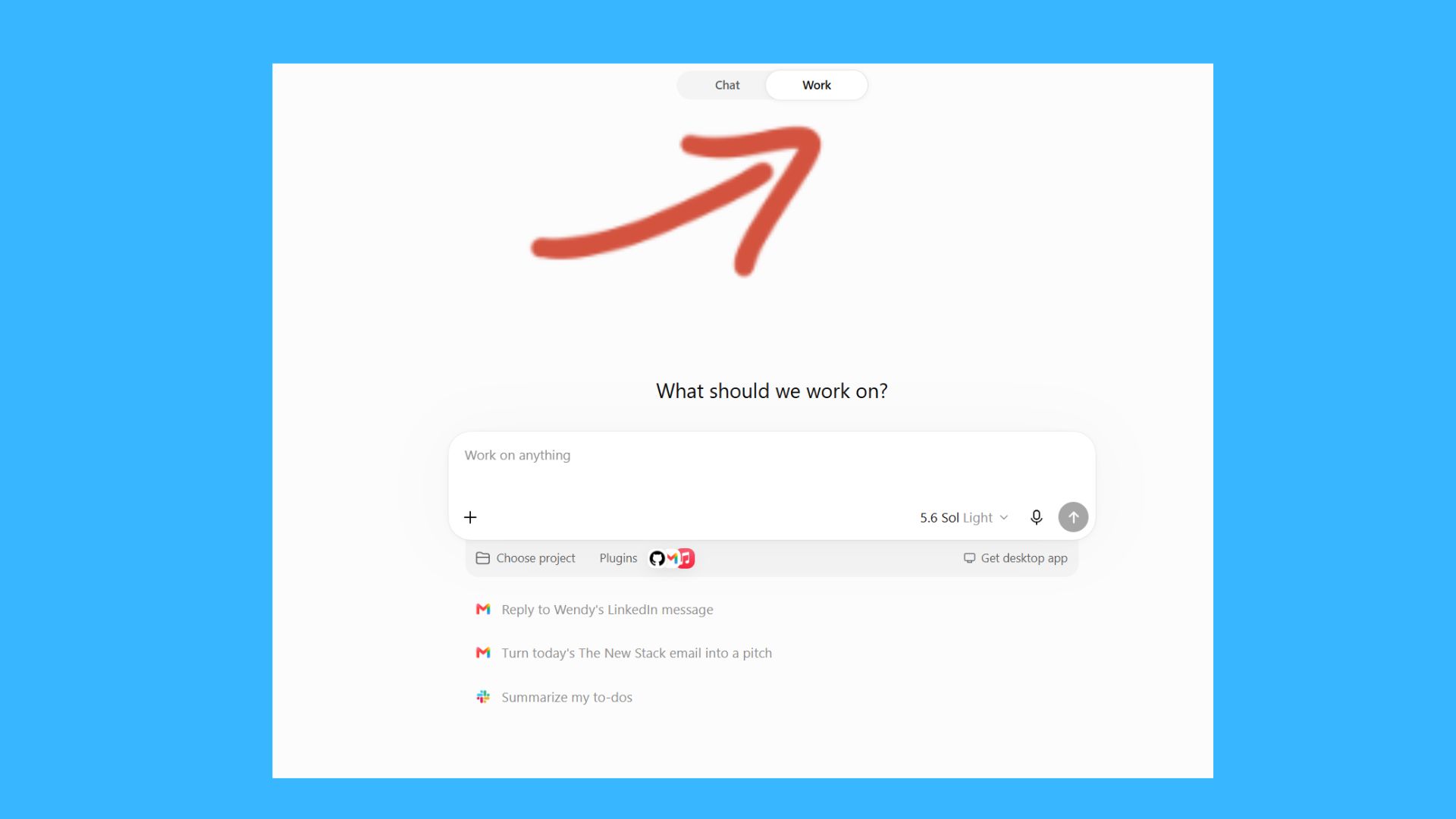
Prompt: Act as my chief of staff for this project. Review everything I've shared, identify what still needs to be done, organize the work into priorities, and only come back to me when you need a decision that requires my input.
This has become my favorite way to start a new project. Instead of asking ChatGPT what I should do next, I ask it to build the roadmap. It identifies missing information, suggests a logical order for tasks and keeps the project moving without waiting for me to think of the next prompt.
It feels much closer to working with an assistant than chatting with an AI. It works especially for those times when you're trying to get a project off the ground (alone without a team) and need support. ChatGPT Work seems to "get it" much better than a simple chatbot.
2. Read everything and tell me what actually matters
Prompt: Review every document in this folder. Identify the key points, flag anything important or contradictory, and create one summary that I can read in five minutes.
We've all been handed a folder full of PDFs, meeting notes or research documents with the goal of knowing everything inside as quickly as possible. Normally I'd summarize each one separately before trying to connect the dots myself. ChatGPT Work can tackle the entire collection and give me a single report that highlights what matters most.
That alone can save an enormous amount of time. It's a lot like Gemini Notebooks, formally NotebookLM, but if I'm in ChatGPT platform already, it makes sense not to switch out for something like this.
3. Compare these options like you're spending your own money
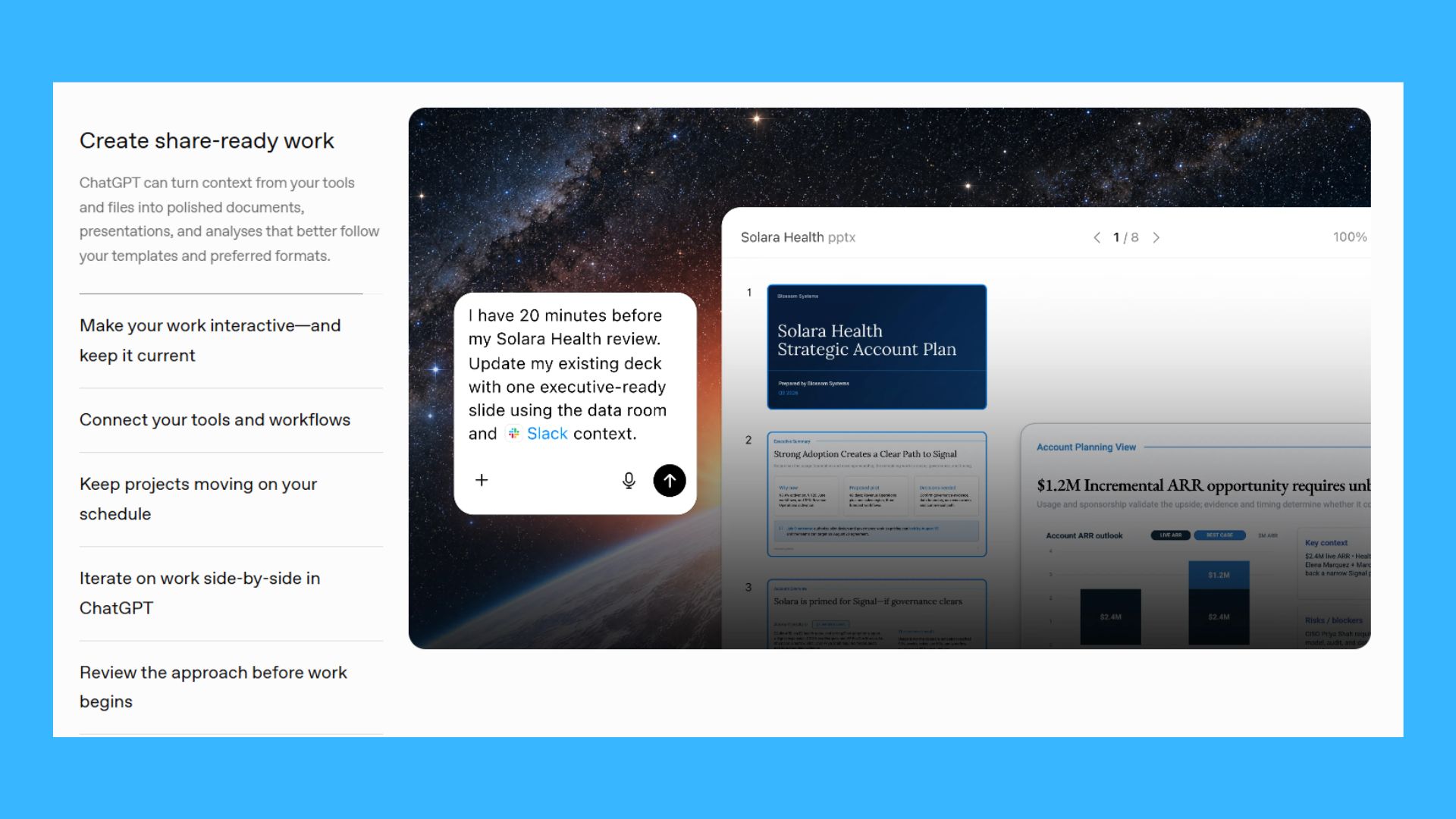
Prompt: Compare these products using professional reviews, user feedback, specifications, long-term ownership costs and reliability. Recommend the one you would personally buy and explain why.
I don't want a list of specs anymore like ChatGPT has done. Instead, I want recommendations that come from weighing real tradeoffs. That could mean support whether I'm looking at laptops or planning a weekend getaway.
4. Own my inbox
Prompt: Go through my email, group similar messages together, identify anything urgent, draft replies where appropriate and create a short action list for anything that still needs my attention.
Email is one of those jobs that somehow expands to fill whatever time you give it. Instead of processing messages one by one, I let ChatGPT organize everything first. By the time I'm looking at my inbox, I already know what's urgent, what's waiting and what can safely be ignored. I can also ask ChatGPT questions about my inbox, like, "Where is the Amazon receipt from earlier this month," rather than trying to figure it out myself.
5. Turn my messy notes into something useful
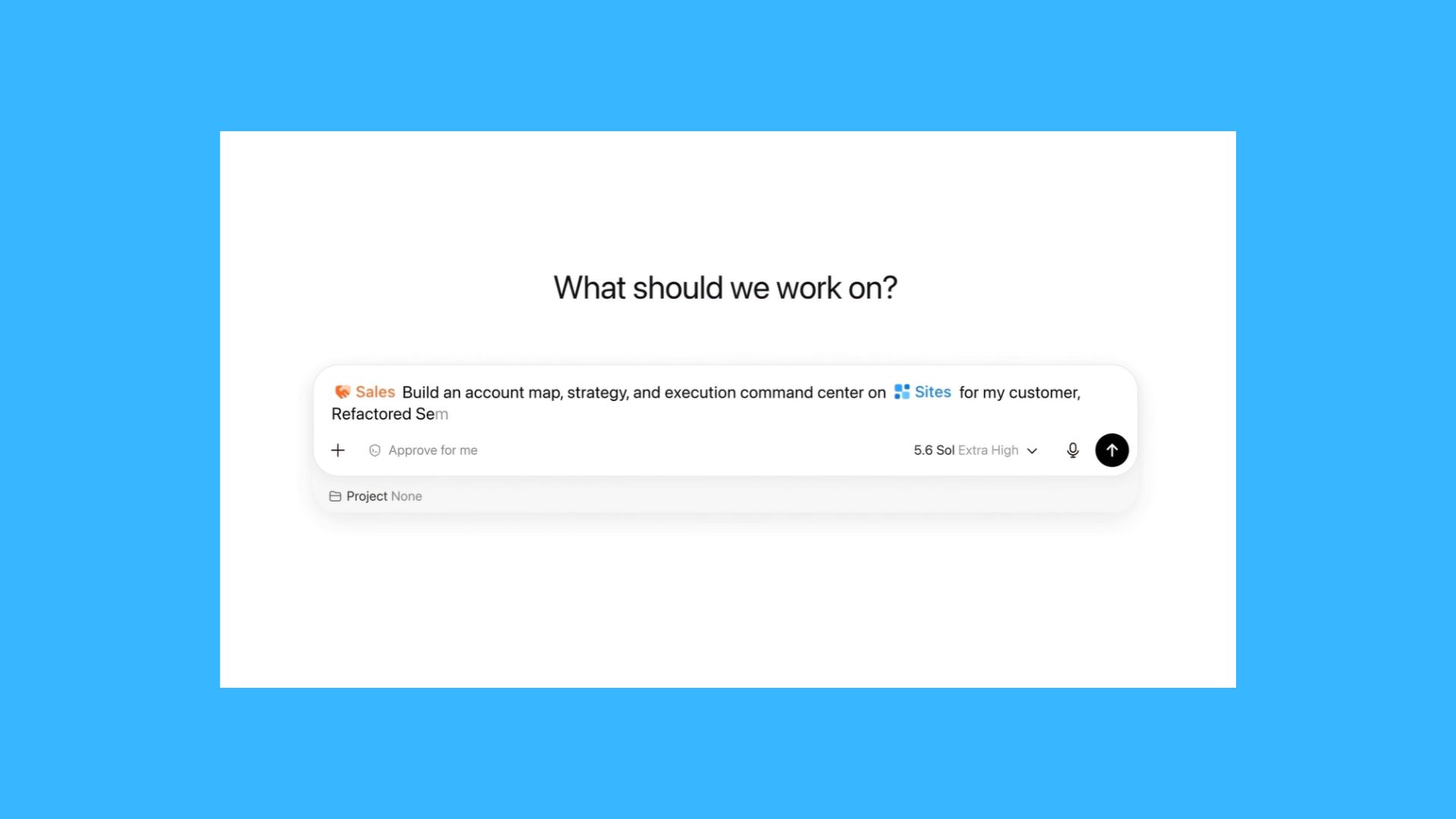
Prompt: Take these notes, organize them into logical sections, identify any missing information and produce a polished document that's ready to share.
My notes are so messy that even I'll take a look and wonder what I was trying to say. Whether they are voice memos or written in my Notes app, they are random
Sometimes they're voice memos. Sometimes they're random thoughts copied from three different apps.
Instead of spending an hour cleaning everything up myself, I hand the entire mess to ChatGPT Work and let it build something coherent.
6. Keep watching this for me
Prompt: Monitor this [topic] and let me know only when something significant changes. Ignore routine updates unless they affect my decision.
This is where ChatGPT Work realls feels different. I don't have to repeatedly check back on something like a website update or an email or news story. Instead, I can hand off the monitoring and focus on something else. It removes a surprising amount of mental overhead.
7. Finish the project—not just the next step
Prompt: My goal is to finish this project. Break it into manageable stages, complete everything you can independently and ask me for input only when you absolutely need it.
This prompt changed how I think about how to use AI. Rather than asking "what comes next?" the AI takes care of it for me. I hand over the entire assignment. The result is fewer interruptions, fewer prompts and a workflow that feels much more natural. This is great for time-consuming administrative takes because it allows me to focus on more important or creative projects.
The takeaway
OpenAI is constantly updating its models and what's possible for the platform itself. If you've been ignoring ChatGPT Work or wondering why you would even need it, I encouarge you to give it a try.
Traditional chatbot prompts tend to be small such as summarize this article, explain this concept or write this email. But ChatGPT Work shines when you give it ownership instead.
The more responsibility you hand over, the more useful it becomes. Rather than asking it to solve one problem at a time, ask it to take responsibility for the whole job. That's the mental shift that finally made it click for me — and once I started using it that way, it changed how I work.
Let me know in the comments if you've tried and what you think.
More from Tom's Guide
This is a preview from the original publisher. Continue reading at the source:
Read Full Article on tomsguide.com →