

The top 6 back-to-school mini PCs for college and university — as benchmarked by our computing team (and no, they won't wipe out your student loan either)
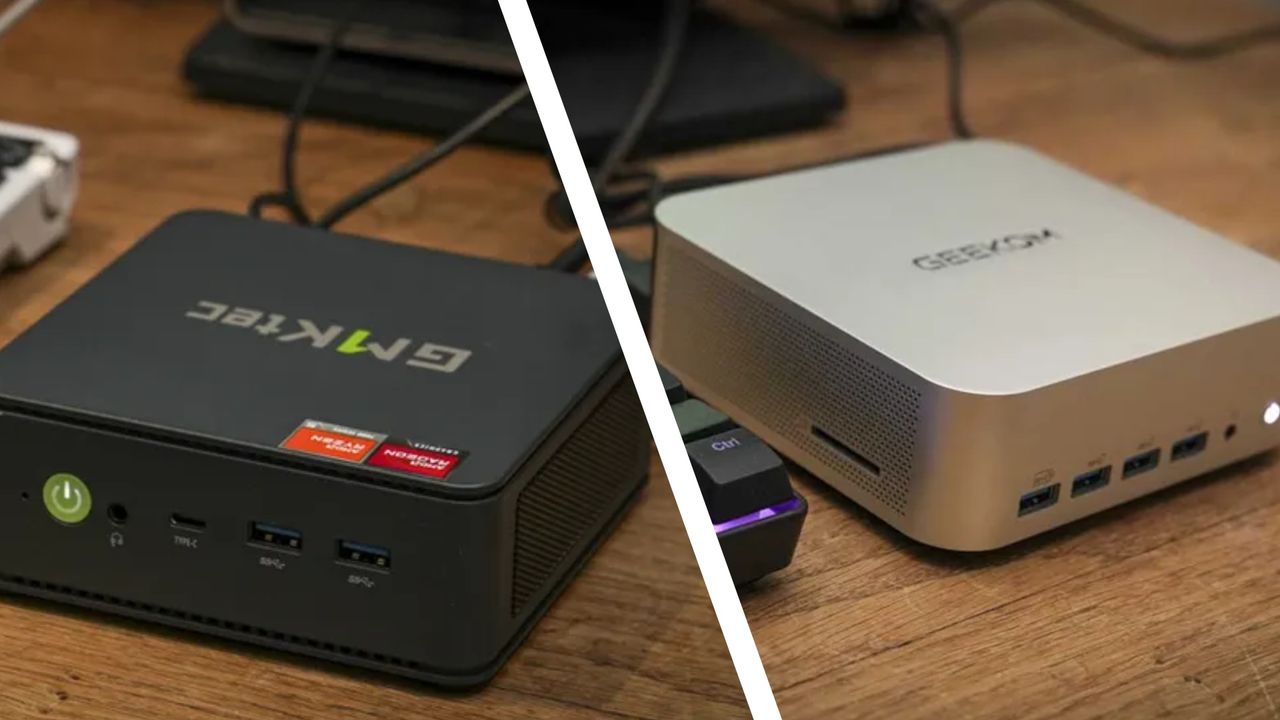
A good mini PC for students needs to do more than chunter along running Microsoft Word and a browser full of tabs. As hardware editor, my team and I have put hundreds of mini desktop PCs to the test - but I wanted to highlight the best all-rounders for schoolwork.
As I say, we've reviewed all the best mini PCs. But out of all those machines, these 6 models here stand out to me as top picks for college and university thanks to their ability to tackle office software, content creation, and even some gaming. Click View details to find out why each mini PC shines for students, and read our review notes.
I've specifically selected compact PCs that deliver great performance across a range of tasks at a range of prices, from top budget picks to slightly more expensive powerhouse machines (but nothing that'll wipe out your student loan). For more school-ready devices, we've also rounded up the best cheap back-to-school laptops you can get right now.
My top back-to-school mini PCs
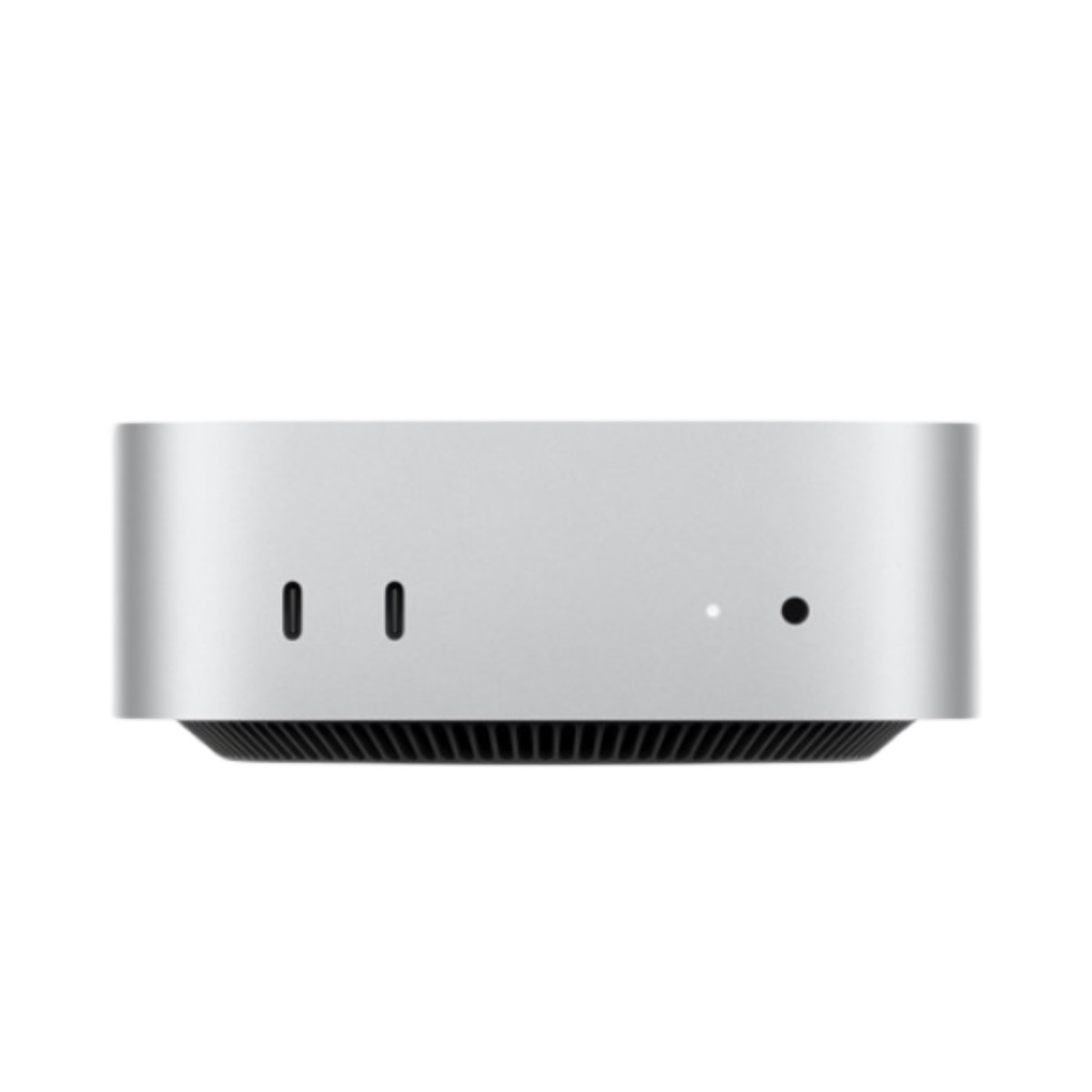
Why it's good for students. One of the best performers around for everything from office projects to photo and video editing, especially if you get the M4 Pro variant. Even with Apple's recent price hike, it's still excellent value.
Pros
- Great performance
- More compact design
- Awesome value
Cons
- Struggles with modern games
- Front USB-C ports are slower than rear
- Power button placement is awkward
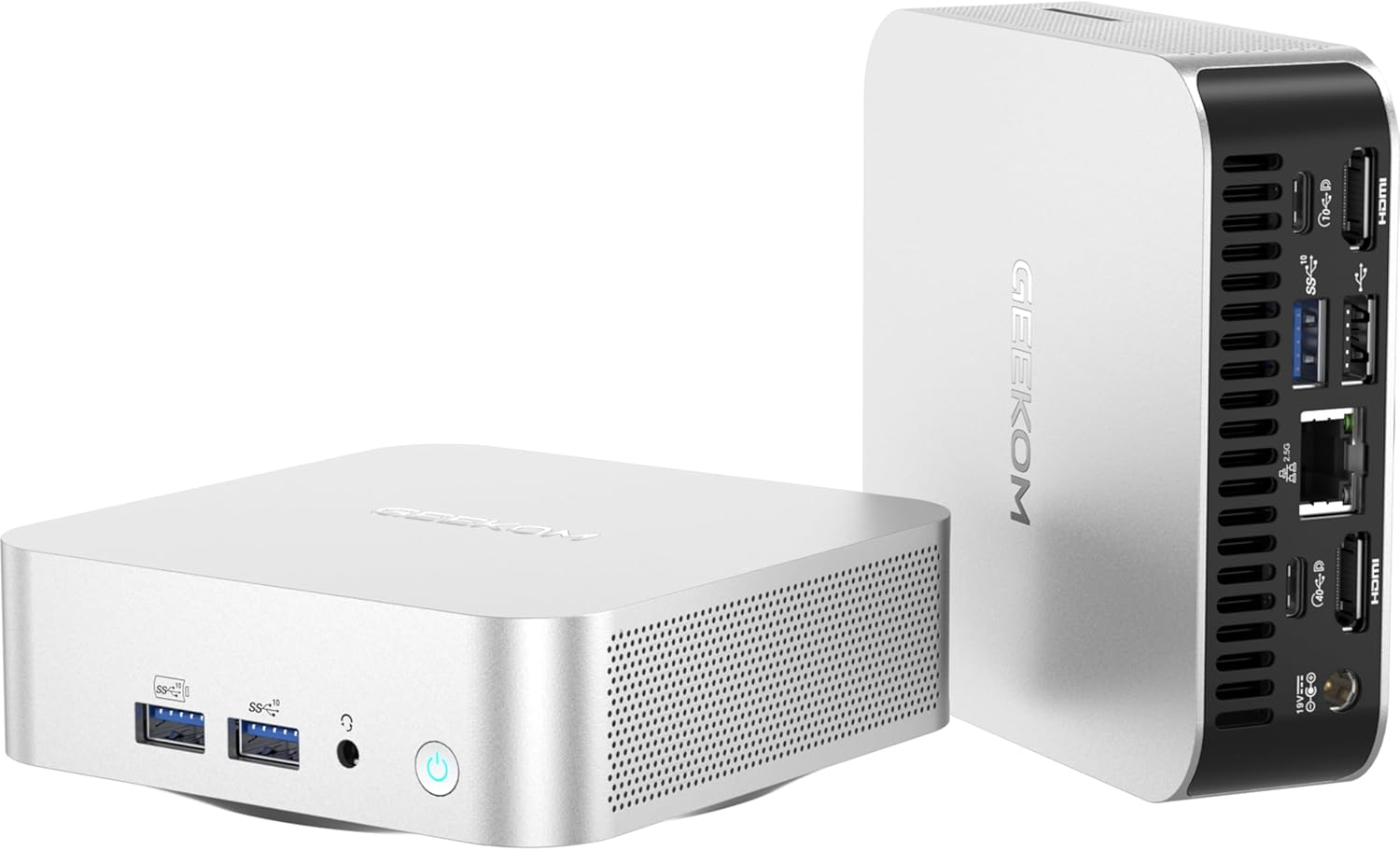
Why it's great for students. The Geekom A6 delivers an impressive amount of power, making it more capable of tackling Office software and light use of Adobe's creative suite. A rock-solid dorm room choice.
Pros
- Ultra-compact mini PC
- Lots of power for creative applications
- Plenty of connection options
Cons
- Very expensive for the specifications
- Slightly noisy fans
- Limited expansion options
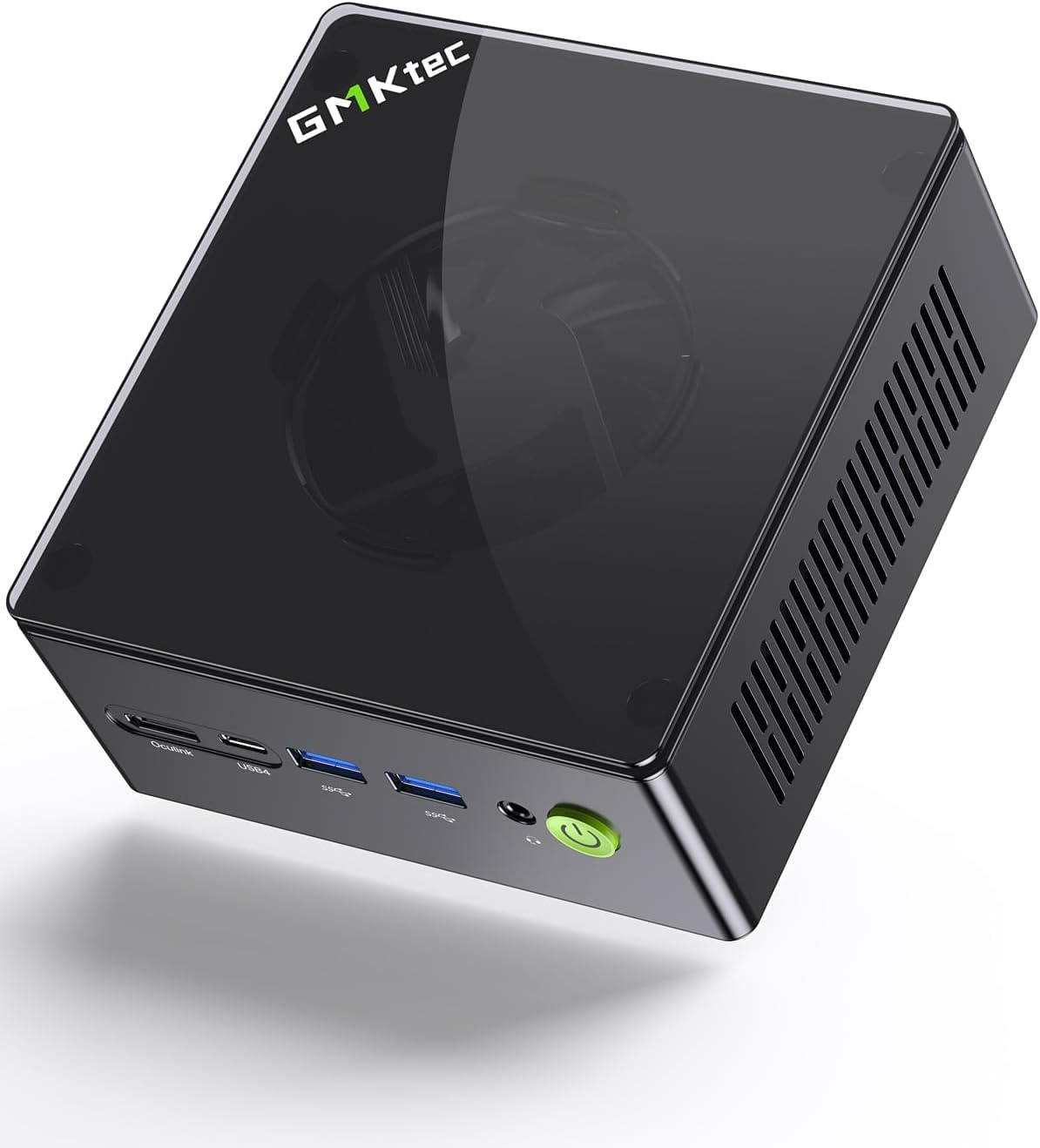
Why it's good for students. This machine showed serious potental right out of the box, and serves up loads of upgrade options to future-proof it throughout your time at college or university. A great all-rounder for office and creative tasks, and even gaming.
Pros
- OCulink PCIE4.0
- High-speed connection options
- Functional design
Cons
- Expansion can get expensive
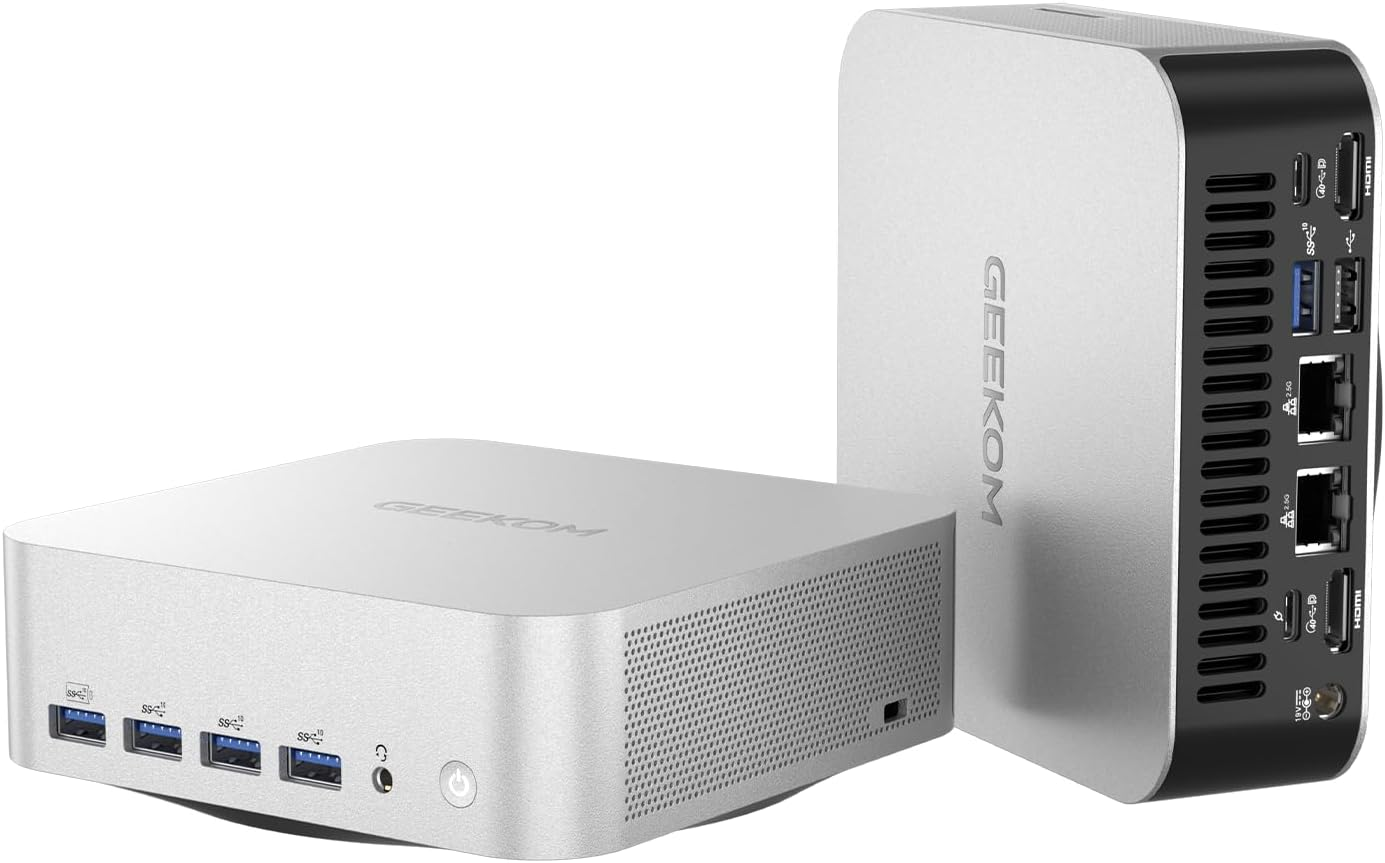
Why it's good for students. If the Geekom A9 Max is too expensive, the A8 Max is my alternative of choice - it may not be quite as powerful, but it's still an impressive AI mini PC that offers stunningly good performance across the board.
Pros
- Plenty of connection options
- Powerful CPU and GPU
- Built-in AI chip
Cons
- Expensive for a mini PC
- Loud cooling under load
- Limited internal expansion
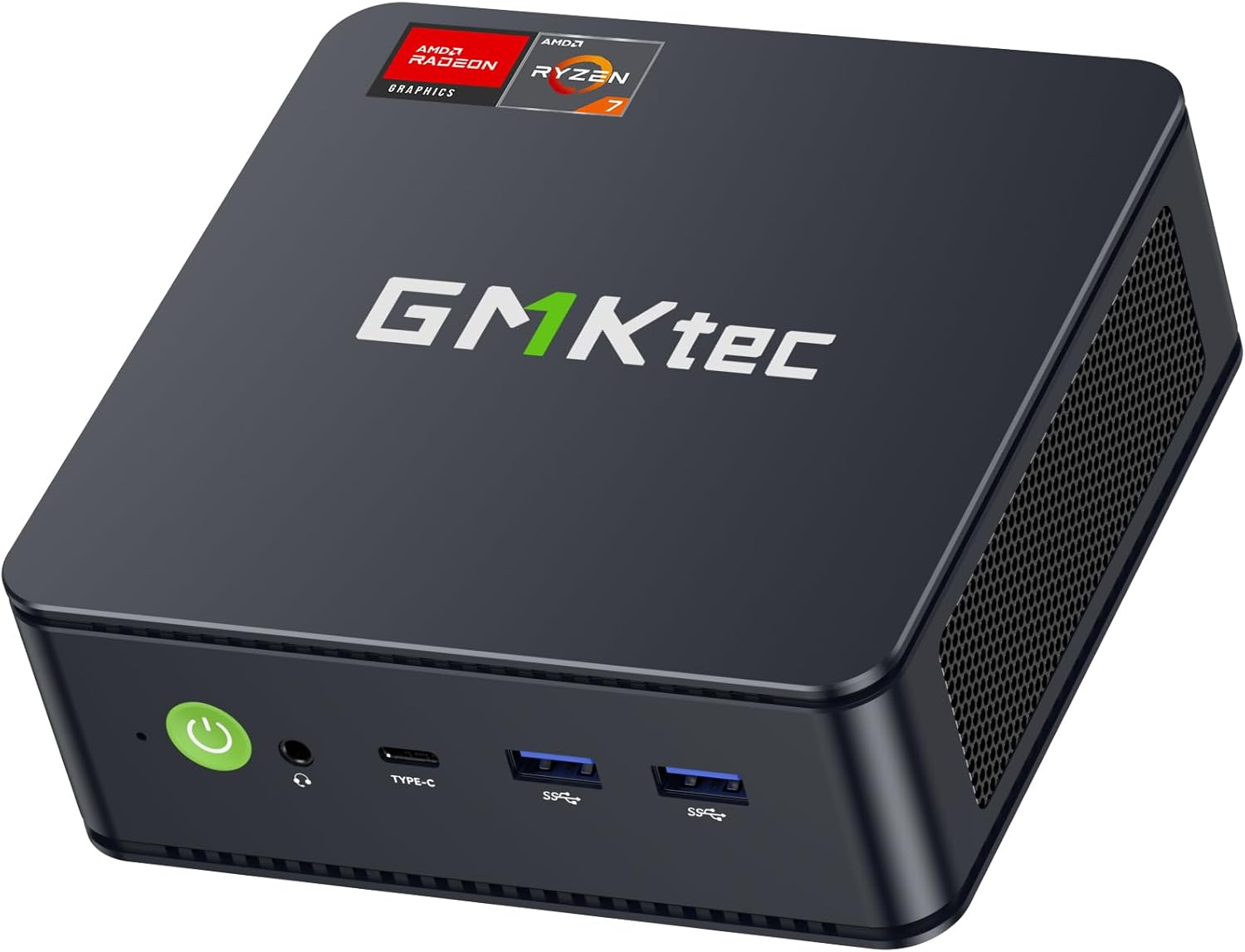
Why it's good for students. Our top pick mini PC for most people, this is a real all-rounder computer. It's seriously affordable, and in tests delivered performance across office tasks, creative projects, and casual gaming.
Pros
- Compact minimalistic design
- Easy upgrade options
- Affordable
Cons
- No discrete GPU
- Limited upgrade paths
- Thermal cooling limited
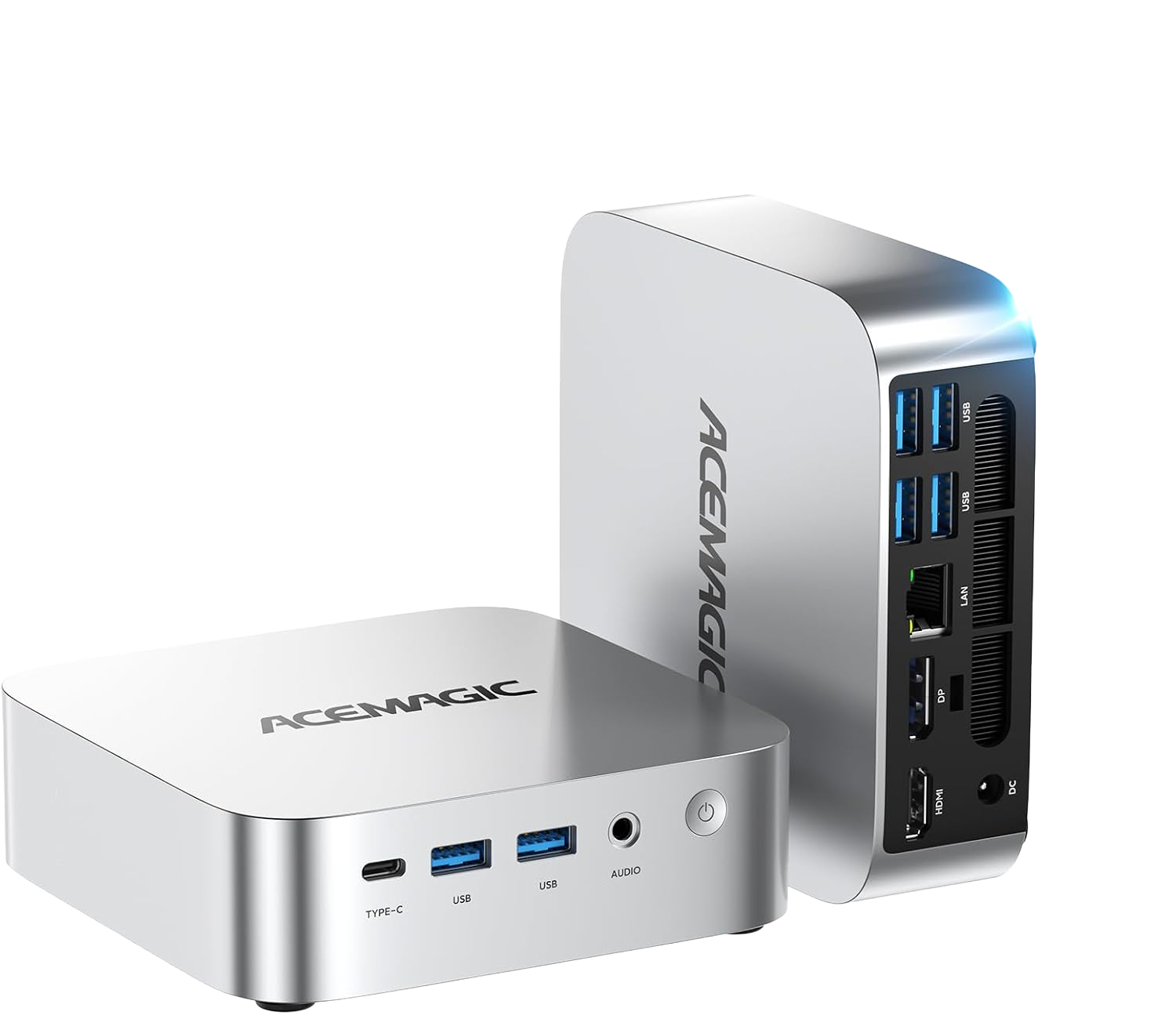
Why it's good for students. A solid budget pick if you just need a mini PC that can handle office apps and very light content creation, like editing photos for social. It's not ultra-powerful, but it's stylish and more compact than most mini PCs.
Pros
- Decent everyday performance
- Triple 4K display support
- Expandable to 64GB RAM and 4TB storage
Cons
- 16GB RAM in a single channel
- Iris Xe graphics
- Internal upgrade access is fiddly
This is a preview from the original publisher. Continue reading at the source:
Read Full Article on techradar.com →