

I use Gemini Spark daily — here are 7 prompts that show what it can really do

My AI stack of tools is composed of Claude, ChatGPT and Gemini. So when I heard that Google was expanding access to Gemini Spark, I couldn't wait to see what the "always on" AI agent could do.
For those new to Gemini Spark, it's an AI agent that can monitor your inbox, organize files, build documents, schedule calendar events and complete multi-step tasks across Google's apps. Best of all, you don't have to have your laptop open. Google recently began rolling the feature out more broadly, including to subscribers in India, after initially launching it for U.S. Google AI Ultra users.
Naturally, I wanted to see whether this actually feels different from using ChatGPT or the regular Gemini chatbot. Turns out, it's completely different in the best ways.
7 prompts worth trying first
1. Plan my week
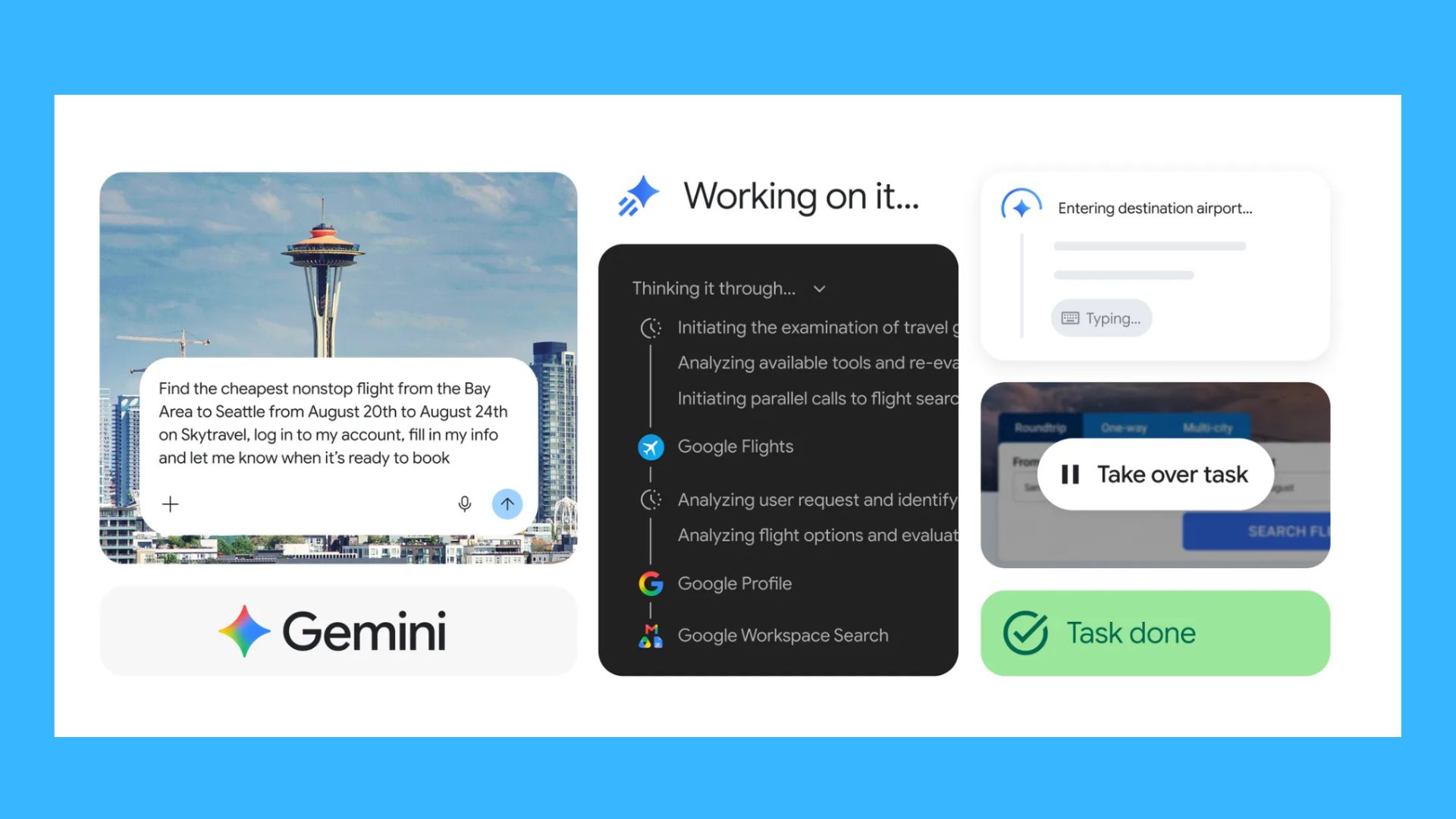
Prompt: Review my calendar, unread emails and task list. Identify any scheduling conflicts, prioritize my work, and create a realistic plan for the next five days.
After using this prompt I checked to see if it actually understood priorities (meetings vs. social events) or did it just rearrange my calendar. To my suprise, it not only gave me a quick look at all my meetings, but also showed me the emails I needed to respond to. Talk about a productivity game changer!
2. Inbox zero
Prompt: Go through my inbox from the past seven days. Archive anything that isn't actionable, highlight emails requiring a response and draft replies where appropriate.
While the first prompt tackled the urgent emails, this one takes on the rest. Using this prompt lets the AI know what you want to do with unread emails or emails that you have read, just haven't done anything with yet. Basically, it's the fastest way to find out if you missed anything important.
When I tried this, I realized I had missed a note from my son's school reminding me to send over updated vaccination forms before the start of the school year.
3. Prepare me for tomorrow
Prompt: Every evening at 7 p.m., summarize what I accomplished today, tell me what's on my calendar tomorrow, list the emails I should read first and remind me of anything I haven't finished.
I use various versions of this prompt. It helps to prioritize for the next day while also reflecting on the work I've done. Other versions include gathering news updates I may have missed or finding tech blogs that may interest me. Either way, Gemini Spark is great when it comes to rounding up information you need.
4. Vacation planner

Prompt: Plan a three-day family trip within three hours of my home. Compare hotels, estimate costs, build an itinerary and put everything into a Google Doc.
I've used AI to plan for vacations and weekend getaways before, but with Gemini Spark, things felt different. The finalized Google Doc meant that I could easily share notes with my husband and save in a folder for future planning. Beyond vacation planning, this prompt works any time you want to use AI for multi-step reasoning.
5. Research assistant
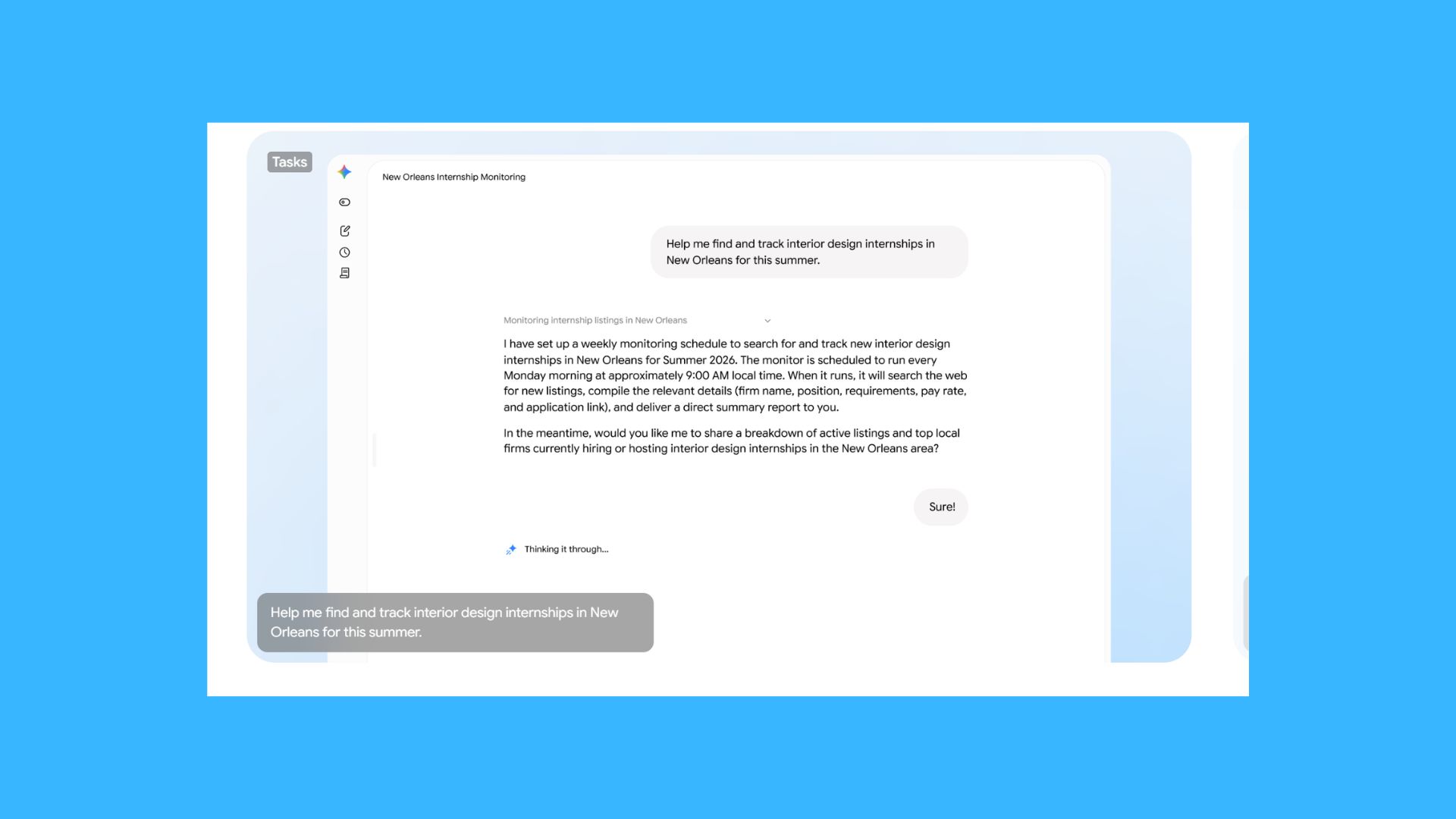
Prompt: Research the latest developments in AI agents. Read multiple sources, identify the biggest trends, summarize the findings in a Google Doc and include links to the original reporting.
As a journalist in the tech industry, I'm constantly seeing news about new AI models, features and gadgets. Keeping everything organized used to be a headache, but thanks to Gemini Spark, all of my notes and interests are tackled together in a Google Doc. I can see the links and bullet point summaries, which help me determine what news to report on first.
6. Budget helper
Prompt: Review my recent receipts and purchases. Group them into spending categories, identify unusual expenses and suggest three realistic ways I could save money next month.
As someone who frequently shops on Amazon, keeping my orders organized was a bit of a challenge. This helps me stay within my budget and keep track of spending, which is sometimes hard to do with three kids who are always asking for the latest squishy toy!
7. My favorite
Prompt: Every morning, prepare a briefing for me with today's calendar, unread emails, breaking AI news, weather and a prioritized to-do list.
This use case makes me feel like I genuinely have a personal assistant. It's the kind of "personal chief of staff" workflow I haven't seen with other AI models.
Bottom line
After spending time with Spark, my eyes were opened to new possibilities. For those who haven't strayed from using AI as a chatbot, I urge you to try any or all of these prompts. The real surprise is that you don't have to babysit the AI. It can gather the information it needs without you there.
Spark changes that dynamic completely. At first, I wondered if I could trust it. After all, giving an AI background access to your inbox and calendar sounds incredibly useful —and slightly terrifying.
Google appears to recognize that concern. Spark is designed to work strictly under your direction and is built to check with you before taking major actions, rather than quietly sending emails or finalizing purchases on its own.
Whether people are comfortable giving AI that much responsibility is another question entirely. But after trying Spark, I finally understand why every major AI company is racing to build agents.
More from Tom's Guide
This is a preview from the original publisher. Continue reading at the source:
Read Full Article on tomsguide.com →